
Finding the right free webinar platform can feel overwhelming. Dozens of services promise a "free" tier, but the reality is often a maze of hidden limitations: strict time caps that cut you off mid-sentence, severe participant limits that exclude half your audience, and missing features like screen sharing or recording. This forces you into a premature, often expensive, upgrade.
This guide cuts through that noise. We've gone deep into the best free webinar platforms available today to give you a clear, honest breakdown of what each free plan actually offers. We’ll analyze critical details like participant and duration limits, recording capabilities, and audience engagement tools. You’ll get a straightforward look at the pros and cons of each option, complete with screenshots and direct links to get started.
More importantly, we'll connect these features to real-world scenarios. Whether you're a healthcare provider needing HIPAA-compliant telehealth sessions, an educator running online classes, or a small business owner hosting product demos, you’ll find practical advice here. We examine key factors like security and encryption, which are essential for handling sensitive information. For each platform, we’ll outline:
- Who it's for: The ideal user, from solo entrepreneurs to small clinics.
- What you get for free: Concrete numbers on minutes, attendees, and core features.
- The catch: The limitations you'll hit and what they mean for your use case.
Our goal is simple: to provide a practical resource that helps you choose a platform that fits your needs now, while also showing you a clear path for when it’s time to grow. Let's find the right tool for your next webinar.
1. Zoho Webinar
Zoho Webinar earns its place as one of the best free webinar platforms by offering a true webinar-focused experience without requiring a credit card to get started. Its value proposition lies in providing a purpose-built workflow for audience engagement and event management, making it an excellent starting point for marketers and trainers who need more than just a meeting tool. The free tier includes one webinar.
The free tier includes access to classic webinar features that are often locked behind paid plans on other platforms. You can create custom registration pages, send automated email reminders, and engage your audience during the event with tools like Q&A sessions, live polls, and a “raise hand” feature. For example, a small business could host a product demo for up to 100 people and use the polling feature to gather instant feedback on new features. Data is protected with standard transport encryption (TLS 1.2 and AES-256), providing a secure environment for your sessions.
Key Features & Limitations
While powerful, the free plan has clear boundaries. Sessions are capped at 60 minutes, and attendance is limited to 100 people. This makes it ideal for short, focused events like weekly team trainings or quick marketing presentations.
- Pros: True webinar feature set (registration, polls, Q&A) on the free plan; integrates seamlessly with other Zoho applications; can live stream to YouTube or Facebook.
- Cons: Strict 60-minute time limit on free webinars; advanced automation and custom branding are reserved for paid tiers.
Upgrading to the paid plans, which start at $19/organizer/month for the Standard plan, unlocks longer durations, larger audiences (up to 3,000 attendees), co-organizer roles, and unlimited webinars, offering a clear value-based upgrade path compared to more restrictive free tools.
2. Livestorm
Livestorm distinguishes itself with a modern, browser-based experience that feels polished from the moment you create your first event. Its value proposition is a clean user interface and quick, download-free setup for both presenters and attendees. Its free plan is designed for testing and very short, interactive sessions, making it ideal for quick team huddles or bite-sized marketing events. The free plan offers unlimited events.
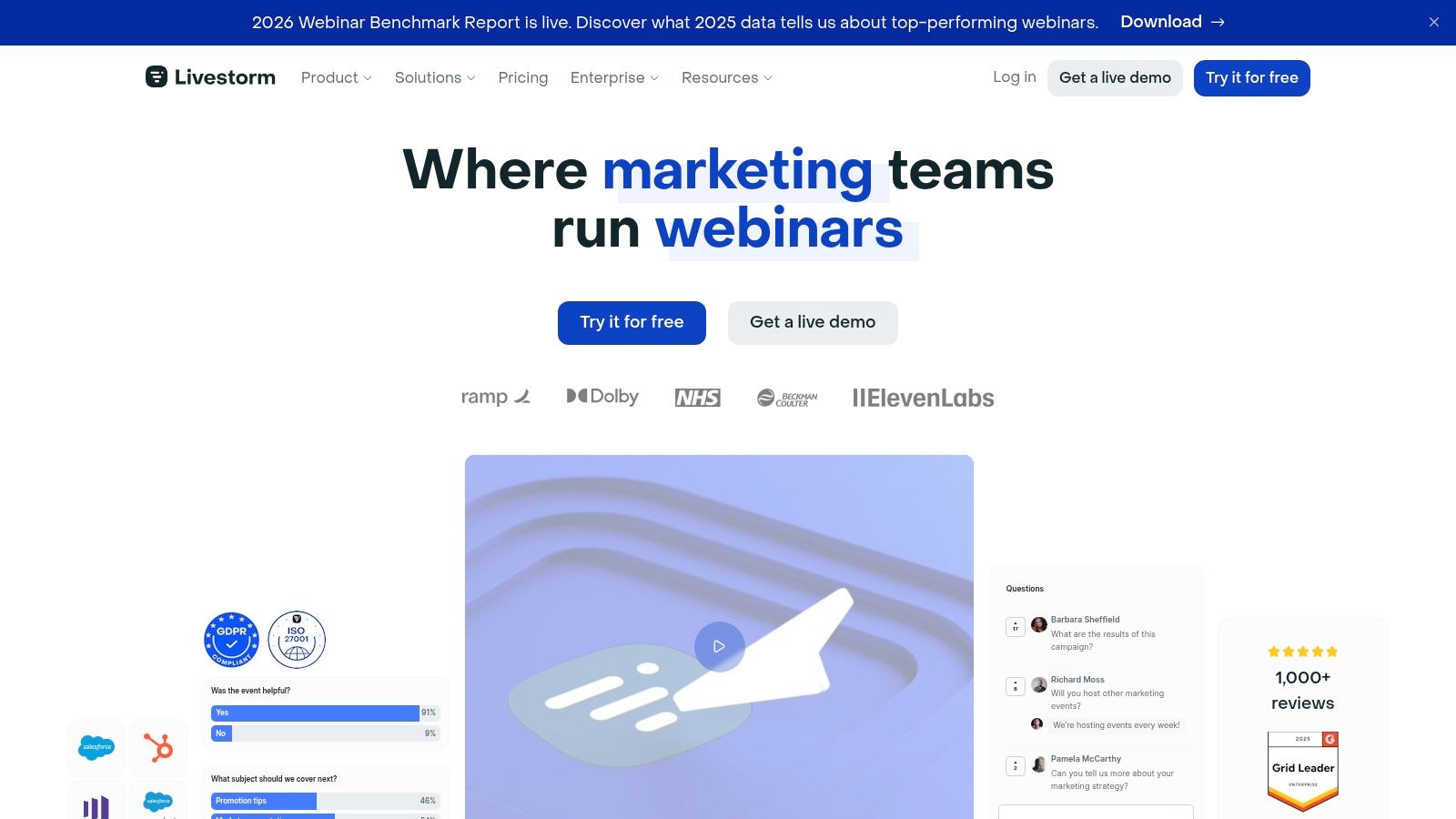
Even on the free tier, you get access to core webinar functionalities like registration pages, automated email reminders, and engagement tools like chat, Q&A, and polls. For instance, a coach could host a 20-minute introductory session for a small group of up to 30 people, using the built-in poll feature to gauge interest in different coaching packages. All data in transit is protected with TLS 1.3 and at rest with AES-256 encryption, ensuring your session content remains secure.
Key Features & Limitations
The free plan is generous with features but restrictive in scale. Events are limited to just 20 minutes and a maximum of 30 live attendees. This positions it perfectly for brief, high-impact interactions rather than in-depth training or large-scale marketing presentations.
- Pros: Excellent browser-only user experience for hosts and attendees; quick to set up recurring events; access to core engagement tools on the free plan.
- Cons: Strict 20-minute duration and 30-attendee limit; custom branding and advanced integrations are reserved for paid plans.
To access longer durations and larger audiences, you must upgrade. The Pro plan, starting at $109/host/month, removes the time limit and supports up to 100 live attendees. This price point is significantly higher than competitors like Zoho, making it a premium choice.
3. StreamYard
StreamYard stands out among the best free webinar platforms by offering a browser-based live production studio that prioritizes ease of use. Its value proposition is providing a control room for hosts to manage on-screen elements, making it ideal for creating polished, professional-looking live streams and interviews without technical expertise. The free plan offers 20 hours of streaming per month.
The free tier allows you to stream directly to destinations like YouTube, Facebook, and LinkedIn, managing everything from a simple web interface. You can invite guests via a link, switch between different layouts, share your screen, and display on-screen comments from your social media audience. For example, a marketing team could run a live Q&A with an industry expert, seamlessly bringing the guest on-screen and featuring audience questions as overlays. One practical tip is to ensure all participants have good audio setups to prevent issues; knowing how to stop mic echo is essential for a clean broadcast. Streams are protected with standard transport layer encryption.
Key Features & Limitations
The free plan's primary trade-off is branding and storage. All free streams include a prominent StreamYard logo, and you are limited to 20 hours of streaming per month with local recordings only.
- Pros: Extremely simple for non-technical hosts; excellent guest management and on-screen comment features; reliable multi-streaming to social platforms.
- Cons: Mandatory StreamYard branding on the free plan; monthly streaming and recording limits; higher quality video (1080p) and more destinations require paid plans.
Upgrading to a paid plan, starting at $20/month for the Basic plan, removes branding, unlocks more destinations, and provides higher-quality streaming and recording options. This price point offers significant value compared to competitors if your main goal is branded social streaming.
4. Restream Studio
Restream Studio takes a different approach to webinars, positioning itself as a browser-based production studio for live streaming. Its value proposition is maximizing reach through multistreaming, allowing you to broadcast a single presentation to multiple platforms like YouTube, LinkedIn, and Facebook simultaneously from one dashboard. The free plan allows streaming to two channels.
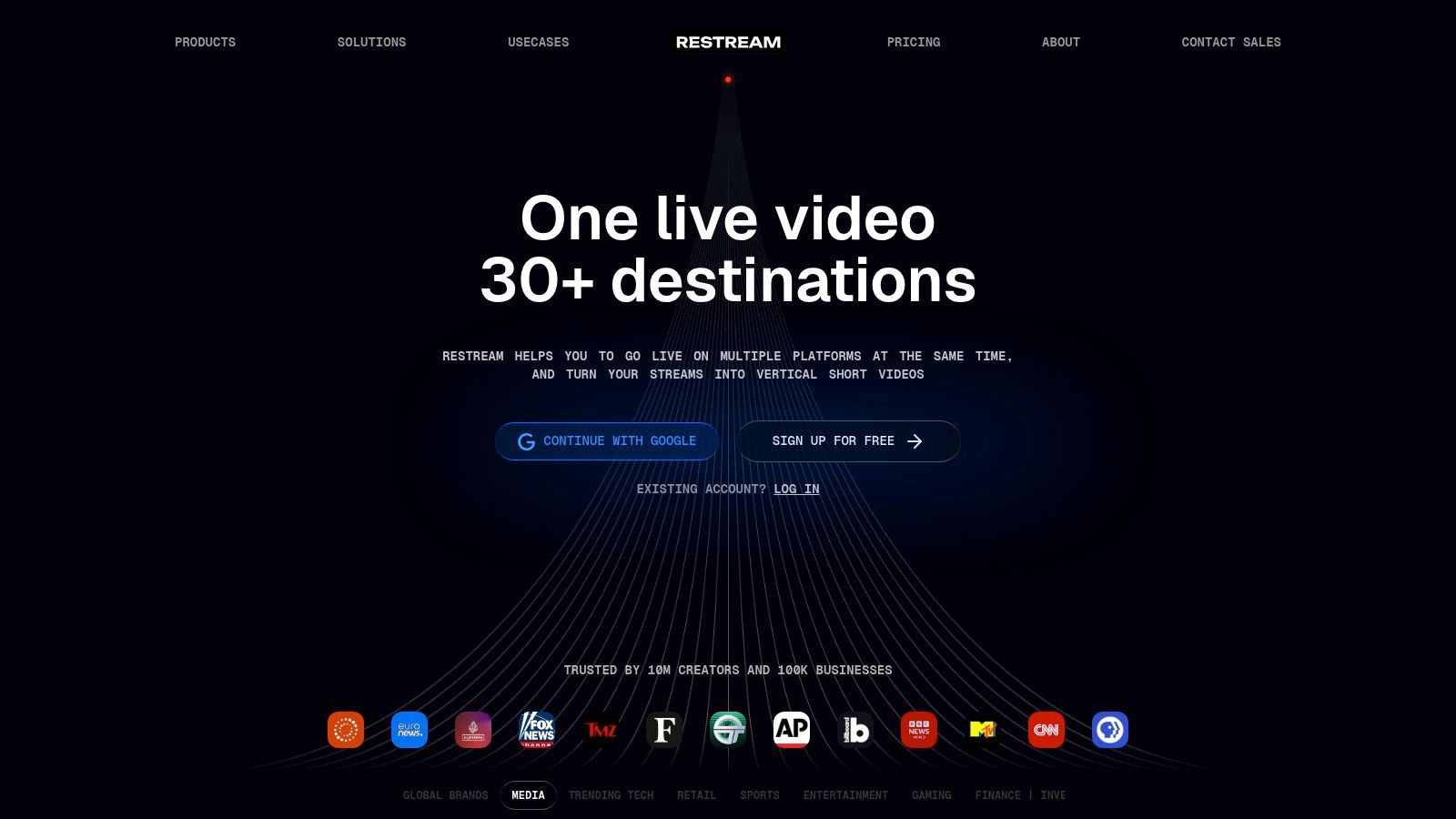
The platform shines by simplifying a complex technical process. For example, a marketing agency can host a thought leadership panel, invite up to five guests into the studio via a simple link, and broadcast the session live to the company's LinkedIn and the panelists' YouTube channels at the same time. Restream aggregates the live chat from all destinations into a single feed, making audience interaction manageable. For those wanting to expand their reach even further, mastering how to stream on multiple platforms seamlessly is a critical next step. Data is secured with standard TLS encryption during transit.
Key Features & Limitations
The free plan offers a powerful entry into multistreaming but comes with notable restrictions. All free streams are watermarked with Restream’s branding and are capped at 720p resolution. This makes it suitable for content where brand presence is less critical or for testing a multistreaming strategy.
- Pros: Broadcast to multiple platforms simultaneously from one studio; aggregates chat from all sources; guests can join without installing software.
- Cons: Free streams are watermarked and limited to 720p; storing recordings and streaming to custom RTMP destinations requires a paid plan.
Upgrading to a paid plan, starting at around $19/month for the Standard plan, removes the watermark, unlocks 1080p streaming, and provides options for saving your recordings. This is price-competitive with StreamYard for those prioritizing multistreaming.
5. YouTube Live
For those prioritizing reach and accessibility above all else, YouTube Live stands out as one of the best free webinar platforms. Its value proposition is simple: unlimited broadcasting to the world’s largest video site for free. This makes it ideal for large-scale public-facing events, product announcements, and open training sessions where collecting attendee data is secondary to maximizing viewership. It offers unlimited free events.
The platform works by allowing you to stream directly from your browser or connect with third-party encoder software like OBS for a more polished production. You can schedule a stream as "Public" for maximum exposure or "Unlisted" for a more controlled, invite-only event. A key advantage is the automatic creation of a video-on-demand replay. For example, a software company could host a public feature release demo, engage with thousands of users via live chat, and then embed the final video on their blog. This strategy can significantly increase webinar attendance for future events by building an on-demand content library.
Key Features & Limitations
While unmatched in scale, YouTube Live lacks the built-in marketing and registration tools of dedicated webinar software. Sessions are streamed over a standard TLS connection, but it is not designed for private, secure communication.
- Pros: Absolutely free for unlimited attendees and duration; massive potential audience reach; automatic VOD replay and DVR functionality.
- Cons: Requires channel verification (which can take 24 hours); lacks built-in registration, email reminders, and polling features; not suitable for private or secure meetings.
There are no paid plans. This makes its value infinite but also limited. To add features like registration pages or CRM integration, you must use it in conjunction with other platforms like StreamYard or Restream, which have their own pricing tiers starting around $20/month.
6. Facebook Live
Facebook Live is a unique entry among the best free webinar platforms because it leans on social distribution rather than a dedicated event management system. Its value proposition is offering completely free live broadcasting to a built-in audience on a Facebook Page, profile, or group. This makes it a powerful choice for businesses and creators whose target audience already follows them on the platform. It provides unlimited free webinars.
The platform is designed for maximum reach and engagement within the Facebook ecosystem. Using the Live Producer dashboard, you can schedule events, go live instantly, or even stream professionally produced content using RTMP encoders. For instance, a small retail business could host a live product reveal on its Page, and followers would receive a notification, driving immediate viewership without needing a registration link. Broadcasts are automatically encrypted using standard transport security (TLS).
Key Features & Limitations
Facebook Live excels at audience access but lacks the formal structure of traditional webinar software. There are no built-in registration pages, automated email sequences, or dedicated polling tools outside of asking questions in the comments. Eligibility rules also apply, requiring accounts and Pages to meet certain follower counts and activity standards.
- Pros: Built-in social reach with notifications to followers; completely free with no time limits; simple setup for audiences already on Facebook.
- Cons: Lacks structured webinar tools like registration or polls; subject to Page/account eligibility rules; less professional for B2B lead generation.
While completely free, the trade-off is control. For features like gated content, co-organizers, and detailed lead capture, you would need a dedicated platform. A fair price comparison would be with a tool like StreamYard, whose $20/month plan can stream to Facebook while adding professional features.
7. LinkedIn Live
LinkedIn Live offers a unique approach to webinars by integrating live video directly into the world’s largest professional network. Its value proposition is its ability to reach a targeted professional audience natively, making it one of the best free webinar platforms for B2B marketers and thought leaders. It is perfect for brand-building and lead generation and offers unlimited free events.
The platform functions by allowing you to schedule a "LinkedIn Live Event," which creates a dedicated event page where followers can RSVP. For the broadcast itself, you can use LinkedIn's own simple "Live Studio" or connect more powerful third-party streaming tools via RTMP. For instance, a financial services firm could host a live Q&A about market trends, engaging directly with potential clients through real-time comments and reactions. Post-event, the video is saved to your profile or page as a standard post, extending its reach. Standard encryption protocols protect the stream.
Key Features & Limitations
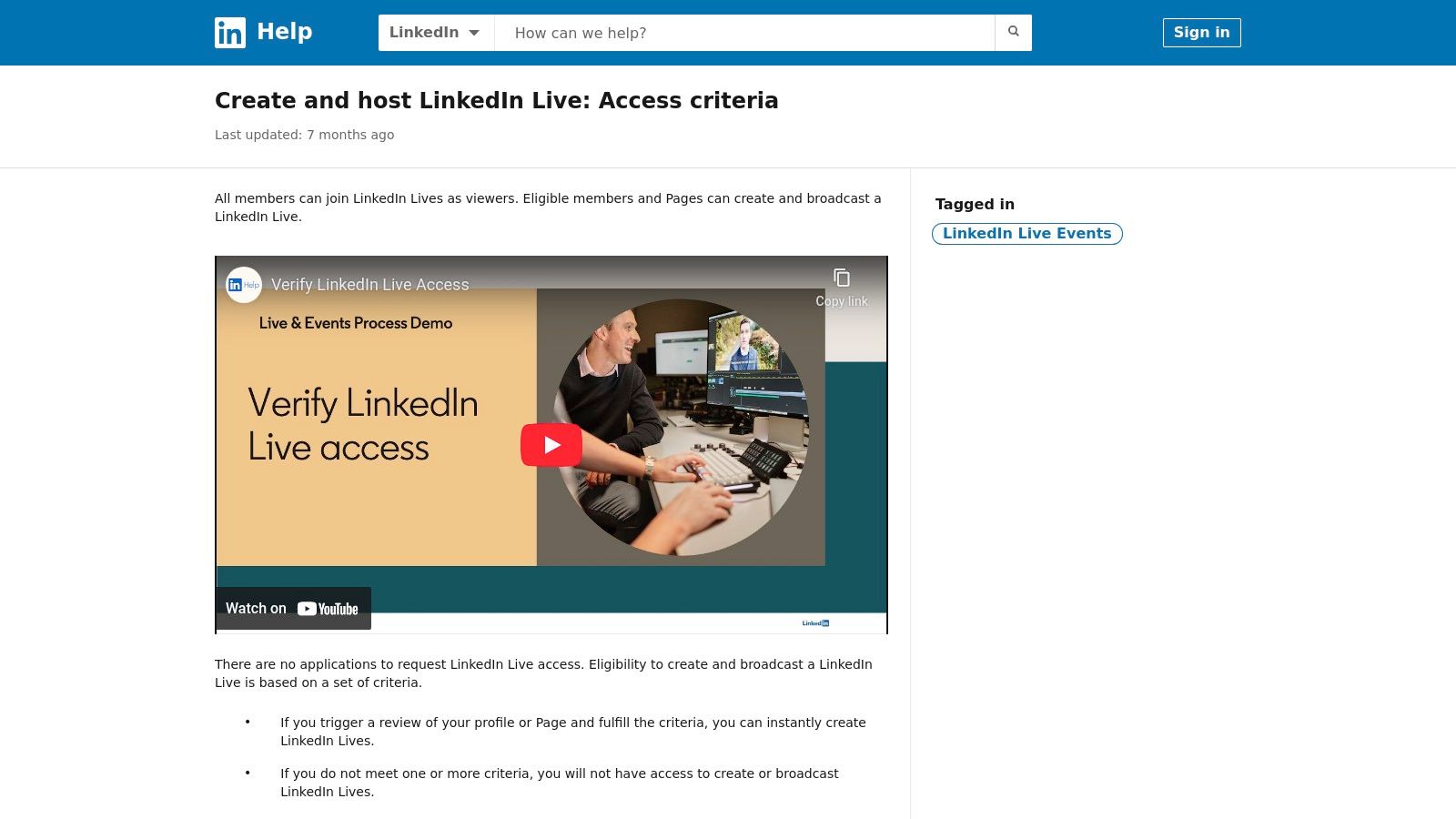
Access to LinkedIn Live is free but requires meeting certain eligibility criteria, such as having a sufficient follower count and a history of adhering to community policies. Its primary strength is its built-in audience, but it lacks the dedicated engagement widgets like polls or handouts found in specialized webinar software.
- Pros: Direct access to a professional B2B audience; native event RSVPs and notifications to your network; strong organic reach among followers.
- Cons: Requires meeting eligibility criteria to gain access; fewer in-stream engagement tools compared to other platforms; no built-in registration forms for detailed lead capture.
Since LinkedIn Live is free, there is no direct paid upgrade path. Instead, you can promote your live event using LinkedIn Ads to expand your audience beyond your existing network. A price comparison would involve using a third-party tool like Restream (from $19/month) to stream to LinkedIn with more features.
8. FreeConferenceCall.com
FreeConferenceCall.com secures its spot on our list of best free webinar platforms through its generous, donation-supported model. Its value proposition is hosting large-scale events for up to 1,000 participants without a mandatory monthly fee, making it excellent for non-profits, educators, and community organizations. It provides unlimited free webinars.
The platform provides a core set of features sufficient for simple presentations and large group meetings. Presenters get access to video conferencing, screen sharing, and in-room chat to manage the session. For example, a non-profit could host a community town hall for up to 1,000 people, allowing members to join via web link or a simple phone call, ensuring maximum accessibility. Sessions are secured with standard encryption to protect data during transit.
Key Features & Limitations
While the participant limit is impressive, the platform’s interface and overall experience feel more functional than modern. It lacks the advanced production and branding tools found in dedicated webinar software.
- Pros: Supports up to 1,000 participants for free (donation-supported model); excellent international dial-in options; simple, no-frills interface is easy for hosts to learn.
- Cons: User interface feels dated compared to competitors; minimal branding or marketing automation features; relies on a donation model for support, which may not suit all business structures.
While the core service is free, advanced features like custom greetings, toll-free numbers, and extra recording storage are available through paid add-ons. For instance, adding a toll-free number costs $12.50/month, offering a low-cost upgrade path compared to comprehensive paid plans from other providers.
9. Jitsi Meet
Jitsi Meet stands out in the world of free webinar platforms due to its 100% open-source nature and commitment to privacy. Its value proposition is prioritizing accessibility and user control above all else. Through its public instance at meet.jit.si, anyone can start a high-quality video call without an account, making it incredibly frictionless for quick, secure meetings. It offers unlimited free webinars.
For those needing a simple broadcast, Jitsi can be configured to stream a session directly to YouTube Live via RTMP, turning a basic meeting into a public-facing webinar. All communications are protected with end-to-end encryption for one-on-one calls and standard transport-level encryption (DTLS-SRTP) for group sessions. For example, a legal-tech startup could use the public instance for a client consultation, confident that no data is being collected for marketing and that the call is secure.
Key Features & Limitations
While its core video conferencing is solid, Jitsi Meet lacks the built-in marketing and registration tools common in dedicated webinar software. It functions best as a raw video engine. The public servers have a soft cap of 100 participants, but performance can vary with heavy traffic.
- Pros: Completely free with no paywalls or time limits; strong privacy with an open-source codebase; unlimited customization when self-hosted for full control.
- Cons: Lacks native webinar features like registration pages and email automation; public instances can have variable stability under high load.
Jitsi is entirely free, so there is no direct price comparison. The "upgrade" path involves self-hosting the software on your own servers, which gives you absolute control over branding, features, and scale but requires technical expertise and infrastructure costs (e.g., server hosting fees from $10-$50/month).
10. Google Meet
Google Meet secures a spot on our list of best free webinar platforms due to its sheer ubiquity and ease of use. Its value proposition is frictionless meetings integrated into the Google ecosystem. Its free offering for personal Google accounts allows live sessions up to 60 minutes with 100 participants, which is more than enough for many small-scale 'lite' webinar needs. The free consumer plan includes unlimited webinars.
The free version provides essential features like screen sharing, adjustable layouts, and impressive live captions, which improve accessibility. A small business, for instance, could run a weekly client check-in or a quick internal training session without requiring participants to download new software. For security, all data in transit between the client and Google is encrypted by default. It is not, however, a true webinar tool on its free tier, as it lacks built-in registration pages or recordings.
Key Features & Limitations
The 60-minute time limit and 100-person cap make Google Meet best suited for brief, interactive sessions rather than large-scale marketing events. Its strengths lie in accessibility and reliability, not in advanced audience engagement or lead generation tools.
- Pros: Extremely familiar user interface with no learning curve; integrates perfectly with Google Calendar for easy scheduling; free for up to 100 participants.
- Cons: The 60-minute session limit for group meetings can be restrictive; lacks webinar-specific features like registration pages and recordings on the free consumer plan; advanced engagement tools are minimal.
Upgrading to a Google Workspace Individual plan (around $7.99/month) removes the time limit and adds features like meeting recordings and noise cancellation, offering one of the most affordable price points for lifting time restrictions.
11. Riverside
Riverside secures its spot by catering to creators who prioritize studio-quality recordings. Its value proposition is serving as a remote recording studio with live streaming capabilities, making it ideal for interview-style webinars where the final video is as important as the live event itself. The free plan offers a limited number of recording hours.
The platform achieves this by recording each participant’s audio and video locally, avoiding quality drops from poor internet connections. Its free plan allows you to invite guests and stream your event live to social platforms like YouTube, Facebook, and LinkedIn. For instance, a podcaster could host a live Q&A with a special guest, streaming it to their audience while capturing pristine, separate audio/video tracks for a high-quality episode release later. Data is protected with standard transport layer security (TLS) and AES-256 encryption.
Key Features & Limitations
The free version provides an excellent gateway into high-fidelity recording but has noticeable constraints. You get up to two hours of separate track recording and unlimited single-track recording, but a watermark is always present on the output.
- Pros: Unmatched local recording quality for repurposing content; simple guest onboarding process; excellent for interview-style formats where post-production is key.
- Cons: Free plan includes a permanent watermark; live streaming in 1080p and removing branding requires a paid subscription; not a classic webinar platform with built-in marketing tools.
Upgrading to paid plans, starting at $15/month for the Standard plan, removes the watermark, increases recording hours to 5 hours per month, and unlocks features like custom branding and live audience call-ins. This is a competitive price for content creators who value high-quality recordings.
12. Airmeet
Airmeet earns its spot on our list of best free webinar platforms by blending classic webinar functionality with a strong community and networking focus. Its value proposition is creating interactive events rather than just presentations. The free plan offers a solid foundation for small-scale community meetups or marketing events where audience connection is a priority, and includes unlimited webinars.
The free tier allows you to host webinar sessions with essential engagement tools like chat, Q&A, and polls. You can also create basic registration pages for your events, which helps in gathering attendee information. For instance, a local user group could host a monthly tech talk for up to 100 attendees, using the registration feature to manage RSVPs and the Q&A to facilitate an organized discussion. Free plan recordings come with a watermark. Standard web security protocols, including encryption, are in place to protect event data.
Key Features & Limitations
Airmeet’s free plan is designed for engagement but has clear restrictions. The most notable limitation is the cap of 100 registrations per event, making it suitable for smaller, more intimate gatherings. To get started, you can explore our guide on how to host a webinar for foundational tips.
- Pros: Purpose-built for interaction beyond simple presentations; includes registration and event structure on the free plan; scales well to larger, more complex events on paid tiers.
- Cons: Free plan has a cap on event registrations; recordings are watermarked; key networking features like the Social Lounge are reserved for paid plans.
Upgrading to a paid plan, which starts at around $99/month for the Basic plan, removes the watermark, increases attendee limits, and unlocks its signature networking spaces. This price point makes it a more significant investment than simpler tools.
Top 12 Free Webinar Platforms — Comparison
| Platform | Core features | UX & quality | Price & value | Target audience | Unique selling point |
|---|---|---|---|---|---|
| Zoho Webinar | Registration, Q&A, polls, screen share, recording, livestream out | Classic webinar workflows; reliable for one-offs | Forever‑free (60 min / 100 attendees); paid for larger events | Small teams, marketers, event hosts wanting simple webinars | True webinar tool on free plan; Zoho ecosystem integration |
| Livestorm | Registration + automated emails, in-room chat, polls, screen/media share | Polished browser UX; strong attendee experience | Free tier (short sessions); paid for longer events, contacts & analytics | Marketing teams, recurring webinars, analytics-driven hosts | Clean host/attendee flow and good analytics |
| StreamYard | Browser studio, guest management, overlays, screen/media | Extremely easy for non‑technical hosts; solid scene tools | Free with branding & limits; paid lifts watermarks & features | Content creators, interview hosts, social streamers | Simple studio for multi‑guest shows and on‑screen overlays |
| Restream Studio | Browser production studio, multistream, chat aggregation, guest invites | Good for multi‑destination broadcasts; unified chat | Free with watermark & 720p cap; paid for advanced destinations | Broadcasters, social media teams, multi‑platform streamers | Easiest multistreaming with unified chat |
| YouTube Live | Unlimited public/unlisted events, live chat, DVR replay, encoder support | High scalability; robust playback & replay | Free; requires channel eligibility for first use | Public webinars, product demos, mass reach events | Massive free distribution and DVR replay |
| Facebook Live | RTMP & Live Producer, scheduling, comments, cross-posting | Frictionless for FB audiences; native engagement | Free; subject to Page/account eligibility | Brands with active Facebook followings | Built‑in social reach and follower notifications |
| LinkedIn Live | Live Studio/RTMP, event RSVPs, real‑time comments | Professional/B2B feel; event pages & RSVPs | Free but access requires LinkedIn eligibility | B2B marketers, thought leaders, professional networks | Native RSVP events and B2B audience targeting |
| FreeConferenceCall.com | Video meetings, screen share, in-room chat, dial‑in numbers | Basic interface; dependable for audio/dial‑in | Donation‑supported; effectively free for many users | Budget-conscious teams needing large calls & PSTN dial‑in | Large participant support with dial‑in at no fixed cost |
| Jitsi Meet | No‑account meetings, screen share, chat, moderator tools, self‑host | Open‑source; privacy-focused; variable public instance stability | Free hosted; self‑host for full control | Privacy‑sensitive groups, technical teams, self‑hosters | 100% open‑source with self‑hosting customization |
| Google Meet | Screen sharing, tiled layouts, captions, host controls | Familiar UI; strong reliability & Calendar integration | Free (consumer: 60 min / 100 participants); Workspace tiers add features | Casual meetings, small webinars, Google ecosystem users | Seamless Calendar scheduling and wide familiarity |
| Riverside | Producer studio, multitrack local recording, live stream | Studio‑grade recording; best for post‑production | Free with watermarks/limits; paid for 1080p & advanced features | Podcasters, interview creators, repurposed content teams | Multitrack local recording for highest quality post‑production |
| Airmeet | Webinar sessions, registration, chat/Q&A, networking spaces | Event‑oriented UX with networking; good registration flow | Free with caps & watermarked recordings; paid scales features | Community events, meetups, networking-focused conferences | Built-in networking (Social Lounge, speed networking) |
Final Thoughts
Navigating the crowded market of the best free webinar platforms can feel overwhelming, but as we've seen, the “best” choice is rarely one-size-fits-all. Your specific needs, from audience size and technical requirements to industry compliance, dictate which free plan offers genuine value versus which one is simply a restrictive trial. The landscape is rich with options, from the social media broadcasting power of YouTube Live and StreamYard to the professional, contained environments offered by Zoho Webinar and Livestorm.
The journey from selecting a tool to hosting a successful event is a practical one. It starts with a clear-eyed assessment of the limitations inherent in free plans. A 40-minute cap on Google Meet might be perfect for internal team syncs but will abruptly end a client-facing product demo. Similarly, StreamYard's branding on its free tier is a small price for robust multistreaming, but it may not suit a formal corporate presentation. The key is to map your primary use case directly to the platform’s strengths.
Making a Strategic Decision
Your selection process should be a strategic exercise, not a random pick. To move forward with confidence, consider these final steps:
Define Your Non-Negotiables: Before you get tempted by a long list of features, identify your absolute must-haves. Is it HIPAA compliance for patient consultations? Is it the ability to have more than 100 attendees for a community town hall? Or is it simply the need for a recording without a watermark? This short list will immediately eliminate several options.
Run a Small-Scale Pilot Test: Never use a new platform for the first time during a high-stakes event. Grab a colleague or friend and run a 15-minute test webinar. Check the audio/video quality, test the screen sharing, see how the chat and Q&A functions work, and review the final recording. This real-world test is more valuable than any feature list.
Anticipate Your Growth Path: The free plan is your entry point. Look ahead six months. If your marketing webinars are successful, you might need advanced analytics, registration pages, and email integrations. Examine the paid tiers of your top free contenders. A platform like Airmeet offers a clear upgrade path to a more immersive event experience, while others might have a steeper price jump. A transparent pricing model prevents future budget shocks. For instance, a platform that clearly states its costs for features like added encryption or larger audience caps provides a predictable growth runway.
Finally, remember that the platform is just one part of the equation. The content of your webinar and your engagement with the audience are what create lasting impact. After your event, gathering feedback is a critical step to refine your strategy for the next one. Understanding what worked and what didn't from the attendee's perspective is invaluable, so be sure to ask the right post event survey questions to gather actionable insights.
Choosing from the best free webinar platforms is about finding a partner for your communication goals. Whether you’re a healthcare provider building trust over a secure video call, an educator inspiring students, or a marketer launching a new product, the right tool will feel like a natural extension of your efforts, empowering you to connect and share your message without barriers.
Ready to move beyond the limitations of free plans without the enterprise price tag? AONMeetings offers a secure, feature-rich platform with no time limits on meetings, even on its most affordable plans. Built with HIPAA compliance and end-to-end encryption at its core, it’s the ideal choice for professionals who demand security and reliability. Experience the AONMeetings difference today.
