

A patient asks whether you can record today's telehealth visit so their spouse can replay the discharge instructions later. The request is sensible. It may improve adherence, reduce follow-up confusion, and spare your staff another long phone call tomorrow.
This is also the moment many clinic managers realize their video workflow is shaky. Someone on the team has been recording selectively. Another clinician stores files on a laptop “just temporarily.” A vendor says it's secure, but procurement never confirmed a BAA. Everyone assumes consent is obvious, yet nobody can show where it's documented.
That gap is where compliance problems start. HIPAA compliant video recording isn't just about turning on a recording feature. It's about deciding when recording is justified, who can access the file, how long it stays available, how patient requests are handled, and how your team proves all of that after the fact.
The Growing Need for Compliant Video Recording in Healthcare
The pressure to formalize video workflows didn't come from theory. It came from care delivery.
After CMS expanded telehealth coverage in 2020, outpatient visits delivered by video jumped from single-digit percentages to over 40 to 50% in some specialties, which turned secure video documentation into an operational requirement for many organizations, as noted in Censinet's overview of HIPAA-compliant video conferencing. What was once a niche process became daily infrastructure.
The everyday scenario clinics now face
A common example looks like this:
- A clinician wants continuity: They'd like to review a prior complex consult before the next follow-up.
- A patient wants replay access: They need to share instructions with a caregiver who wasn't present.
- A practice administrator wants consistency: They need one policy instead of ad hoc decisions by each provider.
Those are valid needs. But they create different access rights, different retention questions, and different risk levels.
Practical rule: If your clinic records even occasionally, you need a recording policy that covers consent, storage, access, retention, and release of copies. “We only do it when needed” is not a control.
Why the old informal approach fails
In many clinics, recording started as a convenience feature. A provider clicked “record,” downloaded the file, and treated it like a note attachment. That model breaks fast once more people need access or once patients begin asking for copies.
The problem isn't the idea of recording. The problem is unmanaged workflow. A recording can contain a full face, spoken identifiers, date-stamped information, shared screens, or discussion of diagnoses. At that point, it stops being “just a video” and becomes a regulated asset.
A practical policy usually answers five questions before any session is recorded:
- Purpose: Why is this session being recorded?
- Authority: Who approved recording for this use case?
- Consent: How is patient permission obtained and documented?
- Access: Which roles can watch, download, or share it?
- Retention: When is it deleted or archived?
Recording is now part of operational trust
Patients don't separate privacy from care quality. If a clinic can't explain where a recording goes, who can see it, or how a copy request is handled, confidence drops fast.
That's why mature programs treat compliant recording as part of patient operations, not just IT. Scheduling staff need scripts. Providers need a standard consent routine. Compliance needs a reviewable policy. IT needs controls that match the policy, not generic defaults.
The Core Safeguards for HIPAA Compliant Video
The easiest way to think about compliant recording is to treat it like a secure vault with several doors. Locking only one door doesn't help if the side entrance is open.
Encryption has to cover the whole path
For recorded telehealth sessions, encryption is an added feature, but it's also table stakes. The de facto baseline for compliant recording includes TLS 1.3 for signaling, SRTP for media, and AES-256 for stored recordings, according to TrueConf's HIPAA video conferencing guidance.
That matters because many teams hear “encrypted” and stop asking questions. They shouldn't.
If the live session is protected but the recording lands in an unencrypted repository, the workflow is weak. If the vendor encrypts data at rest but a staff member exports the file to an unmanaged desktop, the risk moved. If one internal hop is left unprotected, the control isn't complete.
Access control is where good systems separate from risky ones
A compliant platform should let you assign access by role, not by convenience. A clinician may need to replay a visit. A billing user usually doesn't. A supervisor may need audit visibility without download rights. A security lead may need access to logs but not to content.
A practical access model usually includes:
- Role-based permissions: View, record, export, and delete rights should be separated.
- MFA: If a recording contains ePHI, password-only access is too loose.
- Time-limited access: Temporary review rights are better than permanent broad permissions.
- Restricted downloads: Streaming a file securely is safer than uncontrolled file copies.
The biggest mistake I see is the “super-admin for everyone” model. It feels easier in the first month and creates cleanup work for years.
Audit logs are not a nice extra
You need a record of who started the session, when recording began, who accessed the file later, and whether it was downloaded or shared. That's the difference between “we think only authorized staff saw it” and “we can prove exactly what happened.”
A strong log should capture:
| Control area | What should be logged |
|---|---|
| Session activity | Start time, participant joins, recording start and stop |
| User access | Who viewed the recording and when |
| File actions | Download, deletion, export, or sharing actions |
| Authentication events | Login attempts, failed logins, MFA actions |
Don't ignore the non-video parts of the recording
Clinics often focus on the visual file and forget the attached metadata. Session names, timestamps, patient identifiers in the title, transcripts, and chat exports can all become part of the compliance footprint.
That means your safeguards must cover more than the MP4 or cloud recording object. They have to cover transcripts, notes, thumbnails, and indexes too. If your workflow creates searchable recordings, that can be useful operationally, but it also means search access must be governed just as tightly as playback access.
Beyond Encryption Your BAA and Patient Consent Are Critical
A clinic can buy a technically strong platform and still create a HIPAA problem on day one. That happens when the legal and operational layer is missing.
The essential legal document is the Business Associate Agreement. If a vendor captures, stores, or processes video containing ePHI, that vendor is a business associate and must sign a BAA. Combined with RBAC and immutable audit logs retained for at least six years, that's what turns a generic recorder into a compliant system, as explained in Accountable HQ's review of HIPAA video recording requirements.
Why the BAA is a deal-breaker
A lot of products advertise encryption, secure storage, or healthcare readiness. None of that replaces a signed BAA.
If procurement asks me for one fast screening question, it's this: will the vendor sign a BAA that explicitly covers recording, storage, and related metadata? If the answer is vague, delayed, or “only on enterprise terms we'll discuss later,” stop there.
For teams reviewing options, this list of HIPAA-compliant video conferencing platforms is useful as a starting point, but the primary work is still contractual review and workflow validation.
Patient consent has to be operational, not implied
Many teams assume that because a patient joined a telehealth visit, they also consented to recording. That's a bad assumption.
A clean workflow usually includes:
- Advance notice: Tell the patient recording is planned and why.
- Documented permission: Record consent in the chart or structured workflow before recording starts.
- Visible notice during session: The patient should know when recording is active.
- A refusal path: The clinician needs an alternative if the patient says no.
That alternative matters. If recording is optional for convenience, the visit should still proceed without punishment or delay. If recording is required for a narrow operational reason, staff should know who approves exceptions.
If your team can't explain the purpose of recording in one sentence, they probably shouldn't be recording that encounter.
A simple workflow that works
Here's a workable pattern for a clinic manager:
- Scheduler flags visits that may require recording.
- Staff sends pre-visit notice explaining purpose and handling.
- Clinician confirms consent verbally at the start.
- Staff documents consent in the chart.
- Recording is stored only in the approved platform.
- Access is limited by role and later reviewed through logs.
- Retention and deletion follow written policy.
That process is more durable than relying on clinician memory. Good compliance comes from repeatable operations.
Common Pitfalls That Create Massive Compliance Risks
The riskiest recording setups usually don't look reckless. They look convenient.
A clinician records on a familiar app. A supervisor asks for a quick file export. A medical assistant keeps a copy locally “until the patient portal upload is done.” None of that feels dramatic in the moment. It becomes dramatic when a breach review starts.

The common failures I'd fix first
Consumer-grade plans without a BAA are still one of the most common problems. The product may work well for scheduling or meetings, but if the agreement structure doesn't support HIPAA obligations, the clinic is exposed before the first recording is created.
Local storage on laptops or phones is another repeat offender. Even if a team intends to move the file later, temporary copies spread quickly. You lose control over version history, deletion, and auditability.
Broad admin access creates insider risk. If too many users can search, watch, export, or delete recordings, the platform becomes hard to defend during an investigation.
No release workflow for patient copies is a hidden issue. Clinics often know how to record but haven't defined how patients or caregivers can request access to a prior session without exposing more than necessary.
The threat environment is not hypothetical
Cybersecurity incidents involving ePHI have been climbing, and hacking or IT incidents accounted for roughly 70 to 75% of reported breaches in 2021, which underscores the risk for poorly secured recordings, according to Accountable HQ's discussion of recording-related HIPAA exposure.
That should change how clinics think about archived video. Stored recordings are attractive because they're rich, easy to replay, and often forgotten after the visit is over.
Red flags to look for during an internal review
Use this quick audit list with your operations lead and IT team:
- “We can download anything if needed.” That usually means access is too broad.
- “The vendor says they're secure.” Ask for the BAA, logging details, and recording controls.
- “We only keep files for convenience.” Then define convenience precisely or stop recording.
- “Patients can request copies by email.” That process needs tighter handling and identity verification.
- “One admin account manages all clinicians.” Shared accounts undermine accountability.
A recording policy fails when it depends on good intentions instead of controlled permissions.
The fastest path to lower risk is often subtraction. Fewer recording scenarios. Fewer people with export rights. Fewer unmanaged storage locations. Fewer assumptions.
Choosing a Compliant Platform A Checklist and Price Comparison
Shopping for a platform gets messy because vendors bundle security, collaboration, support, and licensing in different ways. The result is that teams compare sticker price while ignoring the total cost of ownership.
A better approach is to evaluate three things together: compliance controls, operational fit, and what you have to pay to get the features you need. Industry practice treats AES-256 at rest and TLS 1.3 in transit as standard, but those protections are incomplete without a signed BAA, role-based access, and audit logs, as noted in Enterprise Tube's overview of HIPAA-compliant video platforms.
The vendor checklist that matters
Ask every vendor these questions before discussing rollout dates:
- BAA coverage: Does the BAA explicitly cover recording, storage, transcripts, and metadata?
- Recording controls: Can you limit who records, who views, and who downloads?
- Audit visibility: Can your team pull logs for access and file actions without opening a support ticket?
- Identity controls: Does the platform support MFA and role-based permissions?
- Retention options: Can you apply a clinic policy instead of accepting one default?
- Operational features: Does the system include waiting rooms, moderator controls, and meeting lock?
- Value add: Are webinars included, or are they sold separately?
For clinics that also compare broader meeting platforms for operational use, this guide to the best video conferencing for small business is helpful because it forces the right cost questions, not just the feature checklist.
Price comparison needs honesty about hidden costs
The brief below compares published platform positioning where available and separates known pricing from items that require vendor quote confirmation. Because pricing changes and healthcare licensing often depends on contract terms, the right way to use this table is as a buying framework, not as a substitute for a final quote.
2026 Price & Feature Comparison: HIPAA-Compliant Video Platforms
| Feature | AONMeetings | Zoom for Healthcare | Microsoft Teams (with Healthcare Add-on) |
|---|---|---|---|
| Entry pricing clarity | Starts from ₹179 per user per month | Contact vendor or review current healthcare plan pricing | Usually depends on Microsoft licensing stack and healthcare configuration |
| Contract requirement | No contracts | Often tied to business or enterprise procurement terms | Often tied to broader Microsoft agreement structure |
| Meeting time limits | Unlimited meeting time | Varies by plan | Varies by license and tenant configuration |
| Webinar hosting | Included in all plans | Often separate or tier-dependent | May require separate event or webinar configuration |
| Browser access | Works in browser on any device | Supported, depending on setup | Supported within Microsoft ecosystem |
| Security positioning | Bank-level encryption, recordings, waiting rooms, moderator controls | Healthcare security features available with appropriate plan and configuration | Strong enterprise controls when correctly configured |
| Operational extras | Whiteboards, document sharing, SMS notifications, searchable recordings, team chat | Depends on licensed features | Depends on Microsoft stack and admin setup |
| Cost predictability | Straightforward pricing with no hidden fees stated by vendor | Can increase with add-ons and healthcare-specific requirements | Total cost can rise with add-on licensing, admin overhead, and ecosystem dependencies |
| Best fit | Clinics that want lower upfront complexity and built-in webinars | Organizations already standardized on Zoom | Organizations deeply invested in Microsoft environment |
What works best for small and mid-sized clinics
For a small clinic, the cheapest platform on paper often becomes the most expensive after add-ons, compliance review, and admin time. That's especially true when webinar functionality, recording governance, or support are split across tiers.
If your practice hosts patient education sessions, staff trainings, or community outreach, webinars included is a real value proposition, not a marketing extra. It removes a second procurement cycle and avoids patchwork workflows.
If your organization already lives inside Microsoft, Teams may still be the right answer. If your clinicians already use Zoom for established workflows, Zoom for Healthcare may be easier politically. But if your goal is reducing complexity and getting predictable pricing without contracts, a simpler package can carry lower ownership cost over time.
Your Implementation and Verification Workflow with AONMeetings
Policy only matters if staff can execute it under time pressure. A practical rollout should make the compliant path the easy path.
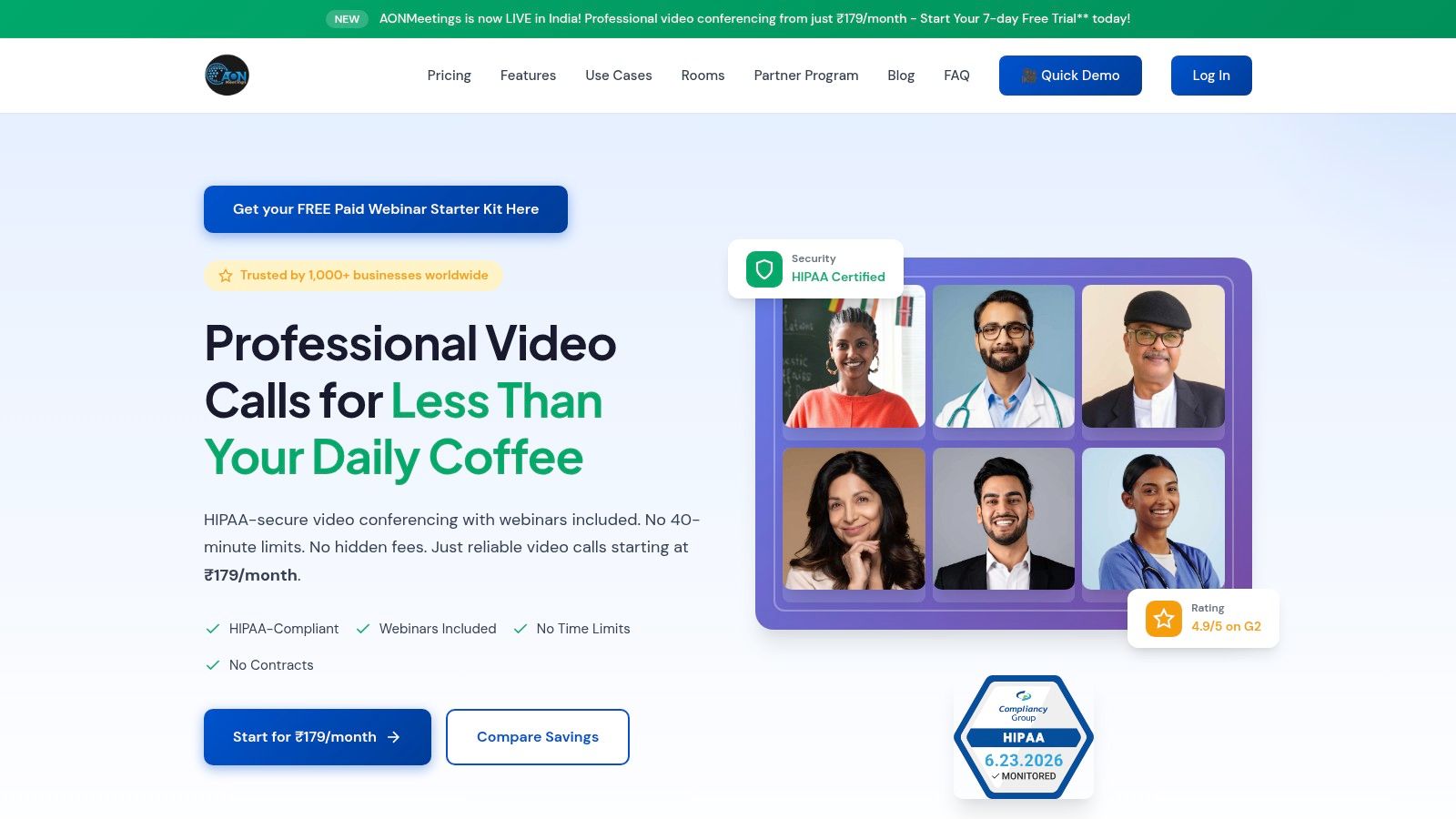
The screenshot below is a useful reference point for how teams usually think about secure meeting controls in a live environment.
A straightforward setup sequence
If you're implementing a recorded telehealth workflow in AONMeetings, keep the process tight:
- Create the account structure first. Don't start by letting everyone host freely. Define who can schedule, who can record, and who can review recordings.
- Turn on the waiting room and moderator controls. That reduces accidental joins and gives staff a checkpoint before the session begins.
- Enable secure cloud recording only for approved roles. Avoid broad recording rights.
- Use meeting lock once all expected participants are in. This matters more in clinical consults than in general business meetings.
- Document patient consent before recording starts. The platform helps operationally, but the clinic still owns the consent process.
- Review the post-session audit trail. Confirm that access events match expected clinical activity.
Verification is where teams either mature or drift
A lot of practices configure controls once and never test them again. That's how drift sets in.
Run a short monthly verification routine:
- Access check: Confirm only the approved roles can see recordings.
- Log review: Pull a sample audit trail and verify user-level accountability.
- Retention check: Make sure files aren't lingering outside policy.
- Download review: Confirm exported files are rare, justified, and documented.
“Set and forget” is not a compliance strategy. Video workflows need periodic checks because permissions expand quietly over time.
Why the operational extras matter
Platform design affects compliance more than people expect. Unlimited meeting time means clinicians aren't improvising around time caps. Built-in webinars help when the same platform supports patient education and internal training. Browser access lowers friction for patients and caregivers who don't want another app install.
For teams using recorded events outside one-to-one telehealth, the AONMeetings guide on how to record webinars is useful because it shows the operational side of recording controls, not just the button location.
AONMeetings also reduces procurement friction with no-contract pricing and bundled webinar hosting. That doesn't replace your compliance review, but it can reduce the number of workarounds staff create when the approved tool is too limited or too expensive to use broadly.
The best implementation is the one your staff will follow. In practice, that means clear permissions, easy meeting controls, visible logging, and pricing that doesn't push teams toward side-channel tools.
If you need a platform that supports HIPAA-aware workflows without the usual pricing friction, take a close look at AONMeetings. It combines secure meetings, recordings, built-in webinars, browser access, and straightforward pricing starting at ₹179 per user per month, with no contracts and unlimited meeting time. For clinics that want practical controls without assembling a stack of add-ons, it's a sensible place to evaluate.
