
You're probably dealing with the same mess most practices face when telehealth stops being an experiment and starts affecting the whole day. The physician wants visits to start on time. Front-desk staff want fewer support calls. Compliance wants a signed BAA, clean access controls, and confidence that recorded or shared data won't create a problem later. Finance wants predictable pricing instead of surprise add-ons.
That's why picking the best telehealth platform isn't really about finding the longest feature list. It's about choosing software that patients can join, staff can support without constant troubleshooting, and leadership can justify as an operating expense that fits billing and workflow realities. Telehealth became a mainstream care channel quickly. In one major U.S. health network, virtual care rose from 0.4% of visits in 2019 to 12.9% in 2020, and the American Telemedicine Association reported that 97% of primary care physicians were forced to use telehealth during April 2020 and the following 12 months, according to athenahealth's telehealth overview.
The market is now large enough that platform selection feels more like infrastructure planning than a software trial. Fortune Business Insights estimates the global telehealth market at USD 186.41 billion in 2025 and projects USD 219.31 billion in 2026, with further growth to USD 1,272.81 billion by 2034, as outlined in its telehealth market forecast. Buyers aren't just asking which tool has video anymore. They're asking which one fits reimbursement, consent, scheduling, and patient communication without driving up admin overhead.
If billing friction is part of your telehealth decision, this guide pairs well with optimizing telehealth mental health billing.
1. AONMeetings
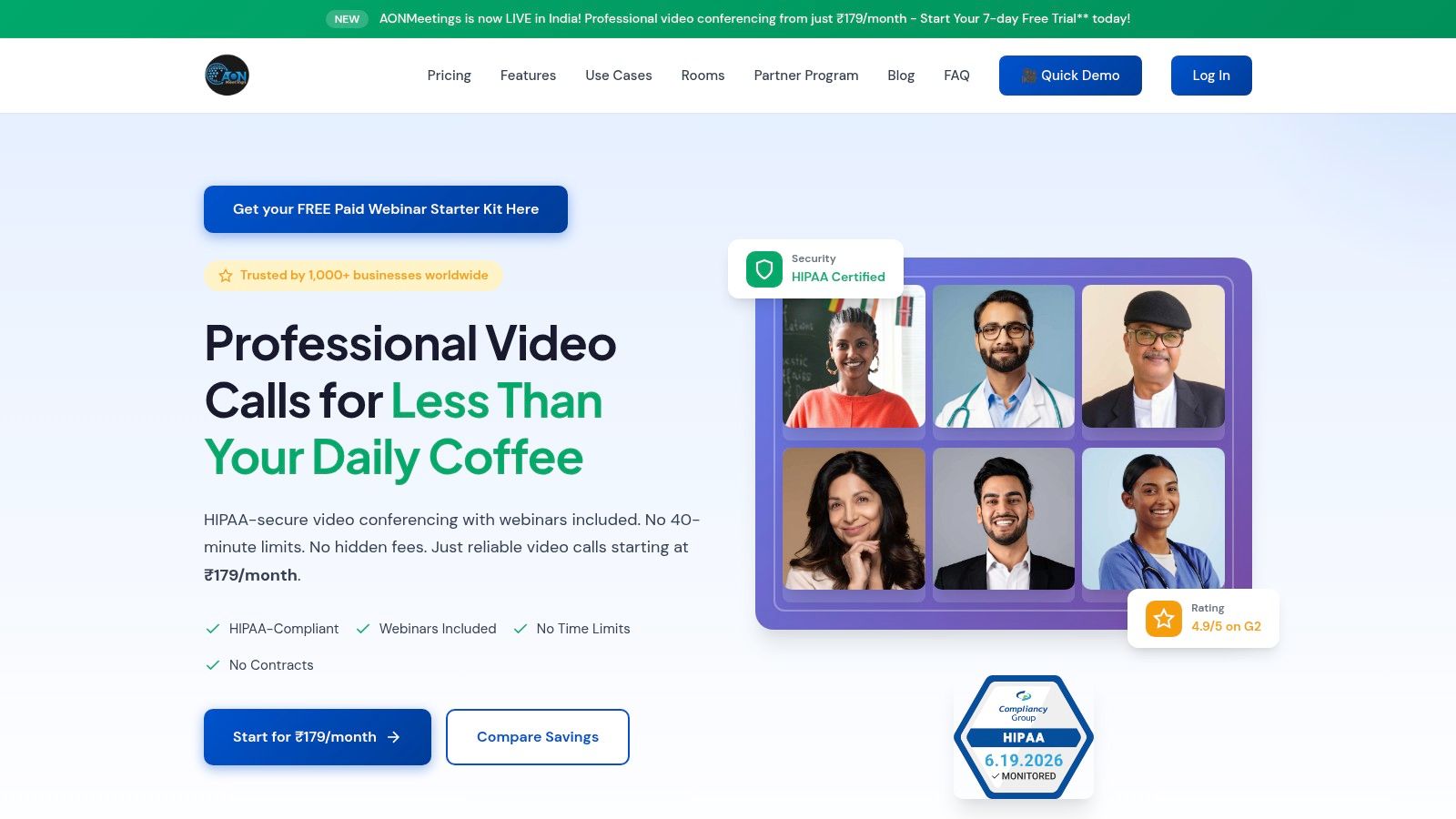
A practice usually feels the telehealth platform decision at 8:00 a.m., not during procurement. The first patient cannot get the app installed, a clinician needs to pull in a family member from another device, and the office manager is already asking whether recording, admin controls, or group sessions will trigger another invoice. AONMeetings earns attention because it handles that operational reality with clear pricing and healthcare-ready security, without forcing smaller organizations into enterprise buying patterns.
This is a general video platform, but that does not make it a poor clinical fit. For many solo practices, specialty clinics, and training-heavy organizations, the requirement is secure video, browser-based access, waiting room control, recording, and predictable administration. They do not always need a larger virtual care suite with intake, scheduling, and patient engagement modules bundled in from day one.
Pricing is unusually transparent. Starter begins at ₹179 per user per month, Professional is ₹359, Business is ₹629, and Enterprise is ₹1,522 per user per month. That matters because total cost of ownership in telehealth is rarely the base license alone. Buyers need to know early whether webinars, storage, summaries, and collaboration tools are already included or whether staff will end up stitching together separate products.
Why it stands out for value
AONMeetings includes unlimited meeting time, webinar hosting, encryption, waiting rooms, screen sharing, whiteboards, document sharing, recording, meeting summaries, searchable archives, and team chat across plans. That bundle changes the math for practices that do more than one-on-one visits.
Webinar access is the part many teams overlook. If a clinic runs patient education sessions, caregiver briefings, orientation for new patients, internal training, or community outreach, those activities often get pushed into separate software with separate admin overhead. Keeping them under one contract can reduce both direct spend and support burden.
Practical rule: If your organization runs education, support groups, onboarding, or staff training, count webinar capability inside telehealth total cost of ownership.
The browser-based join flow also matters in day-to-day care delivery. Patients can enter from an instant link without installing software, which reduces failed starts for behavioral health, medication follow-ups, and family consults. For teams comparing browser-first visit tools, this broader review of HIPAA-compliant video conferencing platforms helps frame where AONMeetings fits.
Best fit and trade-offs
AONMeetings fits practices that want secure video and cost control before they commit to a larger virtual care stack. It makes particular sense for solo clinicians, small to mid-sized clinics, educator-led programs, and hospital departments that need telehealth plus training or webinar use cases. The value is strongest when one platform can cover patient visits, internal meetings, and outreach.
There are real constraints. Starter caps meetings at 10 participants, so group therapy, teaching clinics, and multi-family care conferences may require a higher tier. Several advanced controls, including breakout rooms, live streaming, multi-camera broadcast, custom hold music, meeting lock, and brand themes, sit in Business or Enterprise. Paid webinar monetization also requires Stripe, which is reasonable but still adds one more setup and compliance review step.
The free-trial structure is useful if you test it with discipline. There is a 7-day free trial on Starter and a 30-day money-back guarantee. I would use that period to run actual front-desk scenarios: send links to patients on older phones, test waiting room handoff, confirm recording access and retention, and see whether staff can manage a session without involving IT. That kind of trial gives a better answer than a polished demo, especially if your goal is a secure platform that stays affordable after year one.
2. Doxy.me
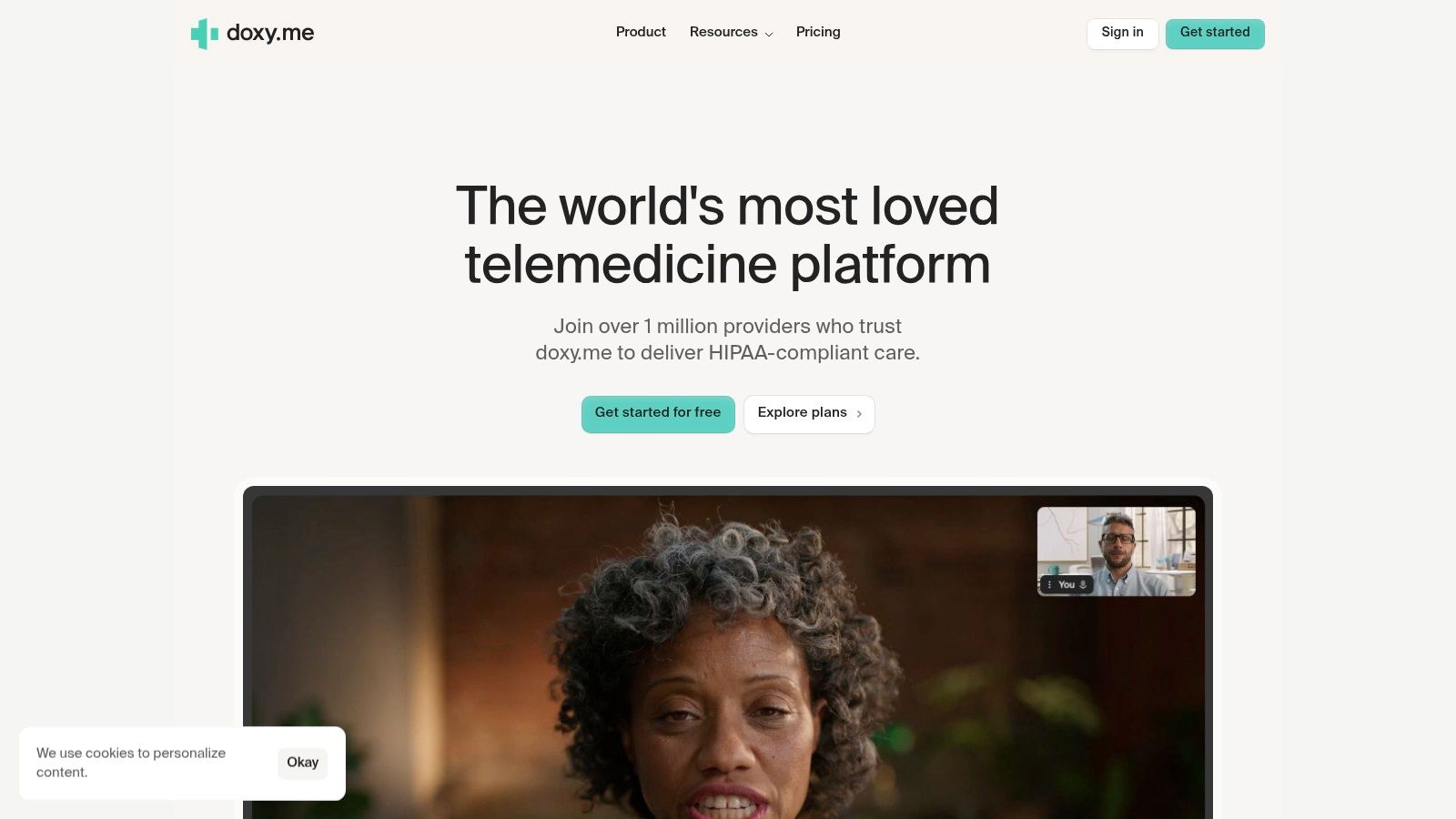
Doxy.me has one big advantage that's easy to underestimate until you've supported real patients: it keeps the join process simple. Patients open a link in a browser, enter the waiting room, and the clinician brings them in. For solo providers and small clinics, that simplicity often matters more than a long feature list.
It's built specifically for telehealth, so the workflow feels more clinical than a general meeting tool. Virtual waiting room, patient queueing, HD video, in-session chat, file transfer, group calls, and intake or consent workflows are the kinds of features that reduce workaround behavior from staff. It also includes HIPAA compliance with a BAA, which puts it in the serious-buy category for healthcare practices.
Best fit and trade-offs
Doxy.me makes the most sense when your top priority is low-friction patient access. If you serve older patients, low-tech households, or therapy clients who may not tolerate setup issues well, the browser-first design is a major plus. That's also why it belongs in almost any serious review of HIPAA-compliant video conferencing platforms.
The forever-free plan is useful, but it's easy to misunderstand. Free access is great for proving patient demand or supporting a very small caseload. It's less great if your front desk needs analytics, clinic-level reporting, tighter permissions, or broader care workflow controls. Those are paid-plan conversations.
Keep a close eye on what happens after the video call. If your team still has to handle intake, consents, reporting, and handoffs elsewhere, the “cheap” option can turn expensive in staff time.
My practical read is this: Doxy.me is strong when telehealth itself is the product you need. It becomes less compelling if you're trying to consolidate communications, training, outreach, and internal collaboration under one vendor. For a therapist, solo physician, or compact clinic, that may be perfectly fine.
You can evaluate it directly at Doxy.me.
3. Zoom for Healthcare
Zoom for Healthcare is the obvious candidate if your clinicians already live in Zoom and you want to extend a familiar experience into care delivery. That familiarity has real value. Staff training is easier, and patients often recognize the interface or the meeting behavior immediately.
The healthcare edition supports the agreements and controls needed for HIPAA programs, with waiting rooms, breakout rooms, virtual backgrounds, webinar options, and broad admin controls. It also connects into the broader Zoom ecosystem, including chat, phone, and rooms. If your organization already uses Zoom outside clinical care, consolidation can be appealing.
Where Zoom fits best
Zoom for Healthcare tends to work best in larger practices or health systems that want one collaboration vendor for both clinical and non-clinical communication. Multi-disciplinary consults, patient and family conferencing, and administrative meetings can all sit in one environment. It also has integration potential with EHR environments and other enterprise systems.
That said, there's a practical trade-off. Zoom is still a general-purpose platform first. Many healthcare teams can make that work well, but clinical workflows often require more setup, more governance, or more integration effort than they would in a telehealth-native product. Smaller groups should compare that reality against simpler options such as video conferencing tools for small business use cases, especially if they don't need a broader unified communications stack.
Telehealth purchasing increasingly turns on user experience and reliability, not just raw feature count. In a virtual-care market survey cited by Whereby, top decision factors were call quality and reliability at 66%, ease of use at 58%, privacy and security at 58%, and device compatibility at 50%, according to Whereby's virtual care statistics roundup. Zoom usually scores well in the “people already know how to use it” category, which can offset some implementation complexity.
What to watch:
- Healthcare availability depends on the right plan and BAA process
- Telehealth-specific workflows may require integrations or add-ons
- Cost can expand quickly when webinars, phone, rooms, and healthcare licensing stack up
You can review its healthcare offering at Zoom for Healthcare.
4. VSee Clinic
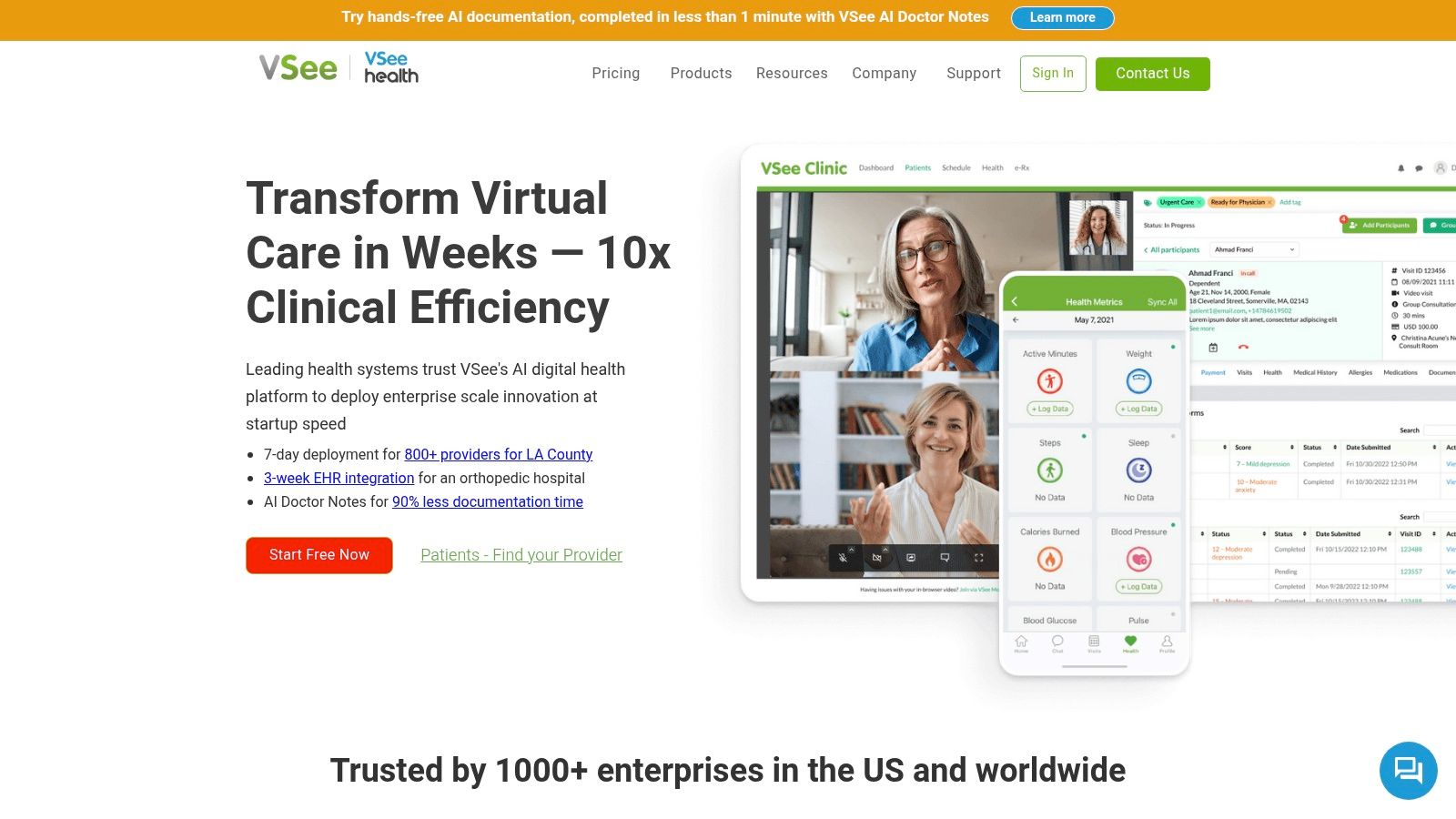
VSee Clinic is for buyers who know they'll need more than video, but don't necessarily want to jump straight into hospital-scale software. It covers a lot of ground, from solo clinician use up through enterprise deployments with white-label apps, APIs, SDKs, and remote patient monitoring integrations.
The product range is broad. Patient portal, scheduling, intake and consent, shared waiting room, SMS or email invites, payments, reporting, and analytics are available across the lineup, with more advanced identity and enterprise controls on higher tiers. That makes it appealing for practices that expect telehealth to become a bigger operating layer over time.
Why teams choose it
VSee's biggest advantage is configurability. If your model includes device integrations, custom workflows, or a branded patient experience, it offers room to grow. It also gives smaller groups a lower-friction starting point through free and entry-level options, rather than forcing everyone into a custom enterprise sale from day one.
This is one of the few tools in this list that makes sense for both a solo specialist and a more ambitious digital care program. But with flexibility comes complexity. Once you move into more advanced use, somebody on your team has to own setup discipline.
A practical example: if your clinic wants video visits now but expects to add intake, embedded payments, and device integrations later, VSee can support that path. If you only need a stable virtual waiting room and browser access, it may be more system than you need.
The caution is simple:
- Advanced billing, eligibility, and enterprise features aren't universal across tiers
- Some paid plans include setup fees
- Higher configurability usually means a longer implementation curve
For teams that like to shape the workflow instead of adapting to a rigid product, VSee Clinic is one of the more flexible choices. You can review it at VSee Clinic.
5. Mend
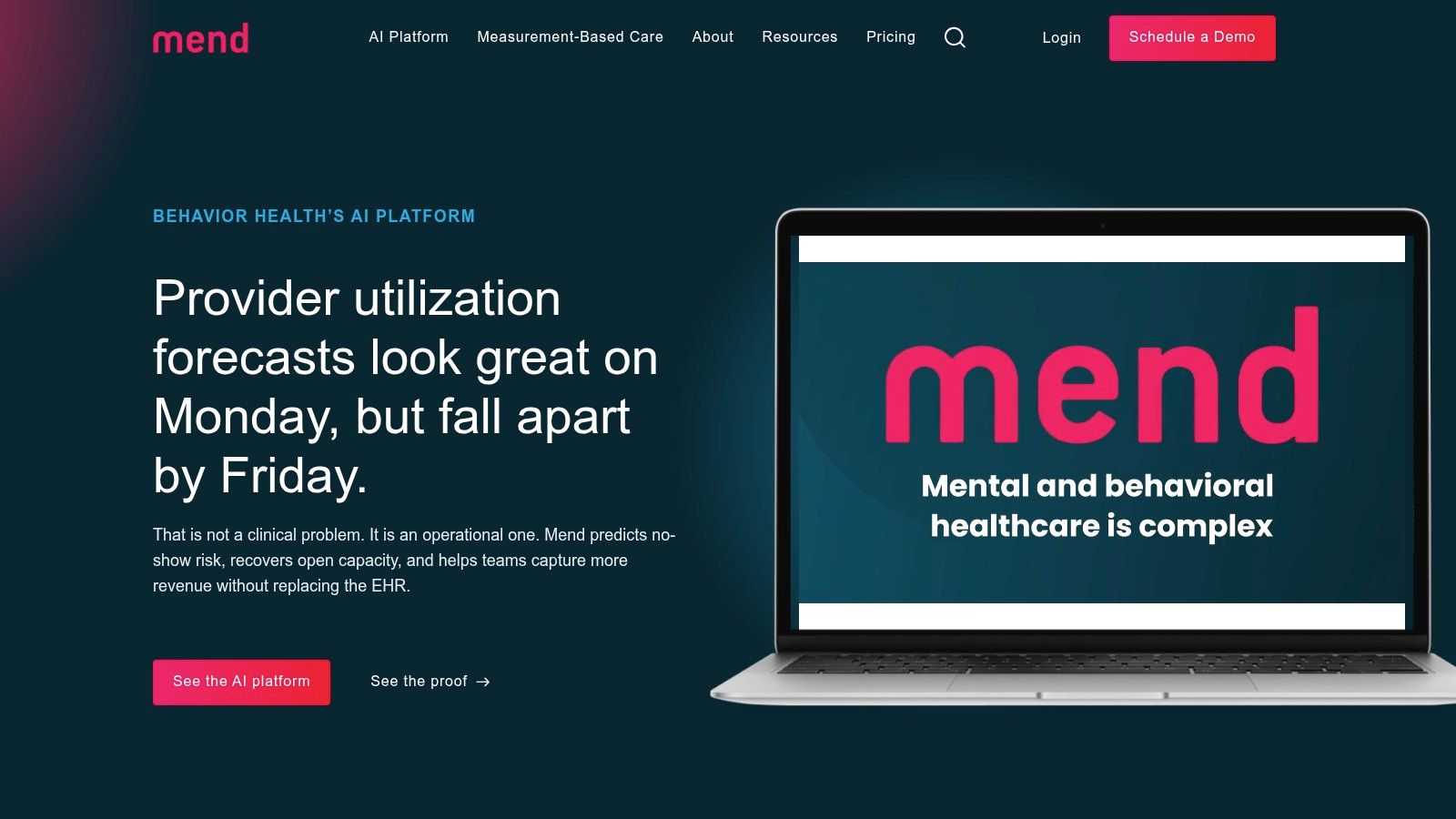
Mend is a serious contender for behavioral health groups and multi-location practices that care as much about scheduling friction as video quality. Its value proposition is less “here's a video room” and more “here's a patient engagement layer that helps visits happen.”
That difference matters. Telehealth adoption hasn't only been limited by technology. Regulatory, legal, and reimbursement barriers have also slowed uptake, as discussed in this review of telehealth implementation barriers. In practice, the best telehealth platform often isn't the one with the flashiest interface. It's the one that fits your billing, consent, and workflow reality.
Strong when integrated, weaker as a standalone buy
Mend focuses on digital intake, self-scheduling, waitlist tools, telehealth, multi-language engagement, and EHR or practice-management integrations. If you already run a core EHR and want to improve front-end flow, Mend has a strong logic. It's especially attractive for clinics that lose time to missed appointments, manual reminders, and intake bottlenecks.
The catch is that most of its value shows up after integration work. If your systems are fragmented, your implementation team needs to be ready. If you want a lightweight video solution you can stand up this afternoon, Mend probably isn't the fastest route.
Operational note: Before evaluating any telehealth platform, map your current patient journey from scheduling to claim submission. That will expose whether your problem is video, intake, reminders, or reimbursement workflow.
Mend's virtual waiting room and engagement automations also pair well with disciplined virtual meeting best practices, especially in behavioral health where session continuity and late-join handling matter.
The downside is pricing transparency. It's custom and sales-led. That doesn't automatically make it expensive, but it does make side-by-side price comparison harder for smaller buyers. You can explore it at Mend.
6. Updox Telehealth
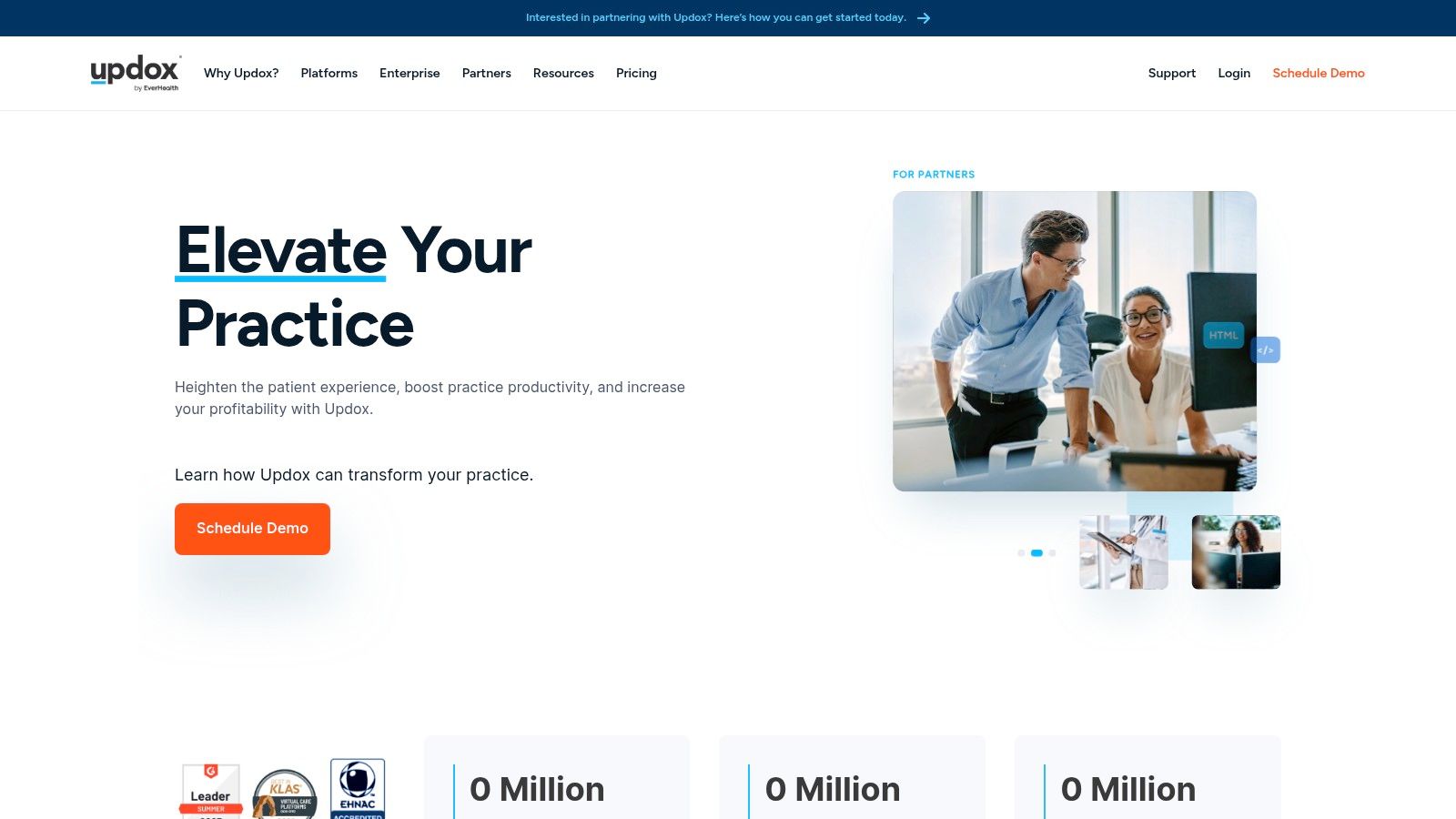
Updox Telehealth makes the most sense if your telehealth problem is a communication problem. Many practices don't just need video. They need reminders, secure texting, forms, broadcast messaging, and eFax to work together so staff aren't toggling through five separate tools before every visit.
That broader communications framing is Updox's strength. HD video visits sit alongside SMS or email invites, secure text messaging, reminders, forms, and fax workflows. For front-office teams, this can reduce tool sprawl and create a cleaner operating rhythm.
Best for communication-heavy practices
If your practice handles lots of appointment coordination, repeat reminders, and patient messaging, Updox is worth a look. Primary care, specialty follow-up, and groups with heavy administrative touchpoints often benefit more from communications consolidation than from a fancier video interface.
The trade-off is pricing clarity. Public list pricing isn't shown, and bundle structure may vary based on usage or add-ons. That makes total cost of ownership harder to pin down up front. During demos, ask for line-by-line clarity on which communication functions are included and which require separate packaging.
A practical comparison point: practices often underestimate the labor cost of disconnected messaging. If reminders, forms, and telehealth invites live in separate systems, staff spend part of every day reconciling what happened. Updox can reduce that coordination burden if you use the suite broadly.
Questions to press during evaluation:
- Does your current EHR or PM system already cover part of this stack
- Are messaging and forms included in your proposed bundle
- How are visit invites, reminders, and documentation tied together
You can review the platform at Updox.
7. Spruce Health
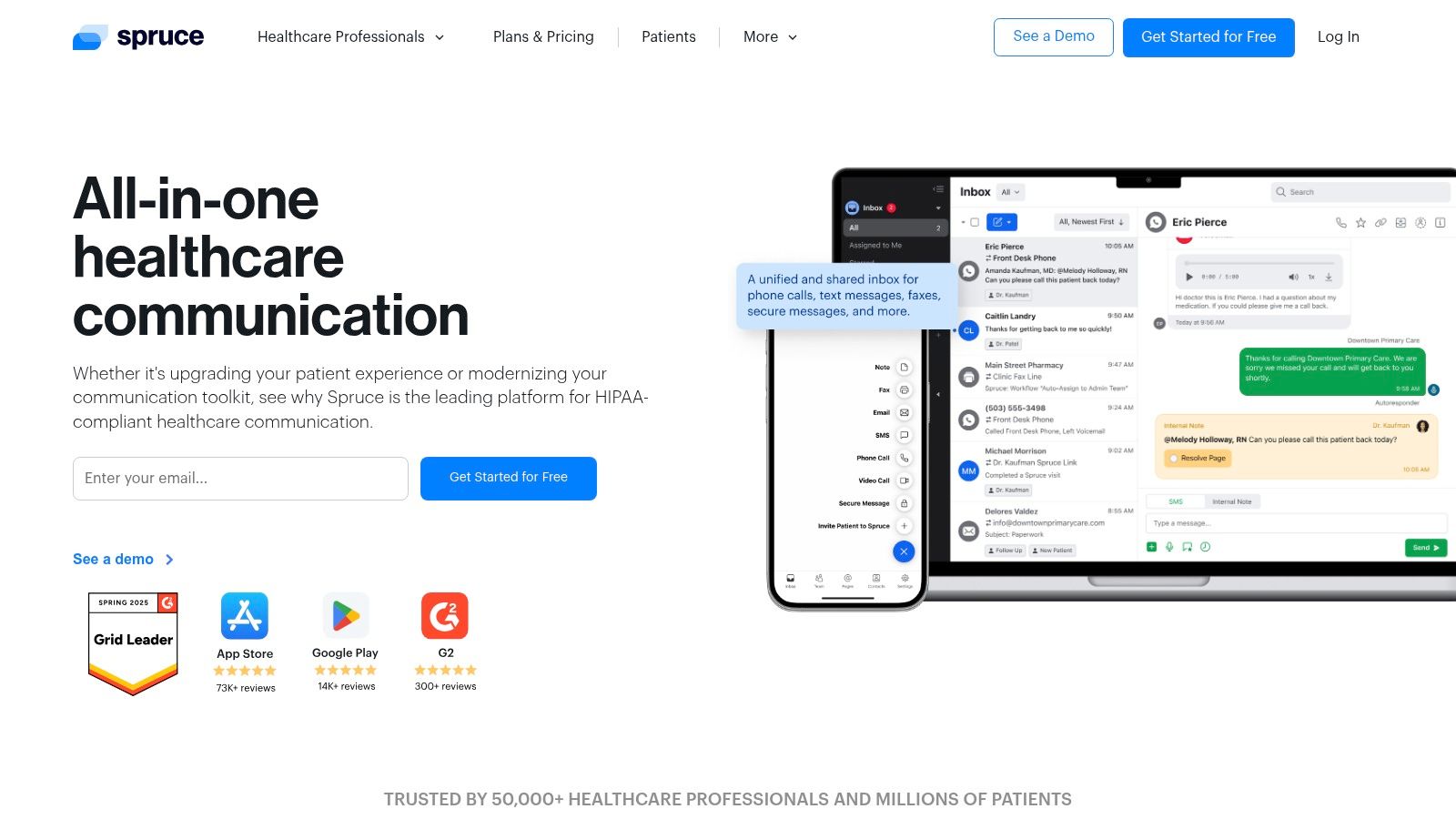
Spruce Health is one of the clearest examples of a platform that treats telehealth as part of care communication, not a standalone visit room. If your staff spend all day in phone calls, texts, voicemails, inboxes, and after-hours triage, this approach can be more useful than a telehealth-only product.
It combines secure video visits, secure texting, VoIP, team chat, fax, shared inboxes, and workflow automation in one application. For small to mid-sized practices, that can simplify staffing and reduce the usual “who owns this message” confusion.
A communications-first telehealth stack
Spruce is especially strong for practices that need operational control around patient contact. Shared inboxes, IVR and call flows, after-hours escalation, and a unified communication record can make a big difference in how the office feels day to day. In some organizations, reducing vendor sprawl is the biggest savings opportunity.
It also helps that pricing is public and per-user, which makes budgeting more straightforward than many sales-led tools. That said, there's an important planning constraint: all users in an organization must be on the same plan tier. If one department needs advanced automation or API access, the whole group may inherit that cost structure.
This is a good example of why the best telehealth platform depends on practice type. For a therapy clinic that mostly needs browser-based video, Spruce may be too communications-heavy. For primary care or a busy specialty office that lives on calls and messages, it can be a cleaner fit than running separate telehealth, phone, and texting vendors.
The platform is available at Spruce Health.
8. Doximity Dialer
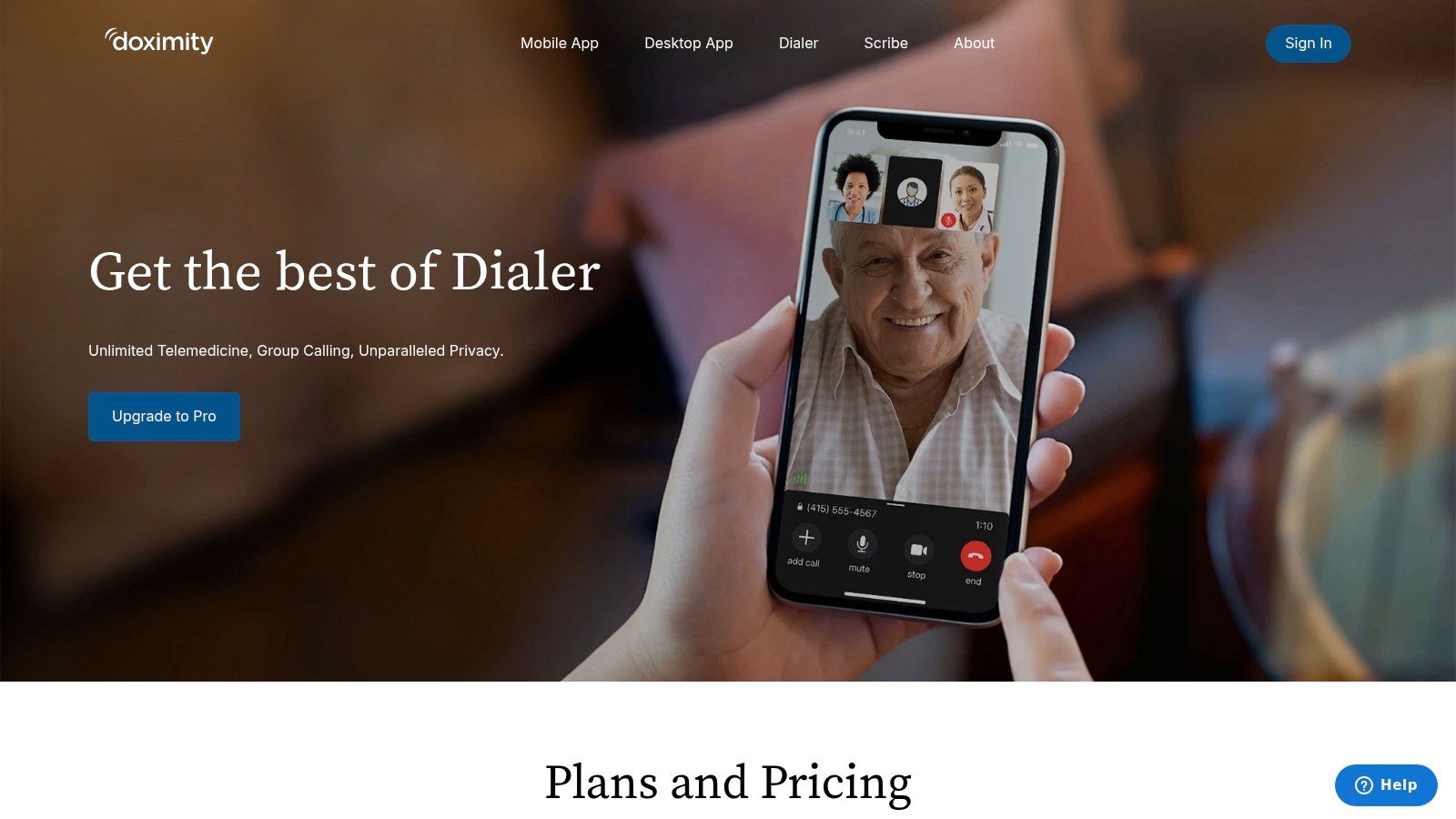
Doximity Dialer solves a very specific problem well. A clinician needs to call or video a patient quickly, often from a mobile device, without exposing a personal number and without asking the patient to install an app. That's why so many physicians keep it in the mix even when their organization has a broader telehealth system.
The patient flow is simple. The clinician starts from mobile, sends a one-tap link, and the patient joins without downloading software. For outreach, follow-up conversations, and lightweight scheduled virtual care, that can be exactly the right amount of platform.
Where it helps most
Dialer works best for mobile-first clinician workflows. Hospitalists, physicians between sites, specialists doing quick follow-ups, and clinicians who need caller-ID masking often care more about speed than rich administrative tooling. Dialer Pro adds HD video and group calling, which expands its utility.
But it's not a full practice suite. You won't choose Doximity Dialer because you want intake, scheduling, claims workflow, or enterprise patient communications in one place. You choose it because it reduces friction between clinician and patient.
The best telehealth platform for quick outreach isn't always the best one for front-desk operations. Some practices need both.
There's also a geographic and organizational fit issue. Enterprise controls and analytics require deeper sales engagement, and the product is more compelling in environments where Doximity adoption is already common among clinicians. For a solo physician who wants fast outreach, it's elegant. For a clinic trying to standardize scheduling, intake, and telehealth under one roof, it's incomplete.
You can review the product at Doximity Dialer.
9. eVisit
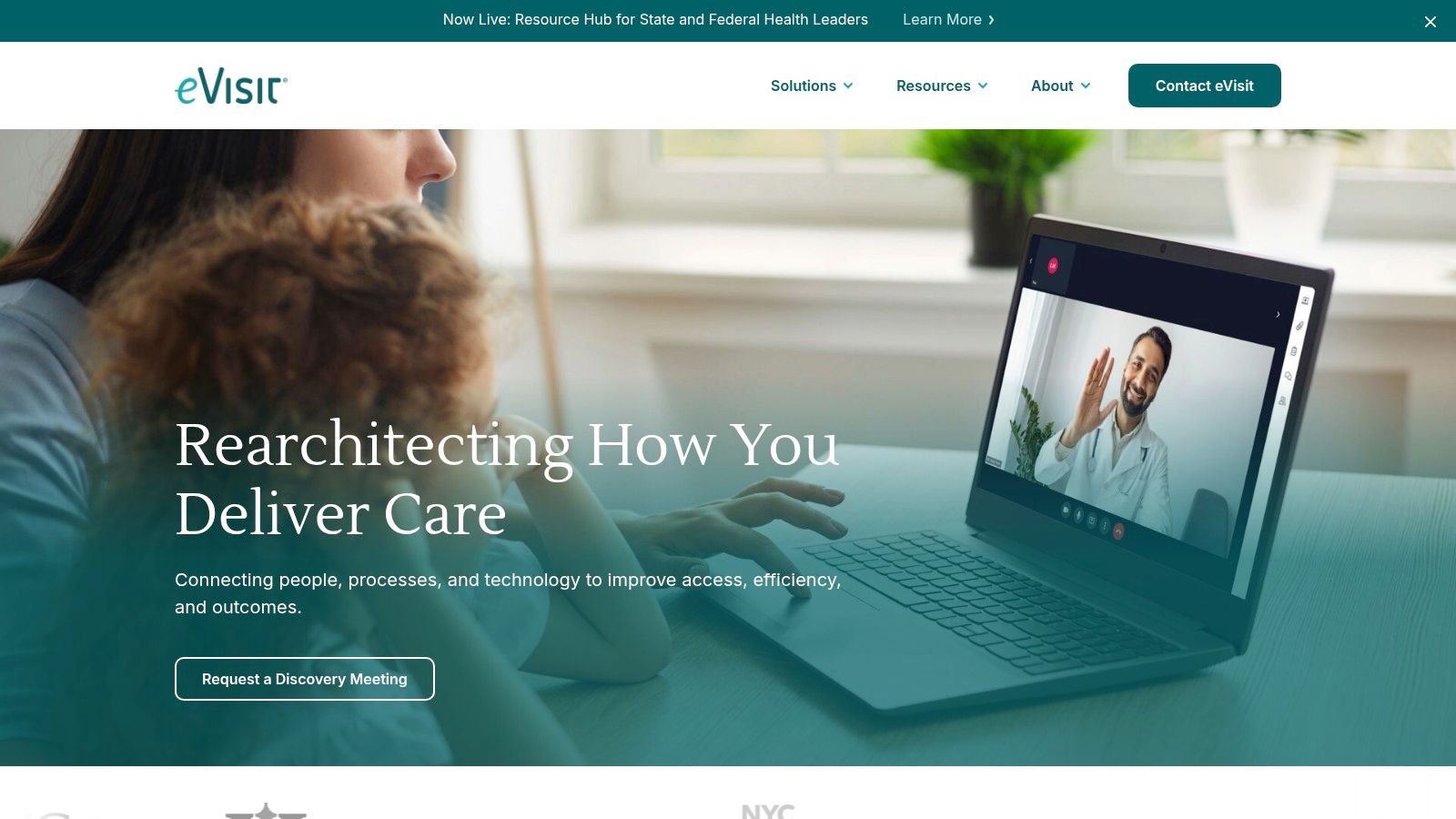
eVisit is aimed squarely at hospitals and health systems, and that focus shows up in the right places. It supports scheduled and on-demand workflows, command-center style operations, intelligent routing, enterprise governance, and major EHR integration patterns. If you need cross-service-line virtual care, this is the category of product to examine.
It also emphasizes device-agnostic, no-app patient access. That's important because telehealth access problems are often not purely technical. Real-world success depends on how little friction patients face and how well the system supports scheduling, messaging, and coordination, as discussed in this overview of telehealth access barriers for underserved populations.
Not for small practices, very relevant for systems
For a health system, eVisit's appeal is operational coherence. One platform can support multiple service lines, centralized oversight, and EHR-connected virtual care instead of fragmented department-by-department tools. That's especially useful when governance, reporting, and routing standards matter.
For a solo practice or even many mid-sized clinics, it's overbuilt. This is not a lightweight buyer's market product. Pricing is enterprise-only, implementation is substantial, and the business case usually depends on system-level standardization rather than one department's convenience.
A practical use case would be a multi-facility organization trying to unify urgent virtual visits, specialty consults, and scheduled follow-ups under one governance model. That's where eVisit makes sense. You can explore it at eVisit.
10. Amwell Converge
Amwell Converge belongs in enterprise conversations where virtual care needs to span multiple clinical models under one architecture. Health systems, health plans, and large provider organizations often want a platform that can support branded patient experiences, interoperability, partner integrations, and centralized governance. That's the lane Amwell is built for.
Its strength is breadth. Rather than solving only scheduled video visits, it supports a wider digital-care framework with integration options, security controls, enterprise data architecture, and deployment flexibility. For organizations trying to standardize virtual care across business units, that can be compelling.
Enterprise breadth comes with enterprise complexity
The upside is maturity. The downside is complexity. Sales-led pricing, implementation planning, and stakeholder coordination are part of the package. This isn't a product you buy because one physician champion likes the interface. It's something leadership adopts because the organization needs one digital-care platform strategy.
Independent market estimates reinforce why platforms like this exist. One estimate places the telehealth market at USD 126.1 billion in 2024 and projects growth to USD 403.2 billion by 2034, while another projects the U.S. market at USD 92.85 billion in 2026 rising to USD 393.92 billion by 2034, according to Global Market Insights telehealth analysis. Large buyers are making long-horizon infrastructure bets, not just buying video licenses.
For independent practices, Amwell Converge will usually be too much platform and too much process. For large organizations that need one vendor capable of supporting a broad virtual-care strategy, it's a serious option. You can review it at Amwell.
Top 10 Telehealth Platforms Comparison
| Platform | Core features | Compliance & security | Best for | Price / value | Key differentiator |
|---|---|---|---|---|---|
| AONMeetings (Recommended) | Browser-based meetings & webinars, screen share, whiteboard, recordings, smart summaries, team chat; breakout rooms on higher tiers | HIPAA-grade + bank-level encryption, waiting rooms, moderator controls, searchable recordings | Healthcare, education, legal, SMBs needing compliance | Starts at ₹179/user/month; transparent local pricing; 7-day trial + 30-day money-back | HIPAA & webinar hosting included in every plan at low cost vs mainstream vendors |
| Doxy.me | Browser telehealth, virtual waiting room, patient queue, HD video, group calls | HIPAA-compliant with BAA | Solo clinicians and small practices | Forever-free tier; paid plans add clinic tools | Extremely low-friction patient join flow and free tier |
| Zoom for Healthcare | Meetings, webinars, waiting rooms, breakout rooms, EHR integrations | BAA available on qualifying paid plans | Organizations wanting familiar, broad collaboration stack | Paid plans; licensing & BAA required | Large ecosystem (Rooms, Phone, Chat) under one vendor |
| VSee Clinic | Patient portal, scheduling, SMS invites, intake, RPM/device integration, APIs/SDKs, white-label | HIPAA-capable with enterprise options | Solo clinicians to enterprises needing white-label | Free + paid tiers; some one-time setup fees on higher tiers | Highly configurable workflows and white-labeling at scale |
| Mend | Telehealth with enhanced waiting room, digital intake, self-scheduling, waitlist, EHR embeds | HIPAA-capable; built to integrate with EHRs | Behavioral health and multi-location groups | Sales-led, custom pricing | Optimized to reduce no-shows and boost utilization for behavioral health |
| Updox Telehealth | HD video, SMS/email invites, secure text, eFax, reminders, forms | HIPAA-capable as part of suite | Practices wanting consolidated patient communications | Usage-based bundles; pricing via demo/sales | Integrates telehealth with secure messaging, fax and reminders |
| Spruce Health | Video visits, secure texting, VoIP phone, shared inboxes, workflow automation | HIPAA-grade with tiered integrations | Small to mid-size practices needing unified comms | Public per-user pricing; transparent | Unified communication hub (phone, text, fax, video) with clear pricing |
| Doximity Dialer | Mobile voice & video calls, caller-ID masking, one-tap patient links, Dialer Pro adds HD & group calls | Designed for clinician workflows; enterprise controls available | Mobile-first clinicians needing masked outreach | Dialer Pro per-clinician subscription; enterprise sales for orgs | Mobile-first caller masking and one-tap joins with no patient app |
| eVisit | End-to-end visit workflows, intelligent routing, command-center dashboards, no-app patient joins | Enterprise-grade HIPAA governance; major EHR integrations (Epic) | Hospitals and large health systems | Enterprise-only, sales-led pricing | Built for cross-service-line scale and deep EHR integration |
| Amwell Converge | Unified digital care platform, partner integrations, enterprise data & white-label | Enterprise security, governance and interoperability | Health plans, health systems, large providers | Sales-led, complex deployments | Mature enterprise platform for standardized virtual care across organizations |
Making Your Final Decision Invest in Value and Security
The wrong telehealth platform rarely fails in the sales demo. It fails during a normal clinic day, when a patient joins from an old phone, a clinician runs late between rooms, and the front desk is juggling reminders, intake, consent, and follow-up in different systems. That is the point where software cost turns into staffing cost.
Final selection should come down to operational fit, security controls, and total cost of ownership. Feature lists help with screening, but they do not tell you how much staff effort the product adds after go-live.
Start with practice type. A solo clinician usually needs fast setup, simple patient join flows, and predictable pricing. A small or mid-size clinic may get more value from stronger messaging, phone, and shared workflow tools. Behavioral health practices often place more weight on reminders, intake, and rejoin support because missed or delayed visits hit schedule utilization quickly. Hospitals and health systems usually need formal governance, routing, reporting, and EHR alignment before anything else.
Then price the platform the way your operations team will experience it. Review subscription fees, implementation support, admin controls, storage, patient messaging, device compatibility, training time, and the support burden your staff will absorb. The cheapest monthly plan can become the more expensive system once add-ons and staff workarounds pile up.
The comparison matrix is crucial. It helps separate low-entry-price tools from platforms that reduce operating friction across scheduling, communication, documentation, and follow-up.
Security also needs a workflow review, not a checkbox review. Ask how encryption works in transit and at rest, how recordings are handled, what audit logs admins can access, whether waiting rooms and participant controls are configurable by role, and which security settings are enabled by default. Contract language matters, but day-to-day configuration matters just as much.
Free trials are useful only if you run them like a short pilot. Have front-desk staff schedule test visits. Use an older smartphone, a weak home connection, and a patient who joins late or drops mid-visit. Check whether the clinician can admit the patient, share information, document what happened, and move to the next visit without opening three other tools.
Administrative drag decides more platform purchases than missing headline features. If reducing that drag is part of the goal, it is worth pairing software selection with broader work on healthcare administrative cost reduction.
Keep the shortlist to three products and score each one against your actual use case. For many solo practices and smaller teams, AONMeetings remains a practical value option because it combines HIPAA-compliant video, browser-based access, webinar support, recordings, and clear pricing without pushing buyers into an enterprise rollout. That will not make it the right fit for every hospital or heavily integrated multisite group, but it belongs on the shortlist when cost discipline and secure day-to-day usability matter most.
Choose the platform your team can run reliably six months from now, with your current staff, your current patient mix, and your current security requirements. That is usually the better decision than choosing the product with the cleanest demo.
