
Finding honest reviews on VoIP providers can feel like searching for a clear signal in a field of static. With so many platforms claiming to offer the “best” solution, it’s difficult to know which one truly fits your specific needs, whether you're a healthcare clinic requiring HIPAA compliance, an educator running online classes, or a small business connecting with clients. The wrong choice can lead to dropped calls, poor security, and a frustrating user experience.
This roundup article is designed to cut through that noise. Instead of just reviewing individual VoIP providers, we are evaluating the review platforms themselves. We will analyze the most trusted sources where you can find detailed comparisons and user-generated feedback, saving you the time and effort of sifting through biased or surface-level content. Before diving into specific provider ratings, it's beneficial to consult a comprehensive guide to VoIP services to understand the landscape and key features.
Our goal is to direct you to reliable information hubs so you can make an informed decision. For each review website we feature, we’ll provide a clear breakdown of its strengths, what kind of user it’s best for, and a direct link to its VoIP section. You will learn where to find critical details on pricing, encryption, feature sets like webinar capabilities, and real-world performance benchmarks. This guide gives you the tools to find the perfect communication system for your organization.
1. Forbes Advisor – Best VoIP Services
Forbes Advisor provides a high-level, research-driven starting point for anyone gathering reviews on VoIP providers. The platform is structured around regularly updated "best of" lists, making it an excellent resource for getting a quick, current snapshot of the market. Its primary strength lies in its clear, digestible format, which helps decision-makers rapidly create a shortlist of potential vendors based on specific business needs.
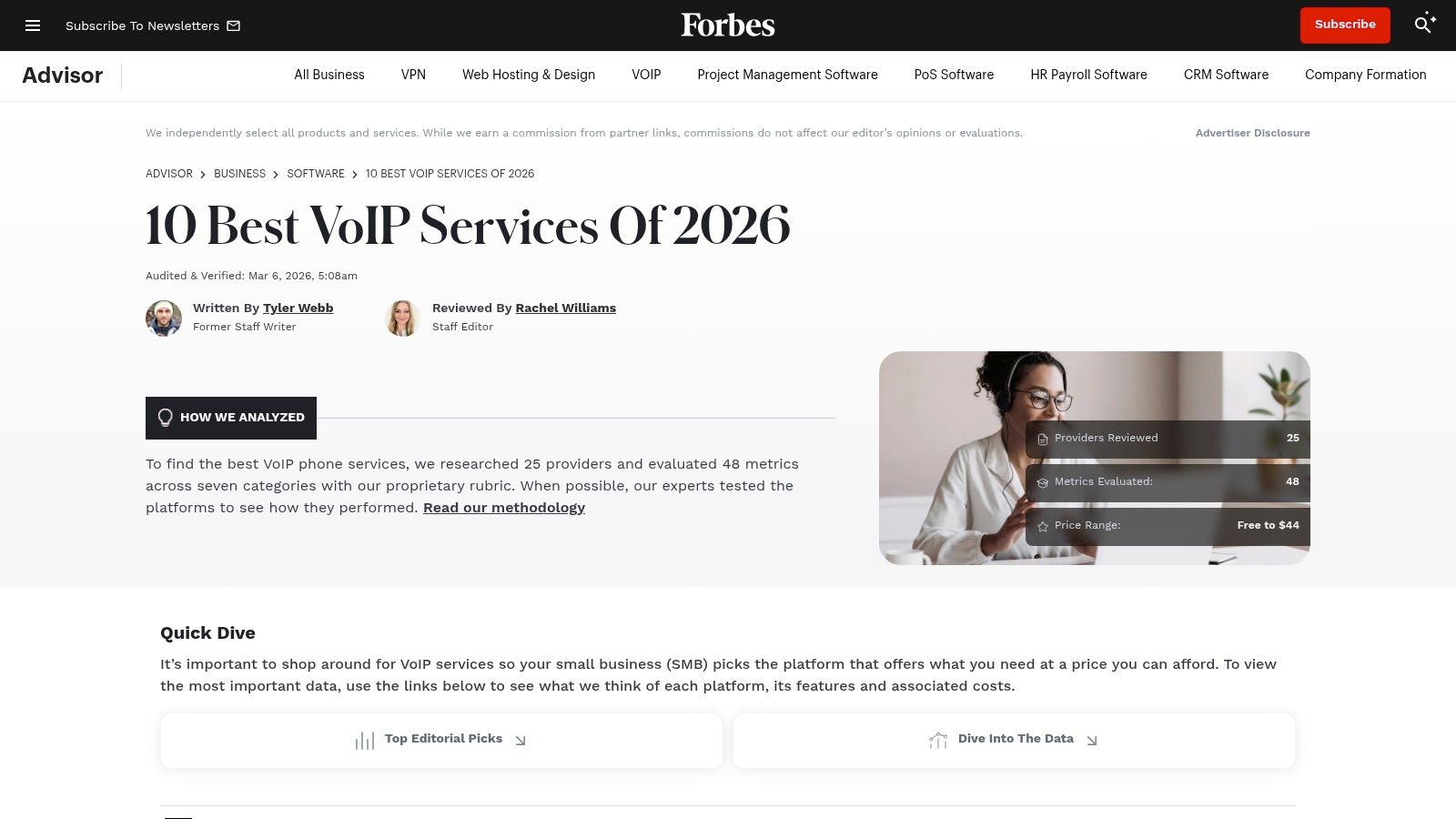
The site stands out by categorizing providers with direct "best for" labels, such as "Best for Startups" or "Best for Integrations." This approach saves significant time for businesses that already know their primary pain point. For example, a marketing agency that hosts weekly lead-generation events could use the value proposition on a provider listed as "Best for Webinars" to quickly assess if the included features justify the cost. The review might highlight that a plan includes a 500-participant webinar room, a feature others charge extra for.
Key Features and User Experience
Forbes Advisor’s content is free to access, with revenue generated through affiliate partnerships. While these relationships are disclosed, it's a factor to keep in mind. The user experience is clean and intuitive, centered on scannable comparison tables and concise summaries.
- Side-by-Side Comparisons: The platform excels at presenting key data points like starting prices, user ratings, and core features in an easy-to-compare table. For example, a price comparison might show that Provider A starts at $20/user/month while Provider B is $25, but Provider B includes unlimited video conferencing and TLS/SRTP encryption as standard. This allows for a quick value assessment beyond the base price.
- Methodology Summaries: Each roundup includes a brief explanation of how the rankings were determined, adding a layer of transparency to their recommendations.
- Plain-English Explanations: Complex VoIP features are broken down into simple terms, making the content accessible even to those with no technical background.
Practical Tips and Limitations
To get the most value from Forbes Advisor, use it as a foundational tool. Identify two or three top contenders from their lists, then use that shortlist for more in-depth research on specialized review sites or by requesting demos. One notable limitation is the lack of deep dives into niche compliance needs, such as HIPAA. While a provider might be listed, the specific security protocols and Business Associate Agreements (BAAs) required for healthcare are not detailed. For businesses in regulated industries, further investigation is essential.
While Forbes focuses on broad VoIP solutions, many businesses also require strong video conferencing capabilities. For a deeper look at platforms suited for client meetings and team collaboration, you can explore the best video conferencing for small business to ensure all your communication needs are met.
Website: https://www.forbes.com/advisor/business/software/best-voip-service/
2. TechRadar Pro – Best VoIP/Business Phone System Guides
TechRadar Pro takes a more hands-on approach to creating reviews on VoIP providers, distinguishing itself through editorial testing and detailed guides. Where other sites offer a high-level market overview, TechRadar dives into the user experience, providing practical, test-based summaries. This makes it a valuable resource for businesses that want to understand how a platform performs in a real-world setting before committing.
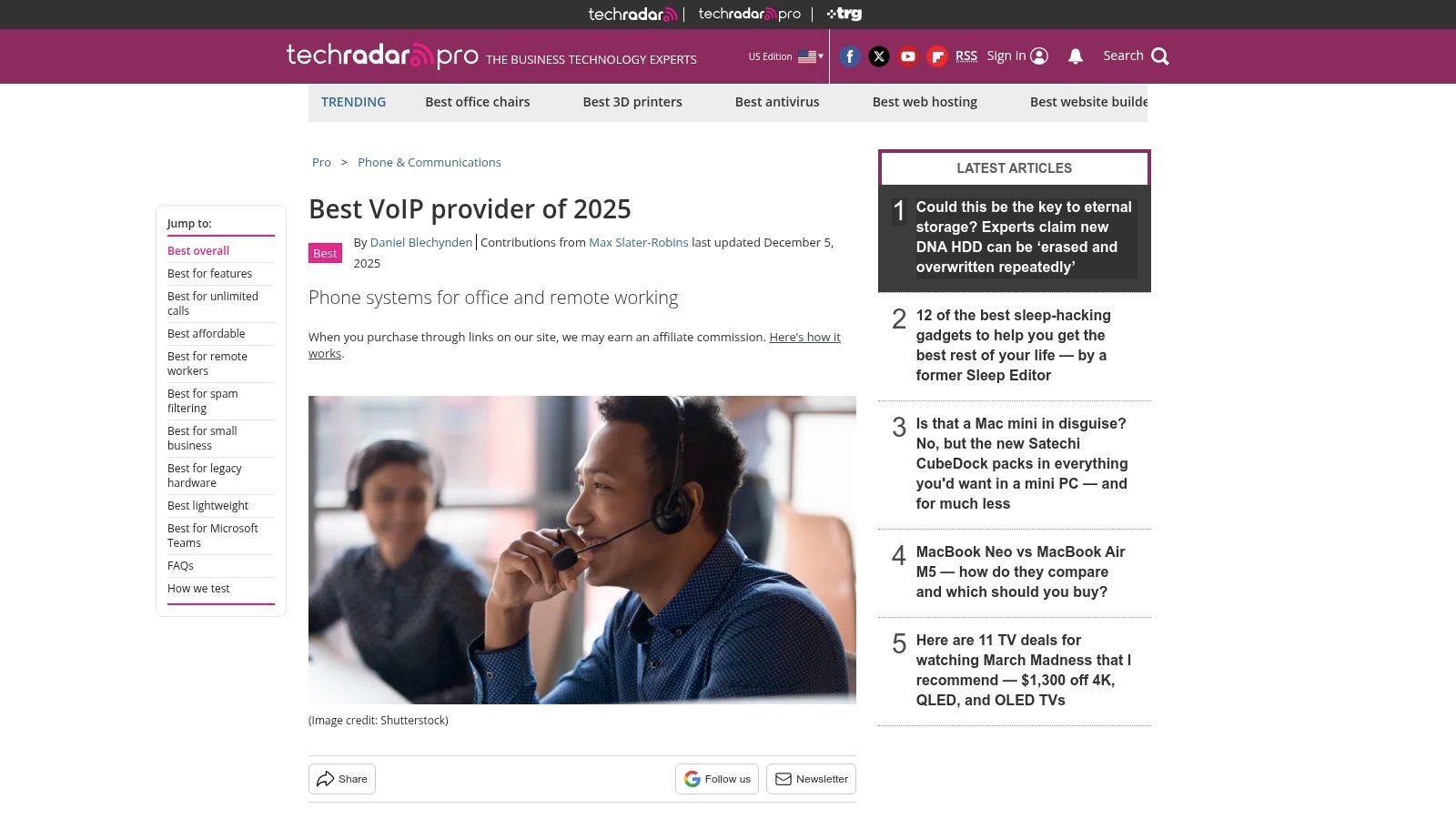
The platform’s strength is its blend of broad "best of" lists with individual deep-dive reviews. A business can start with a roundup to identify potential candidates and then click through to a full review of a specific provider. This layered approach supports a more thorough evaluation process, covering everything from initial setup to daily call management and the availability of features like end-to-end encryption.
Key Features and User Experience
Access to TechRadar Pro's content is free, supported by affiliate links and sponsored "view deal" blocks. While these are clearly marked, it's wise to cross-reference pricing directly with the provider. The user experience is focused on delivering actionable takeaways from their testing.
- Hands-On Testing Insights: Reviews often include statements about the testing process, giving readers confidence that the recommendations are based on actual use. For example, a review might note the simplicity of setting up a call forwarding rule on one platform versus the complexity on another, saving an admin hours of frustration.
- Business-Focused Angles: The content frequently addresses specific business needs, such as replacing an old PBX system, integrating with a contact center, or managing remote teams. This focus helps decision-makers align a provider's capabilities with their strategic goals.
- Clear Strengths and Weaknesses: Each review typically concludes with a concise summary of pros and cons. For example, a provider might be praised for its extensive webinar features included in a mid-tier plan (a strong value proposition), but noted for having a steeper learning curve for its admin portal. They may also mention if advanced AES-256 encryption is included or is a premium add-on.
Practical Tips and Limitations
To make the most of TechRadar Pro, use it to validate the shortlist you've created from higher-level sites. Their deep-dives can help answer specific questions about usability and feature implementation. For instance, if you need to know exactly how a provider’s mobile app functions for making calls on the go, TechRadar is more likely to have that detail.
A notable limitation is that price comparisons, while helpful, can sometimes lag behind a provider's latest regional promotions or specific contract-based discounts. Always verify costs directly with the vendor. Additionally, while the site covers business communications broadly, some teams may need specific guidance on running different types of calls. For a clear guide on the process, you can learn how to make a teleconference call to ensure your team is prepared for any meeting format.
Website: https://www.techradar.com/best/best-voip-service
3. PCMag – Business Choice (reader satisfaction benchmarks)
PCMag’s Business Choice Awards offer a different, yet essential, perspective when gathering reviews on VoIP providers. Instead of focusing on lab-tested features, this resource is built entirely on reader-submitted survey data. This makes it an invaluable tool for gauging real-world user satisfaction, reliability, and the quality of customer support, factors that feature checklists often miss. The annual coverage ranks vendors based on what actual business users experience day-to-day.
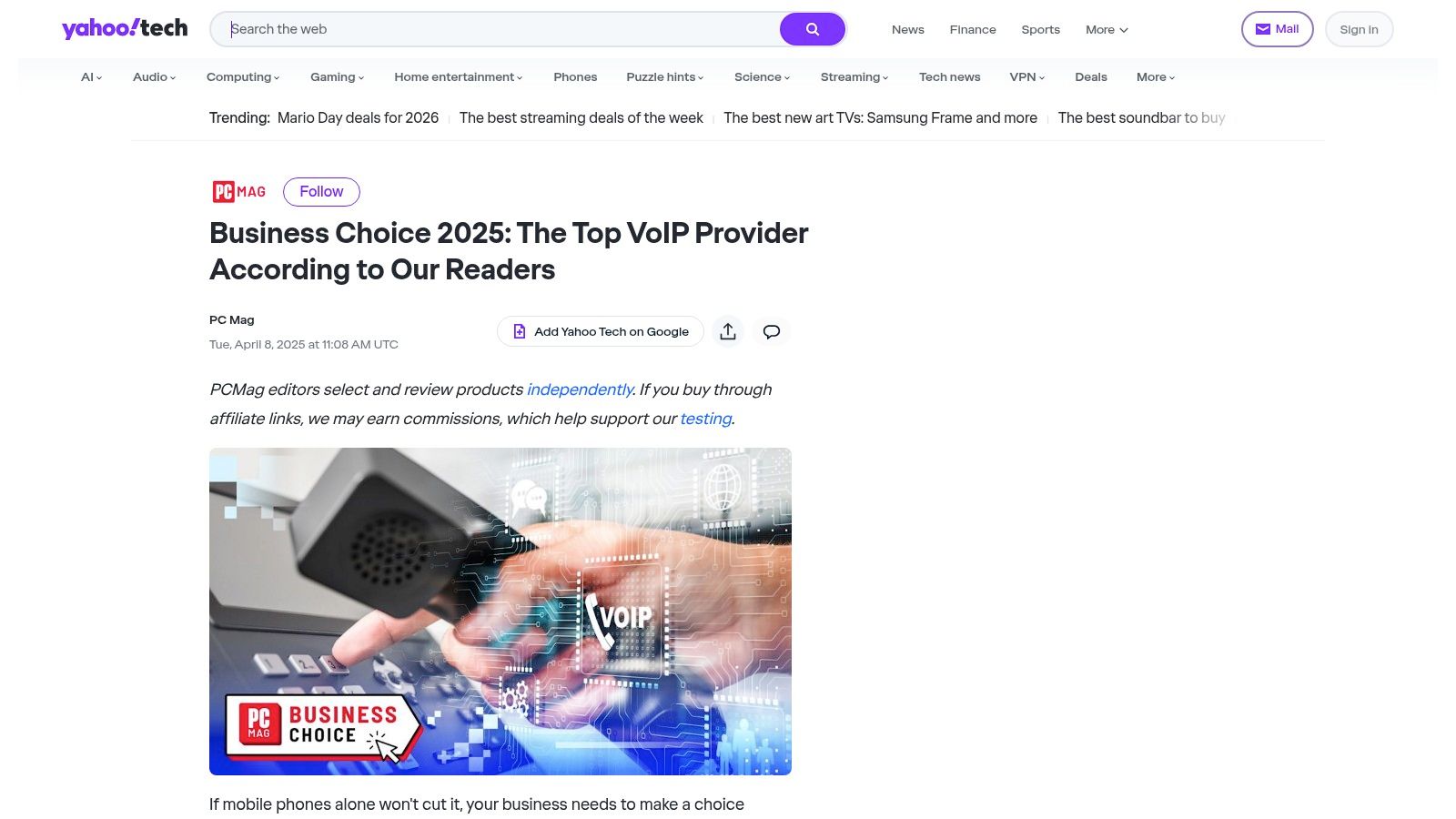
The platform’s strength is its ability to serve as a reputation and satisfaction counterbalance. For example, a spec sheet might show two providers with identical features like webinar capabilities and end-to-end encryption, and similar price points of around $30/user/month. However, PCMag’s data could reveal that one consistently earns higher marks for call quality and technical support. This reader-driven insight—a key value proposition—helps you look beyond marketing claims to see how a service truly performs under pressure.
Key Features and User Experience
Accessing the Business Choice Awards content is free, as it is supported by advertising and affiliate links. The presentation is straightforward, with clear charts and commentary that highlight which providers lead or lag in specific areas like mobile app performance or overall value.
- Satisfaction Trendlines: Because the survey has been running for years, you can see how a provider's reputation has evolved. A provider with consistently high scores is a better bet than one with a single good year.
- Detailed Scoring: The results break down satisfaction into specific categories, including Reliability, Tech Support, and Likelihood to Recommend. This allows you to prioritize what matters most, whether that's uptime or helpful support staff.
- Comparative Charts: The articles present data in simple bar charts, making it easy to see how major VoIP brands stack up against each other and against the industry average. You can quickly spot top performers at a glance.
Practical Tips and Limitations
Use PCMag’s survey results to validate the shortlist you created from more feature-focused sites like Forbes Advisor. If a provider looks great on paper but scores poorly in PCMag’s reliability ratings, it’s a major red flag. For example, if you are a healthcare clinic that cannot afford dropped calls during telemedicine sessions, a high reliability score here is non-negotiable.
A key limitation is that the survey respondent pool is a mix of small businesses, home offices, and larger companies, so the results may not perfectly reflect the needs of a large enterprise. The detailed survey methodology is also sometimes tied to the annual coverage release and may not be fully visible year-round. Therefore, while these reviews on VoIP providers are excellent for judging satisfaction, they should be one part of a broader research strategy.
Website: https://tech.yahoo.com/articles/business-choice-2025-top-voip-110856227.html?utm_source=openai
4. G2 – VoIP Providers category
G2 moves beyond expert opinions and into the world of peer-to-peer insights, making it an indispensable resource when gathering reviews on VoIP providers. The platform's value comes from its massive database of verified user reviews, which provides a granular look at how a VoIP service performs in real-world, day-to-day business operations. It helps you answer questions that high-level roundups can't, like "How painful is the implementation process?" or "Is the customer support team actually helpful?".
G2's core strength is its ability to segment and filter this user feedback. You can drill down into reviews from businesses of a similar size, industry, or geographic region, ensuring the experiences you're reading are relevant to your own. This makes it a powerful tool for validating the claims made by vendors and identifying potential red flags before committing to a contract.
Key Features and User Experience
Access to G2's reviews is free, though some in-depth reports and comparison tools may require you to create an account. The interface is data-rich but organized, with powerful filters that allow you to customize your research. Its signature "Grid" reports visually map out market leaders versus high-momentum challengers, offering a quick way to understand the competitive landscape.
- Verified User Reviews: G2 verifies a user's identity and employment, adding a layer of authenticity to the feedback. Reviews are often structured into "What do you like best?" and "What do you dislike?" sections, providing a balanced perspective.
- Granular Filtering: You can filter reviews by company size (Small Business, Mid-Market, Enterprise), user role, and industry. For example, a mid-market e-commerce company can filter to see what similarly sized retailers say about a provider's call center features.
- Comparative Grid® Reports: These reports plot providers based on user satisfaction and market presence. For example, you can see how a provider like AONMeetings is building momentum and winning on user satisfaction, even when compared to established giants. The G2 community's feedback highlights how newer, focused platforms can excel.
- Feature-Level Ratings: Users rate specific attributes like "Ease of Use," "Quality of Support," and "Ease of Setup," providing quantitative data to complement qualitative reviews. You might also find user comments on the availability of end-to-end encryption or the value of included webinar features.
Practical Tips and Limitations
The best way to use G2 is for mid-stage research. After creating a shortlist from a site like Forbes Advisor, use G2 to validate your choices and uncover user-reported issues. Search for reviews that mention your specific must-have features, like "HIPAA compliance" or "Salesforce integration," to see how the provider performs in those key areas. A price comparison can also be pieced together from user comments, which often mention if they feel the service provides good value for its cost.
One key limitation is the potential for vendors to run review-gathering campaigns, which can sometimes skew scores. Always read a mix of positive and negative reviews to get a complete picture, and pay close attention to the date of the reviews. Additionally, while the core review data is free, accessing deeper analytics or full market reports may be gated behind a signup.
Website: https://www.g2.com/categories/voip-providers?utm_source=openai
5. Capterra – VoIP Software (Shortlist)
Capterra serves as a vast B2B software directory where businesses can find and compare a wide range of VoIP applications. Its strength lies in its extensive catalog and user-generated reviews, making it a go-to resource for small to mid-sized businesses (SMBs) looking for candid feedback. The platform’s "Shortlist" report condenses this massive library into a digestible graphic that highlights top-performing products based on user ratings and popularity, offering a quick yet data-backed starting point for your research.
The site is particularly useful for teams that need to quickly validate a provider's claims against real-world user experiences. By filtering results based on specific features, integrations, or business size, a user can move from a broad market overview to a tailored list of candidates in minutes. This focus on peer reviews provides a valuable signal on factors like ease of setup, customer support responsiveness, and day-to-day usability, which are often glossed over in marketing materials.
Key Features and User Experience
As part of the Gartner Digital Markets network, Capterra’s content is free for users, with revenue generated from software vendors through sponsored placements and lead generation. This model means you'll see "Sponsored" tags on certain listings, a factor to consider when evaluating results. The user experience is built around powerful filtering and comparison tools.
- Filterable Feature Lists: Capterra excels at allowing users to drill down by must-have features. For example, a healthcare clinic can filter for VoIP providers that explicitly offer HIPAA compliance, while a sales team might filter for those with native Salesforce integration and call recording.
- Side-by-Side Comparisons: Users can select up to four providers and view them in a detailed comparison table. This lets you directly compare line-item features, pricing models, and user ratings. For example, a price comparison might show that Provider A's $25/month plan includes a 100-person webinar room, while Provider B's $22/month plan does not, clarifying the value proposition for a training-focused business.
- The Shortlist Report: This periodically updated report uses a simple graph to plot leading providers, giving you a fast visual reference of category leaders without needing to read dozens of individual reviews on VoIP providers first.
Practical Tips and Limitations
To make the most of Capterra, use its filters aggressively to narrow the field. Once you have a shortlist of three to five vendors, read both the positive and negative reviews to get a balanced perspective on each product’s strengths and weaknesses. Pay attention to reviews from companies of a similar size and industry to your own.
A significant limitation is that the depth of information can be inconsistent. While some listings are rich with detail, others are sparse. Furthermore, information on advanced security protocols like end-to-end encryption or specific details about a provider’s Business Associate Agreement (BAA) for HIPAA is often not readily available on the main profile page and requires further digging. For organizations with strict compliance needs, Capterra is best used as a tool for initial discovery before proceeding to direct vendor inquiries and demos.
Website: https://www.capterra.com/voip-software/shortlist/?utm_source=openai
6. GetVoIP – Specialist VoIP/UCaaS Reviews and Comparisons
GetVoIP positions itself as a specialized, VoIP-first publisher, making it an ideal resource for buyers who want to move beyond surface-level reviews. The site is dedicated to covering VoIP, UCaaS, CCaaS, and related technologies like SIP trunking. Its strength is in providing deep educational content alongside provider comparisons, which is perfect for organizations that need to understand the underlying technology before making a purchase.
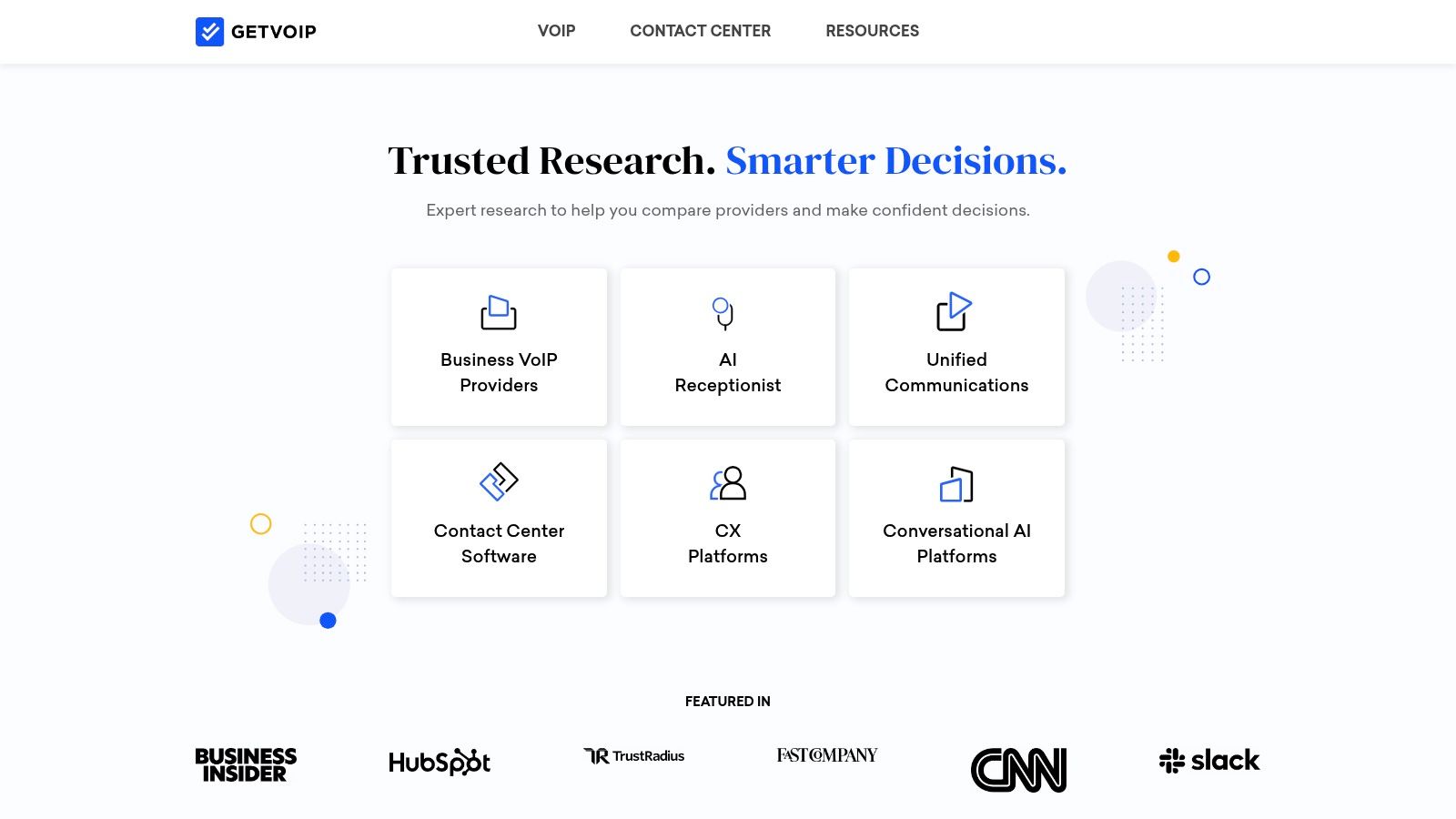
Unlike general business software sites, GetVoIP dives into the technical weeds. It offers guides on topics like PBX migration, call routing strategies, and the pros and cons of different hardware. This focus makes it a standout choice for IT managers or decision-makers who need to get up to speed on VoIP architecture quickly and find reliable reviews on VoIP providers from a more technical standpoint.
Key Features and User Experience
GetVoIP is free to access and operates on an advertising-supported model, which is clearly disclosed. The user experience is built around helping users learn and compare simultaneously. While the site is dense with information, its organization into guides, comparisons, and news helps users find what they need.
- Deep Educational Guides: The platform provides extensive "what is" guides on everything from SIP trunking to auto-attendants. For a practical example, a team migrating from a legacy PBX system can use these resources to understand exactly what technical steps and feature decisions are involved, such as porting numbers.
- Detailed Comparison Charts: GetVoIP creates charts comparing specific plans, features, and pricing tiers across multiple providers. The price comparison goes beyond the starting price, showing what's included. For example, it might highlight the value proposition that a provider's basic plan includes a 250-participant webinar license and standard TLS/SRTP encryption, while a competitor requires a higher-tier plan for the same features.
- VoIP-Centric Coverage: The content is narrowly focused on voice communication technologies. This means you won't get distracted by unrelated software categories, making it an efficient tool for its intended purpose.
Practical Tips and Limitations
The best way to use GetVoIP is as an educational tool paired with a comparison engine. Start with its guides to understand the terminology and features that matter most to your business. Then, use its comparison charts to create a shortlist of vendors that meet your technical and budgetary requirements.
A key limitation is that its lead-generation and affiliate model may influence which providers are featured most prominently. While the site provides a research methodology, it’s wise to treat its top recommendations as a starting point. Furthermore, the depth of hands-on testing can vary between providers, so some reviews may feel more theoretical than others. For businesses in sectors like healthcare, you'll need to verify HIPAA compliance claims directly with the vendor, as the site offers general guidance but not specific BAA details.
Website: https://getvoip.com/?utm_source=openai
7. Business News Daily – Best VoIP/Business Phone System Reviews
Business News Daily offers a practical, hands-on approach for small and medium-sized businesses looking for reviews on VoIP providers. Its content is structured around in-depth buying guides and individual provider reviews, which are scored and regularly updated. This platform excels at translating complex VoIP features into actionable business advice, helping decision-makers understand the real-world implications of their choices.
The site is particularly valuable for its "best for" designations, which go beyond generic labels. Instead of just "Best for Small Business," you will find specific scenarios like "Best for Multisite Retail" or "Best for Healthcare Practices." This level of detail helps businesses quickly identify providers that are pre-vetted for their industry's unique challenges, such as managing communications across multiple locations or ensuring HIPAA compliance.
Key Features and User Experience
Business News Daily provides its expert content for free, supported by affiliate relationships which are clearly disclosed. The user experience is straightforward, focusing on clear, scannable articles that balance detailed analysis with easy-to-digest summaries. The platform's commitment to editorial hygiene, with visible update dates and editor review labels, builds trust.
- Actionable Cost Breakdowns: The reviews do an excellent job of dissecting pricing plans. A detailed price comparison might show that while Provider X's base plan is $5 cheaper, its value proposition is weaker because it lacks webinar capabilities and charges extra for call recording, making the seemingly more expensive Provider Y a better deal for a sales team.
- Use-Case-Specific Reviews: The focus on verticals is a major strength. For a practical example, a healthcare clinic can read a review that directly discusses which VoIP providers offer Business Associate Agreements (BAAs) and have features like secure messaging with end-to-end encryption, which is critical for HIPAA compliance.
- Complementary Educational Guides: Beyond direct reviews, the site offers guides on related topics like PBX systems, cloud phone systems, and multiline phone systems. This helps readers build a foundational knowledge of business communications technology.
Practical Tips and Limitations
Use Business News Daily when you have a specific business context in mind. Its targeted reviews are ideal for creating a highly relevant shortlist. For example, if you run a small call center, their analysis of providers with strong call queueing and analytics features will be more useful than a generic "best of" list. The clear cost analysis helps you budget effectively from the start.
A notable limitation is the primary focus on SMB needs. Large enterprises with complex networking, security, or global deployment requirements may find the reviews lack the necessary technical depth. While a provider's encryption standards might be mentioned, a deep dive into advanced network security protocols is often outside the scope. For these organizations, Business News Daily is a good starting point, but it must be supplemented with enterprise-focused analysis and direct vendor consultations.
Website: https://www.businessnewsdaily.com/best-voip-business-phone-systems?utm_source=openai
Top 7 VoIP Review Sources Comparison
| Source | Implementation complexity | Resource requirements | Expected outcomes | Ideal use cases | Key advantages |
|---|---|---|---|---|---|
| Forbes Advisor – Best VoIP Services | Low — plain-English summaries, minimal technical depth | Minimal — web access and quick vendor price snapshots | Timely shortlists and "best for" recommendations | Startups and small businesses seeking fast comparisons | Regular updates, easy-to-scan recommendations |
| TechRadar Pro – Best VoIP/Business Phone System Guides | Low–Medium — includes hands-on testing context | Moderate — reading reviews and testing notes | Practical strength/weakness summaries and integration guidance | Businesses replacing PBX or evaluating integrations | Hands-on testing and business-focused analysis |
| PCMag – Business Choice (reader satisfaction benchmarks) | Low — survey-driven ranking, not technical how‑to | Minimal — consume survey results and charts | Reputation and satisfaction signals (support, reliability) | Buyers prioritizing user satisfaction and support reliability | Independent reader-survey benchmarks and trendlines |
| G2 – VoIP Providers category | Medium — large review volume requires filtering | Moderate — time to filter by size/industry; sign-up for some reports | Day-to-day UX, support, and implementation insights from peers | Shortlisting by company size, industry, or real-world use | High volume of verified user reviews and filterable views |
| Capterra – VoIP Software (Shortlist) | Low — concise side-by-side comparisons | Minimal — use filters and shortlists to narrow options | Fast shortlist and feature-based comparisons | SMBs needing quick vendor narrowing and feature checks | Rapid scanning, SMB-oriented feedback and pricing snippets |
| GetVoIP – Specialist VoIP/UCaaS Reviews and Comparisons | Medium — deep VoIP topics and migration guides | Moderate — time to study technical guides and comparisons | Education on VoIP architecture and targeted provider comparisons | Buyers new to VoIP or planning PBX/SIP migrations | Niche VoIP expertise and comprehensive educational content |
| Business News Daily – Best VoIP/Business Phone System Reviews | Low — scored reviews and buying guides | Minimal–Moderate — review scores, cost breakdowns, guides | Actionable pricing comparisons and "best for" picks for SMBs | Small and midsize businesses comparing costs and use cases | Clear cost breakdowns, scored reviews and editorial disclosures |
Your Blueprint for Making the Right Choice
We've explored a variety of reputable sources for reviews on VoIP providers, from the broad-strokes analysis of Forbes Advisor and TechRadar Pro to the user-driven satisfaction scores on PCMag and G2. Each platform, whether it’s the specialized focus of GetVoIP or the small-business lens of Business News Daily, offers a unique piece of the puzzle. Now, the task is to assemble those pieces into a clear picture that serves your specific organizational needs. Making the right choice isn't just about picking the top-rated service; it’s about finding the provider that aligns perfectly with your operational workflow, security requirements, and budget.
The journey through these review sites has uncovered several critical takeaways. First, no single provider is the "best" for everyone. A startup might prioritize the simple, transparent pricing of a provider celebrated on Capterra, while a healthcare clinic must put HIPAA compliance, a factor often highlighted in detailed TechRadar Pro guides, above all else. Second, user reviews are a double-edged sword. While invaluable for real-world insights on platforms like G2, they must be balanced with expert analysis to get the full story.
Creating Your VoIP Selection Checklist
To move from information to action, create a personalized evaluation checklist. This simple step turns an overwhelming sea of data into a manageable decision-making framework. Your checklist should be a living document that directly reflects your organization's priorities.
Start by defining your non-negotiables:
- Security & Compliance: Is HIPAA compliance a legal necessity? If you're a telemedicine provider, this is your first filter. A provider's lack of a Business Associate Agreement (BAA) and end-to-end encryption is an immediate disqualification.
- Core Use Case: Are you primarily hosting large-scale webinars or one-on-one client consultations? A marketing team needs robust webinar features, like polls and Q&A, while a small coaching business may only need reliable, high-quality video for a handful of participants.
- Budgeting Model: Do you prefer a predictable, per-user monthly fee, or does a pay-as-you-go model better suit your fluctuating usage? Price comparisons are essential, but also consider the total cost of ownership, including any add-on fees for features like call recording or extra storage.
- Essential Features: List the features you cannot operate without. This might include call recording for training purposes, virtual backgrounds for professionalism, or integration with your existing CRM for streamlined workflows.
From Shortlist to Solution
With your checklist in hand, revisit the review sources. Use your criteria to build a shortlist of 3-5 providers that appear to be a strong fit. To aid your decision-making process and evaluate actual options, explore a detailed analysis of the Top 12 Best Business VoIP Providers for Performance and Security. This resource offers another layer of comparison that can help you cross-reference features and pricing for your top candidates.
Once you have your shortlist, the final step is direct engagement. Sign up for free trials or request live demos. This is where you test your assumptions.
Pro Tip: During a trial, don't just test the features; simulate your most common real-world scenarios. If you're an educator, run a mock class with a few colleagues. If you're in sales, conduct a practice client demo to check screen-sharing quality and stability.
Pay close attention to the user interface's intuitiveness and the quality of customer support. A feature is only valuable if your team can actually use it without extensive training. Your goal is to find the provider that not only meets your technical requirements but also feels like a natural extension of your team. This hands-on evaluation, guided by the research you've conducted, is your blueprint for selecting a VoIP solution that will support your growth and success for years to come.
Ready to experience a communication tool that combines security, simplicity, and powerful features? AONMeetings offers a secure, HIPAA-compliant platform ideal for everything from confidential healthcare consultations to dynamic webinars. Discover the difference a dedicated, high-performance meeting solution can make by exploring AONMeetings today.
