
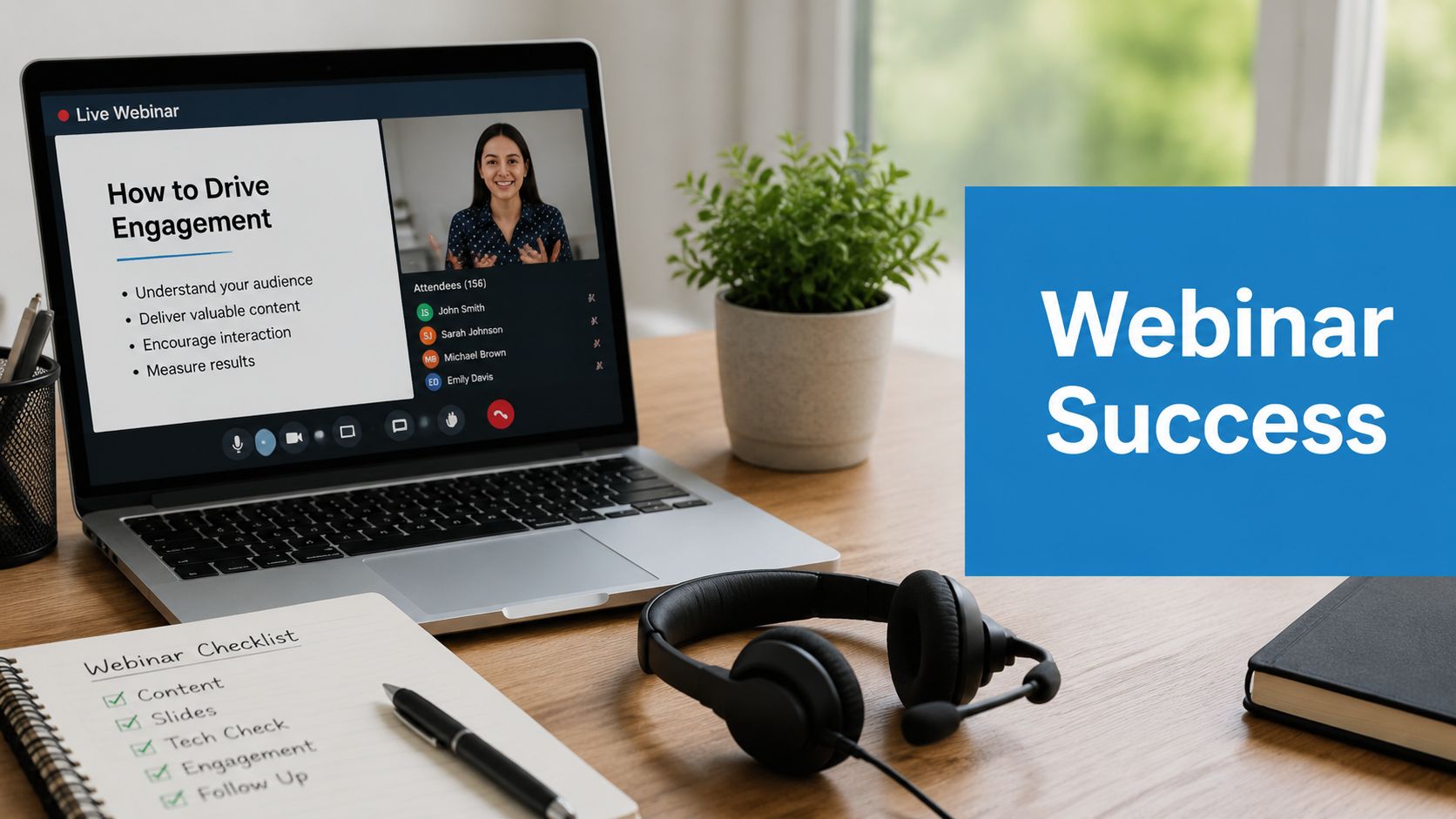
A webinar doesn't fail because the presenter lacked effort. It fails because the session was built like a slide deck, scheduled like an internal meeting, and promoted like an afterthought. One of the clearest signals is audience expectation around interaction: 92% of viewers want a live Q&A session, according to RingCentral's webinar statistics roundup. If your format is still one person talking over crowded slides for 45 minutes, you're already behind what attendees expect.
That gap is where most webinar ROI disappears. You can have strong subject matter, a credible speaker, and a decent registration page, then still lose people because the timing is off, the room feels static, or the follow-up arrives too late to matter. Good webinars don't happen by default. They're produced.
The best practices for webinars in 2026 are less about flashy tactics and more about operational discipline. Schedule for the audience, not your convenience. Build interaction into the run of show. Measure engagement, not just signups. Treat the recording as a real asset. For regulated sectors, add security and encryption into the workflow from the start, not after procurement asks awkward questions.
AONMeetings is relevant here because webinars are included in the platform, along with bank-level encryption, recordings, screen sharing, whiteboards, document sharing, and browser-based access. Pricing also changes the math for smaller teams. Plans start at ₹179 per user per month, which matters if you need webinar capability without moving into enterprise software budgets.
1. Pre-Webinar Planning and Technical Setup
Most webinar problems show up before the webinar starts. The presenter hasn't tested audio. The host doesn't know who admits late attendees. Someone uploads the wrong deck. In healthcare or education, the risk is higher because privacy, access control, and recording policies can't be improvised live.

A sound setup starts with roles. One person owns the content. One runs the room. One handles chat, Q&A, and troubleshooting. If you're running a product launch with multiple cameras or a training session with breakout rooms, rehearse in the exact format you'll use live. Browser check, lighting check, mic check, screen-share check, recording check.
What to lock down before launch
AONMeetings is useful here because webinars are included and the platform supports waiting rooms, SMS notifications, moderator controls, recordings, and browser-based access. For teams comparing tools, this overview of webinar software for small business is a practical place to benchmark what you need against cost.
Use a short preflight list:
- Run a full rehearsal: Test the whole session 24 to 48 hours before going live, including handoffs, media playback, polls, and recording.
- Verify access controls: In healthcare training, confirm the waiting room, meeting lock, and recording permissions before attendees join.
- Prepare backups: Have a second host, a backup deck, and alternate speaker contact ready.
- Document room settings: Save naming conventions, layouts, and permissions so recurring webinars stay consistent.
- Stress-test presenter gear: A cheap mic in a noisy room will hurt trust faster than almost anything else.
Practical rule: Treat webinar production more like live broadcasting than like a calendar invite.
A telemedicine clinic running staff training, for example, may need HIPAA-compliant recording, controlled entry, and encrypted sessions. An enterprise team launching a product may care more about multi-camera broadcast and moderator choreography. A creator moving into webinars may even borrow setup discipline from advice for aspiring streamers, because camera framing, audio quality, and rehearsal habits translate directly.
2. Strategic Audience Engagement and Interaction Design
Engagement isn't a garnish. It's the format. NIH guidance recommends interactive learning activities, polling questions, and post-webinar surveys, and a Stanford CME guide says five-minute intervals are a good marker for audience interaction in webinar settings, as noted in Stanford's webinar best practices PDF. That pacing advice is more useful than generic “make it interactive” talk because it gives you a rhythm.
If attention drops every few minutes, your run of show should anticipate that. Don't wait until the end for the audience to do something. Add a poll early. Ask for a chat response after a key point. Use a whiteboard for a worked example. Bring the moderator in to cluster questions and keep the speaker moving.
A practical interaction rhythm
What works in practice is a cadence, not random feature use:
- Open with participation: Ask a simple question in chat or use a quick poll to establish who's in the room.
- Interrupt passivity: Every few minutes, switch formats. Slide to poll, poll to demo, demo to Q&A.
- Use smaller rooms selectively: Breakout rooms help in workshops, coaching cohorts, and training. They usually hurt momentum in short lead-gen webinars.
- Design for the moderator: Give the moderator prewritten prompts and fallback questions in case the room is quiet.
A tutoring company can split a larger test-prep session into breakout rooms for timed practice, then pull everyone back for debrief. A healthcare trainer can annotate a case study on a whiteboard instead of reading from slides. A B2B SaaS team can use live Q&A and polls to learn where buyers are getting stuck.
Short interactions beat long monologues. The audience doesn't need more features. It needs more chances to think and respond.
AONMeetings supports breakout rooms, whiteboards, document sharing, and a dedicated Q&A feature. Those aren't valuable because they sound advanced. They're valuable because they let you engineer attention rather than hope for it.
3. Clear Value Proposition and Content Architecture
Weak webinars usually have a topic. Strong webinars have a promise. The audience should know exactly what they'll learn, why it matters now, and what they'll be able to do next. If that isn't clear on the registration page and in the first minute of the session, your attendance quality drops even when registration volume looks fine.
Good architecture is simple. Start with the problem. Show the cost of mishandling it. Walk through a framework people can use immediately. Then offer the next step. At this point, many teams overcomplicate things and bury the useful material under company history, speaker intros, and ten setup slides.
Build the promise before the deck
A webinar title like “Telemedicine Trends Update” is broad and forgettable. “How Clinics Can Run Secure Staff Training and Patient Education Sessions Without Complicated Webinar Software” gives people a reason to register. The same rule applies in education and SMB marketing.
Try a structure like this:
- Problem first: Name the operational issue your audience already feels.
- Three-part framework: Keep the teaching model tight so people can follow it live.
- Specific takeaway: Promise a template, checklist, or implementation path.
- Soft commercial transition: Offer the product, consult, or demo after the value is clear.
For example, an SMB-focused webinar can compare value propositions directly. AONMeetings includes webinars in all plans, starts at ₹179 per user per month, and includes unlimited meeting time, recordings, screen sharing, whiteboards, document sharing, and bank-level encryption. If your audience is comparing tools, “included webinar hosting without contracts or hidden fees” is a real value proposition. So is browser-based access with instant join links for attendees who don't want another download.
A cost-optimization webinar for operations teams could also compare categories qualitatively: all-in-one meeting and webinar tools with included hosting can simplify procurement versus buying separate meeting, webinar, and recording products. That's the kind of practical framing buyers remember. It also aligns well with broader content marketing for lead generation strategies, because the webinar becomes a conversion asset, not just an event.
4. Optimized Promotion and Registration Strategy
Promotion windows matter more than often realized. According to AMA's webinar benchmark guidance, close to 50% of registrations can occur in the final seven days before the live date. That means ending promotion early is one of the easiest ways to underperform.
Teams often front-load effort into the announcement email and then coast. That's a mistake. The final week is where urgency, reminders, partner amplification, and retargeting do the heavy lifting. If the webinar serves multiple markets, local timing in your reminder sequence matters too.
Keep promotion alive until showtime
A working promotion plan has phases:
- Early phase: Announcement email, landing page, social posts, partner outreach.
- Middle phase: Value-forward reminders, speaker angles, audience-specific messaging.
- Final week: Daily visibility through email, social, sales outreach, and partner nudges.
- Day-of operations: Reminder stack, join instructions, support contacts, and immediate access links.
For attendance support, use the reminder cadence highlighted in the AMA guidance: one week, one day, and one hour before the event. AONMeetings adds practical support here with SMS notifications and instant join links, which are useful when people register on mobile or decide to join at the last minute. If you want a tactical breakdown, this guide on how to increase webinar attendance maps the mechanics well.
Audience segmentation also changes outcomes. A healthcare compliance webinar should sound different from a tutoring workshop or a startup product demo. A clinic may care about encrypted sessions and HIPAA-compliant workflows. An educator may care about breakout rooms, recordings, and browser access for students. A small business may care about all-in-one value and not paying extra for webinars.
Field note: Don't let the registration page do all the persuasion. Your reminder emails should keep selling the outcome, not just restate the date.
5. Professional Visual Design and Presentation Standards
Audiences judge credibility visually long before they evaluate your argument. That doesn't mean every webinar needs a studio. It does mean your slides, camera framing, lighting, and on-screen branding should feel intentional.
Messy visuals create cognitive drag. Dense slides force attendees to read instead of listen. Bad contrast hurts accessibility. A cluttered background makes even a strong presenter look underprepared. The fix is usually restraint, not more design.
Design for clarity, not decoration
Use fewer words per slide, stronger hierarchy, and one point at a time. If you're teaching a process, show the process. If you're comparing options, use a clean visual pattern. If you're demoing software, zoom in and slow down. Don't make people squint at tiny interface text.
AONMeetings helps with the practical side because it includes screen sharing, whiteboards, virtual backgrounds, and multi-camera broadcast on advanced tiers. Those features can raise production value without requiring separate tools. A consulting team can use a branded virtual background for consistency. A product team can switch camera angles during a launch. A training team can combine slides with whiteboard explanation instead of stacking dense text.
A few standards consistently hold up:
- Use high contrast: Especially for educational and healthcare audiences where accessibility matters.
- Label speakers clearly: Include name, role, and organization on opening and closing slides.
- Keep branding consistent: Use the same fonts, color palette, and lower-third treatment across a webinar series.
- Test media in-platform: Video clips and animations often behave differently in rehearsal versus live broadcast.
A healthcare organization, for example, might use simple branded templates with privacy-conscious visuals and minimal patient detail. A coaching center might rely more on worked examples and whiteboard explanation. Different sectors need different aesthetics, but all of them benefit from visual discipline.
6. Speaker Expertise Positioning and Credibility Building
People register for topics. They attend for relevance. They stay when they trust the speaker. Credibility isn't built by listing every award in a long bio. It's built by showing that the presenter understands the audience's exact problem and can explain it clearly.
The introduction is a common pitfall for webinars. It's either too thin, so the audience doesn't know why this person matters, or too bloated, so the first useful point arrives late. Keep the speaker framing compact and tied to the session promise.
Show authority in ways the audience can use
A good speaker intro answers three questions. Why this person. Why this topic. Why now. Then the webinar should reinforce credibility through examples, practical trade-offs, and clear answers.
Use proof points qualitatively if you don't have verified numbers. For example, a board-certified physician leading a clinical operations webinar signals a different kind of trust than a generic moderator reading policy notes. A founder walking through product implementation choices carries more weight than a sales rep reciting a script. An experienced tutor showing how to break down exam strategy is more credible than a general academic advisor.
Keep these tactics tight:
- Match the speaker to the audience: Compliance topics need practitioners who've handled regulated workflows.
- Use relevant bios: Highlight publications, certifications, leadership roles, or hands-on operating experience.
- Add context in promotion: The registration page should explain why the speaker is worth an hour of attention.
- Use moderated interviewing when needed: Some experts are strong operators but weak presenters. A good moderator can surface their insight.
For webinars tied to software selection, the speaker's credibility also comes from honesty. If you're comparing options, say where a lower-cost all-in-one tool fits and where an enterprise stack may still make sense. That kind of trade-off language builds trust faster than polished hype.
7. Real-Time Moderation and Audience Management
A webinar host who only presses “start” isn't moderating. Real moderation means protecting flow, screening distractions, managing access, and making the room feel responsive. It's part customer experience, part stage management.
This matters even more in sensitive settings. A healthcare webinar may surface privacy issues in chat. A public product demo may attract competitors or spam. A student session may need tighter behavior norms. If no one owns the room in real time, the presenter gets pulled away from the content and the audience feels it immediately.
Moderation is part of the product
A good moderator arrives early, checks speaker readiness, watches attendance flow, and keeps an eye on engagement signals. They also know when not to interrupt. Chat can be active without needing to be narrated constantly.
AONMeetings supports waiting rooms, meeting lock, moderator controls, and browser-based access. That stack helps with practical audience management. You can verify attendees before entry, lock the room after expected participants join, and keep the presenter focused while the moderator handles edge cases.
Use a moderation protocol like this:
- Open the room early: Let attendees settle in while the moderator handles technical issues privately.
- Set expectations fast: Tell people how Q&A works, whether chat is public, and when questions will be answered.
- Protect relevance: Group duplicate questions and prioritize the ones that move the discussion forward.
- Act quickly on disruption: Remove bots, redirect off-topic threads, and don't debate bad-faith participants live.
An enterprise webinar on roadmap strategy, for example, may need tighter attendee verification than a broad educational session. A community webinar on sensitive topics may need stronger chat oversight and clearer participation rules. Different audiences need different guardrails. The best practices for webinars always include moderation because audience trust depends on it.
8. Post-Webinar Follow-Up and Content Repurposing Strategy
The live session is only part of the asset. Modern webinar strategy increasingly treats the event as one component in a broader content system that includes recording reuse, drip campaigns, and post-event excerpts, as discussed in Livestorm's webinar best practices article. Teams that stop at “thanks for attending” leave value on the table.
This is also where format strategy gets more interesting. Some webinars should be built for live interaction. Others should be built to age well as recordings. Training, patient education, onboarding, and evergreen product explainers often have strong afterlife value if the recording is easy to use and redistribute.
Build the afterlife before the event ends
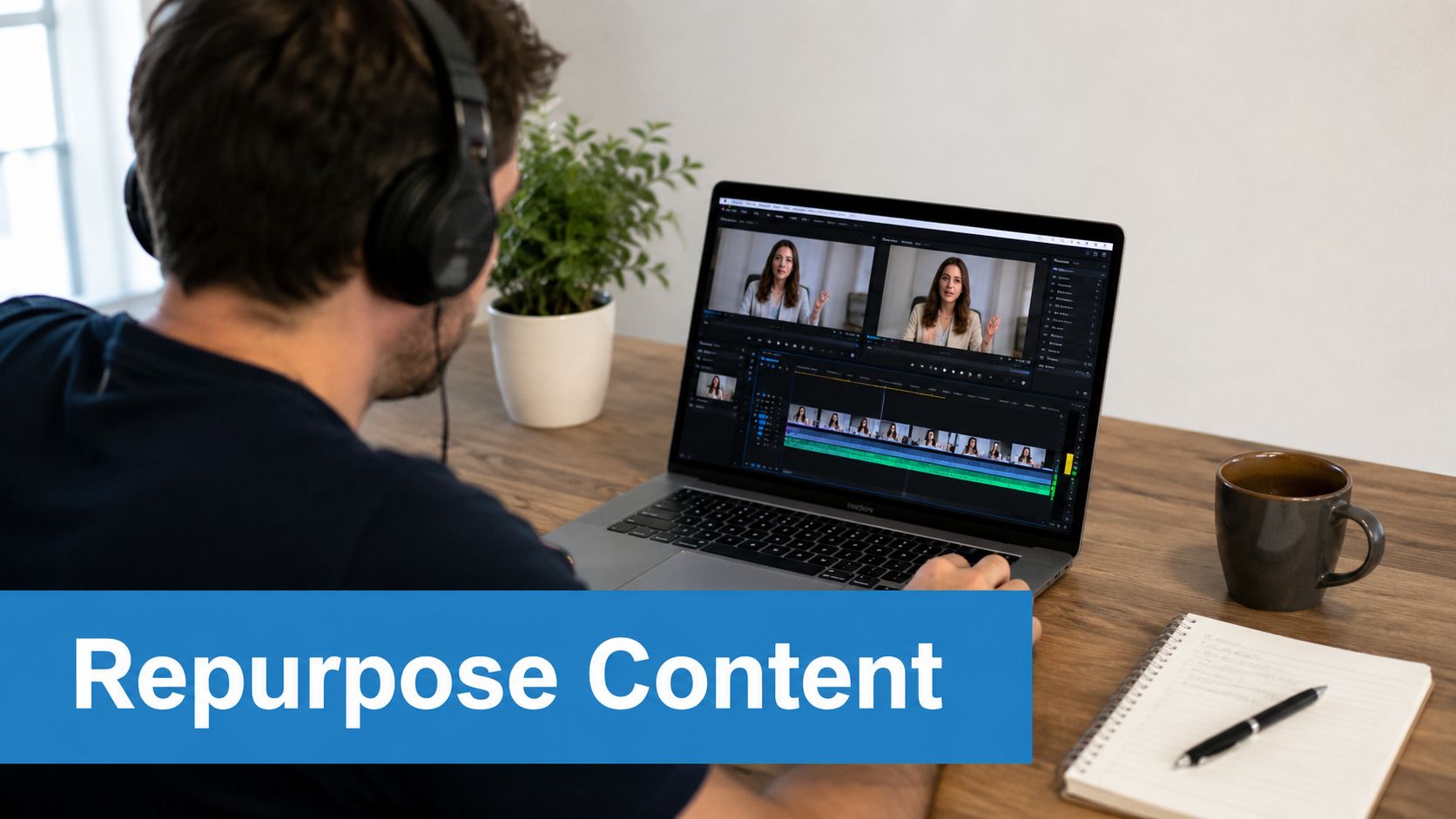
The follow-up process should already be written before you go live. Segment attendees from no-shows. Send the recording quickly. Pull highlights for social and sales enablement. Turn common questions into FAQs, short clips, or blog content.
AONMeetings fits well here because recordings are included, the platform supports searchable recordings, and webinars are part of the same system as meetings. This practical guide on how to record webinars is useful if you want a tighter post-event workflow.
Use the recording in specific ways:
- For healthcare: Add approved educational sessions to staff or patient learning libraries.
- For education: Archive lessons for review, makeup attendance, and revision cohorts.
- For SMB sales: Clip product demos into shorter objection-handling assets for prospects.
- For marketing teams: Turn strong answers from Q&A into follow-up emails and social posts.
Webinar performance should also be judged by downstream action. In 2026 benchmark guidance, a good attendee-to-action conversion rate is estimated at 15% to 30%, with format-specific ranges for educational, sales, demo, and coaching webinars, according to EasyWebinar's webinar analytics guidance. That's why post-event tracking should focus on show-up rate, stick rate, CTA response, and conversion quality, not just registrations.
8-Point Webinar Best Practices Comparison
| Practice | Implementation complexity | Resource requirements | Expected outcomes | Ideal use cases | Key advantages |
|---|---|---|---|---|---|
| Pre-Webinar Planning and Technical Setup | High, coordination, rehearsals, contingency plans | Technical staff, testing equipment, backup internet, rehearsal time | Fewer technical failures, smooth delivery, regulatory compliance | Healthcare, enterprise, large-scale webinars | Minimizes downtime, ensures compliance, increases presenter confidence |
| Strategic Audience Engagement and Interaction Design | Medium, interactive flows and moderation required | Moderators, polling/quiz tools, breakout setup, content prep | Higher engagement and retention, real-time feedback, community building | Trainers, educators, product demos, workshops | Boosts retention, gathers insights, fosters networking |
| Clear Value Proposition and Content Architecture | Medium, audience research and structured scripting | Content strategists, subject-matter experts, case studies | Attracts qualified attendees, improved conversions, clearer messaging | Startups, B2B lead generation, educational webinars | Increases attendance quality, enables repurposing, builds authority |
| Optimized Promotion and Registration Strategy | Medium–High, multi-channel campaign coordination | Marketing team, landing pages, email/SMS tools, ad spend | Increased registrations and attendance, broader awareness | Product launches, large-audience events, partnership webinars | Maximizes reach, improves attendance rates, captures marketing data |
| Professional Visual Design and Presentation Standards | Medium, design and production work | Graphic designers, video equipment, branded templates | Higher perceived expertise, better information retention, shareable recordings | Brand-sensitive orgs, marketing webinars, executive presentations | Enhances credibility, strengthens brand, creates reusable assets |
| Speaker Expertise Positioning and Credibility Building | Low–Medium, asset compilation and promotion | Speaker bios, testimonials, case studies, media assets | Increased trust, higher-quality leads, improved conversion rates | Service firms, consulting, healthcare, thought leadership sessions | Differentiates speakers, raises conversion potential, builds trust |
| Real-Time Moderation and Audience Management | Low–Medium, active monitoring and controls | Dedicated moderator(s), moderation tools, policies | Safer, focused environment, fewer disruptions, protected reputation | Sensitive topics, large interactive sessions, education | Preserves professionalism, manages disruptions, improves Q&A quality |
| Post-Webinar Follow-Up and Content Repurposing Strategy | Medium, post-production and automation workflows | Editors, transcript tools, marketing automation, distribution channels | Extended ROI, ongoing leads, content library for reuse | Lead nurturing, on-demand content libraries, education | Maximizes content lifespan, drives sustained engagement and conversions |
Your Blueprint for Webinar Excellence
Successful webinars don't come from one great presenter or one clever promotion trick. They come from a system. You pick a time that fits the audience. You rehearse the session like a live production. You build interaction into the agenda instead of bolting it on at the end. You keep promotion running through the final week. You moderate actively. Then you treat the recording and follow-up as part of the same campaign, not as admin work.
That's the difference between a webinar that feels disposable and one that keeps generating value after the live event. The strongest teams I've seen are disciplined about the basics. They don't overload slides. They don't let speakers improvise the structure. They don't confuse registrations with outcomes. They know that engagement signals are usually more useful than raw attendance, and they adjust live when attention starts to drift.
The trade-offs are real. A highly interactive webinar can produce better audience insight, but it requires a stronger moderator and tighter pacing. A polished visual setup can raise credibility, but only if the content is worth watching. A recording-first strategy can extend reach, but some topics still perform best when people can ask questions live. There isn't one format for every team. There is a repeatable operating model: secure setup, clear promise, active facilitation, thoughtful follow-up.
Cost matters too. Plenty of organizations need webinar capability without enterprise procurement cycles or stitched-together tools. In that context, value isn't just a low monthly price. Value is getting webinars included, recordings included, and practical essentials like screen sharing, whiteboards, document sharing, encryption, waiting rooms, moderator controls, and browser access in one platform. AONMeetings is one relevant option here because it combines those webinar and meeting functions with bank-level encryption and pricing that starts at ₹179 per user per month. For healthcare, education, SMBs, and internal training teams, that all-in-one model can simplify both budget and execution.
If you're building webinars for regulated audiences, security should sit near the top of your checklist. Encryption, controlled entry, recording policies, and moderator controls aren't “nice extras.” They're operational requirements. If you're building webinars for lead generation, your checklist shifts toward value proposition, interaction design, and post-event conversion. Different priorities. Same discipline.
Use these eight practices as your operating standard. Tighten the timing. Improve the room flow. Reduce friction for attendees. Measure what happens after the event, not just before it. Do that consistently, and webinars stop being one-off events and start becoming dependable assets for education, pipeline, and trust.
If you want a platform that includes webinars, recordings, security features, and browser-based access in one package, take a closer look at AONMeetings. It's a practical option for teams that need secure, professional webinars without paying for a separate enterprise webinar stack.
