

In 2024, the American Hospital Association reported that virtually all U.S. hospitals had adopted some form of telehealth. That level of adoption changes the job for clinic operators. Telehealth now needs the same operational discipline as any other service line, with defined workflows, staff training, compliance controls, and platform standards.
Growth is not the only story. Expectations are higher. Patients expect fast access and clear instructions. Clinicians need visit flows that protect time and reduce rework. Compliance leaders need systems that hold up during audits, incident reviews, and vendor assessments. I have seen clinics run into trouble not because video failed, but because the surrounding process was weak. Identity checks were inconsistent, consent was buried, recordings were stored loosely, or staff had no playbook when a patient could only join by phone.
That is the gap this guide addresses.
Instead of repeating generic advice, this article treats telehealth as an operating model. The ten practices below cover security, intake, documentation, patient flow, technical support, audit readiness, and EHR integration. They also call out platform-level details that affect daily execution, including waiting room controls, recording settings, encryption coverage, support workflows, and included training resources. For teams comparing tools, that level of detail matters as much as headline features. Even a general review of video conferencing options for small business can help frame the baseline questions clinics should ask before they buy a healthcare-specific platform.
The goal is practical selection and implementation. Clinics need to know which controls should be standard, which features are worth paying more for, where lower-cost tools create compliance or workflow trade-offs, and how vendor extras such as onboarding sessions or training webinars reduce rollout friction. That is what determines whether telehealth improves access without creating new operational risk.
1. Implement End-to-End Encryption for All Patient Communications
Security starts before the visit and continues after it ends. If your platform doesn't protect video, audio, chat, scheduling messages, and follow-up communications, you're creating gaps around protected health information.
A strong baseline is specific, not generic. For healthcare organizations, AES-256 for data at rest and TLS 1.3 for data in transit, plus automated key rotation, HSM-based key storage, RBAC, and six-month risk assessments form a practical security standard that aligns with HIPAA and NIST expectations.

What secure telehealth looks like in practice
A mental health clinic doesn't just need encrypted live calls. It also needs encrypted appointment reminders, secure file sharing for intake forms, and access logs when staff retrieve visit artifacts later. The weak point is often the “small” workflow around the visit, not the visit itself.
That's why I prefer platforms where encryption is built into the service instead of treated as an upgrade. HIPAA guidance for telehealth security emphasizes end-to-end encryption of the communication channel, secure EHR and billing integration, encrypted scheduling and follow-up communications, and audited access to encryption systems. In other words, security has to cover the whole operational loop.
Practical rule: Turn encryption on by default for every account. If staff have to remember to enable it per session, someone eventually won't.
Price comparison and platform trade-off
There's also a cost decision here. Typical enterprise telehealth or meeting solutions often run in the range of $300 to $500 per user annually, while AONMeetings starts at ₹179 per user per month and includes unlimited meeting time, webinars, recordings, waiting rooms, and bank-level encryption. That makes it materially different from platforms that separate meetings from webinar tools or reserve stronger controls for higher tiers.
For clinics evaluating vendors, compare more than call quality. Compare encryption defaults, auditability, webinar inclusion for patient education, and whether the product supports healthcare workflows out of the box. This small-business video conferencing comparison is a useful place to start if you want to see how feature sets differ in practical use.
2. Establish Pre-Visit Patient Identity Verification Protocols
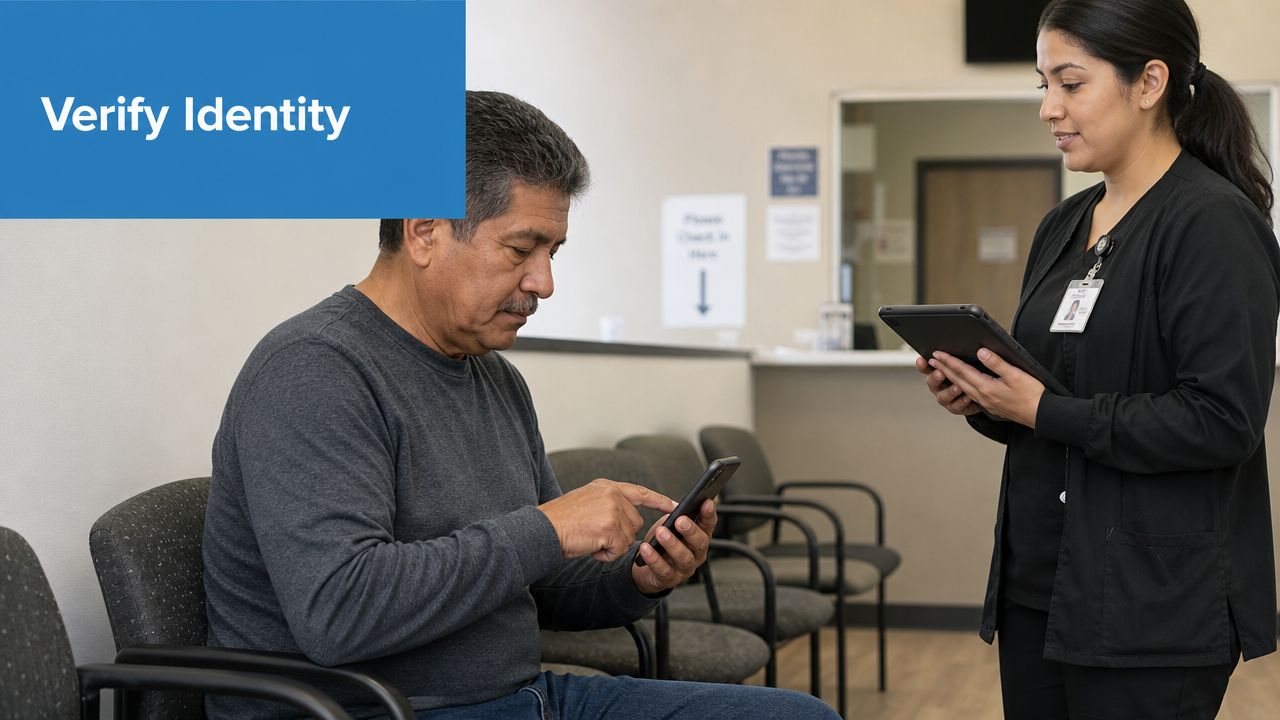
A wrong-patient telehealth encounter is easy to trigger and hard to undo. It can start with a forwarded link, a family-shared device, or staff who assume the scheduler already verified identity.
The fix is boring on purpose. Standardize it. Every visit should begin with a short script that confirms the patient's name, date of birth, and another identifier before any clinical details are discussed. The same workflow should confirm the patient's physical location and callback number in case the session drops.
Make verification part of the flow, not an exception
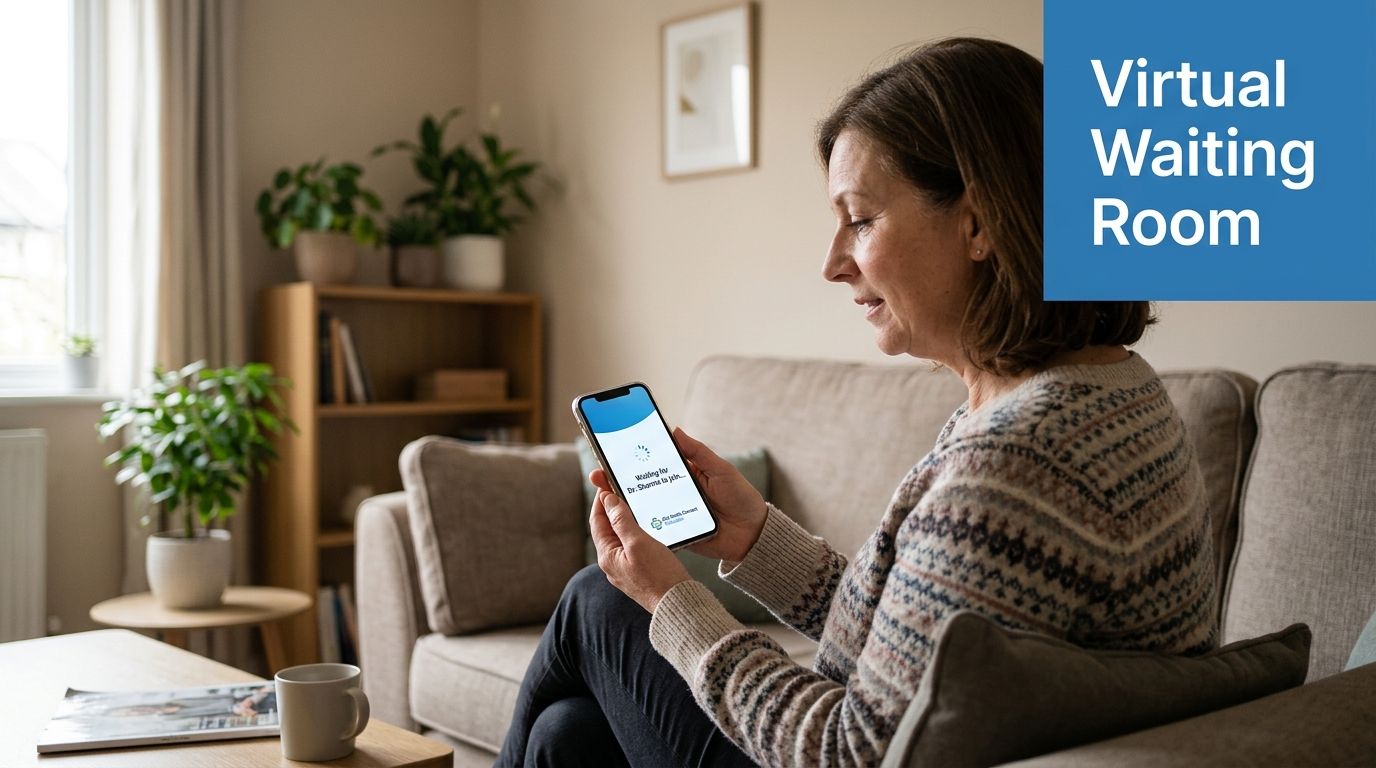
This is where waiting rooms and moderator controls matter. A patient joins, staff confirm identity, then the clinician enters. If the clinic serves minors, caregivers, or dependent adults, the workflow should also document who else is present and why.
Practical examples help. A pediatric telehealth practice might verify the parent's identity first, then the child's name and date of birth, and then note the parent's relationship in the chart. A behavioral health clinic might add an extra check for high-risk visits and confirm an emergency contact before starting the encounter.
- Use layered checks: Combine known identifiers with a registered mobile number or portal login.
- Document completion: Add a field in the clinical note that confirms verification happened before the consultation began.
- Escalate by specialty: Oncology, psychiatry, and medication-management visits usually need stricter identity handling than low-acuity follow-ups.
One operational mistake I see often is letting convenience beat consistency. Staff skip identity checks for repeat patients because they “know them.” That's exactly when shortcuts creep in. Good telehealth best practices assume human memory is unreliable and build verification into the platform and the script.
3. Develop Comprehensive Informed Consent Documentation Workflows
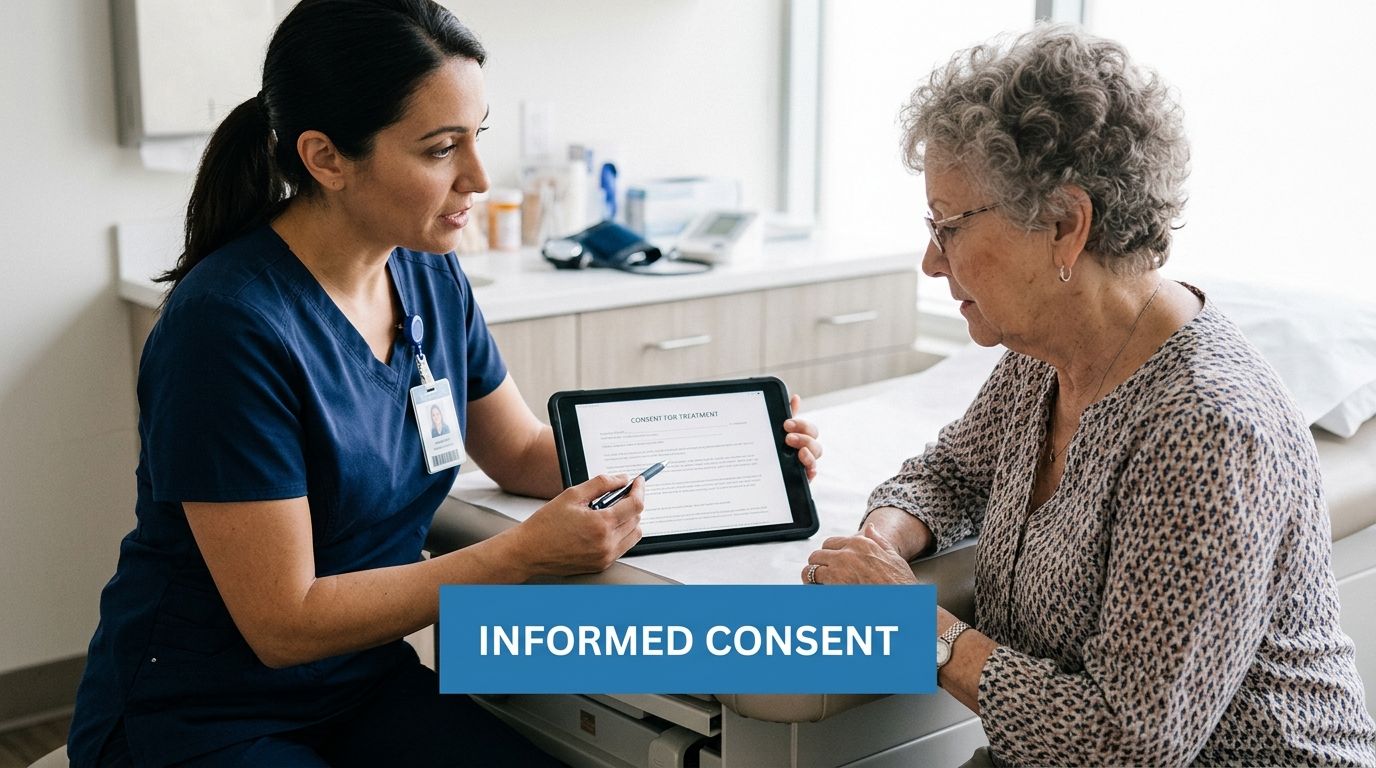
Telehealth consent has to be more than a checkbox. Patients need to understand what remote care can and can't do, what privacy protections apply, what technical failures may interrupt care, and what alternatives exist when virtual care isn't appropriate.
The operational challenge is consistency. If one clinician explains limitations carefully and another rushes through them, your legal exposure and patient understanding vary visit by visit. That's why consent should be templated, reviewed, and stored in the same way every time.
Build consent for real patient use
Consent documents need plain language, multilingual versions where needed, and a way for patients to ask questions before signing. A psychiatry practice may need language about privacy in shared living spaces. A maternal-fetal consultation may need different wording than a brief medication refill visit. One template rarely fits every specialty.
This is also where the design-first equity issue becomes practical. UCLA Health highlighted that accessible telemedicine design must account for non-English speakers, older adults, disabled users, and patients affected by poor UI and low digital literacy. If consent is buried in confusing navigation or written only in dense legal language, the clinic hasn't informed the patient.
A strong consent process includes explanation, comprehension, and documentation. Missing any one of those weakens the whole workflow.
A useful workflow pattern
One reliable setup is a pre-visit digital consent form, followed by a live verbal confirmation at the start of the first visit, then documented re-consent when the care model changes. If a clinic adds recordings, asynchronous messaging, or another service later, the consent should change too.
If you need identity-linked document handling, tools such as Verifai can support verification and workflow control around forms. Whatever stack you use, keep the rule simple. If it matters clinically or legally, it should be easy for staff to find, explain, and document.
4. Establish HIPAA-Compliant Recording and Storage Procedures
Recording telehealth visits can improve continuity, supervision, and quality review. It can also create a large concentration of sensitive data very quickly. That makes recordings useful and risky at the same time.
Clinics should decide early whether they'll record routinely, selectively, or only in defined situations such as therapy supervision, rehab progress review, or patient education sessions. The wrong approach is recording by habit without a retention policy, access rules, or clear consent language.
Control access and retention tightly
Only authorized staff should be able to access recordings, and every access event should be logged. Retention rules should reflect clinical need, legal requirements, and storage discipline. If the clinic can't answer who may view a recording, how long it stays, and how it's deleted, the clinic isn't ready to record.
Platform choice matters again. A telehealth product that combines secure recordings, access logs, moderator controls, and role-based administration reduces the number of separate systems staff must manage. Clinics comparing options can review HIPAA-compliant video conferencing platforms with that lens.
What works and what doesn't
What works is explicit patient permission, recording-by-policy, and monthly spot checks of access logs. What doesn't work is storing files in unmanaged folders, letting staff download copies locally, or using recordings for training without redaction and authorization.
For teams tightening their compliance operations, this eight-step HIPAA risk management checklist offers a practical framework for handling risk reviews and remediation. Recording should sit inside that broader risk program, not outside it.
5. Implement Real-Time Waiting Room and Patient Flow Management
Missed appointments and visit delays often start before the clinician joins. In telehealth, the waiting room is part of the care workflow, not a passive holding screen. Clinics that manage it well reduce front-desk interruptions, shorten idle time between visits, and give patients clear direction during the most failure-prone minutes of the encounter.
A good virtual waiting room does three jobs at once. It controls who enters the session, guides the patient on what to do next, and gives staff a live view of visit status across the schedule. That operational visibility is what keeps a video clinic from running like a phone tree.
Build the waiting room around staff actions, not just patient messaging
The patient experience should be simple. “You are checked in.” “Please keep your camera on and your phone nearby.” “If we are running late, call this number.” Staff needs more than that. They need join alerts, the ability to see who has arrived, moderator controls to admit the correct participant, and a fast way to message or requeue patients if a clinician is delayed.
The American Medical Association's telehealth playbook emphasizes standardized workflow design across scheduling, intake, staffing, and visit execution, which is exactly where waiting room management belongs in day-to-day operations: AMA telehealth implementation resources.
In practice, the most useful waiting room features are:
- Arrival status tracking: Staff should be able to distinguish invited, checked-in, and connected patients without calling each one.
- Pre-visit prompts: Ask patients to have medication bottles, home readings, or symptom logs ready before admission.
- Escalation paths: Display a phone number or SMS option for failed connections or long delays.
- Moderator controls: Staff should be able to admit, hold, or remove participants quickly and privately.
- Delay messaging: If the clinician is 15 minutes behind, patients should receive an update automatically instead of guessing whether the link failed.
Feature selection affects cost and staffing. A basic video tool may offer a waiting room but no queue visibility, no texting, and no admin controls beyond admit or deny. A clinic then makes up the difference with manual calls and front-desk work. Platforms that combine waiting rooms, SMS notifications, host controls, and training webinars usually cost more per user, but they can reduce no-show recovery work and shorten the handoff between scheduling and clinical staff.
That trade-off is worth evaluating line by line during vendor review. If one platform includes onboarding webinars and another requires the clinic to build training from scratch, the lower subscription price may not be the lower operating cost.
A practical test works better than a feature checklist alone. Run a mock clinic session with three late patients, one duplicate family login, and one failed connection. If staff cannot sort that out within a few clicks, the waiting room setup needs work.
6. Create Standardized Clinical Documentation and Note Templates
Documentation gaps are one of the fastest ways a telehealth program creates compliance risk. A video visit can be clinically appropriate and still leave the clinic exposed if the note fails to record where the patient was located, what modality was used, or how care changed when technology limited the exam.
Standardized templates reduce that variation. They also shorten review time, make coding cleaner, and give new clinicians a safer starting point. The trade-off is real. An overbuilt template slows clinicians down and produces generic notes. An underbuilt template leaves out the details auditors, payers, and medical directors look for.
A usable telehealth note should capture the facts of the encounter without forcing clinicians through irrelevant fields. In practice, that usually means documenting the visit modality, patient location, provider location when relevant, consent status, participants present, exam limits, and the contingency plan if the connection failed or the visit shifted to phone.
Audio-only visits need their own prompt.
If the encounter was not audio-video, the template should ask why, whether that format was clinically appropriate, and what limitations it created. That single prompt helps with reimbursement review, quality audits, and case follow-up. It also prevents a common problem where the schedule says "video visit" but the chart never reflects what transpired.
The strongest templates are specialty-specific after the required telehealth fields. A behavioral health template should prompt for privacy status, safety screening, and whether anyone else could hear the conversation. An endocrinology template should cue staff to document home glucose readings, medication access issues, and teaching provided. A musculoskeletal or rehab template should include observed movement, patient-reported pain with motion, and whether the camera angle limited assessment.
Platform design matters here too. Some telehealth systems let clinics build role-based templates, auto-fill visit modality, and push completed notes into the EHR. Others require manual copying between screens. The cheaper subscription can turn into higher labor cost if clinicians spend extra minutes fixing notes after every session. During vendor review, ask for a live demo of template editing, EHR export, and included staff training webinars, not just a feature sheet.
Usability affects note quality. If clinicians must click through too many fields, they will start bypassing optional items, especially late in the day. Keep the template short enough for routine follow-ups and create an expanded version for higher-risk visits. I also recommend testing documentation workflows during mock visits that include poor audio, a caregiver joining mid-visit, or a switch from video to phone. If staff cannot document those changes quickly, the template is not ready.
For clinics seeing frequent audio issues, build one documentation prompt around the technical cause and resolution. That pairs well with a patient support workflow and a short staff reference on how to stop echo on a mic during virtual visits. Small technical details often become charting details later.
The note should describe the encounter that occurred, the limitations that affected it, and the clinical decision made within those limits.
7. Develop Technical Support and Troubleshooting Protocols for Patients
Telehealth fails most often in the small moments. The browser blocks the camera. The patient joins from an old phone. Echo makes speech unusable. A weak connection turns a useful follow-up into a frustrating reset.
The best clinics don't treat those problems as random. They build support around them. Patients need a pre-visit tech check, a backup contact path, and quick help during the appointment window.
Support the patient before the clinician enters
Send instructions before the visit, not after the patient struggles. A clear message should explain compatible devices, how to test audio and camera, what to do if the link fails, and whether a phone fallback is available.
This is especially important for underserved patients. Health Recovery Solutions highlights an “audio-only paradox” in telehealth, noting that 20% of Americans lack broadband and 15% lack smartphones, even though many best practice guides still assume video-first care. If your clinic serves those populations, audio-only workflows should be designed deliberately, with consent, documentation, and clinical appropriateness rules.
Build a fallback path that staff can actually use
In practice, that means three things. A support number staffed during clinic hours. A simple audio-only fallback when video fails. And troubleshooting guides that front-desk staff can use without escalating every issue.
Echo is one of the most common avoidable problems, especially when patients connect through speakers instead of headphones or join twice on the same device. This guide on stopping microphone echo in virtual meetings is worth sharing internally with support staff because it addresses one of the fastest ways a clinical call can become unusable.
What doesn't work is telling patients to “refresh and try again” while the schedule backs up. What works is anticipating failure and having a clear second path.
8. Establish Quality Assurance and Clinical Audit Procedures
Telehealth quality can drift fast when clinics do not review actual encounters. A service can feel busy and well liked while still missing consent steps, safety checks, follow-up tasks, or documentation standards.
A workable QA process looks at three layers at once. Clinical quality, operational reliability, and patient experience. That means reviewing a defined sample of visits, checking whether required workflow steps were completed, and confirming that clinicians documented the encounter in a way another care team member could safely act on.
Measure what affects care, compliance, and throughput
Start with a scorecard your staff can use consistently. Patient satisfaction belongs on it, but it should sit beside measures that change outcomes and reduce risk. Review whether identity was verified, consent was documented, patient location was captured when required, the assessment supported the treatment plan, and ordered follow-up was closed out.
Use specialty-specific checks instead of one generic audit form for every service line. Behavioral health may need privacy confirmation, suicide risk screening, and crisis escalation documentation. Primary care may need medication reconciliation, chronic disease follow-up, and referral tracking. Urgent care may need clear disposition rules for when a virtual visit should convert to in-person evaluation.
The operational side matters too. The Agency for Healthcare Research and Quality telehealth guidance recommends tracking performance and outcomes rather than relying on anecdotal feedback. In practice, clinics should review failed connections, late starts, dropped calls, incomplete notes, and no-show patterns by provider, location, and visit type. Those findings usually point to one of three fixes: adjust scheduling rules, tighten staff workflows, or train clinicians on platform use.
Audit for patterns, not isolated misses. Repeated small failures usually trace back to template design, staffing, or unclear protocol.
Build an audit routine staff will actually sustain
Monthly sampling works for many clinics, but the sample should be risk-based. New clinicians, new service lines, high-risk visit types, and audio-only encounters often deserve more frequent review than mature, stable workflows. I usually recommend a short audit tool with pass-fail fields plus one free-text field for coaching notes. If the form takes ten minutes to complete, it will not last.
Tie QA findings to operations, not just education. If several charts are missing the same element, fix the note template. If clinicians are documenting after-hours because the platform slows them down, review whether your current plan includes the workflow features you need, such as integrated waiting room status, recording controls, or direct export into the EHR. The cheapest telehealth subscription often becomes the most expensive option once rework, compliance cleanup, and staff time are counted. Platforms that include onboarding sessions, training webinars, and administrator reporting can reduce those costs if the clinic uses them.
Keep the tone developmental. Specific feedback improves performance. Vague criticism gets ignored. A useful audit program shows the missed step, explains why it matters, and assigns a concrete fix with an owner and a deadline. That is how QA becomes an operating system instead of a filing exercise.
9. Implement Secure Patient Data Integration With Electronic Health Records
Poor data handoff creates clinical risk fast. A telehealth visit loses value when consent, medication changes, intake updates, chat details, or follow-up instructions stay trapped in a separate system and never reach the chart clinicians use.
Secure EHR integration should be treated as an operational build, not a convenience feature. The job is to move the correct data into the correct part of the record, limit access by role, preserve an audit trail, and prevent duplicate or mismatched entries. In practice, that means testing every workflow in a staging environment first, including failed logins, duplicate patients, canceled visits, and partial documentation.
Prioritize interoperability, data mapping, and governance
Use standard integration methods such as HL7 or FHIR where your vendors support them. Certified connectors usually reduce maintenance work compared with one-off custom builds, especially after platform updates or EHR version changes. I have seen clinics underestimate this point, then spend months fixing broken field mappings after a routine software change.
Governance matters as much as the interface itself. Decide in advance which telehealth artifacts belong in the legal medical record, where each item should appear, how long it should be retained, and who can amend it. Recordings, chat transcripts, device data, consent forms, and patient questionnaires should not all flow into the chart by default.
The broader investment case is straightforward. The World Health Organization's global strategy on digital health frames digital infrastructure as a core part of health system performance, not an optional add-on. For clinics, the practical takeaway is simpler. If telehealth data cannot be reviewed, trusted, and retrieved inside the EHR, the service will create rework at scale.
- Use vendor-supported integrations where possible: They are usually easier to maintain, document, and validate during compliance reviews.
- Map fields line by line: Appointment status, diagnoses, medications, consent, and visit notes need specific destination fields, not a generic document dump.
- Log every access and transfer event: Security teams and compliance staff need traceability when data moves between systems.
- Set data inclusion rules: Some artifacts belong in the chart summary. Others should stay in a linked document repository with restricted access.
What to compare when selecting a platform
Integration claims vary widely across vendors. One platform may offer direct scheduling sync and note export, while another only supports basic calendar connection or a PDF upload workflow. Those differences affect staffing needs, error rates, and chart completion time more than the sales demo suggests.
Compare the total operating model, not just subscription price. Ask whether the telehealth platform includes native EHR connectors, API access, administrator controls, audit logs, implementation support, and training webinars for staff. Also check whether recordings, waiting room status, patient intake, and documentation tools live in the same product or require separate vendors. A lower monthly fee can become a higher annual cost once interface fees, support tickets, security review, and manual chart reconciliation are added.
10. Create Multi-Channel Patient Communication and Engagement Systems
Clinics lose telehealth visits before the visit starts. The drop-off usually happens in the handoff between scheduling, reminders, patient prep, and follow-up.
A communication system should cover the full visit cycle: confirmation, pre-visit instructions, join details, last-mile reminders, post-visit summaries, and outreach if the patient does not connect. One channel is rarely enough. SMS gets attention quickly. Email handles longer instructions and attachments. Portal messages fit organizations that already train patients to use them. Phone calls still matter for older adults, patients with limited broadband access, and high-risk visits where a missed connection can delay care.
The operational question is not which channel is best. It is which channel fits each message type, patient segment, and response-time requirement.
Use channels with clear rules
Set channel rules before volume increases. Appointment reminders can go out by SMS and email. Pre-visit education can stay in email or the portal where patients can reread it. Time-sensitive troubleshooting belongs with staff who can respond fast, not in an inbox checked twice a day. If a patient sends a symptom update through the wrong channel, staff need a script for redirecting that message into the clinical workflow without losing time or documentation.
Patient preference should be captured as structured data, not left in a note. Record the preferred channel, backup channel, language, and any access limitations. That helps front-desk teams and care coordinators send fewer messages, but get better response rates.
The trade-off is real. More channels improve reach, but they also create more inboxes, more handoffs, and more chances for delayed replies. Clinics handle this well when they assign ownership. Someone owns outbound reminders. Someone owns inbound nonclinical questions. Someone owns escalation rules for medication issues, urgent symptoms, and no-show recovery.
What to compare when selecting a platform
Communication features vary more than vendors admit. Some products send only basic reminders. Others support two-way SMS, email campaigns, broadcast updates, webinar-style group sessions, automated follow-up, and reporting on delivery and response rates. Those differences affect staffing load and patient attendance more than the meeting interface alone.
Webinar support is a practical example. A clinic can use it for prenatal classes, diabetes education, caregiver onboarding, or medication teaching without adding separate event software. That reduces tool sprawl and gives staff one place to manage invites, attendance, and patient-facing instructions.
Price matters, but feature packaging matters more. AONMeetings starts at ₹179 per user per month and includes webinars, unlimited meeting time, recordings, screen sharing, whiteboards, document sharing, waiting rooms, and encryption. A lower headline price from another vendor may still cost more over a year if two-way messaging, training webinars, patient outreach tools, or group education require separate subscriptions.
Before signing, ask direct operational questions: Does the platform support automated reminders in more than one channel? Can staff see message status without opening multiple dashboards? Are training webinars included for the clinic team? Can the practice run patient education sessions from the same system used for visits? Those details determine whether communication improves attendance and follow-through, or just creates another queue for staff to manage.
10-Point Telehealth Best Practices Comparison
| Item | Implementation complexity | Resource requirements | Expected outcomes | Ideal use cases | Key advantages |
|---|---|---|---|---|---|
| Implement End-to-End Encryption for All Patient Communications | Medium, requires compatible endpoints and key management | Moderate compute and secure key storage (HSM), staff training, compatible clients | Strong protection of data in transit/storage; improved compliance and patient trust | Any telehealth handling PHI; high‑sensitivity specialties (psychiatry, cardiology), enterprise deployments | Prevents interception; meets/exceeds HIPAA encryption; minimal user action |
| Establish Pre-Visit Patient Identity Verification Protocols | Low–Medium, integrate OTP/waiting room and EHR checks | SMS gateway, moderator workflow changes, modest integration effort | Eliminates wrong‑patient events, creates audit trail, reduces no‑shows | High‑risk specialties, pediatric/psychiatry, regulated clinics | Prevents identification errors; provides documented proof of identity |
| Develop Comprehensive Informed Consent Documentation Workflows | Medium, template creation, e‑signature and translations required | Legal review, document management, EHR/document integration, translations | Defensible consent records, reduced legal risk, better patient understanding | Psychiatry, oncology, procedures, multilingual patient populations | Streamlines consent capture; audit‑ready, specialty‑specific templates |
| Establish HIPAA‑Compliant Recording and Storage Procedures | Medium–High, encryption, RBAC, retention policies and redaction tools | Secure storage, access control systems, audit logging, consent workflows | Improved clinical QA, continuity of care, legal documentation for disputes | Teaching hospitals, QA programs, specialties needing recorded evidence | Enables peer review and patient access; configurable retention and audits |
| Implement Real‑Time Waiting Room and Patient Flow Management | Low, configure waiting room, queue and notification features | SMS/email service, staff moderation training, UI customization | Reduced no‑shows, shorter perceived wait times, smoother clinic flow | High‑volume clinics, primary care, mental health group practices | Improves scheduling reliability and patient experience |
| Create Standardized Clinical Documentation and Note Templates | Medium, clinician input, CDS and EHR mapping needed | Clinical time for template design, integration, training, possible development cost | Faster, more consistent documentation; improved QA and compliance metrics | Specialty practices, multi‑provider networks, quality improvement initiatives | Reduces documentation time; improves data quality and compliance |
| Develop Technical Support and Troubleshooting Protocols for Patients | Low–Medium, prechecks, fallback plans and escalation paths | Support staff, guides, live chat/phone support, device compatibility tools | Higher connection success, fewer missed appointments, better patient confidence | Geriatric care, rural networks, tech‑averse patient populations | Increases reliability of telehealth visits; supports broad patient access |
| Establish Quality Assurance and Clinical Audit Procedures | Medium–High, audit design, sampling and analytics required | Analytics tools, reviewer time, recording access, dashboards and reporting | Identifies clinical gaps, improves outcomes, supports accreditation | Health systems, specialty groups, organizations pursuing continuous improvement | Drives measurable performance improvement and regulatory readiness |
| Implement Secure Patient Data Integration with Electronic Health Records | High, API standards, vendor coordination and thorough testing | IT/development resources, integration costs, ongoing maintenance, compliance expertise | Reduced manual entry, improved data accuracy and care continuity | Hospitals, multi‑clinic networks, practices using major EHRs (Epic, Cerner) | Seamless data flow and interoperability; fewer documentation errors |
| Create Multi‑Channel Patient Communication and Engagement Systems | Medium, messaging channels, consent management and segmentation | Messaging platform, content creation, consent tracking, staff to manage responses | Better adherence, reduced no‑shows, enhanced between‑visit engagement | Chronic disease programs, primary care, care management services | Centralizes outreach; supports asynchronous care and targeted education |
Building a Future-Ready Telehealth Practice
Telehealth use remains high enough that clinics can no longer treat virtual care as a side offering. It now needs the same operational discipline as any other service line, with clear standards for security, staffing, documentation, patient support, and follow-up.
Future-ready programs are built on repeatable decisions. Clinics need a defined visit model, clear rules for which complaints are appropriate for virtual care, staff protocols for failed connections and late arrivals, and a platform stack that does not force workarounds. In practice, I have found that telehealth programs become unstable when teams patch together separate tools for video, intake, messaging, consent, and education. The handoffs create delays, duplicate data entry, and avoidable compliance risk.
The clinics that run telehealth well plan for imperfect conditions. Some patients join from older phones. Some need an interpreter, a caregiver present, or extra time to complete intake. Some will only succeed with audio-first support and a staff callback before the visit. A future-ready model accounts for those realities before launch, not after complaints start coming in.
Clinical quality still depends on choosing the right use cases. As noted earlier, many physicians report that telehealth can support a meaningful share of routine care. The operational question is narrower and more useful. Which visit types can your clinicians handle safely and efficiently through telehealth, and what triage rules send the rest to in-person care? Practices that answer that question clearly usually see better throughput, fewer rescheduled visits, and less clinician frustration.
The financial upside is also operational. Clinics do not get better margins from offering video visits alone. They get them by reducing no-shows, shortening administrative handoffs, standardizing documentation, and using one platform for more than one job. That is where product comparisons matter. A lower monthly price can become expensive if the platform requires separate tools for webinars, patient education, recording controls, or staff training. A higher per-user fee can be justified if it replaces multiple vendors and lowers IT overhead.
That is why platform selection should be tied to workflow, not just feature checklists. AONMeetings, for example, combines HIPAA-compliant meetings, encryption, waiting rooms, recordings, moderator controls, and built-in webinars in one environment. For clinics that run patient education sessions, staff onboarding, and virtual visits on the same system, that consolidation can reduce training time and simplify governance. It also changes the price comparison, because the actual comparison is total operating cost, not the meeting license alone.
If you're comparing telehealth platforms, AONMeetings is worth a close look for clinics that need HIPAA-compliant video visits, built-in webinars for patient education, waiting rooms, recordings, and straightforward pricing starting at ₹179 per user per month.
The goal is reliability. Secure systems, defined workflows, staff training, and realistic patient support turn telehealth into a dependable care channel that can hold up under growth, audits, and day-to-day clinical pressure.
