
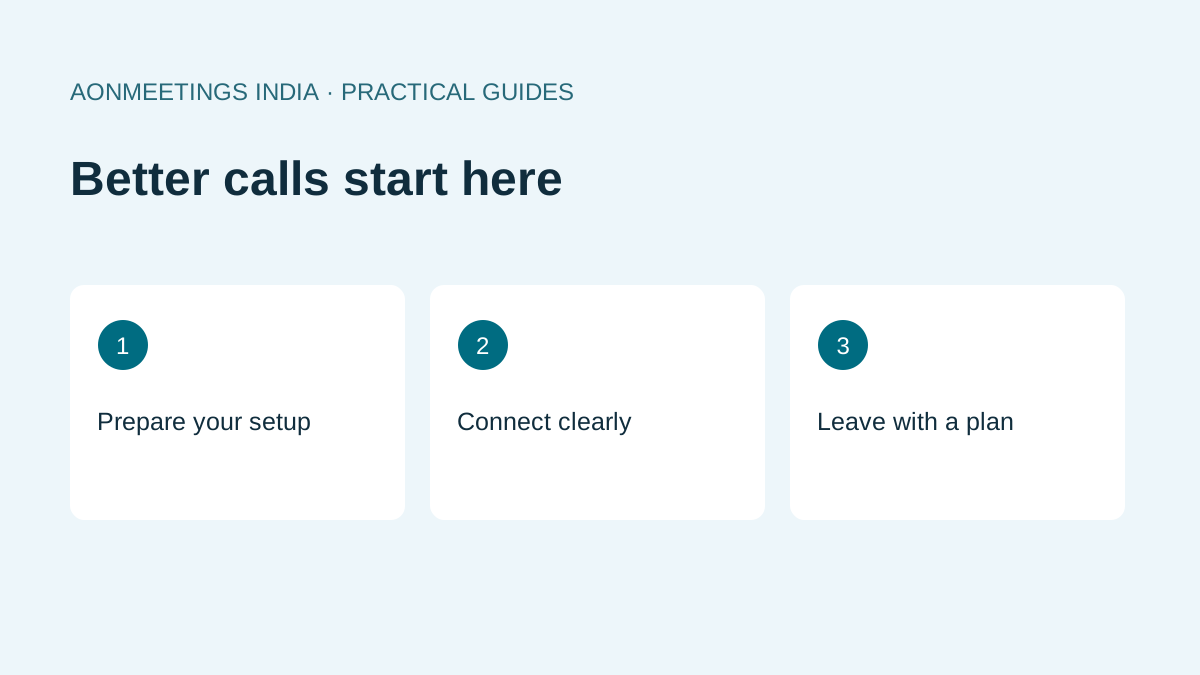
The most important video conferencing tips are simple: use a headset, face a light source, test your connection five minutes early, and keep meetings short with a clear agenda. The 15 tips below cover your setup, your internet, your etiquette and how to run meetings people actually want to attend.
Get your setup right
- Use a headset or earphones. Clear audio matters more than HD video. Wired earphones with a mic beat a laptop’s built-in mic.
- Face the light. Sit facing a window or lamp, never with a window behind you.
- Raise the camera to eye level. Stack books under your laptop so you’re not looking down at people.
- Tidy the background. A plain wall works. Blur or a virtual background helps in a busy home.
- Close extra tabs and apps. They compete for bandwidth and CPU.
Keep your connection stable
- Test five minutes early. Join, check audio and video, then wait.
- Prefer Wi-Fi close to the router: or a cable. On mobile data, a 4G/5G hotspot with full signal is better than weak office Wi-Fi.
- Turn off video if the call drops. Audio-only keeps you in the conversation during power or network dips.
- Use a browser-based platform. Browser-native tools like AONMeetings skip installs and updates, so you’re never stuck downloading a patch at the start of a client call.
Follow good meeting etiquette
- Mute when you’re not speaking. Pressure cookers, traffic and doorbells travel well over video.
- Look at the camera when you speak. It reads as eye contact.
- Use chat for links and questions so you don’t interrupt the speaker.
- Introduce everyone in client meetings, especially across time zones.
Run better meetings
- Share an agenda and end on time. Thirty minutes is enough for most meetings. Use waiting rooms and host controls for external calls.
- Record and share notes. Record important sessions so absentees can catch up. An AI notetaker can draft the summary and action items for you.
Bonus: tips for hosting webinars
- Rehearse once with your co-host using the same platform.
- Start with a one-line promise of what attendees will learn.
- Take questions through chat or Q&A every 10–15 minutes.
- Send the recording within 24 hours.
With AONMeetings, webinars are included on every plan, so you don’t need a separate tool. See plans →
Video conferencing tips for specific situations
- Job interviews: join two minutes early, keep your CV open in another window, and look at the camera, not the screen.
- Teleconsultations: use a private room and a platform with healthcare-grade privacy.
- Online classes: ask students to keep cameras on for the first five minutes, then switch off to save bandwidth.
Read next: Video Conferencing Services in India: What to Look For and Video Conferencing Software Buyer’s Guide.
FAQ
How can I look better on video calls?
Face a light source, raise your camera to eye level and use a plain background.
How do I improve video call quality on slow internet?
Close other apps, move closer to the router, and switch to audio-only if the call drops.
What is good video conferencing etiquette?
Mute when not speaking, use chat for questions, start and end on time, and look at the camera when you talk.