
You no longer need to install a program for video conferencing. Browser-native platforms such as AONMeetings run entirely in Chrome, Edge, Safari or Firefox, so you and your guests join with one click. Downloadable programs still exist, but they add install steps, updates and IT approvals that slow meetings down.
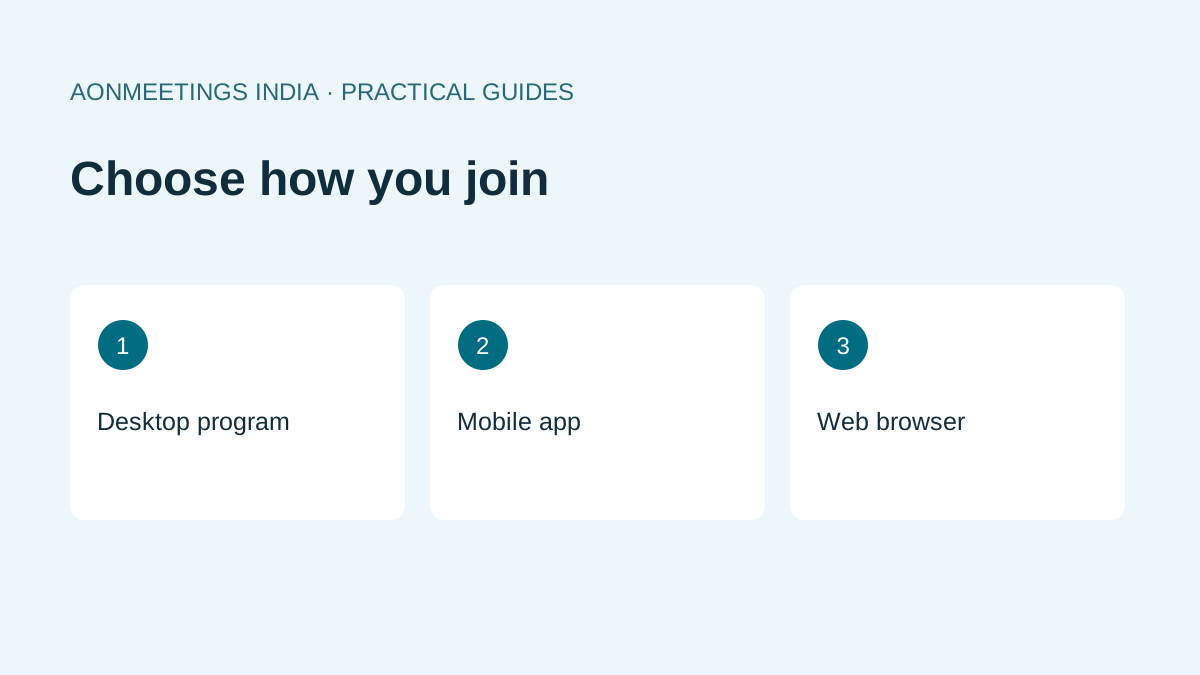
Three types of video conferencing programs
| Type | How you join | Best for | Drawbacks |
|---|---|---|---|
| Desktop program | Install software on Windows or Mac | Heavy internal use | Installs, updates, admin rights needed |
| Mobile app | Download from Play Store or App Store | On-the-go calls | Storage space, app updates |
| Browser-native platform | Click a link, no install | Client calls, webinars, classes, telehealth | Needs a modern browser |
Why browser-based programs are winning
- Guests join faster. Clients, patients and students don’t need to create accounts or install anything.
- Works on locked-down PCs. Bank, government and hospital computers often block software installs.
- Nothing to update. The latest version loads every time you open the link.
- Saves phone storage. Important in India, where many users run budget smartphones.
- Lower IT workload. No deployment, patching or version mismatches.
Popular programs for video conferencing
- Zoom: widely known; offers browser and desktop access; Basic meetings have a 40-minute limit.
- Microsoft Teams: strong inside Microsoft 365 organisations; supports browser guest joining, subject to organisation settings.
- Google Meet: browser-based and simple; webinar-style features depend on Workspace edition.
- Webex: enterprise-focused with a broad feature set.
- AONMeetings: browser-native, HIPAA-compliant on all plans, webinars included, priced in INR from ₹179 per user per month with GST invoices and UPI.
What features should a video conferencing program have?
- HD video and clear audio that adapt to your bandwidth.
- Screen sharing, chat and recording.
- Waiting rooms and host controls.
- Webinar mode for large audiences.
- Multi-camera support for presenters and trainers: AONMeetings supports three-camera setups, annotations and snapshots.
- An AI notetaker for summaries and action items.
- Browser-based meeting rooms for conference halls, with no proprietary hardware to buy (AON Rooms).
Is a free program enough?
Free versions are fine for occasional personal calls. Businesses usually outgrow them because of time limits, participant caps, branding and the lack of GST invoices. AONMeetings Starter costs ₹179 per user per month and includes unlimited meeting length for up to 10 participants.
Skip the download. Try AONMeetings free for 7 days on the Starter plan. Start your trial →
FAQ
Which program is best for video conferencing?
For client-facing work, a browser-native program is best because guests join without installing anything. AONMeetings is one such option built for Indian businesses.
Can I video conference without downloading software?
Yes. Browser-native platforms run in Chrome, Edge, Safari and Firefox on desktop and mobile.
Do video conferencing programs work on mobile?
Yes. Browser-based programs work in your phone’s browser; others need an app.