

Choosing Your Virtual Practice: Beyond the Brochure
Telemedicine isn't a side project anymore. Statista reports there were over 116 million users of online doctor consultations worldwide in 2024, up from around 57 million in 2019, which means the global user base more than doubled in five years according to Statista's telemedicine industry overview. That kind of adoption changes the buying question. You're no longer choosing a temporary video tool. You're choosing patient-facing infrastructure.
I've seen clinics make the same mistake repeatedly. They buy on feature lists, then discover the actual cost sits elsewhere: support tickets from patients who can't join, staff time spent moving between disconnected systems, surprise fees for compliance features, and awkward workarounds for intake, follow-up, or multilingual access. A platform can look polished in a demo and still be a poor operational fit.
Security matters, of course. So does encryption. But daily workflow matters just as much. If a physician can't move quickly from a waiting room to a chart review, or if an older patient needs three app installs just to attend a follow-up, the software is already failing. The same is true when webinars, training sessions, or patient education events require a second vendor and a second bill.
The telemedicine software market is also getting more competitive. One industry forecast estimates telehealth software will grow from USD 9.2 billion in 2025 to USD 39.6 billion by 2035, at a 15.7% CAGR, with software accounting for 58.7% market share by 2025, according to Future Market Insights on telehealth software. That tells me the winning vendors won't just offer video. They'll offer secure workflows, interoperability, and pricing that holds up after procurement signs the contract.
1. AONMeetings
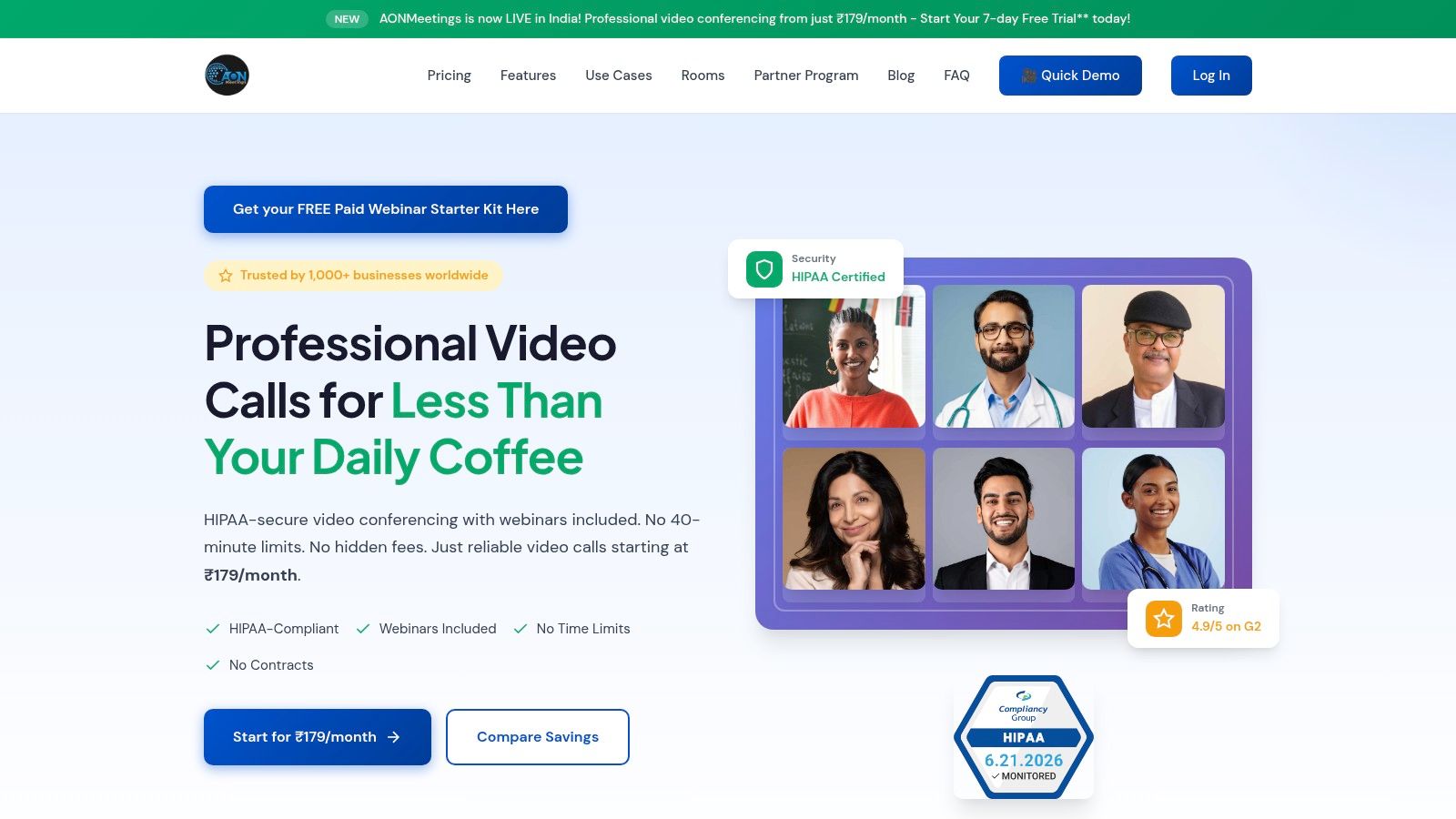
AONMeetings stands out because it attacks one of the biggest pain points in telemedicine software companies: cost creep. If you're a solo clinician, small practice, training-heavy clinic, or multi-site organization that needs secure video without enterprise pricing games, this is one of the most practical options on the list. The base offer is simple. Plans start at ₹179 per user per month, with unlimited meeting time, webinars included, no contracts, and month-to-month billing.
That matters more than it sounds. Many platforms look affordable until you add webinar hosting, recording, admin controls, or HIPAA-ready features. AONMeetings bundles those into the core value proposition instead of turning them into procurement add-ons. For teams running patient consults, staff training, case reviews, and outreach sessions, that can remove an entire secondary software category.
Where It Fits Best
This is a browser-first platform, so patients and staff can join without forced downloads. In practice, that's a real operational win for telemedicine. Clinics serving older adults, low-tech users, or patients on shared devices usually do better when the join flow is as short as possible. AONMeetings also includes waiting rooms, moderator controls, SMS notifications, screen sharing, whiteboards, document sharing, recordings, and team collaboration features like smart summaries and searchable recordings.
Practical rule: If a clinic needs both telemedicine visits and recurring education sessions, bundled webinars are worth more than a long feature list.
The pricing ladder is also unusually clear:
- Starter plan: ₹179 per month for up to 10 participants, with a 7-day free trial.
- Professional plan: ₹359 per month for up to 25 participants.
- Business plan: ₹629 per month for up to 100 participants.
- Enterprise plan: ₹1,522 per month for up to 250 participants, plus custom options for larger deployments.
Security and Total Cost
Security isn't treated as a premium upsell. AONMeetings includes HIPAA-grade security and bank-level encryption across plans, which is exactly how healthcare buyers want it structured. If you need a closer look at what that standard should include, their overview of HIPAA-compliant video conferencing platforms is useful.
Webinars are included, which is rare at this price point. Higher tiers add breakout rooms, virtual backgrounds, meeting lock, live streaming to YouTube, multi-camera broadcasts, and brandable UI themes. Payments support UPI through Transact Bridge, PayPal, and major cards. The 30-day money-back guarantee lowers the risk for smaller practices that don't have time for a long IT pilot.
AONMeetings also carries a 4.9/5 rating on G2 and says it serves 1,000+ businesses worldwide. My read is straightforward: if your clinic wants secure, cost-effective telemedicine delivery without getting trapped in quote-only pricing, AONMeetings is one of the strongest values available.
2. Doxy.me
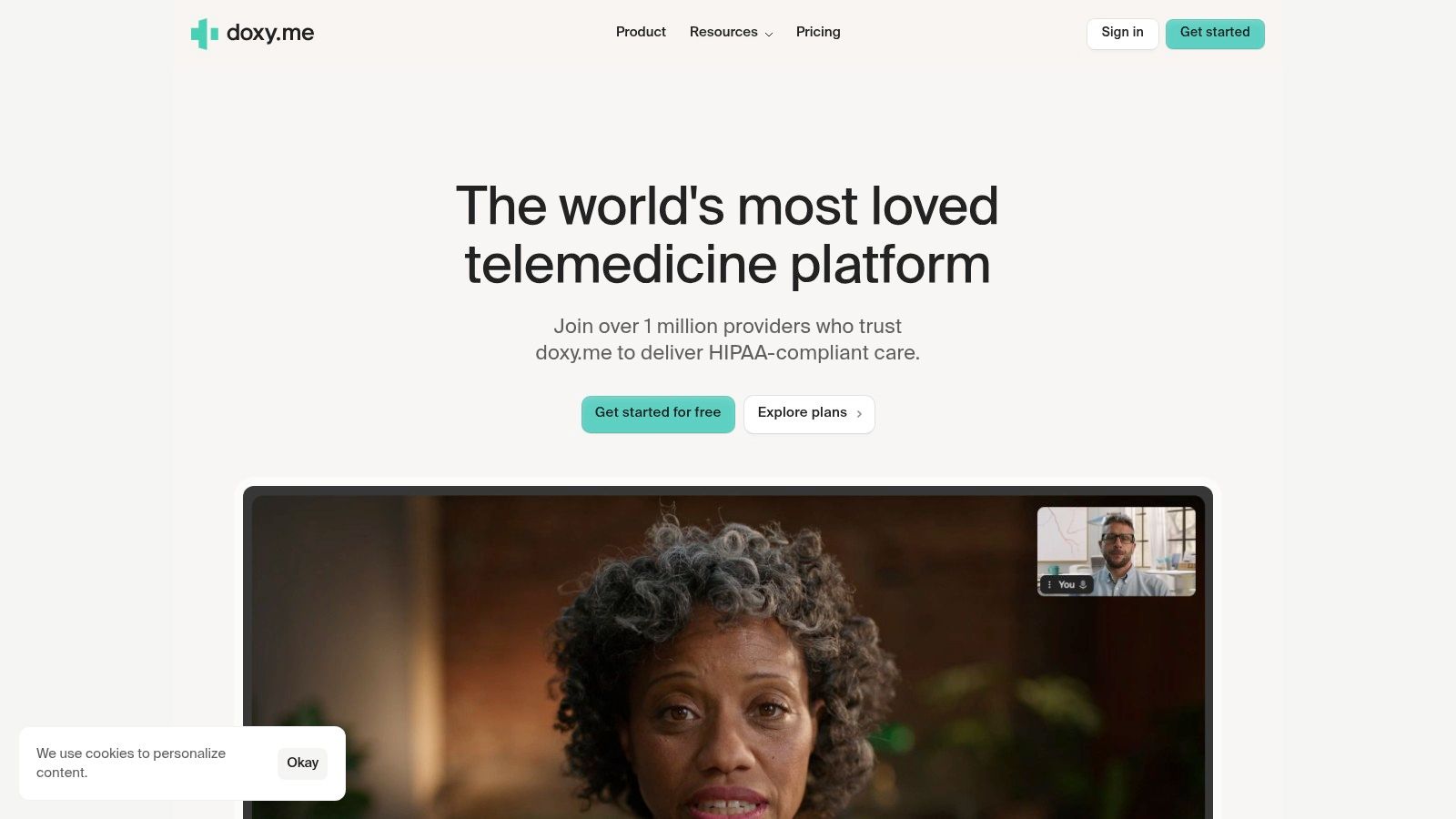
Doxy.me has one clear advantage. It reduces patient friction. For clinics that need people to click a link and join from a browser with no app install, that's often enough to put it near the top of the shortlist. I recommend it most often for private practices, therapists, and multi-provider clinics that want telehealth quickly without a heavy IT build.
Its workflow is purpose-built for healthcare rather than adapted from general business video meetings. You get the practical clinic layer: waiting room, patient queue, routing and transfer, intake and consent options, payments, reporting, shared rooms, and custom branding. Paid plans also support HIPAA-ready use with a BAA.
Operational Trade-Offs
Doxy.me is a strong fit when the clinical team already has an EHR and doesn't want to replace it. That's both the strength and the limitation. It works best alongside your records system, not as a full operating system for the practice.
What works well in day-to-day use:
- Low-friction patient access: No-download browser joins reduce support calls.
- Clinic-focused flow: Waiting rooms and provider queues feel native to ambulatory care.
- Shared operational control: Routing and transfers help larger clinics manage volume.
What doesn't work as well is budgeting from the website alone. Doxy.me offers a free tier, but exact Premium pricing isn't prominently public on the main page, so buyers usually need a trial or sales conversation to model full cost. That's manageable for established clinics, but smaller practices comparing monthly spend line by line may prefer tools with clearer published pricing.
The best Doxy.me deployments are the ones that keep the stack simple. Video on Doxy.me, charting in the EHR, and minimal duplicate admin work.
If your main priority is helping patients join fast, Doxy.me remains one of the most practical telemedicine software companies to evaluate.
3. Zoom for Healthcare
Zoom for Healthcare is for organizations that already know they want Zoom, but need it wrapped in the right healthcare contract and governance model. That's a very common scenario in larger groups. Clinicians know the interface, admin teams know the controls, and patients have usually seen the product before. Familiarity saves training time.
The healthcare edition adds the compliance and enterprise structure that standard Zoom plans don't provide on their own. That includes BAA execution for HIPAA-aligned deployments, waiting rooms, SSO, broad device support, enterprise security controls, and the admin governance features health systems expect.
Where Zoom Wins and Where It Gets Expensive
The appeal is less about novelty and more about organizational fit. If a health system already uses Zoom internally, extending that environment into patient-facing workflows can be easier than introducing a separate vendor. The ecosystem is broad, and many organizations choose it because they want enterprise-scale integrations and established admin patterns.
For smaller clinics, though, Zoom for Healthcare can become more tool than they need. Pricing is quote-based, and that's usually the first sign that total cost can drift upward once procurement, compliance, and integration requirements enter the conversation. It also means comparison shopping gets harder.
A practical benchmark for smaller organizations is to compare Zoom's quote process against simpler fixed-price alternatives such as AONMeetings for small business video conferencing. That doesn't make Zoom a bad choice. It just forces a more honest value discussion.
If you need multilingual meeting support or work with interpreted consults, this outside guide to Zoom interpretation is also worth reviewing before rollout.
The core trade-off is simple:
- Choose Zoom for Healthcare if your organization values standardization, admin depth, and enterprise familiarity.
- Skip it if you want transparent self-serve pricing or a lighter operational footprint.
4. VSee Clinic
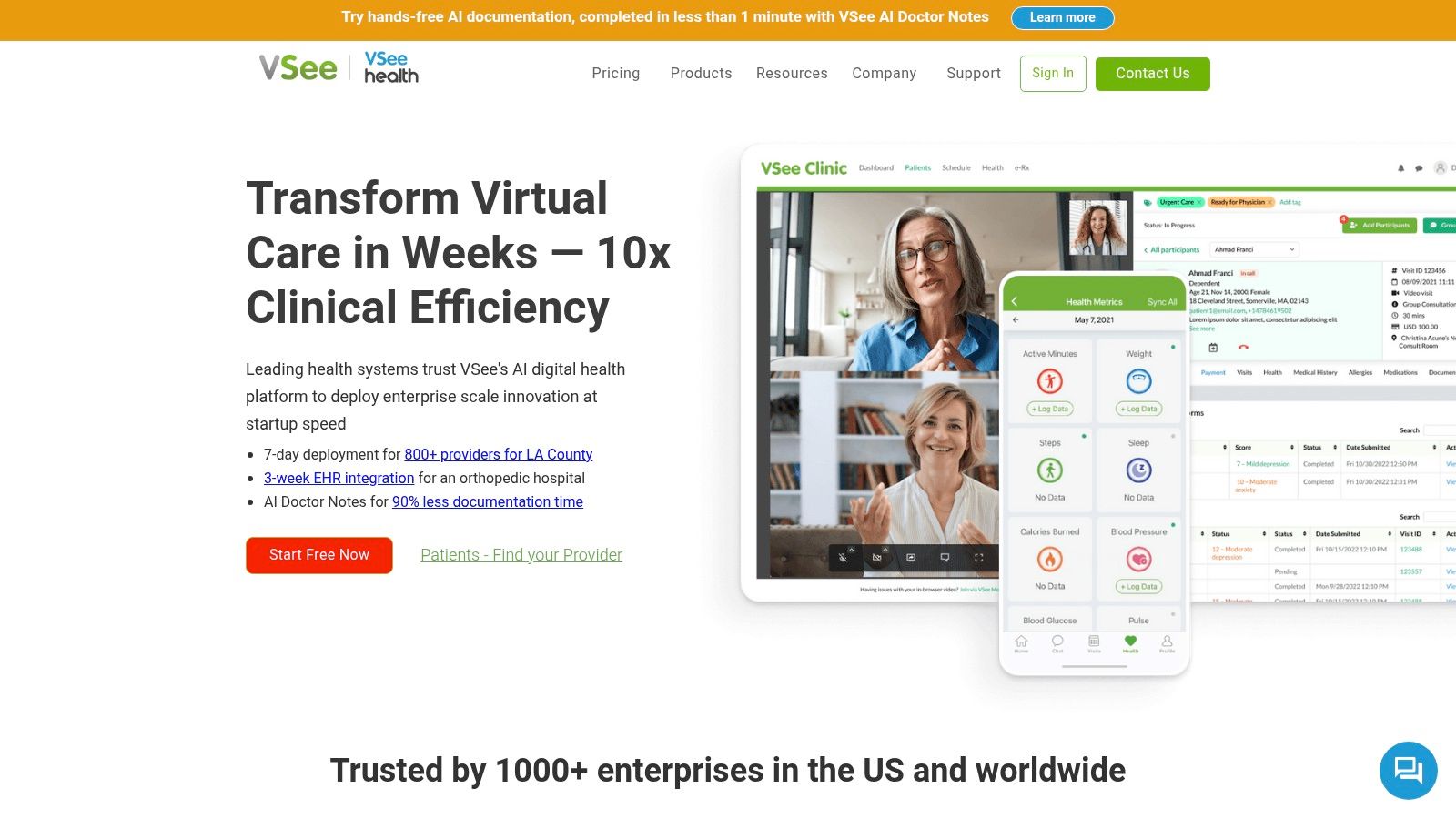
VSee Clinic is what I recommend when a client says, “We don't want generic telehealth. We want our workflow.” It leans toward configurable care delivery rather than quick out-of-the-box deployment. That makes it attractive for specialty programs, white-label deployments, and organizations building more customized virtual care models.
The product goes beyond a basic video room. It offers virtual waiting rooms, customizable clinic workflows, HIPAA messaging, mobile apps, white-label options, API and SDK tools, and optional remote patient monitoring modules. VSee also provides consulting and staffing support, which can help organizations that need operational help, not just software access.
Best for Custom Programs
VSee separates itself from simpler telemedicine software companies. If you're running a specialty clinic, hospital outreach program, or branded telehealth service that needs custom intake, triage, handoffs, or remote monitoring, VSee is built for that level of tailoring. It can cover much more of the virtual practice management stack than lightweight meeting tools.
That flexibility comes with real trade-offs:
- Implementation load: Customization usually means more setup time and stronger internal project ownership.
- Quote-based pricing: You won't get a simple self-serve monthly number for budget planning.
- Compliance nuance: The free Messenger isn't HIPAA-ready. Paid plans with a BAA are the relevant path for clinical use.
I like VSee when leadership is willing to invest in process design, not just software procurement. If the clinic doesn't have time to define workflows and integrations properly, a highly configurable platform can create complexity instead of solving it.
Buy VSee for customization. Don't buy it just because you want a doctor and patient to meet on video next week.
5. Mend
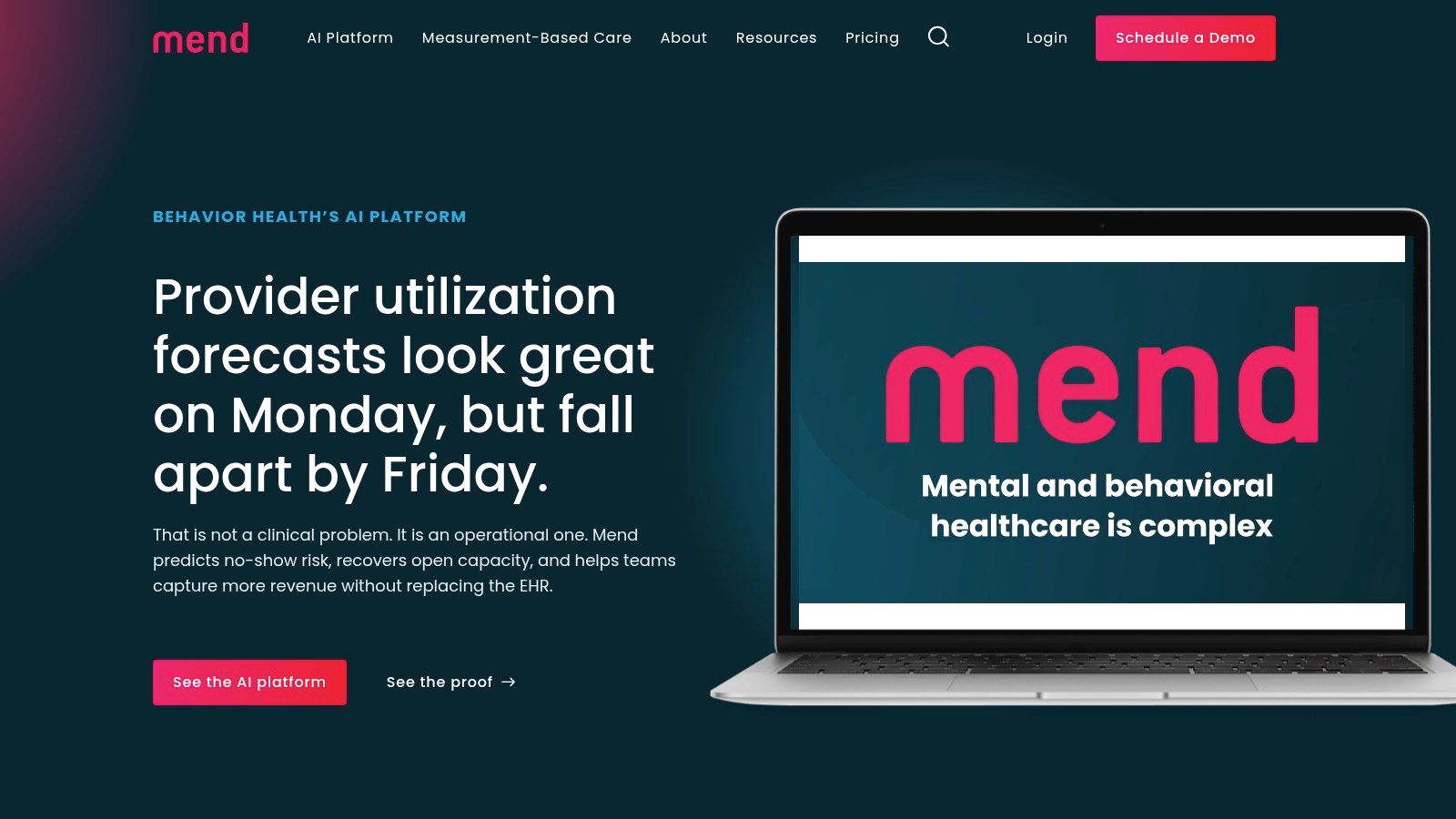
Mend is one of the more workflow-aware platforms in this category, especially for behavioral health. It isn't trying to be just a video visit tool. It's trying to improve how patients move through reminders, forms, payments, and follow-up engagement before and after the session.
That difference matters in behavioral health, where attendance, intake completion, and patient communication are often bigger operational problems than the video itself. Mend supports no-download visits, digital forms, appointment reminders, payments, and measurement-based care tools. It also positions itself to work with existing EHR and practice management systems rather than asking organizations to rip out what they already use.
Why Behavioral Health Teams Notice It
For mental health groups, no-show prevention and patient engagement usually deserve as much attention as security. Mend is built around those realities. Its reminders and digital intake processes are the kind of features that reduce front-desk chase work and keep clinicians from starting sessions late because paperwork isn't done.
Security is also part of the pitch. Mend highlights frameworks including HIPAA, SOC 2, and PCI DSS. That's useful for organizations that need telehealth plus payment processing and broader patient communication controls under one operational umbrella.
The trade-off is that Mend isn't aimed at solo providers shopping for the cheapest monthly option. Pricing is custom and tends to fit organization-level deployments. In practice, that means it can be a strong value for groups that will use the patient engagement layer heavily, but less compelling if all you need is secure video.
One thing I watch closely with platforms like Mend is interoperability. Buyers increasingly care less about whether a vendor claims integration and more about whether those connections reduce clinician workload. That's where broader market scrutiny around EHR, payment, and device fit has become more important, as noted in this discussion of telemedicine interoperability and workflow fit.
6. Updox Telehealth
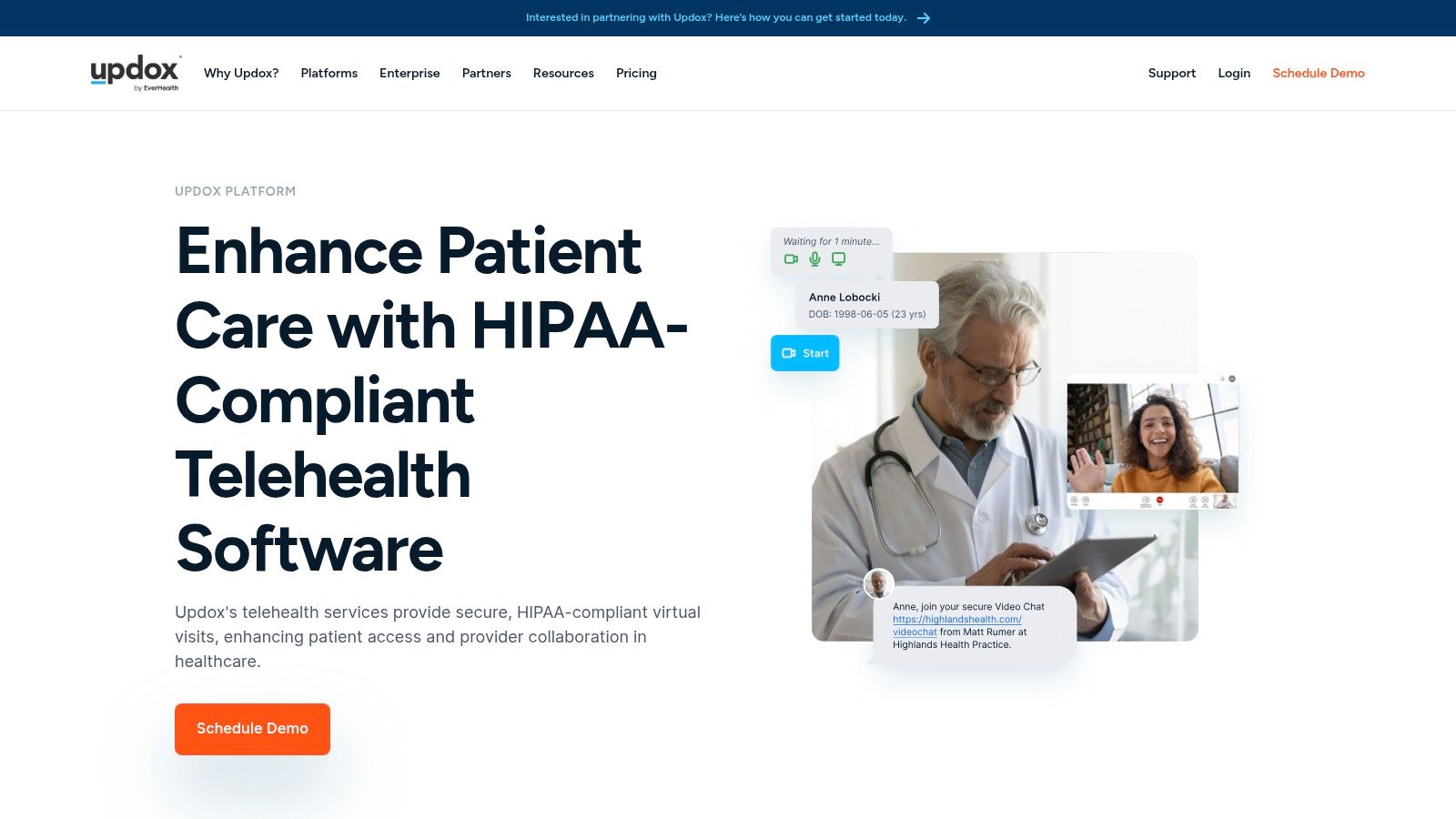
Updox Telehealth makes the most sense when a practice is tired of vendor sprawl. If you're paying one company for telehealth, another for patient messaging, another for fax, and another for phones, Updox's unified communications model starts to look attractive. It isn't just selling visits. It's selling consolidation.
That package can include HIPAA-compliant multi-party video visits, secure messaging, broadcast messaging, eFax, and phone system options. For independent practices and mid-sized groups, reducing the number of vendors can simplify training, support, renewals, and troubleshooting.
Best When Communications Are the Bigger Problem
Some clinics don't need the deepest telemedicine platform. They need one place to manage patient contact. Updox works well in that environment, especially if the practice still relies heavily on fax, phone traffic, and routine messaging around appointments and forms.
What I like:
- Communications under one roof: Fewer vendors often means less admin overhead.
- Practice-oriented deployment materials: Helpful for teams without dedicated IT staff.
- Multi-party visits: Useful for family involvement or care coordination calls.
What to watch:
- Telehealth is part of a broader suite: Some practices may end up paying for modules they won't fully use.
- Pricing isn't fully transparent: Public per-seat comparisons are limited, and quotes vary with module mix and usage volume.
This is a platform I'd evaluate with a workflow map in hand. If your clinic spends too much time switching between SMS, fax, phone, and video tools, Updox may be cost-effective even without the cleanest sticker-price comparison.
7. Spruce Health
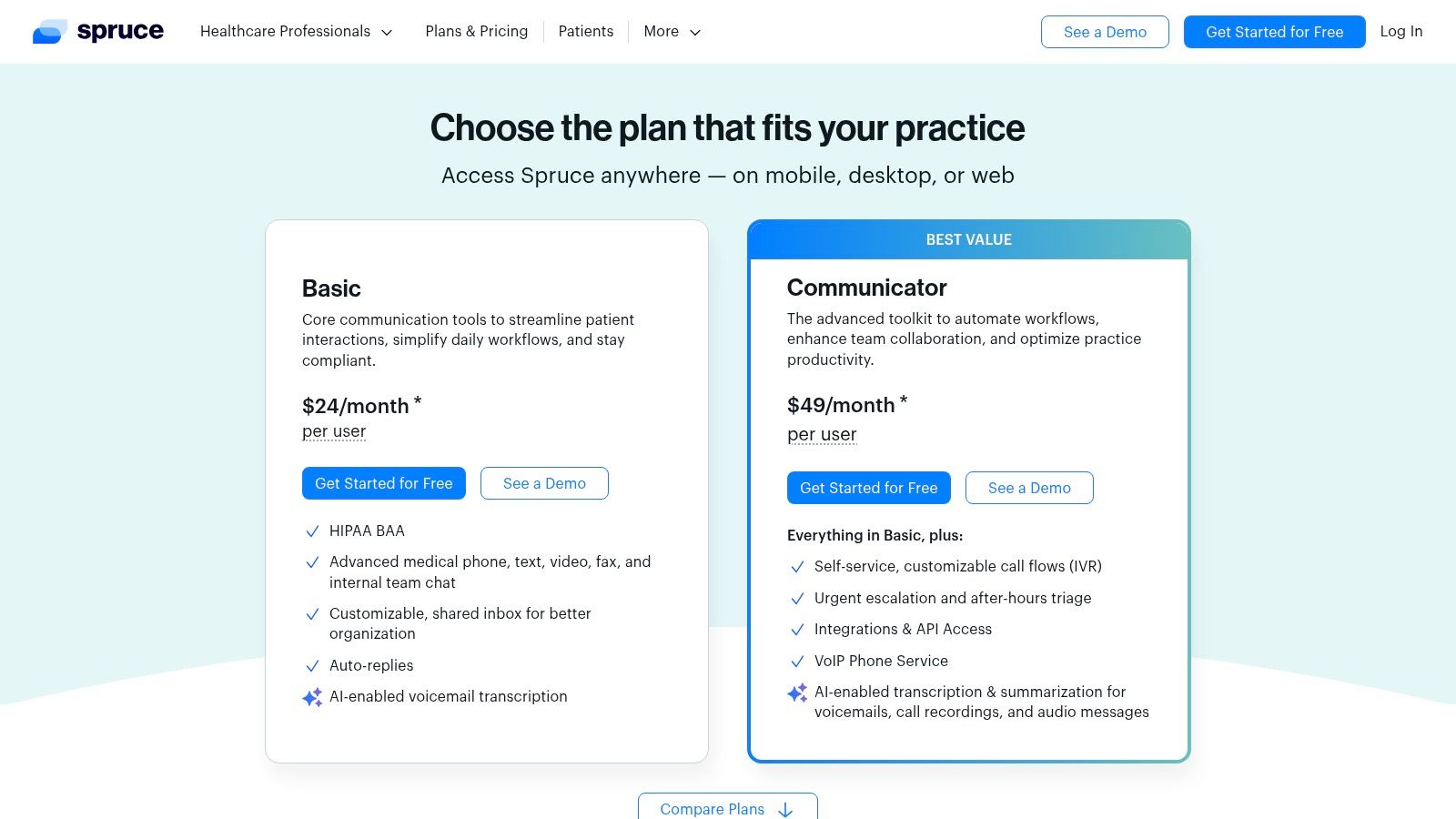
Spruce Health gets my attention for one reason many telemedicine software companies avoid. It shows pricing. For small and mid-size practices, transparent per-user pricing is a serious advantage because it lets operations teams budget without scheduling multiple sales calls just to get a baseline number.
Spruce combines telemedicine video with secure messaging, VoIP phone, IVR support, eFax, and team chat in one app. It also includes a BAA on paid plans and notes SOC 2 Type II auditing. On higher tiers, it adds AI-assisted voicemail and call transcription features, which can help busy teams reduce callback friction.
Strong Option for Communication-Heavy Practices
Spruce works especially well for primary care, behavioral health, and other practices where patient messaging is constant. The value isn't just in video visits. It's in giving staff one place to manage calls, texts, internal chat, fax, and telemedicine sessions.
That kind of consolidation can improve operational fit when:
- Staff handle high message volume: Fewer inboxes means fewer missed patient requests.
- The practice needs quick rollout: Number porting and multi-line support reduce transition pain.
- Leadership wants budget clarity: Month-to-month options and public pricing simplify approval.
The downside is that some advanced call routing and telecom features sit on higher tiers, and telecom taxes or fees are extra. So while Spruce is transparent, you still need to calculate the full monthly cost based on how much phone infrastructure you need.
A cheap video tool plus a separate phone platform plus a separate messaging app often costs more in staff time than one well-chosen communications platform.
8. eVisit
eVisit is built for hospital systems and large provider organizations that need virtual care to operate across service lines, not just within one clinic. That difference shows up quickly. The platform supports configurable workflows for urgent care, scheduled care, triage, and more complex enterprise use cases, plus multiparty video and EHR-connected scheduling.
For large organizations, the appeal is operational complexity management. eVisit isn't trying to win on a cheap monthly subscription. It's trying to fit into a health system's broader care delivery model.
Where eVisit Earns Its Keep
The strongest use case is a provider organization that needs one virtual-care framework for multiple departments. A simple consumer-grade meeting platform won't usually handle those internal variations well. eVisit is designed to.
It also pays attention to patient entry. A quick-join experience with fewer clicks sounds small, but at scale it affects call center volume, visit completion, and staff rescue effort. That's the kind of detail enterprise buyers should care about.
The trade-offs are predictable:
- Quote-based pricing: Not suited to clinics that want quick self-serve purchasing.
- Consultative deployment: Implementation requires vendor engagement and internal coordination.
- Best for medium to large organizations: Smaller practices will likely underuse it.
When I review enterprise telehealth tools, I also look at market structure because it affects vendor behavior. One industry estimate puts the broader telemedicine market at USD 130.5 billion in 2023, with the software segment generating USD 59.3 billion, while the top five vendors held about 40% share in 2023, according to Global Market Insights on telemedicine market concentration and software revenue. That suggests there is still room for specialized platforms like eVisit to compete on workflow depth rather than just scale.
9. Amwell Converge
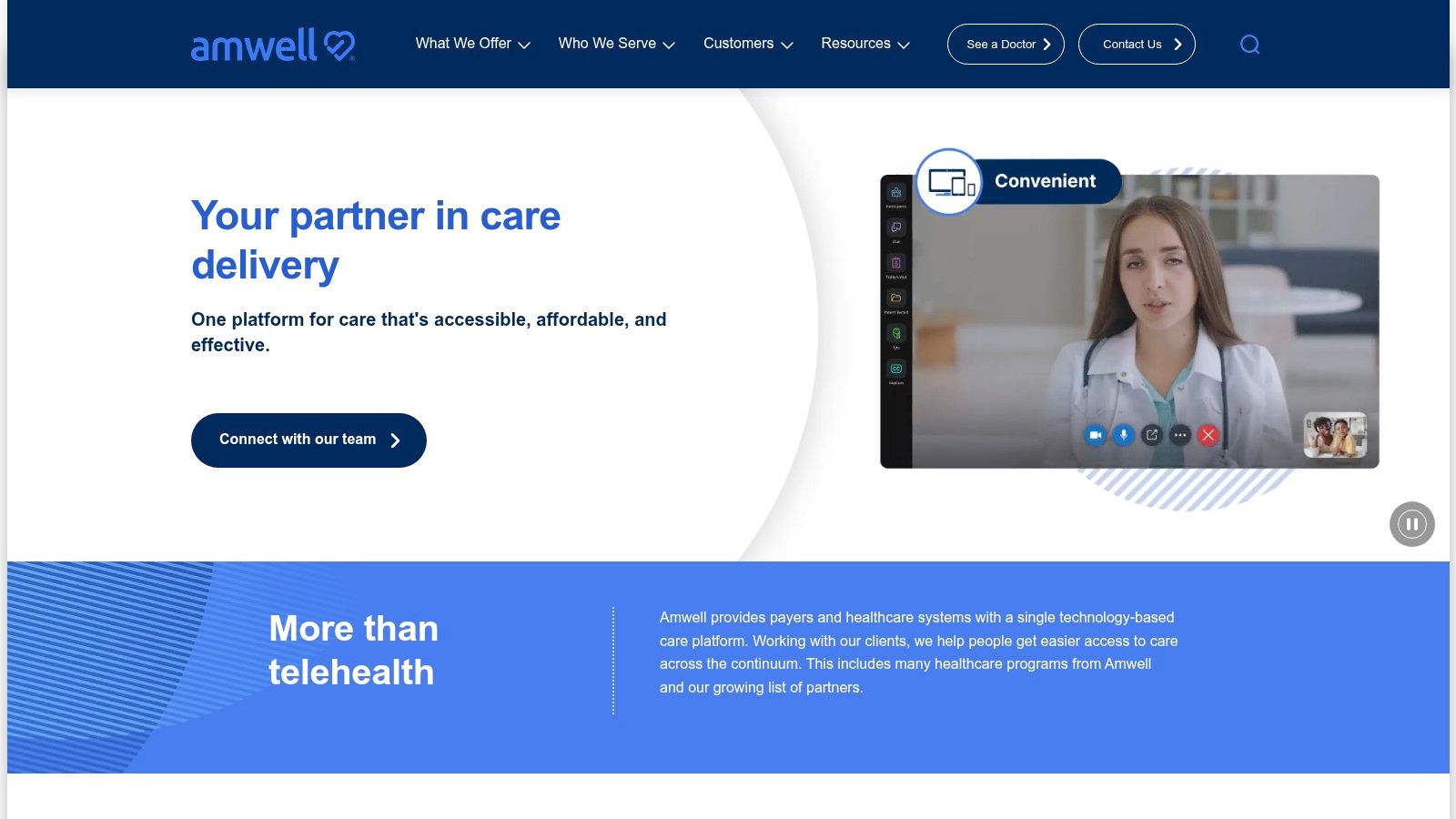
Amwell Converge is for enterprise buyers that want one digital-care platform across urgent care, primary care, specialty care, behavioral health, and post-discharge programs. It's aimed squarely at large provider and payer environments. If your organization is trying to unify multiple virtual programs under one vendor, Amwell belongs in the conversation.
The platform can also pair software with clinical coverage through Amwell Medical Group. That matters for organizations that don't just need technology. They need operating support for care delivery at scale.
Enterprise Value, Enterprise Buying Process
Amwell's main selling point is consolidation. Instead of managing separate tools for different virtual care lines, organizations can centralize digital care distribution and integrate it with existing systems. That can be strategically attractive for large networks that care about governance, vendor reduction, and shared infrastructure.
The flip side is that this isn't a lightweight buy. Procurement is sales-assisted, pricing is custom, and the product is designed for large-scale deployment. Solo and small-group practices will usually find it too heavy, too expensive, or both.
A useful way to think about Amwell is this:
- Good fit: Health systems and payers standardizing broad virtual-care programs.
- Poor fit: Independent practices that mainly need secure consults and straightforward pricing.
If your organization also runs large patient education events, virtual town halls, or training sessions, it's smart to compare dedicated event capabilities elsewhere too. This virtual event platform comparison from AONMeetings can help teams separate telehealth workflow needs from webinar and outreach requirements.
10. Teladoc Health Solo platform
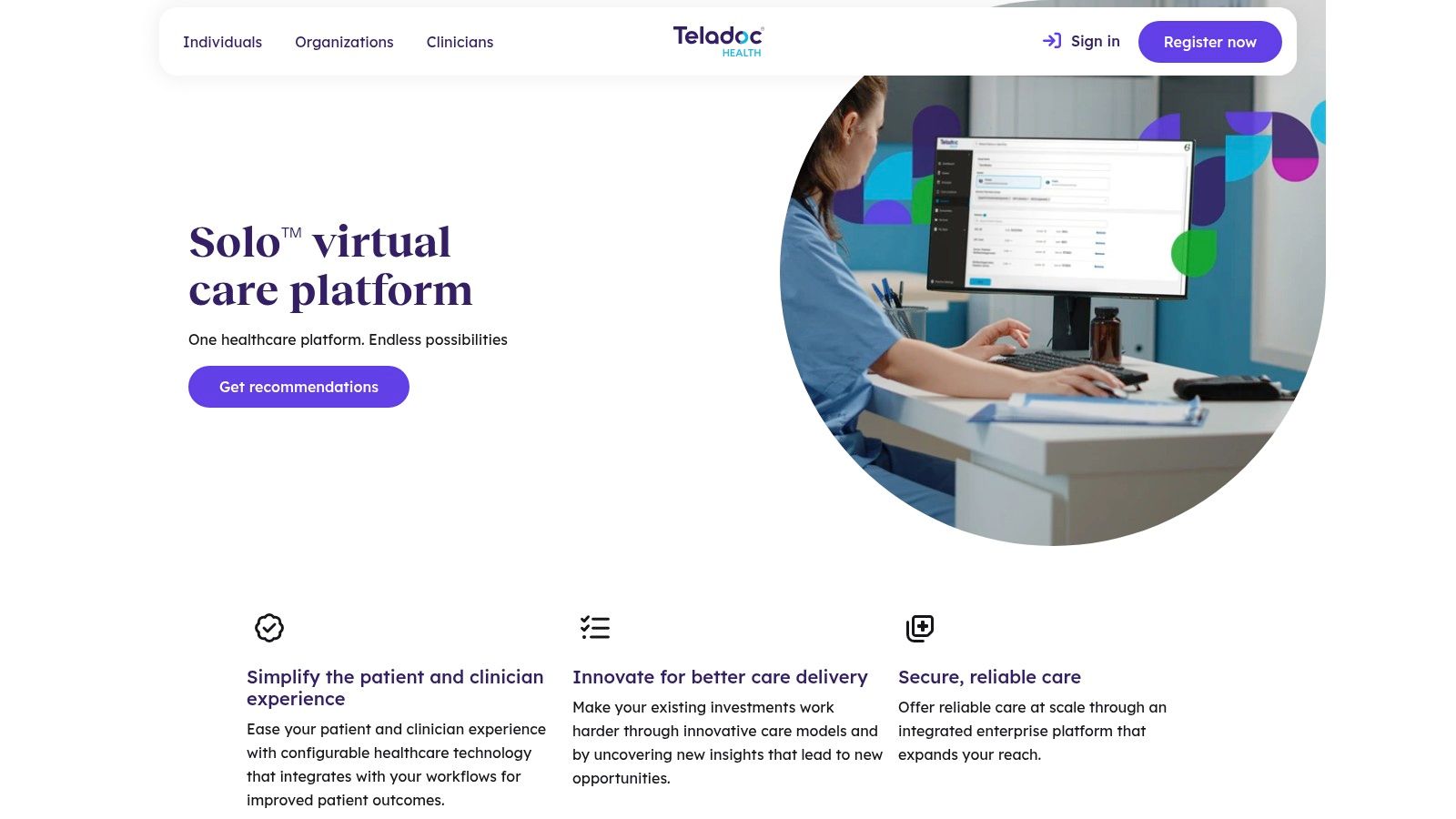
Teladoc Health's Solo platform is built for hospitals and health systems that need telemedicine across inpatient and outpatient settings. That's the key distinction. This isn't just a visit layer for ambulatory appointments. It's an enterprise virtual-care platform intended to connect people, workflows, devices, and care teams across settings.
That scope makes it relevant for large organizations with serious operational complexity. It also makes it overbuilt for many smaller clinics.
Best for Health Systems, Not Small Practices
The biggest strength of Solo is breadth. Organizations that need care-team coordination, ecosystem integrations, and implementation support across multiple care environments will value that maturity. Hospital-grade telemedicine often involves more than scheduled video. It can involve bedside workflows, specialist access, and coordination across departments and locations.
There are two questions I ask before recommending Teladoc Solo. First, does the organization need cross-setting virtual care infrastructure? Second, do they have the internal governance to implement it well? Without both, a large enterprise platform can become shelfware with a login screen.
This broader question of access also matters. Telemedicine can do the most good where in-person access barriers are highest, but outcomes still depend on delivery models, infrastructure, and patient support. That's why I pay close attention to how vendors handle low-bandwidth scenarios, device-light workflows, and fallback channels, especially in underserved populations, a challenge discussed in KFF's review of telemedicine barriers and opportunities.
If you're a hospital system, Teladoc Solo deserves a serious evaluation. If you're a five-provider clinic, it probably doesn't.
Visit Teladoc Health Solo platform
Top 10 Telemedicine Software: Feature Comparison
| Product | Core features | Security & compliance | Best for (target audience) | Pricing & value | Unique selling points |
|---|---|---|---|---|---|
| AONMeetings (Recommended) | Unlimited meetings, built‑in webinars, browser‑join, screen share, whiteboard, recordings, smart summaries, team chat | HIPAA‑grade, bank‑level encryption; compliant plans included | Healthcare, education, SMBs, event marketers, families | Starter ₹179/user·mo (10); Professional ₹359; Business ₹629; Enterprise ₹1,522; transparent, month‑to‑month, 30‑day refund | Webinars bundled, no contracts/40‑min limits, instant joins, searchable recordings |
| Doxy.me | Browser‑based telehealth, waiting room, patient queue, intake/consent, payments, group visits | HIPAA‑ready; BAA on paid plans | Solo clinicians to multi‑provider clinics | Free tier; Premium pricing by contact | No‑download patient flow; clinic workflows and shared queues |
| Zoom for Healthcare | Waiting rooms, SSO, global dial‑in, enterprise admin controls, EHR integrations | BAA/healthcare SKU; enterprise security controls | Organizations wanting familiar Zoom UX and large‑scale integrations | Healthcare pricing by quote | Large ecosystem, extensive integrations, known UX |
| VSee Clinic | Virtual waiting rooms, intake, payments, HIPAA messaging, SDK/API, optional RPM | BAA on paid plans; free messenger not HIPAA‑ready | Clinics/systems needing white‑label or custom workflows | Quote‑based; implementation effort | Highly customizable, white‑label apps, RPM and consulting |
| Mend | No‑download visits, EHR/PMS integrations, digital forms, reminders, measurement tools | HIPAA, SOC 2, PCI DSS | Behavioral‑health practices and organizations | Quote‑based; org‑focused | Behavioral‑health workflows and measurement‑based care features |
| Updox Telehealth | Multi‑party video plus integrated SMS, eFax, phone and messaging | HIPAA‑compliant (suite) | Practices wanting consolidated communications under one vendor | Telehealth as add‑on; quote‑based bundles | Unified communications (fax/phone/message) + telehealth |
| Spruce Health | Video visits, secure messaging, VoIP, eFax, team chat, AI voicemail | BAA included; SOC 2 Type II | Small to mid‑size practices seeking clear costs | Public per‑user pricing; month‑to‑month | Transparent pricing, easy rollout, unified app experience |
| eVisit | Configurable workflows, multiparty video, quick‑join, EHR integrations | Enterprise/HIPAA‑aligned security | Hospitals and health systems needing scale | Quote‑based; consultative implementation | Built for operational scale and complex service lines |
| Amwell Converge | Unified digital‑care platform, integrations, combine with clinical services | HIPAA‑aligned enterprise security | Payers and large provider networks | Enterprise/quote‑based | Consolidates many care lines; option to combine with Amwell clinical services |
| Teladoc Health (Solo platform) | Enterprise virtual‑care across inpatient/outpatient, integrations, care‑team coordination | Enterprise‑grade, HIPAA‑aligned | Large hospitals and health systems | Enterprise/quote‑based | Hospital‑grade platform with broad operational integration capabilities |
How to Choose the Right Telemedicine Partner
Selecting telemedicine software isn't a feature-shopping exercise. It's an operating model decision. The right platform changes how quickly patients join, how much staff intervention is required, how cleanly visits fit into documentation and billing workflows, and how predictable your monthly costs stay after rollout.
Start with security and compliance, but don't stop there. You need to know whether the vendor will sign a BAA where appropriate, how encryption is handled, and whether security controls like waiting rooms, moderator permissions, recording controls, and user management are built in or sold separately. Encryption should be standard, not a premium surprise.
Then look at total cost of ownership. This can be a pitfall for many clinics. A low starting price doesn't mean much if webinars, recordings, admin controls, support, or additional users push the actual cost much higher. Quote-based pricing isn't automatically bad, but it does make side-by-side comparison slower and harder. If your team values predictability, public per-user pricing is a meaningful advantage.
Patient experience is the next filter. In real deployments, the easiest platforms to support are usually browser-based and device-flexible. The more steps a patient has to complete before the visit starts, the more front-desk time gets burned on troubleshooting. That matters even more in practices serving older adults, rural populations, or patients with limited device access. A smooth join flow often saves more staff time than an impressive but rarely used advanced feature.
Clinical workflow fit is where the final decision usually gets made. A platform can be secure and affordable and still fail if it adds extra logins, duplicate work, or disconnected scheduling. Look for the basics first: waiting room, screen sharing, file transfer, messaging options, and clear role controls. If you're a larger group, then push harder on integration. Ask whether the vendor connects cleanly to your EHR, payment workflow, patient intake, and any monitoring tools you already use. Don't accept “yes, we integrate” as a complete answer. Ask what that looks like for staff on a normal day.
I also recommend matching the tool to the organization type instead of buying aspirationally.
- Solo clinicians and budget-conscious practices: Prioritize transparent pricing, no-download joins, and built-in security.
- Small to mid-size practices with communication complexity: Look closely at platforms that combine telehealth with messaging, phone, and fax.
- Behavioral health organizations: Put more weight on reminders, intake forms, and engagement workflows.
- Hospitals and health systems: Focus on interoperability, governance, scale, and multi-service-line support.
For many buyers, AONMeetings lands in a practical sweet spot. It combines HIPAA-grade security, encryption, browser-based access, bundled webinars, unlimited meeting time, and straightforward pricing from ₹179 per user per month. That mix won't replace every enterprise virtual-care platform, and it isn't trying to. What it does offer is strong operational value for clinics and organizations that need secure telemedicine delivery without unnecessary cost layers.
The best choice is the one your staff can run easily, your patients can join without frustration, and your finance team won't regret six months later. If you're also exploring care delivery roles around virtual care, this overview of best virtual NP careers is a useful companion read.
If you want a telemedicine-ready platform that keeps pricing simple and security strong, AONMeetings is worth a close look. It gives clinics HIPAA-compliant video conferencing, bank-level encryption, built-in webinars, unlimited meeting time, and browser-based access starting at ₹179 per user per month, which makes it one of the clearest cost-to-value options on this list.
