
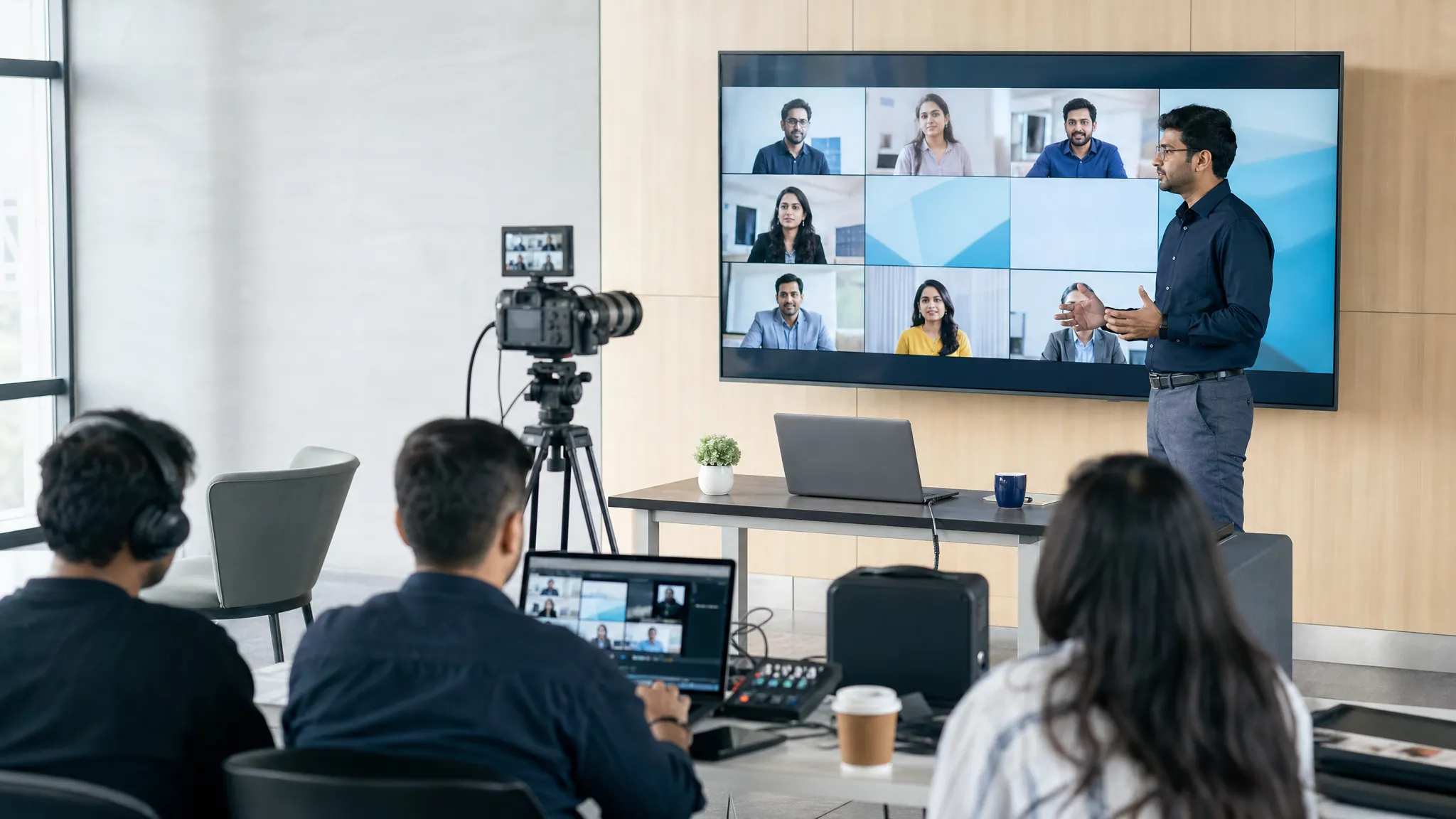
A webinar is an online presentation, class, workshop or briefing that brings a host and an audience together around one useful topic. It is usually more structured than an everyday video call. One or a few presenters guide the session while attendees watch, listen, ask questions and respond through tools such as chat, Q&A or polls.
The name comes from “web” and “seminar”. The Cambridge Dictionary definition describes it as an online occasion for people to study or discuss a subject together. In practical terms, it is a way to teach, demonstrate, update or explain something clearly to people who do not need to be in the same room.
That makes webinars useful for customer education, product demonstrations, employee training, expert talks, partner briefings and larger company updates. A good webinar does not need an elaborate production. It needs a clear promise, a sensible structure and an easy path for people to join.
What makes a webinar different from a video meeting?
A webinar and a meeting both happen online, but they serve different jobs. A meeting is usually built for discussion. Everyone may be expected to speak, make decisions or work through a problem together. A webinar is built for guided communication. The audience comes because it wants to learn something, see a demonstration or hear an informed point of view.
Think of a team catch-up with eight colleagues. Everyone needs time to contribute, so a meeting format makes sense. Now think of a product specialist explaining a new process to 150 customers. That needs a host, a run of show, a focused presentation and a controlled way to gather questions. That is a webinar.
| Choose a webinar when you need to… | Choose a meeting when you need to… |
|---|---|
| Teach or demonstrate one focused subject | Work through a decision together |
| Guide a larger audience through a planned session | Give most participants time to speak |
| Use moderated questions, polls or registration | Collaborate on documents, tasks or ideas |
| Share a recording or follow-up resource afterwards | Reach agreement during the conversation |
The line is not rigid. A small webinar can become conversational, and a large team meeting can include a presentation. The important thing is to choose the format that makes the audience experience easier, rather than forcing every conversation into the same room setup.
How does a webinar work?
Most webinars follow a simple journey: an organiser chooses a topic, invites people to register or join, prepares the session, hosts it live and follows up afterwards. The person attending usually receives a link, joins at the stated time and watches the session from a laptop, phone or tablet.
During the event, one person may act as host while another presents. A moderator can welcome attendees, keep an eye on questions and help the event stay on time. The audience does not need to be silent or passive. In fact, well-timed interaction makes a live session feel more useful. The US Centers for Disease Control and Prevention notes that webinar platforms commonly combine slides, text chat and web cameras to support online learning.
- Plan the outcome. Decide what an attendee should understand, do or decide by the end.
- Set up the joining route. Create the event, choose the presenters and make the joining instructions easy to follow.
- Invite the right people. Explain the topic, the benefit, the time and what they need to do next.
- Run the live session. Welcome the audience, deliver the promised content and collect useful questions.
- Follow up. Share the recording or supporting material, then give people one sensible next action.
A team hosting its first event can use this practical guide on how to conduct a webinar for the wider planning sequence. The goal is not to make every moment formal. It is to remove the avoidable friction that distracts people from the topic.
What happens during a webinar?
A useful webinar feels like a short guided experience, not a sequence of slides read aloud. The host opens by explaining why the session matters, what people will learn and how they can participate. Then the presenter moves through the main idea, demonstration or lesson in a clear order.
Common elements include:
- Presenter video and audio, so attendees can hear the expert and, when helpful, see them.
- Slides or screen sharing, to make a process, example or product easier to understand.
- Chat and Q&A, so attendees can raise questions without interrupting the flow.
- Polls, to learn what the audience needs or bring people into the topic.
- Resources and next steps, such as a checklist, recording, guide or invitation to a relevant conversation.
Use interaction because it helps the audience, not because it fills a feature list. A poll is valuable when the answer changes what the presenter explains next. A question period is valuable when the host has time to answer well. The webinar guidance from GoTo makes the same practical distinction: shared audio, video and slides are most effective when they turn a presentation into a real conversation.
Live webinars, recorded webinars and on-demand sessions
A live webinar happens at a set time. Its strength is shared attention. People can ask questions, respond to a poll and hear answers in the moment. This works well for launches, expert sessions, live training and anything where the audience benefits from a current conversation.
A recorded or on-demand webinar lets people watch later. It is useful when the topic stays relevant and the audience is spread across schedules or time zones. The trade-off is that a recording cannot respond to a specific question in the moment. For that reason, many teams run a live session first, then send the recording to registrants together with a clear way to continue the conversation.
There is also a middle option sometimes called simulive: a prepared recording plays at a set time while a real host answers questions in chat. It can work for a repeatable session, but the audience should know what is live and what is recorded. Clarity builds trust.
What do you need to host a webinar?
You need a topic worth an audience’s time, a host, a reliable internet connection and a platform that suits the size and format of the event. The essentials are simple, but preparation matters.
- A specific audience promise: “Understand the new rule” is vague. “Leave with a three-step process for preparing your next client review” is useful.
- A short agenda: Plan the opening, the main sections, an interaction point, questions and the close. Start with a webinar agenda template if the session has more than one speaker.
- Clear roles: Decide who hosts, who presents, who watches questions and who handles a technical problem if one appears.
- A rehearsal: Test the joining link, audio, slides, screen sharing and transitions using the same setup you expect to use on the day.
- A simple invitation: Send the time, timezone, audience benefit and joining route without making people hunt for the important detail.
For most business sessions, 30 to 45 minutes is a sensible starting point. LinkedIn’s webinar best-practice guide recommends 30 to 45 minutes and encourages teams to plan for technical issues rather than assume a live event will behave perfectly. The length should follow the job: a short demonstration may need 20 minutes, while a practical training session may need longer with breaks.
A webinar checklist is especially useful when several people are involved. It turns “someone will handle that” into clear ownership before the audience arrives.
How attendees join and participate
From an attendee’s point of view, a webinar should be straightforward. They receive an invitation or registration confirmation, open the joining link at the right time and follow the host’s instructions. Some platforms work in a browser, while others use an app. The organiser should say which route applies before the event, along with any browser, audio or access requirement.
Attendees should not feel pressure to speak unless the event is designed for discussion. In a well-run webinar, they can listen, use chat or Q&A when they have a useful question, respond to polls and leave with the recording or resources they need. If the event is recorded, say so at the start. If it includes captions or downloadable material, tell people where to find them.
Joining should be the easy part. That is why browser-based access can be valuable for customer, partner or public events: fewer installation steps mean fewer people lost before the useful content begins. If a participant has trouble, this guide for testing a microphone and the guide to screen-sharing problems can help solve common issues quickly.
How to make a webinar worth attending
The best webinars make a realistic promise and keep it. They do not try to cover everything about a broad topic in one hour. They help a specific audience make progress on one useful question.
Start with a title that describes the outcome, not just the subject. Write invitations that tell people why the session matters to them. These webinar subject line examples can help make the benefit clear before someone even opens the email.
During the event, keep the pace moving. Explain the point, show an example and give people a way to connect it to their own work. Then make the close useful. Summarise the key ideas, answer the final questions and direct attendees to one next step. The follow-up can include the recording, a resource or a relevant next conversation. Our webinar follow-up email guide shows how to make that message helpful rather than repetitive.
A good webinar should respect the audience’s attention. Do not spend ten minutes on company history before giving the promised lesson. Do not ask for interaction and ignore the answers. Do not end with six competing calls to action. One strong takeaway and one clear next action are usually enough.
How AONMeetings India helps teams run webinars
AONMeetings India gives teams a practical place to run browser-based meetings and presenter-led webinars in the same workspace. That helps a team rehearse the joining experience, use familiar controls and move from an everyday conversation to a larger session without adding unnecessary complexity for attendees.
Published India plans include webinar capability up to the plan participant limit, with larger capacity available when an event needs more room. Explore webinar software for India, compare the current India plans or use the webinar cost calculator to match an event to the audience size you expect.
Frequently asked questions
What is the difference between a webinar and a meeting?
A webinar is usually designed for one or a few presenters to guide a larger audience through a focused topic. A meeting is generally more conversational, with more people expected to speak, collaborate or make decisions together.
Do you need to download software to attend a webinar?
It depends on the platform. Many webinar tools let attendees join from a modern browser using a link, while others may ask them to install an app. The invitation should say exactly what attendees need before the session starts.
Can attendees ask questions during a webinar?
Yes. Hosts commonly use a Q&A panel, chat or polls to involve attendees. The host can collect questions during the session and answer them at planned moments, rather than letting the presentation lose its structure.
Are webinars live or recorded?
They can be either. A live webinar gives people a shared time for questions and interaction. A recording lets people watch later. Many teams use both: run the session live, then share the recording with registrants who could not attend.