
Your first client logs in from a phone in the parking lot outside work. You have the chart open, the consent form still needs a signature, and the next intake is already on the calendar. That is the actual buying context for telehealth software. The platform affects far more than video quality. It shapes how quickly sessions start, how often clients need help joining, how easily staff handle reminders and billing, and how much admin work follows each appointment.
The most useful way to compare options is not by stacking feature lists. It is by deciding whether your practice needs an all-in-one EHR with telehealth built in, or a standalone video platform that fits around tools you already trust. An EHR-first setup can keep scheduling, documentation, claims, and messaging in one place. A standalone option can cost less, take less time to set up, and avoid forcing a practice to replace working systems just to get secure video.
That distinction matters in day-to-day operations. I have seen practices overspend on bundled software they only use halfway. I have also seen clinicians save money on a video-only tool, then lose that savings to extra admin time, add-ons, and client confusion. Total cost of ownership is rarely the monthly subscription alone. It includes staff time, training, support burden, failed joins, duplicate systems, and the extras many teams do not price in at the start, such as group sessions or webinars.
Security is a baseline requirement. HIPAA-compliant video, encryption, waiting rooms, and a signed BAA should already be on the checklist. Key differentiation emerges from workflow friction. Can clients join from a browser without downloading anything? Can you move from session to note without jumping across tabs all day? Can the platform handle group education or community events, or will you need a second product for that?
That is one reason lower-cost secure alternatives such as AONMeetings deserve a closer look alongside bigger EHR brands. For some practices, built-in webinar capacity and browser-based access solve practical problems that matter more than a longer feature list.
If growth is part of the plan, software choice also affects conversion after a client decides to book. A clumsy intake flow, weak reminders, or confusing join steps can waste the effort behind a broader digital marketing strategy for healthcare.
There are more platforms on the market now, and many of them make similar promises. The hard part is not finding a telehealth tool. It is choosing one that fits your clinical workflow, your clients, and the economics of your practice.
1. AONMeetings

AONMeetings is the standout pick if you want a secure standalone platform without paying enterprise-style prices for basic healthcare requirements. Its entry plan starts at ₹179 per user per month, and that matters because many therapists don’t need a full EHR replacement. They need reliable HIPAA-compliant video, encryption, simple joining, and enough room to run consults, recurring groups, or educational events without stitching together separate products.
What makes AONMeetings different is the bundle. HIPAA compliance is included. Bank-level encryption is included. Webinars are included. Unlimited meeting time is included. That changes the value equation for private practices that run parent workshops, psychoeducation sessions, intake orientations, or community-facing events and don’t want a second webinar subscription sitting beside their telehealth stack.
Why it works in real practice
The browser-based join flow is one of its biggest strengths. Clients don’t need downloads, which removes a common support issue before the session even starts. For therapists, that means fewer pre-session emails that say “I can’t get the app to open” and fewer first ten minutes lost to troubleshooting.
The feature set is broader than you’d expect at this price point. Along with encrypted meetings, you get screen sharing, whiteboards, recordings, smart meeting summaries, searchable recordings, and team chat. Higher tiers add breakout rooms, moderator controls, live streaming, multi-camera broadcast, and brandable UI themes.
Practical rule: If you run groups, trainings, or referral-network events even occasionally, bundled webinars can save more money than a long list of niche telehealth features you’ll rarely use.
That’s also where AONMeetings fits the “all-in-one EHR versus standalone video” question well. It doesn’t try to be your billing system or clinical record. It gives you a secure communication layer that can sit on top of the systems you already trust. For many practices, that’s the cleaner model.
Pricing and value
The pricing is unusually transparent for a healthcare-capable platform. Starter begins at ₹179 per user per month, there are no contracts, and there’s a 30-day money-back guarantee. There’s also a 7-day free trial on the Starter plan. Payments support UPI, PayPal, and cards, which is practical for solo clinicians and smaller teams that don’t want procurement friction.
A few trade-offs are worth stating clearly:
- Best for controlled session sizes: Participant caps are tied to the license tier, so larger groups or multi-host setups may push you into Business or Enterprise.
- Best value if you’ll use the extras: Features like live streaming, advanced branding, and paid webinars sit higher in the lineup or require optional Stripe setup.
- Best fit as a secure video hub: If you want notes, claims, treatment plans, and forms in one interface, you’ll still need an EHR.
AONMeetings is the best choice here for practices that want predictable cost, strong encryption, HIPAA compliance, and webinar capability without buying a bulky platform they won’t fully use.
2. SimplePractice
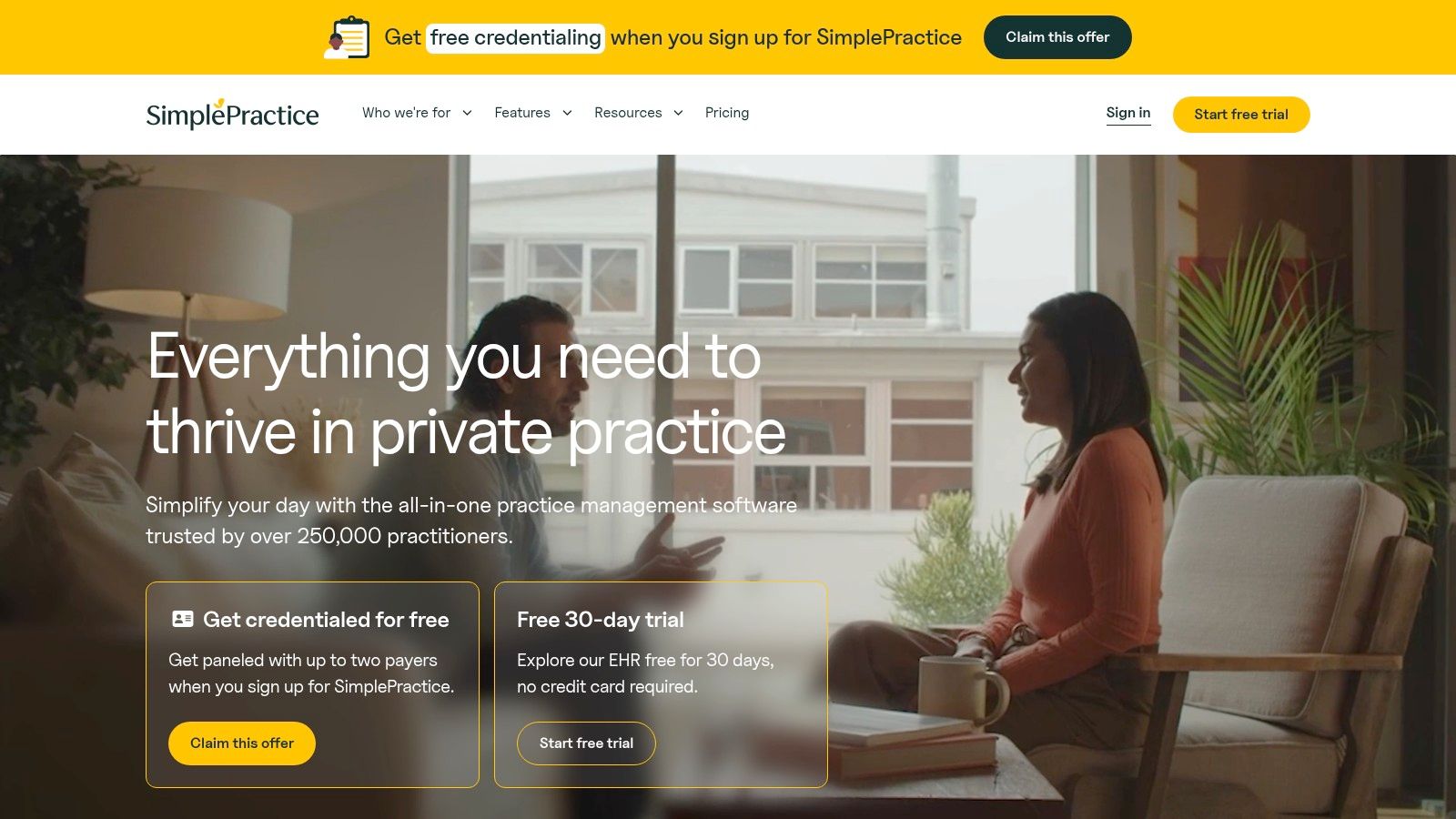
SimplePractice is what many therapists choose when they’re tired of switching between five tools just to get through a clinical day. The strongest argument for it isn’t that the video is flashy. It’s that telehealth launches from the same calendar where the appointment lives, and the rest of the workflow stays close by.
That matters more than feature lists usually admit. When the note, charge capture, forms, and next appointment all live in the same environment, your day feels less fragmented. For clinicians who hate admin after hours, that reduction in context switching is often the true return on investment.
Where SimplePractice earns its keep
Its integrated telehealth supports individual, couples, and group sessions. The virtual waiting room and admit controls feel therapist-specific rather than generic meeting software repurposed for healthcare. In session, you also get practical tools like whiteboard, chat, screen sharing, and live captions.
If you’re comparing platform architecture, SimplePractice represents the “all-in-one EHR” side of the decision cleanly. It’s not the cheapest route, but it can lower hidden workflow costs because the clinical and operational pieces are connected. If you’re still sorting out your security baseline, this overview of HIPAA-compliant video conferencing platforms is a useful framing reference.
A realistic example: a solo therapist doing individual therapy all day may save time because appointments, reminders, telehealth links, and note-writing all sit in one place. A group practice can also standardize intake and follow-up more easily. The trade-off is that you’re buying into a whole practice system, not just a video tool.
- Good fit: Therapists who want fewer tabs open all day.
- Less ideal: Clinicians who already like their EHR and only want secure video.
- Watch for plan details: Group telehealth is included on some plans and handled as an add-on on others.
The hidden cost of a cheap platform is often the extra hour you spend each evening cleaning up what the software didn’t connect.
SimplePractice makes sense when operational cohesion matters more than squeezing software spend to the lowest possible number.
3. TherapyNotes
TherapyNotes usually makes sense after a familiar practice pain point shows up. A clinician finishes a full day of sessions, then spends the evening fixing claim issues, chasing signatures, and cleaning up documentation that never quite matched the schedule. TherapyNotes is built for that side of the job. It puts documentation, billing, and telehealth in the same operating system, which matters if your real bottleneck is administrative rework rather than video quality alone.
Its telehealth product is no longer an afterthought. You get HD video, virtual waiting rooms, guest access, captions, and support for group sessions. For practices comparing all-in-one EHRs against standalone video tools, that changes the math. A separate video platform may look cheaper at first, but total cost of ownership goes up if staff still have to copy appointments, send links manually, or reconcile session details across systems.
Where it earns its keep
TherapyNotes is strongest in practices that need structure. Insurance-heavy groups, multi-clinician offices, and clinicians who care about consistent note formats usually value it more than therapists who want the lightest possible setup.
The clinical experience is solid, but the administrative workflow is its primary appeal. Scheduling, records, claims, and telehealth all connect cleanly enough that fewer tasks fall through the cracks. That lowers workflow friction for front-desk staff and reduces the number of small errors that turn into delayed payment.
It also gives practices clearer guidance around HIPAA responsibilities and BAAs than many general-purpose meeting tools.
Real trade-offs
The trade-off is flexibility. If you already like your EHR and only need secure video, TherapyNotes can feel heavier than necessary. In that case, a standalone option or a lower-cost bundled platform such as AONMeetings may fit better, especially if you also want features like webinars without adding another subscription.
TherapyNotes works best when the business side of therapy is part of the platform decision, not an afterthought.
- Best for: Practices that want telehealth tied directly to documentation, scheduling, and billing.
- Less ideal for: Therapists who prefer a modular stack and want to choose video separately from their EHR.
- Check before buying: Current pricing, group telehealth details, and whether your staff will use enough of the admin features to justify the switch.
A good example is a group practice that bills insurance every day and needs clinicians to follow the same documentation and scheduling process. TherapyNotes supports that kind of consistency well. It is not the lightest tool on this list, but it can reduce hidden operational costs for practices where disconnected systems create more work than they save.
4. TheraPlatform
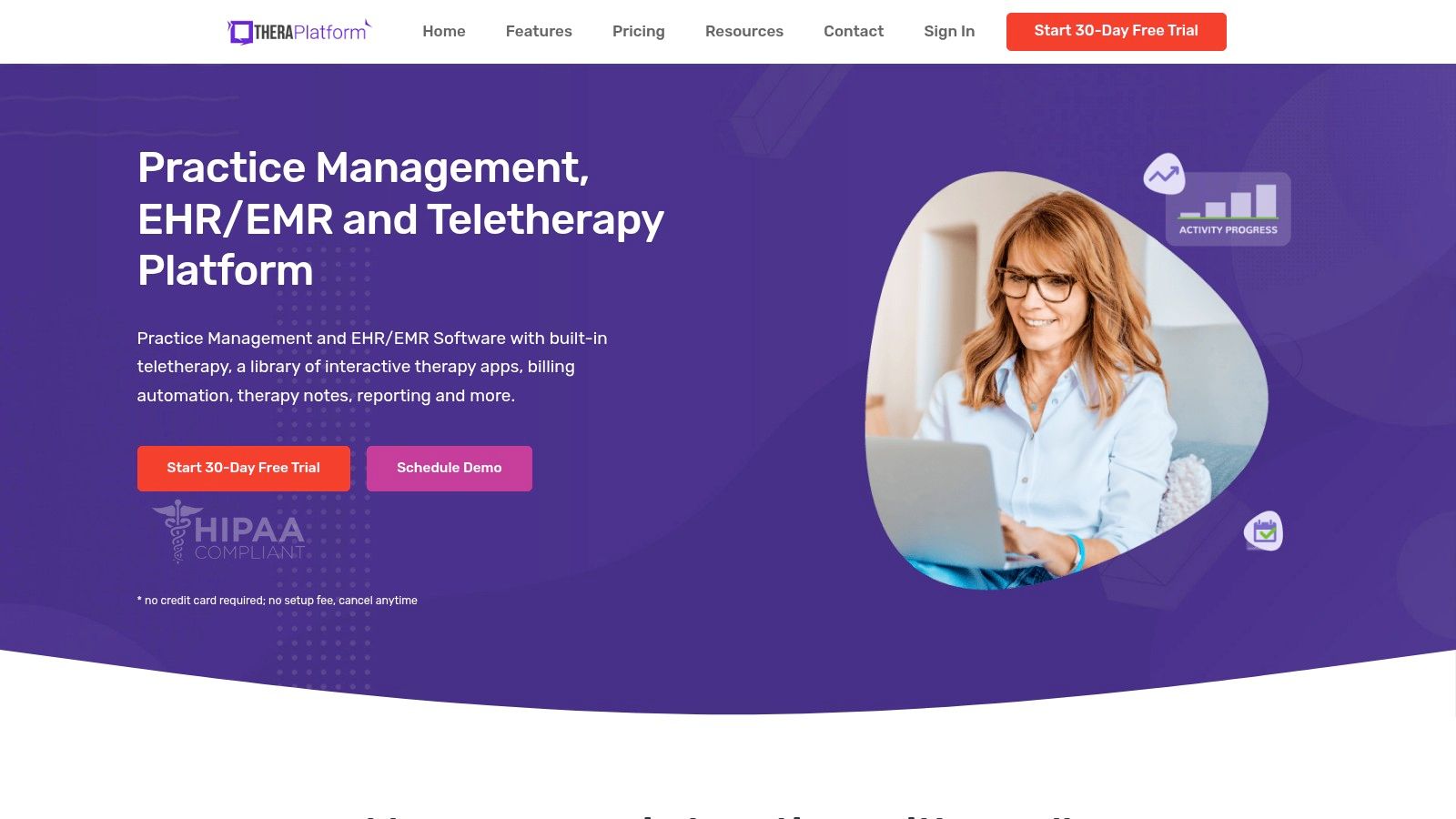
TheraPlatform fits a specific practice pattern. A clinician starts with video, then realizes the primary time drain is everything around the session: reminders, intake, note-writing, claims, and the extra tools needed to keep child or family sessions engaged. TheraPlatform addresses that with one therapy-focused system instead of a patchwork stack.
It combines telehealth, scheduling, documentation, billing, e-claim submission, a client portal, reporting, and an optional AI transcription workflow. That makes it a clearer fit in the all-in-one EHR side of the decision than the standalone video side. If the goal is to lower handoffs between tools, it has a stronger case than a basic video platform.
Its standout feature is the built-in library of therapy games and apps. That matters for play therapy, pediatric work, some family sessions, and practices that need more than face-to-face conversation on a screen. Generic telehealth tools can handle the call. They do less to support the treatment method itself.
Where it earns its keep
TheraPlatform is strongest when the session and the admin work need to live in the same place. A therapist can schedule, meet, document, and move toward billing without bouncing between separate systems. That cuts friction, especially for practices where every extra tab turns into delayed notes or missed follow-up tasks.
The optional AI transcription feature may also help practices where documentation is the bottleneck. Used carefully, it can shorten repetitive note prep. It does not replace review or clinical judgment.
Clinical workflow note: Interactive tools only help if they are available inside the session flow. If clinicians have to keep opening outside apps, usage usually drops fast.
Trade-offs to weigh
The same breadth that helps a busy practice can feel excessive for a lean solo setup. If you already have an EHR you like and only need secure video, TheraPlatform may duplicate systems you are already paying for. In that case, a standalone option, or a lower-cost bundled platform such as AONMeetings if you also want webinar capability, may produce a better total cost of ownership.
TheraPlatform makes the most sense for therapists who will use the clinical tools, not just the video room.
- Best for: Child therapists, family therapists, and practices that want telehealth, documentation, and billing tied together.
- Less ideal for: Clinicians who want the lightest possible setup or prefer to keep video separate from their EHR.
- Check before buying: How much of the interactive library your clinicians will use, whether AI documentation fits your compliance process, and whether the all-in-one workflow will replace enough other tools to justify the switch.
5. Sessions Health
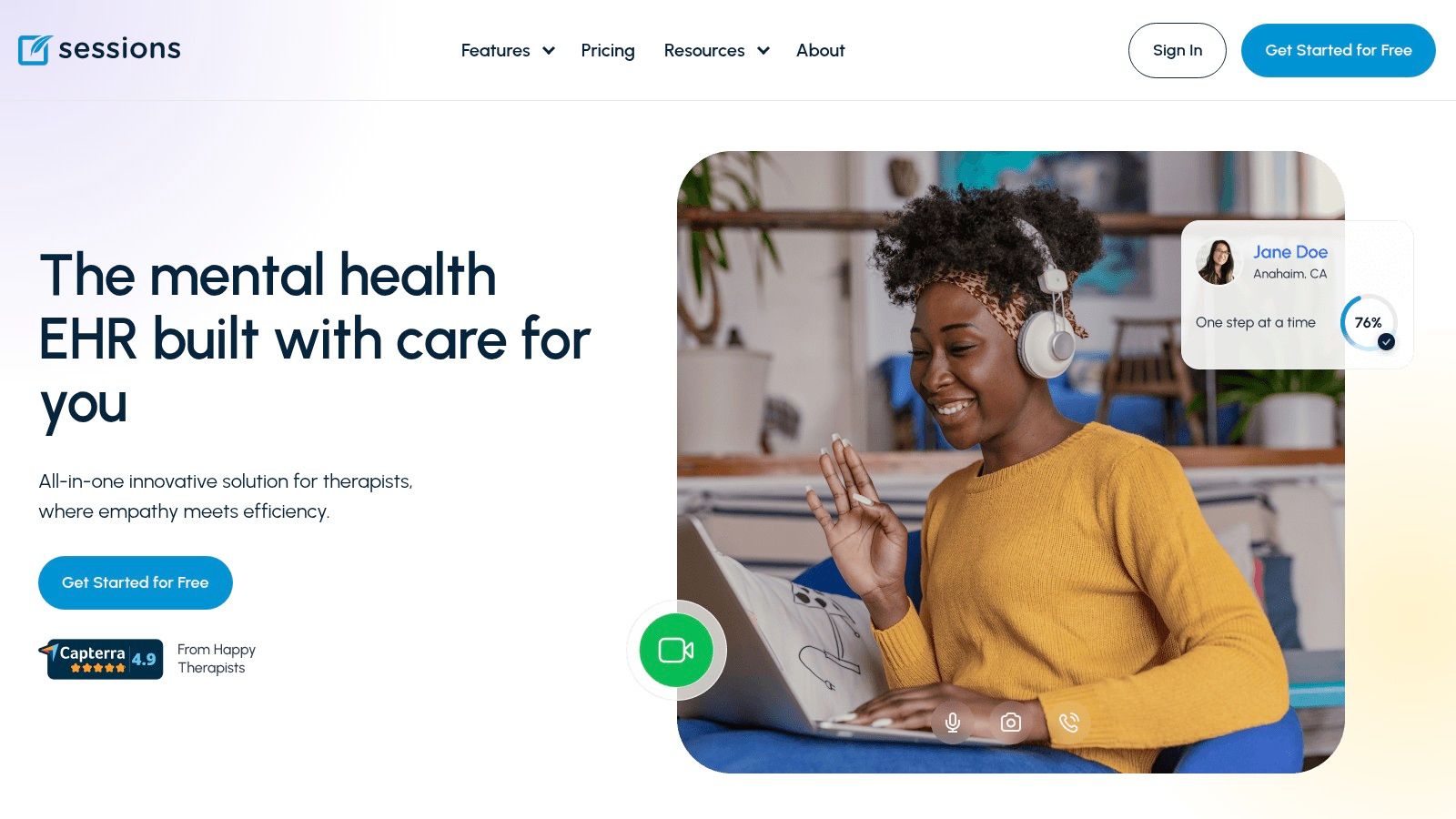
Sessions Health appeals to a specific kind of therapist. Usually it’s the clinician who wants an EHR, but doesn’t want to feel like they’ve signed up for a software company’s entire vision of healthcare operations. The interface and workflow reputation are built around simplicity.
That makes it attractive for solo and small practices. Integrated telehealth is available as an add-on, which gives you some control over cost if you’re not delivering all sessions virtually. In other words, it doesn’t force every user into the same software bundle.
Why therapists consider it
The value here is restraint. Some platforms try to win by adding every possible feature. Sessions Health tends to be more appealing when you want the basics to work cleanly. For clinicians who don’t want to spend weeks customizing a system, that can be a serious advantage.
A practical example is a therapist with a small caseload who wants scheduling, notes, and client records in one place, but may only use telehealth part of the week. An optional telehealth layer can make more financial sense than paying for a fully loaded package by default.
Where to be careful
The trade-off with simpler systems is usually feature depth. If your practice wants advanced automation, broader analytics, or heavier AI support, this may feel limited next to larger platforms. Public pricing details are also often discussed through third-party summaries rather than always being crystal clear on first glance, so it’s worth confirming current plan structure directly.
- Good for: Solo clinicians and smaller teams that want a therapist-friendly EHR.
- Potential limitation: Fewer advanced features than larger, more aggressively developed platforms.
- Security expectation: Telehealth is positioned as HIPAA-compliant, which should still be verified the same way you’d verify any vendor handling protected information.
Sessions Health isn’t trying to be everything. For many practices, that’s exactly why it lands on the shortlist.
6. Doxy.me
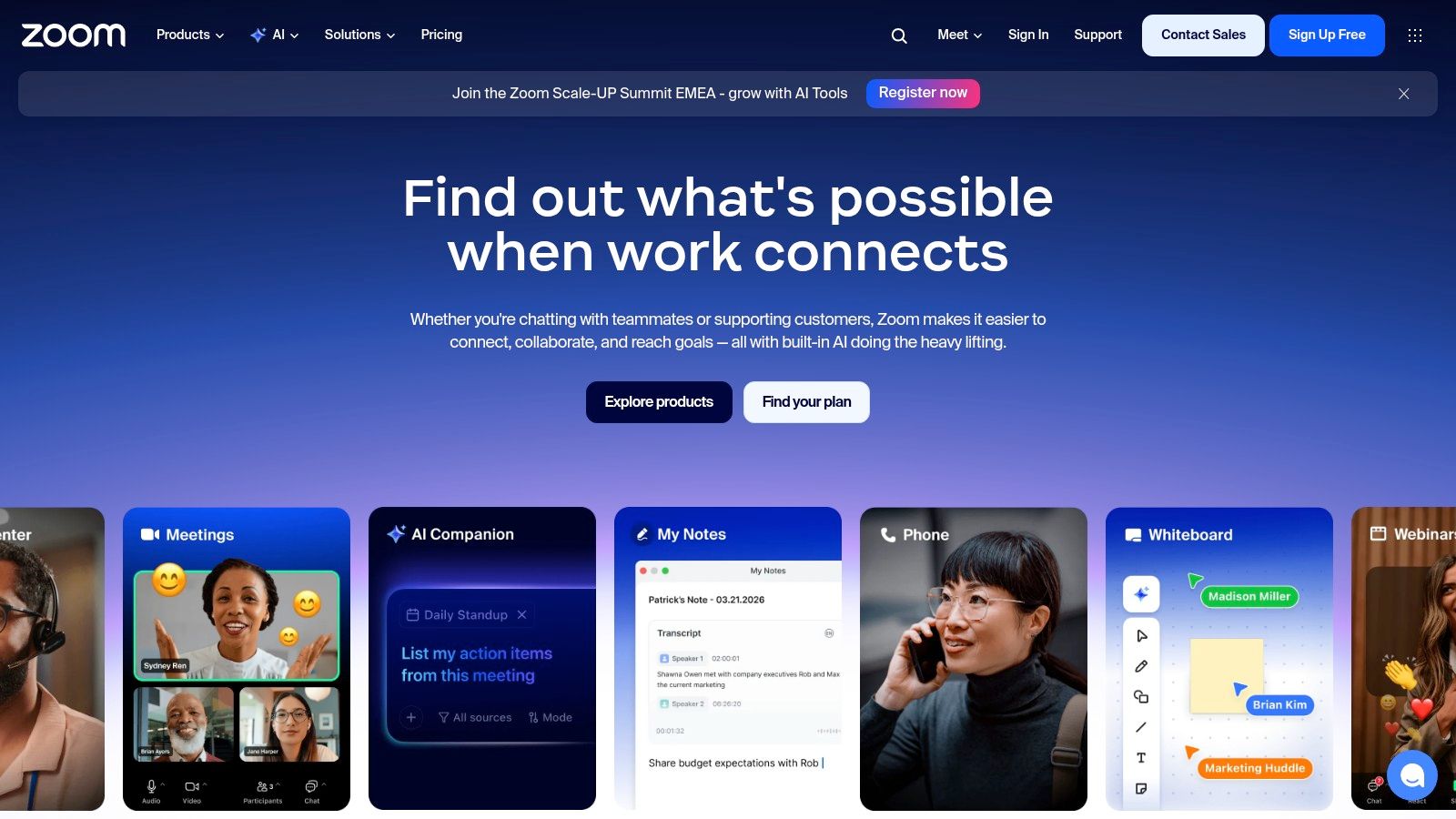
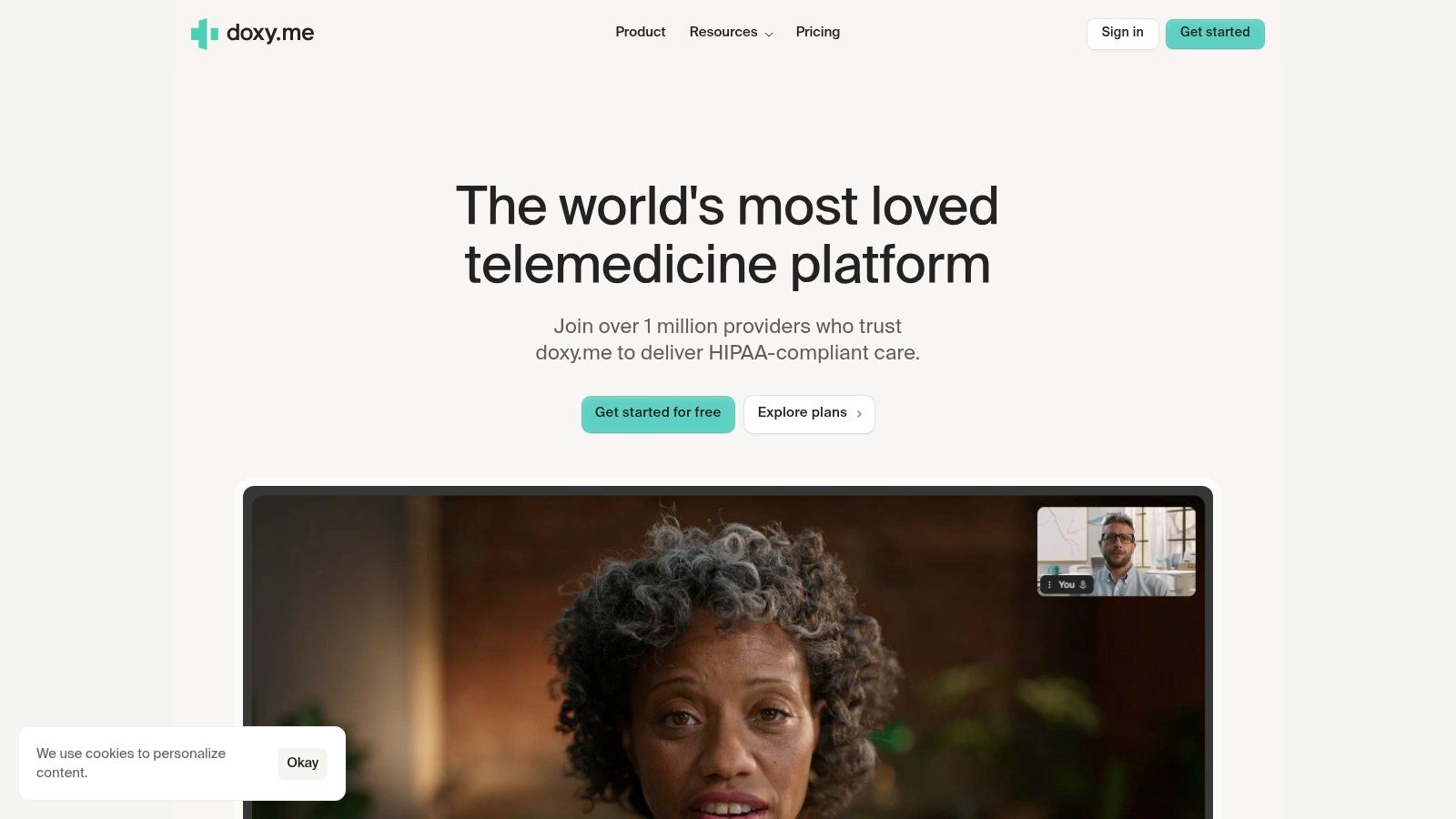
A therapist opens a private practice, needs HIPAA-ready video by next week, and does not want to buy a full EHR before the caseload is stable. Doxy.me often makes that shortlist fast because it is browser-based, quick to launch, and familiar to many clinicians.
Its appeal is straightforward. You can get telehealth running without a larger implementation project, and clients usually appreciate the no-download setup. For a solo practice or a clinician testing hybrid care, that lower setup burden matters.
That also defines the trade-off.
Doxy.me sits firmly on the standalone video side of the all-in-one EHR vs. standalone video decision. If your note templates, billing, intake, and scheduling already live elsewhere, adding a focused video tool can be the cheaper path in the short term. If you still need to assemble the rest of the workflow, the monthly savings can disappear once you add separate tools for forms, reminders, documentation, and client communication. Practices comparing that broader cost picture should also review options in this guide to video conferencing platforms for small businesses.
Where it works best
Doxy.me is a good fit for clinicians who want low-friction telehealth and can tolerate a lighter operational layer around it. I usually see it work best in three situations: solo therapists starting out, established practices that already have an EHR they like, and clinicians who only need telehealth for part of the week.
The client experience is one of its stronger points. Fewer setup steps usually means fewer missed starts and less time spent doing tech support instead of therapy. That matters more in real practice than long feature grids suggest.
Where to be careful
The limitations show up as the practice gets more complex. Doxy.me is not designed to replace a therapist-centered EHR, and it will feel thin if you want billing, forms, deeper workflow automation, or tighter admin controls in one system. It is also a weaker fit for practices that plan to run psychoeducation events, webinars, or broader outreach, where a platform such as AONMeetings can cover more use cases inside the same subscription.
Migration is the other cost clinicians often underestimate. Starting with a lightweight video tool is reasonable. Rebuilding workflows later takes time, staff retraining, and some disruption for clients.
Choose Doxy.me if your priority is secure, simple telehealth with minimal setup. Skip it if you already know your practice needs an all-in-one system, richer operations support, or audience-facing features beyond 1:1 sessions.
For secure video alone, Doxy.me still earns its place. For total workflow efficiency, it makes more sense as a focused telehealth layer than as the center of a growing practice.
7. Zoom for Healthcare

A therapist is running a full caseload, the front desk already knows the meeting controls, and clients rarely need help joining. In that setting, Zoom for Healthcare is often the practical choice because it reduces change management.
Its main advantage is familiarity. Clients have usually used Zoom before. Staff know how to admit people from the waiting room, manage host settings, and troubleshoot basic audio issues without much training. That lowers friction at the session start, which matters more in practice than a long feature table.
Zoom also fits a specific side of the decision this guide keeps coming back to. It is usually the stronger option if you want standalone video that sits on top of an existing EHR. It is usually the weaker option if you are trying to buy one platform that handles telehealth, forms, scheduling, billing, and practice operations together.
The healthcare plan supports HIPAA-aligned use with a BAA. For group practices, hospital-affiliated behavioral health programs, and clinics with established admin systems, that matters. Zoom can slot into an existing stack without forcing a rebuild of documentation and billing workflows.
That convenience has a cost.
Zoom is still a meeting platform first. Therapists who choose it as the center of the practice usually end up stitching together other tools for intake forms, reminders, charting, payments, and reporting. The subscription price is only part of the expense. Staff time, duplicate data entry, and the ongoing work of keeping systems connected are part of the total cost of ownership.
That is the core trade-off between all-in-one EHR platforms and standalone video tools. Zoom can be a good fit for practices that already like their EHR and need dependable telehealth. Practices still building their stack should compare that model against platforms that bundle more workflow pieces, including options discussed in this guide and broader video conferencing choices for small business use.
- Best for: Group practices or clinics that already have scheduling, notes, and billing handled elsewhere.
- Less ideal for: Therapists who want one system with fewer handoffs between clinical and admin work.
- Pricing reality: Healthcare pricing is often quote-based, so comparison shopping takes more effort than with transparent monthly plans.
Zoom for Healthcare works well when the job is secure, familiar video inside an existing operation. It is a less efficient choice when the goal is to reduce software sprawl.
8. VSee Clinic
VSee Clinic deserves attention from therapists who don’t operate on a simple scheduled-session model. Its strengths are patient flow, branded waiting rooms, queue visibility, and routing. That makes it more operationally minded than many platforms aimed directly at solo private practice.
If your clinic handles same-day scheduling, triage-style intake, or multiple providers rotating through virtual availability, VSee’s design makes more sense than a basic meeting room tool. You can see the difference immediately in the waiting room and queue structure.
Best use case
Think about a behavioral health clinic with several clinicians, front-desk coordination, and a mix of booked and urgent appointments. A standard meeting app can handle the call itself, but not the traffic flow around it. VSee is more useful in that environment because it addresses intake movement, alerts, and operational handoff.
That doesn’t mean solo therapists can’t use it. It means solo practices should be honest about whether they need this level of structure. For a simple weekly caseload, it may be more system than necessary.
Trade-offs that matter
The bigger capabilities come with bigger complexity. Optional claims and eligibility functions may be useful for clinics, but they also pull the platform away from the lightweight experience many private practitioners prefer. Pricing is typically custom rather than posted plainly, which slows down comparison shopping.
- Strong fit: Multi-provider clinics with patient-flow complexity.
- Moderate fit: Growing group practices with administrative coordination needs.
- Weak fit: Therapists who want the fastest path to “click link, start session.”
VSee Clinic stands out when workflow means more than one therapist and one appointment at a time.
9. Mend
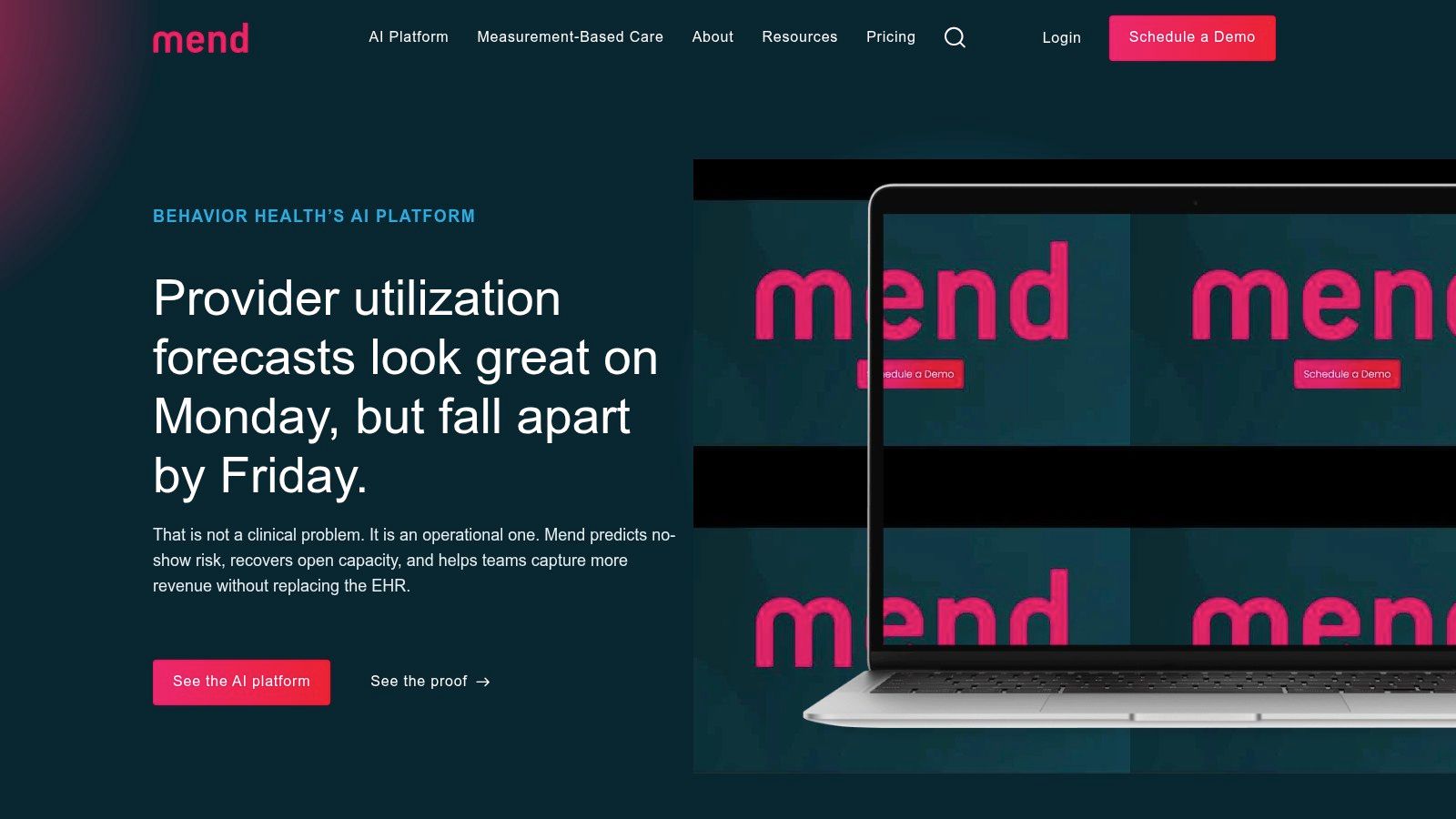
Mend focuses heavily on connection reliability and patient engagement. That sounds like standard vendor language until you work with populations where missed joins, browser confusion, and app friction repeatedly damage attendance. In behavioral health, those small technical failures have clinical and financial consequences.
Mend’s no-download browser model is aimed squarely at reducing those failures. It’s also built to layer alongside existing EHR workflows rather than replace them outright, which can be attractive for larger organizations that don’t want to rip out the rest of their stack.
Where it can outperform simpler tools
The best reason to look at Mend is support burden. If your staff spends too much time walking clients through setup, password resets, or failed launches, a platform tuned around connection success may save more than a lower monthly subscription. That’s especially true for behavioral health groups managing high appointment volume.
There’s also a wider issue here. One of the least-addressed gaps in platform comparisons is low-bandwidth and high-latency performance. Enghouse notes that many sources don’t provide real-world reliability benchmarks for therapists serving rural or international clients. That’s a useful reminder to test your actual client conditions, not just feature checklists.
If your clients regularly join from weak home internet or older devices, session reliability matters more than a polished dashboard.
The catch
Mend is usually a better fit for group practices and organizations than for a solo therapist who wants something cheap and immediate. Pricing tends to be quote-based, and the public plan details aren’t as straightforward as lower-friction tools.
If you run a clinic where failed visits create cascading operational problems, Mend is worth a serious look. If you just need secure one-to-one telehealth, it may be more platform than you need.
10. Spruce Health
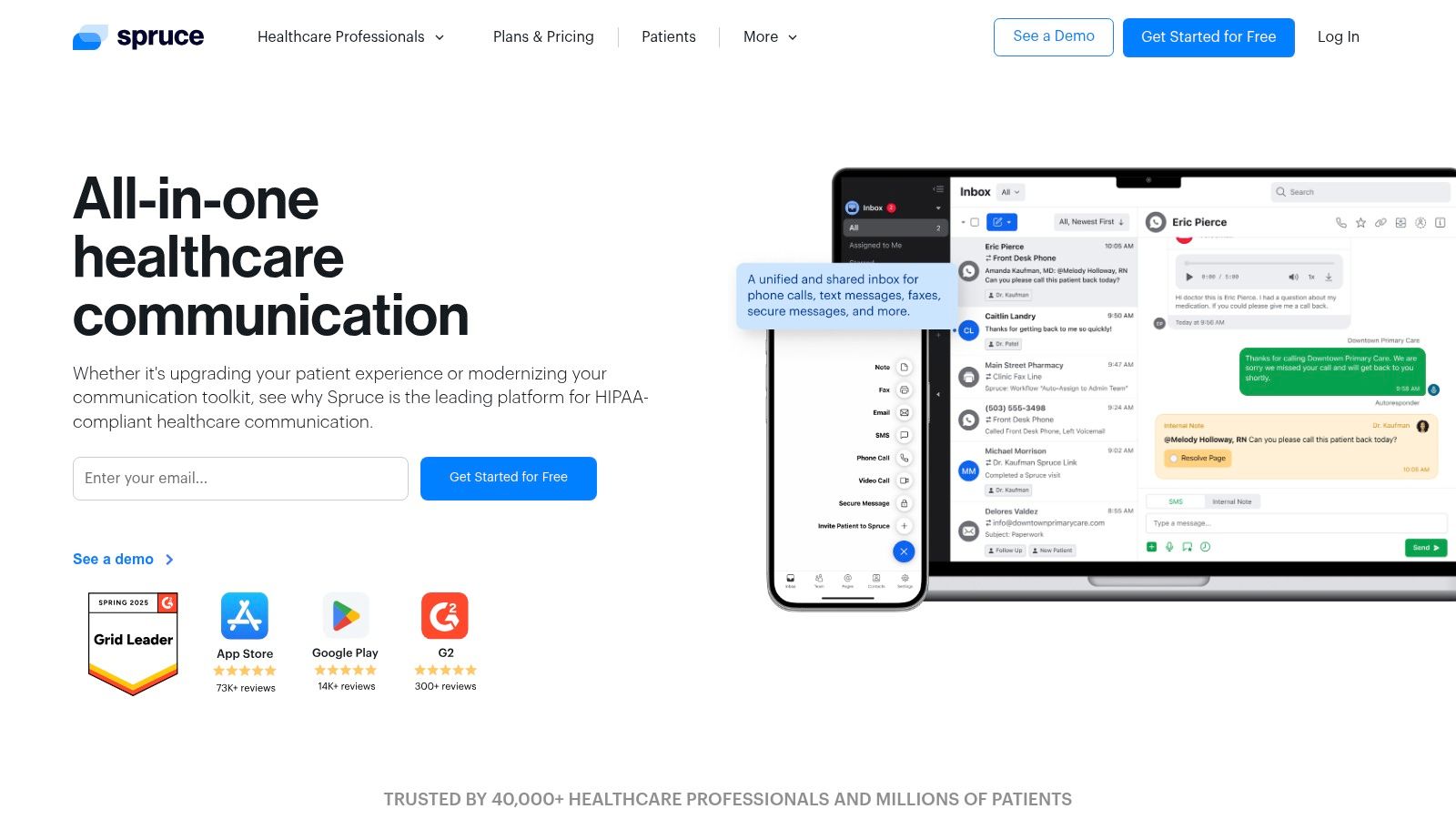
Spruce Health is the outlier on this list because it’s often most valuable when video is not the center of your communication model. If your practice depends heavily on secure texting, phone workflows, shared inboxes, and team coordination, Spruce can be more useful than a telehealth platform with better video features but weaker communication tools.
That’s a real distinction for therapy practices. Many client interactions happen outside the session itself. Scheduling clarifications, reminders, brief check-ins, voicemail routing, and internal staff coordination all affect how professional the practice feels.
Where Spruce shines
Spruce combines HIPAA-compliant messaging, video, phone features, and team collaboration. For group practices, the shared inbox model can reduce the “who answered this client?” problem. For practices that prefer messaging and phone contact to stay inside one secure environment, that’s a strong operational benefit.
A practical example is a therapy office where front-desk staff, clinicians, and billing support all need coordinated visibility into client communication. A dedicated telehealth room won’t solve that. Spruce can.
What it won’t replace
Its video stack is more basic than a purpose-built telehealth suite. If your highest priority is richer session controls, webinars, advanced in-meeting moderation, or deep therapy-specific features, another tool will serve you better.
- Best for: Practices that treat secure communication as a core service layer.
- Less ideal for: Therapists who want telehealth video to be the star of the platform.
- Price comparison note: Plan specifics are less prominently published than some self-serve platforms, so verify limits and telecom-related costs directly before committing.
Spruce is strongest when your problem isn’t “how do I host a session?” but “how do I manage all client communication securely and coherently?”
Top 10 Telehealth Platforms for Therapists, Feature Comparison
| Product | Core features | Target users | Security / Compliance | Pricing & value | Standout / USP |
|---|---|---|---|---|---|
| AONMeetings | HIPAA meetings + built‑in webinars, unlimited time, browser join, recordings, smart summaries, team chat, breakout & live stream (higher tiers) | Healthcare, education, SMBs, events, families | HIPAA‑compliant, bank‑level encryption | From ₹179/user/month, no contracts, 30‑day money‑back, 7‑day trial, cost‑effective vs Zoom/Teams | Recommended, HIPAA + webinar bundle at low predictable price |
| SimplePractice | EHR + integrated telehealth (calendar launch), waiting room, group sessions, in‑session tools | Therapists & small practices needing notes + video | HIPAA‑compliant telehealth (EHR integrated) | EHR plans with telehealth included/added, workflow value for clinicians | Reduces context switching: notes, billing & video in one place |
| TherapyNotes | Full‑HD video, virtual waiting room, group telehealth, billing/coding support | Therapy practices focused on compliance & billing | Strong BAA/ HIPAA guidance and compliance workflows | EHR‑tied pricing; verify current rates | Compliance & billing support integrated with telehealth |
| TheraPlatform | Teletherapy + 40+ therapy games/apps, scheduling, billing, progress tracking | Behavioral health & rehab clinicians (SLP, OT, PT) | HIPAA‑compliant platform | All‑in‑one pricing (may be heavier for sole practitioners) | Unique engagement tools (games) for active session therapy |
| Sessions Health | Simple EHR, optional telehealth add‑on, therapist‑friendly workflows | Solo therapists & small practices | HIPAA‑compliant telehealth add‑on available | Simple pricing, optional paid add‑on, limited free tier for small caseloads | Low barrier to entry and cost control via add‑on model |
| Doxy.me | No‑download browser visits, virtual waiting room, free/pro/clinic tiers | Solo clinicians and small practices needing quick setup | BAA available, HIPAA‑compliant | Free tier available; paid tiers add branding/analytics | Extremely simple, quick to set up; free entry point |
| Zoom for Healthcare | Reliable video, waiting rooms, host controls, EHR integrations, scalable admin tools | Hospitals, large groups, enterprise deployments | BAA and HIPAA‑aligned configurations | Quote‑based healthcare pricing; can be premium | Familiar UX and broad integrations/scale |
| VSee Clinic | Branded waiting rooms, real‑time patient queue, on‑call routing, alerts | Clinics needing virtual walk‑in flows and queue management | HIPAA‑focused deployments | Custom/clinic pricing (quote) | Strong patient‑flow and queue management features |
| Mend | No‑download browser visits, patient engagement & failure‑reduction tools, EHR integrations | Behavioral health organizations & multi‑clinician clinics | HIPAA‑compliant platform | Quote‑based pricing for orgs | Emphasis on connection reliability and reduced failed sessions |
| Spruce Health | Secure messaging, telehealth video, phone system features, shared team inbox | Practices prioritizing secure texting, phone workflows & light video | HIPAA‑compliant communication platform | Plan details less public, verify limits/telecom fees | Centralized secure messaging + phone + video for team workflows |
Making Your Final Decision Aligning Tech with Your Practice
A therapist starts a 9 a.m. session, the client is on a phone in a parked car, the link opens slowly, audio permissions fail, and the front desk still has to enter the appointment twice because video sits outside the practice system. That is usually the moment the buying decision becomes clear. The right platform protects the session itself and reduces the admin work around it.
For most practices, the final choice comes down to one structural question. Do you need an all in one EHR with telehealth built in, or a standalone video platform that fits around systems you already trust?
That choice affects more than subscription price. It affects how many clicks staff need to complete a note, whether reminders go out automatically, how easily clients join from a phone, and whether group work or psychoeducation requires a second tool. I have seen practices save money with a lower monthly fee, then lose it again in duplicate scheduling, extra support time, and frustrated clients who miss the join flow.
All in one systems usually make sense for practices that want scheduling, documentation, billing, and telehealth in one place. They reduce handoffs and give clinicians fewer systems to learn. The trade off is commitment. Migration takes time, templates need rebuilding, and once a team is settled in, switching later is rarely simple.
Standalone video makes more sense when your EHR is already working and you do not want to replace it just to get secure sessions online. That route can be lighter, faster to roll out, and less expensive if you only need video, screen sharing, reminders, and basic client access. It also leaves more responsibility on your team to make sure scheduling, documentation, consent, and follow up still connect cleanly.
A practical way to decide is to match the tool to the work:
- Choose an all in one EHR if insurance billing, treatment documentation, and staff coordination create the most friction.
- Choose standalone video if your records and admin systems are already stable and your main need is secure, dependable telehealth.
- Choose a platform with webinar support if your practice runs groups, trainings, community education, or referral events.
- Choose browser based access if your clients often join from older devices, shared computers, or phones.
- Choose HIPAA support, encryption, and a signed BAA as baseline requirements.
AONMeetings fits a specific use case well. Some practices do not need another full practice management suite. They need secure video, predictable pricing, no time pressure during longer sessions, and webinar capability for groups or outreach without adding a separate event platform. That can lower total software spend and keep the stack simpler.
Solo therapists should usually optimize for low friction and a clear upgrade path. Group practices should look harder at staff workflows, reminders, failed session recovery, and how the platform handles volume across multiple clinicians. The right answer is often less about headline features and more about what your team has to do before and after each visit.
Test any finalist under real conditions. Join from an iPhone on cellular. Send a link to a colleague who is not technical. Run a mock intake, a recurring therapy session, and a small group. Check what happens to reminders, note entry, follow up, and client support when something goes wrong.
If the platform disappears into the background during care and removes steps from the rest of the day, it is probably a good fit.
If your evaluation also includes infrastructure beyond the meeting itself, this guide to HIPAA compliant hosting providers is a useful next step.
