
The shift to online education has redefined how we teach and learn, moving beyond simple video calls to interactive virtual environments. Yet, what separates a forgettable online session from a truly impactful learning experience? The answer is found in mastering the best practices for online teaching. This is not about simply replicating a physical classroom online; it's about adopting specific strategies that make digital learning more dynamic, secure, and effective.
This guide moves beyond generic advice to provide a detailed, actionable roundup of the top strategies that work. We'll explore ten specific approaches, from active learning with engagement tools to personalized learning paths and secure assessment methods. For each practice, you will find:
- Practical Examples: Concrete scenarios showing how to apply the technique in a real online class.
- Price Comparisons: A look at how different platform tiers, from free to enterprise, support these practices.
- Value Propositions: Clear benefits, including integrated features like webinar capabilities for broader training sessions.
- Security Focus: An emphasis on critical features like end-to-end encryption, essential for protecting student data and meeting compliance needs like HIPAA.
Whether you are a K-12 educator, a corporate trainer delivering webinars, or a healthcare provider conducting patient education, this article will equip you to create engaging and secure online learning experiences. Let's explore the strategies that will define successful online instruction.
1. Active Learning with Interactive Engagement Tools
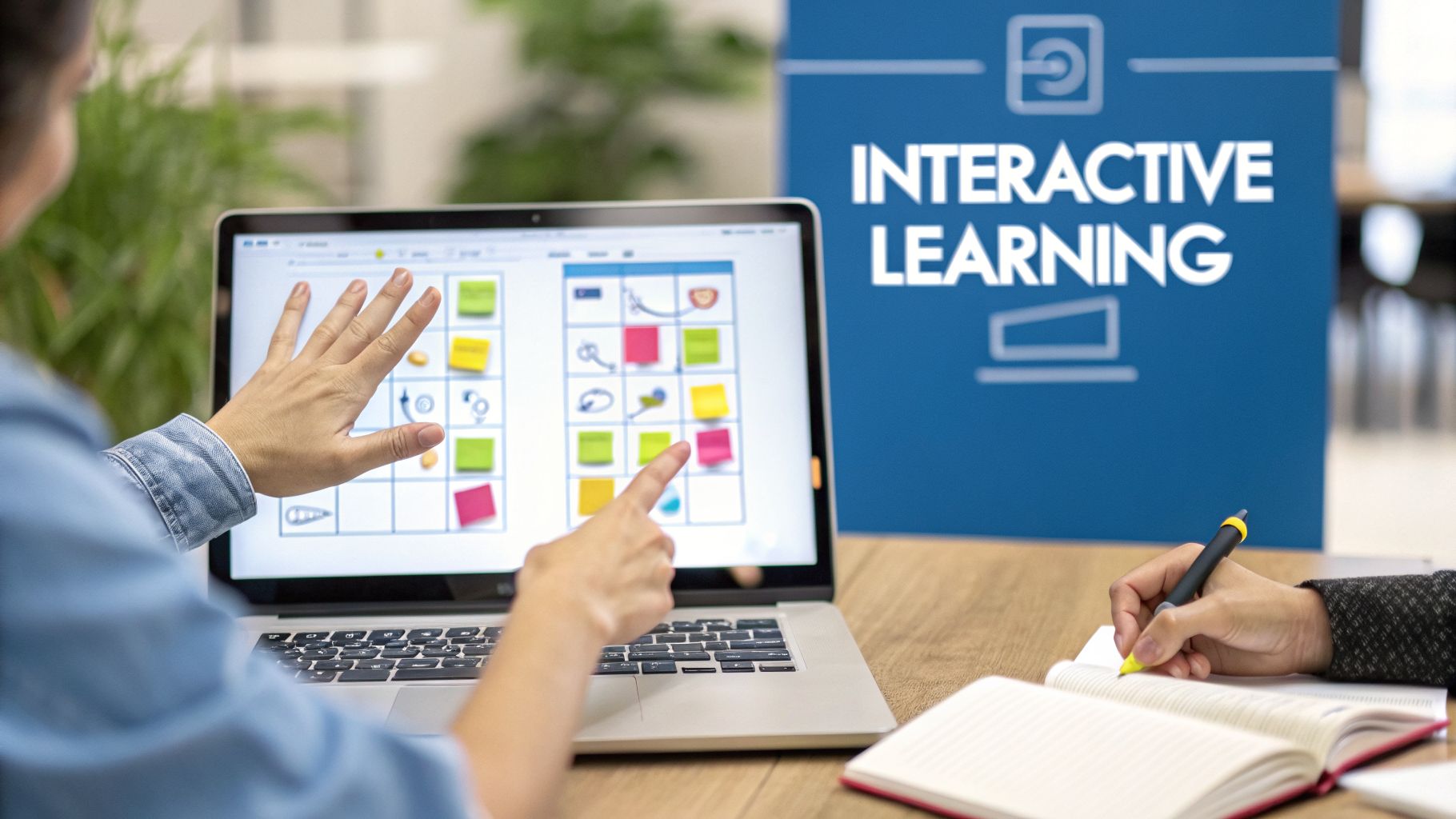
Passive content consumption, such as watching a lecture without interaction, is one of the biggest hurdles to effective online education. The solution is active learning, a core component of the best practices for online teaching. This approach directly involves students in the learning process through activities, problem-solving, and discussions. In a virtual classroom, this means using built-in platform tools like whiteboards, polls, breakout rooms, and real-time Q&A to foster participation and ensure students are mentally present.
Why Active Learning Matters
Moving from passive to active learning boosts retention, critical thinking, and overall engagement. Instead of just receiving information, students construct knowledge themselves. A clear value proposition is enhanced security; for example, medical professionals can use HIPAA-compliant AONMeetings breakout rooms with end-to-end encryption to confidentially discuss patient case studies, a feature often reserved for expensive enterprise plans on other platforms. Similarly, a corporate trainer can host an included webinar to introduce a new software, then use polls to gauge understanding. This is a significant cost saving compared to competitors where webinar functionality is a separate, costly add-on.
Practical Implementation Tips
Successfully integrating these tools requires a thoughtful approach. Don't just use a feature for its own sake; align it with a clear learning objective.
- Practical Example: A language teacher can use breakout rooms for students to practice conversational skills in pairs, a more effective method than group repetition.
- Structure Breakout Rooms: Send students into breakout rooms with a very specific, time-bound task. For example, "You have 7 minutes to identify the three main arguments in this text and appoint one person to report back."
- Establish Ground Rules: Before any interactive activity, set clear expectations for respectful communication to ensure a psychologically safe environment for all participants.
- Record and Review: Many platforms, including AONMeetings, allow you to record sessions. Recording interactive segments can be valuable for reviewing group discussions and assessing participation.
By implementing these strategies, you can transform your online classroom from a one-way broadcast into a vibrant, collaborative learning environment. For more ideas on how to structure these sessions, review some virtual meeting best practices that can easily be adapted for an educational setting.
2. Asynchronous Learning with Recorded Content
Not all learning needs to happen in real-time. Asynchronous learning is another key component of the best practices for online teaching, offering flexibility by allowing students to access course materials and complete activities at their own pace. This approach relies on pre-recorded lectures, assignments, and discussion forums to accommodate diverse schedules, time zones, and learning speeds, making education more accessible for everyone.
Why Asynchronous Learning Matters
Recorded content provides a significant return on investment, allowing instructors to create a resource once that can be used repeatedly. A strong value proposition lies in cost-efficiency and security. A healthcare organization can record HIPAA-compliant training webinars on new protocols using AONMeetings, knowing the content is protected by end-to-end encryption and can be accessed on-demand by staff. This contrasts with other platforms where recording storage is limited or HIPAA compliance requires a much higher price tier. This model, where webinar and secure recording features are included, is far more cost-effective than repeating live sessions.
Practical Implementation Tips
Creating effective asynchronous materials goes beyond simply hitting the record button. A strategic approach ensures students remain engaged and on track with their learning goals.
- Practical Example: A university professor can record a 15-minute lecture on a complex theory, allowing students to re-watch it multiple times before attending a live Q&A session.
- Structure Logical Modules: Organize recordings into clear, sequential modules, each with defined learning objectives, supplementary PDFs, and discussion prompts to guide learning.
- Ensure Accessibility: Use a platform like AONMeetings that offers automatic transcription with its recording feature. Providing searchable transcripts allows learners to quickly find specific information and supports different learning needs.
- Maintain Momentum: While asynchronous learning is flexible, it shouldn't be aimless. Set clear and reasonable deadlines for related assignments and forum participation to keep students progressing through the material.
By integrating well-designed asynchronous elements, you build a resilient and flexible educational experience. For a deeper look into the technical side, you can explore how to record webinars and apply those principles to your course content.
3. Synchronous Live Sessions with Real-Time Interaction
While self-paced learning has its place, the power of real-time interaction cannot be overstated. Synchronous learning, where instructors and students connect simultaneously via live video, forms a critical part of the best practices for online teaching. This approach recreates the immediacy and dynamism of a traditional classroom, allowing for direct Q&A, spontaneous discussion, and instant clarification. It transforms the learning experience from a solitary activity into a shared, community-driven event.
Why Real-Time Interaction Matters
Synchronous sessions build a sense of community and accountability that pre-recorded content often lacks. The value proposition is clear: AONMeetings offers end-to-end encryption on all plans, a security feature that often costs extra or is bundled only in expensive enterprise packages on competitor platforms. A price comparison shows that this inclusive security model provides significant savings for educators handling sensitive information. For example, a financial advisor can conduct a live webinar on investment strategies, confident that client discussions in breakout rooms are fully encrypted.
Practical Implementation Tips
Making live sessions effective requires more than just starting a video call. Thoughtful planning and execution are key to preventing screen fatigue and maximizing engagement.
- Practical Example: A coding bootcamp instructor can use live screen sharing to debug a student's code in real-time, providing an invaluable hands-on learning moment for the entire class.
- Manage the Experience: Use professional features like the AONMeetings waiting room to create a smooth entry. Employ moderator controls to manage screen sharing and participant permissions, preventing disruptions.
- Reduce No-Shows: Schedule sessions at times that accommodate different time zones within your group. Use automated SMS notifications, a feature available on AONMeetings, to remind attendees and significantly reduce absenteeism.
- Record for Accessibility: Always record live sessions. This provides a valuable resource for students who were unable to attend or for anyone wishing to review the material, ensuring no one is left behind.
4. Blended Learning Model (Hybrid Approach)
A purely synchronous or asynchronous model doesn't fit every learning scenario. Blended learning, one of the most effective best practices for online teaching, strategically combines real-time (synchronous) and self-paced (asynchronous) elements. This hybrid approach offers the flexibility of asynchronous work with the direct interaction of live sessions, creating a balanced and powerful educational experience.
Why the Blended Model Matters
The strength of a blended model is its adaptability. It allows instructors to use precious live time for high-value activities like discussion and problem-solving. A key value proposition is cost and feature integration. For instance, a healthcare training program can use recorded, HIPAA-compliant modules on AONMeetings (with included end-to-end encryption) to cover regulations. This avoids the high cost of specialized secure platforms. The live follow-up session, which can be a standard meeting or a larger included webinar, can then focus on complex case studies, optimizing resource use.
Practical Implementation Tips
Successfully implementing a blended model depends on clear communication and smart design. You must ensure students understand what is expected of them and when.
- Practical Example: A marketing course can use pre-recorded videos to teach SEO fundamentals, then use a live webinar session for students to present and critique each other's website audit projects.
- Assign Roles to Formats: Use recorded sessions and readings for foundational content. Reserve live class time for interactive discussions, collaborative projects, and direct support.
- Ensure Platform Cohesion: Your technology must support both formats seamlessly. Platforms like AONMeetings are valuable as they can host secure, end-to-end encrypted live webinars and also store the recordings for later asynchronous viewing, keeping everything in one place.
- Gather Feedback: Regularly ask students about the balance between live and self-paced work. Use their feedback to adjust the model and find the right mix for your specific course and audience.
By combining the best of both worlds, you create a flexible, engaging, and effective learning environment. For a closer look at platforms that support this model, you can find helpful comparisons of the best online teaching platforms to see which fits your needs.
5. Microlearning and Chunked Content Delivery
Attention spans are shorter than ever, and expecting students to sit through long, monolithic lectures online is a recipe for disengagement. Microlearning, one of the most effective best practices for online teaching, addresses this by breaking educational content into small, focused, and self-contained units. These bite-sized lessons, typically lasting 3-10 minutes, respect learners' busy schedules and align with cognitive science research showing that shorter, concentrated segments drastically improve retention.
Why Microlearning Matters
Chunking content makes complex topics more digestible. A significant value proposition is the added security layer for sensitive micro-lessons. For instance, a healthcare provider can create a series of 5-minute modules on medication side effects, and with AONMeetings' standard end-to-end encryption, these short formats remain secure and HIPAA-compliant. This level of security is often an expensive add-on with competing services, making it a poor value for creating large libraries of micro-content. Including webinar capabilities also means you can use these micro-lessons as lead-ins for larger training events.
Practical Implementation Tips
Successfully adopting a microlearning strategy requires more than just making your videos shorter. The design of each module is key to its effectiveness and must be aligned with a specific learning outcome.
- Practical Example: A software company can create a library of 3-minute video tutorials, each demonstrating a single feature, allowing users to find quick answers without watching a long webinar.
- Front-Load Key Information: Capture attention immediately by presenting the most critical information within the first 30 seconds of the module.
- Use Compelling Visuals: Incorporate simple graphics, diagrams, or quick video clips to maintain attention and illustrate your point clearly.
- Create Learning Pathways: While modules are standalone, you should number and sequence them logically. Provide a clear pathway or playlist so learners understand how the pieces connect to form a larger picture.
- Make it Mobile: Ensure all content is mobile-optimized. Much of microlearning's value comes from its accessibility on the go.
- Record with Purpose: Use the AONMeetings recording feature to create short, high-quality demonstration videos or explainer clips that can serve as permanent learning assets.
6. Personalized Learning Paths and Adaptive Learning
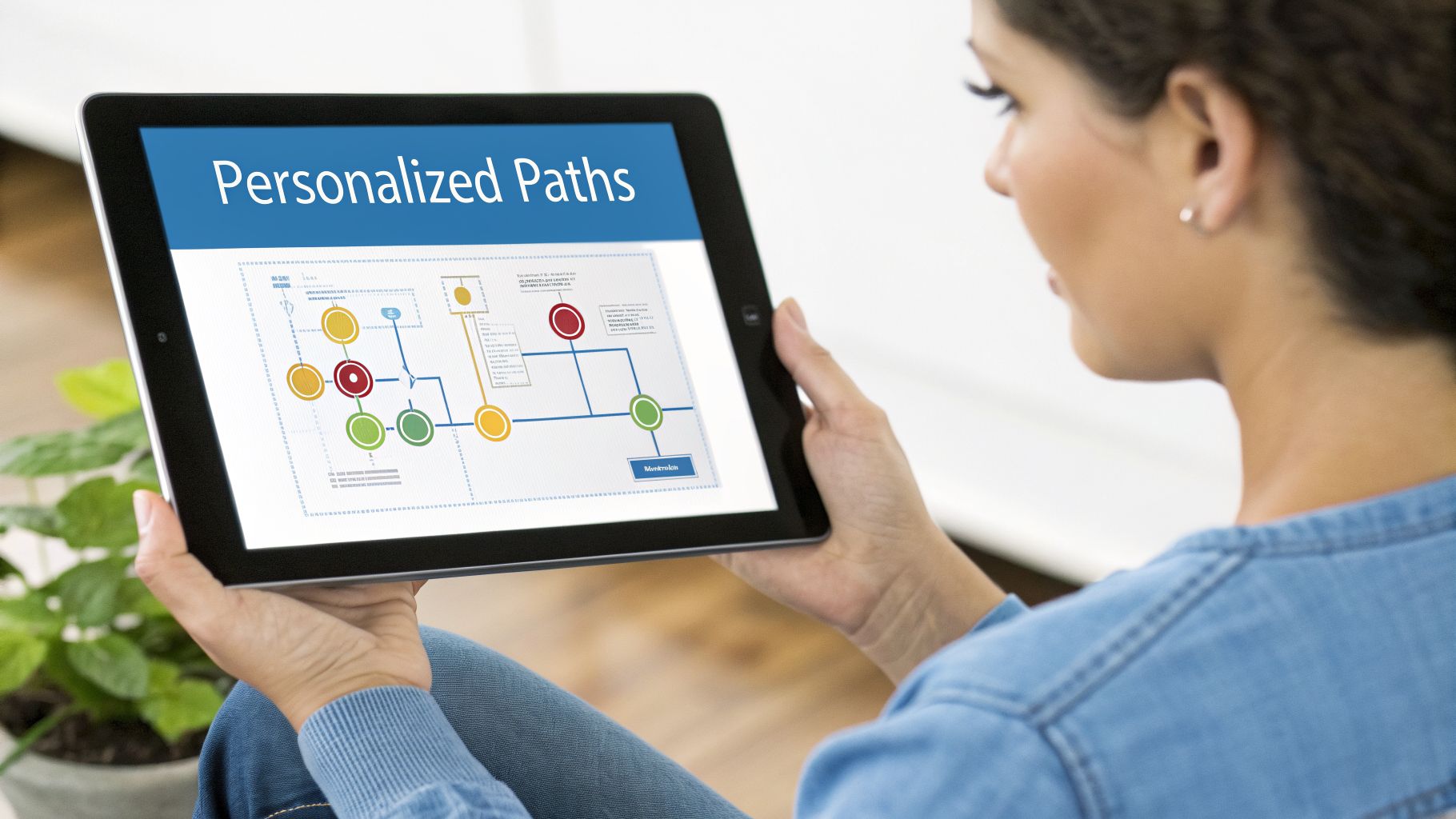
A one-size-fits-all approach rarely works in education, and online settings provide a unique opportunity to move beyond it. Personalized learning, a critical element of the best practices for online teaching, customizes educational experiences to meet individual student needs and goals. This is often powered by adaptive learning systems, which use data from assessments and interactions to dynamically adjust the difficulty, pace, and type of content presented to each learner, creating a truly custom journey.
Why Personalization Matters
Tailoring the learning path makes education more efficient. A compelling value proposition is using secure, one-on-one check-ins to support these paths. An instructor can use a platform like AONMeetings for private, HIPAA-compliant coaching sessions to discuss a student’s progress, ensuring confidentiality. This is a significant advantage compared to platforms where such high security standards come at a premium price, making personalized support costly. These secure sessions, along with included webinar features for group overviews, provide a comprehensive toolkit.
Practical Implementation Tips
Implementing a personalized or adaptive model requires careful planning and a clear understanding of your educational goals. The aim is to guide, not just automate, the learning process.
- Practical Example: An online math platform can use an initial quiz to identify a student's weak areas (e.g., fractions) and automatically assign them remedial exercises before they move on to more advanced algebra topics.
- Use Diagnostic Assessments: Begin with a diagnostic test to establish a baseline for each student. This initial data point is essential for the system to make its first set of content recommendations and create a starting point for their path.
- Maintain Human Oversight: Technology should support, not replace, the instructor. Use live sessions on secure platforms like AONMeetings with end-to-end encryption for one-on-one mentoring, where you can discuss progress on individual pathways and provide qualitative guidance that algorithms cannot.
- Gather Feedback: Supplement quantitative performance data with qualitative feedback from students about their experience with the personalized path. This helps refine the system and ensures the student feels supported, not just managed by an algorithm.
7. Multimodal Content Delivery (Text, Video, Audio, Visual)
Relying on a single format, like text-only documents or video-only lectures, fails to accommodate the diverse learning preferences and needs of students. Multimodal content delivery is one of the most effective best practices for online teaching because it presents information across multiple sensory channels. This approach involves using a mix of text, video, audio, and visuals to reinforce concepts, improve retention, and make learning materials more accessible for everyone.
Why Multimodal Content Matters
Presenting information in various formats ensures that every student can connect with the material. The value proposition here is versatility and security. For instance, in healthcare compliance training, a complex topic can be presented as a live webinar on AONMeetings, with the end-to-end encrypted recording offered for review alongside a downloadable PDF transcript and an infographic. This secure, multi-format approach, included in a standard plan, contrasts with other services where webinar features or advanced security carry a higher price tag.
Practical Implementation Tips
Creating content in multiple formats doesn’t have to double your workload; instead, it's about smart adaptation. Start with your primary format and repurpose it.
- Practical Example: After a live cooking class webinar, the instructor can provide a downloadable recipe card (text/visual), a recording of the session (video), and an audio-only file for students to listen to while they cook.
- Prioritize Accessibility: Always provide accurate, searchable transcripts and closed captions for all video and audio content. This not only supports learners with hearing impairments but also benefits those who prefer to read or search for specific terms.
- Use Live Tools: During live sessions on platforms like AONMeetings, use screen sharing to walk through visual aids, documents, or software demonstrations, providing a dynamic visual layer to your verbal explanation.
- Organize and Guide: Clearly label and organize all available formats within your learning management system. Guide students by suggesting which format might be best for different learning goals, such as, "Watch the video for the initial demonstration, and use the PDF summary for quick revision."
8. Peer Learning and Collaborative Activities
Learning is not a solitary activity; it’s a social process. This makes peer learning and collaboration one of the most powerful best practices for online teaching. This approach shifts the focus from instructor-led lectures to student-centered interaction, where learners construct knowledge together through structured group work, peer review, and shared problem-solving. It builds on the idea that students can learn just as much from each other as they can from the instructor, all while developing crucial soft skills like communication and teamwork.
Why Peer Learning Matters
This method deepens understanding by encouraging students to articulate their thoughts. A key value proposition is providing a secure space for this collaboration. In a HIPAA-compliant AONMeetings webinar, medical residents can be placed in secure breakout rooms with end-to-end encryption to discuss patient cases. This security is often part of costly enterprise tiers on other platforms, creating a significant price comparison advantage. The ability to host large groups in a webinar and then split them into secure small groups is a powerful, cost-effective feature.
Practical Implementation Tips
Effective collaboration doesn't happen by accident; it requires careful planning and facilitation. The goal is to create structured activities that guide students toward a specific learning outcome.
- Practical Example: In a business ethics course, students can be put into breakout rooms to analyze a case study and then use a collaborative whiteboard to map out the ethical dilemmas and potential solutions together.
- Assign Clear Roles and Tasks: Give each group a specific, time-bound prompt and assign roles like facilitator, note-taker, or reporter. For example: "In the next 10 minutes, identify the ethical considerations in this case study. The note-taker will capture your top three points, and the reporter will share them with the class."
- Create a Safe Environment: Before starting, establish ground rules for respectful and constructive feedback. Emphasize that vulnerability and asking questions are signs of strength, creating a psychologically safe space for open discussion.
- Debrief and Synthesize: Always bring the groups back together to debrief. Have each group's reporter share key takeaways, and then synthesize their findings to reinforce the main learning objectives for the entire class.
9. Immediate Feedback and Formative Assessment
Waiting until a final exam to gauge student understanding is a missed opportunity in any learning environment, but it's especially detrimental online. Effective online teaching hinges on formative assessment, which involves providing ongoing, low-stakes feedback throughout the learning process. This continuous loop helps students identify knowledge gaps, build confidence, and adjust their study habits in real-time before minor misunderstandings become major obstacles.
Why Formative Assessment Matters
Formative checks provide instant data to both the instructor and the student. The value proposition of using a platform like AONMeetings is that tools for this, like polls and Q&A, are integrated and secure with end-to-end encryption. A corporate trainer running a compliance webinar can use a quick poll to check comprehension. This integrated feature saves the cost and hassle of using third-party polling tools that may not meet the same security standards, representing a better value compared to many competitors.
Practical Implementation Tips
Integrating formative assessment is about creating a rhythm of frequent, low-pressure check-ins. It's a key practice that transforms one-way lectures into responsive conversations.
- Practical Example: During a history webinar, the instructor can launch a quick poll asking students to identify the primary cause of a specific historical event immediately after explaining it.
- Frame as a Learning Tool: Emphasize that these checks are not for a grade but for understanding. This reduces student anxiety and encourages honest participation.
- Provide Actionable Feedback: Go beyond just "right" or "wrong." To provide effective learning, it's crucial for educators to understand what constructive feedback entails and how to deliver it. Briefly explain the correct answer and the reasoning behind it.
- Adjust in Real-Time: Use the results to guide your teaching. If many students struggle, pause to re-teach the concept from a different angle before moving forward. This adaptability is central to the best practices for online teaching.
10. Clear Learning Objectives and Transparent Expectations
Setting a clear direction from the start is one of the most critical best practices for online teaching. Clear learning objectives define precisely what students should know, do, or understand after instruction. When combined with transparent expectations for assignments, participation, and grading, this clarity reduces learner anxiety and focuses their efforts on what truly matters, creating a more effective and less stressful educational environment.
Why Clear Objectives Matter
Transparent objectives act as a roadmap, guiding students. A key value proposition is leveraging included features for communication. For example, a medical training program can use an included AONMeetings webinar to host an orientation where instructors detail the specific competencies and HIPAA-compliant skills trainees must demonstrate, with all communications protected by end-to-end encryption. Competitor pricing often makes hosting large orientation webinars a costly add-on, making an all-inclusive platform a better value.
Practical Implementation Tips
Effectively communicating objectives and expectations requires consistent reinforcement and easily accessible documentation. Your goal is to eliminate confusion and empower students to take ownership of their learning.
- Practical Example: At the beginning of a graphic design course, the instructor shares a detailed rubric for the final portfolio project, showing examples of "A," "B," and "C" grade work to set clear visual standards.
- Develop Detailed Rubrics: For all major assignments, create and share a clear rubric that breaks down the criteria for success. Include model examples of excellent work so students have a tangible benchmark.
- Create a Central Syllabus: Your syllabus should be a comprehensive document containing all key dates, policies, grading scales, and contact information. Make it easily accessible within your learning management system.
- Use Bloom's Taxonomy: Structure your objectives to cover different levels of thinking, from remembering and understanding to applying and creating. This ensures you are fostering higher-order cognitive skills, not just rote memorization.
- Hold Regular Check-ins: Schedule brief, optional Q&A sessions to address any confusion about assignments or course expectations. Recording these on a secure platform like AONMeetings with encryption allows students who cannot attend live to review the discussion later.
10-Point Comparison of Online Teaching Best Practices
| Item | Implementation complexity | Resource requirements | Expected outcomes | Ideal use cases | Key advantages |
|---|---|---|---|---|---|
| Active Learning with Interactive Engagement Tools | Medium–High – requires facilitation and activity design | Platform features (whiteboards, polls, breakout rooms), reliable internet, instructor prep time | Higher retention, engagement, immediate formative insights | Small-group discussions, case studies, interactive demos, professional training | Real-time engagement, peer learning, instant feedback |
| Asynchronous Learning with Recorded Content | Low–Medium – recording and modular design effort | Recording tools, hosting/storage, transcripts, content structuring time | Flexible access, repeatable review, accommodates time zones | Global audiences, compliance training, self-paced courses | Flexibility, scalability, on-demand access |
| Synchronous Live Sessions with Real-Time Interaction | Medium – scheduling and real-time management | Robust conferencing, moderator controls, coordinated timing, reliable bandwidth | Strong community, immediate clarification, scheduled accountability | Live lectures, telemedicine, workshops, product demos | Real-time Q&A, dynamic discussion, stronger instructor-learner rapport |
| Blended Learning Model (Hybrid Approach) | High – complex planning and coordination | Tools for both sync and async, robust LMS, significant instructor design time | Balanced flexibility and interaction, deeper learning outcomes | Higher education, professional development, corporate onboarding | Combines strengths of live and recorded methods; scalable |
| Microlearning and Chunked Content Delivery | Medium – requires chunking and sequencing content | Short-format production, mobile optimization, clear module mapping | Improved retention, higher completion, fits busy schedules | Just-in-time training, refreshers, mobile learners | Bite-sized focus, easy updates, high engagement |
| Personalized Learning Paths and Adaptive Learning | High – data-driven design and mapping required | Adaptive platforms, analytics, extensive content variations, privacy safeguards | Efficient mastery, targeted remediation, higher motivation | Skill mastery programs, remediation, competency-based training | Tailored pathways, efficient learning, actionable learner data |
| Multimodal Content Delivery (Text, Video, Audio, Visual) | High – multiple formats increase production complexity | Multimedia production, storage/bandwidth, cross-format QA and accessibility work | Better accessibility and retention across learner preferences | Accessibility-focused courses, complex topics, diverse audiences | Supports varied learning styles; multiple encoding pathways |
| Peer Learning and Collaborative Activities | Medium – group design and facilitation needed | Breakout rooms, collaborative docs/whiteboards, facilitator oversight | Stronger critical thinking, collaboration skills, community | Group projects, peer review, case discussions | Social learning, diverse perspectives, reduced instructor load |
| Immediate Feedback and Formative Assessment | Medium – assessment design and feedback workflows | Polling/quizzes tools, real-time scoring, analytics, grading capacity | Early gap detection, improved metacognition and retention | Ongoing training, practice sessions, formative classroom use | Timely corrective feedback, guides instruction, low-stakes checks |
| Clear Learning Objectives and Transparent Expectations | Medium – upfront instructional design required | Syllabi, rubrics, clear communication channels, orientation materials | Reduced confusion/anxiety, focused learning, better completion rates | Accredited courses, onboarding, any structured program | Clarity, alignment of activities and assessment, improved accountability |
Choosing Your Toolkit: Pricing, Security, and Value
The journey to becoming an effective online instructor is built on a foundation of sound pedagogy and intentional practice. Throughout this guide, we've explored a variety of best practices for online teaching, moving from high-level strategies to specific, actionable techniques. We have covered the importance of active learning with interactive tools, the flexibility of asynchronous content, the immediacy of synchronous sessions, and the power of blending these methods. We also highlighted the value of microlearning, personalized learning paths, multimodal content, and peer collaboration to create a rich, engaging educational environment. Finally, we emphasized the necessity of immediate feedback and clear learning objectives to guide and support your students.
Implementing these methods successfully, however, is not just about instructional design; it is equally dependent on the digital tools you choose. Your technology is the bridge between your teaching philosophy and your students' learning experience. Therefore, selecting the right platform is one of the most critical decisions you will make. It's a choice that impacts everything from student engagement and accessibility to data security and your own administrative workload.
From Strategy to Implementation: The Role of Technology
The core takeaway is that effective online teaching is not about simply replicating a physical classroom in a digital space. It’s about reimagining education for a new medium. This requires a toolkit that is not only powerful but also intuitive, secure, and affordable.
Consider the practices we've discussed:
- Interactive Engagement: To foster active learning, you need a platform with built-in tools like polls, Q&A sessions, and breakout rooms that are easy to deploy mid-lesson.
- Blended Learning: A successful hybrid model requires a tool that offers high-quality recording for asynchronous viewing and seamless live sessions for synchronous interaction.
- Security and Accessibility: For educators in fields like healthcare, HIPAA compliance is non-negotiable. Features like end-to-end encryption and secure cloud storage are essential to protect sensitive information and build trust with your audience.
The challenge many educators face is that popular platforms often lock these essential features behind expensive, enterprise-level subscriptions. For instance, getting unlimited meeting durations, robust security protocols like HIPAA compliance and end-to-end encryption, and integrated webinar functionality can require navigating complex, multi-tiered pricing plans on services like Zoom or Microsoft Teams. This can put the best practices for online teaching out of financial reach for individual tutors, small businesses, and growing educational institutions. Beyond features, a critical aspect of tool selection involves understanding pricing models to ensure value for your online teaching toolkit.
A Smarter Investment in Your Online Teaching Practice
A more direct and cost-effective approach is to choose a platform that bundles these necessary features into a clear, transparent package. For example, a platform like AONMeetings provides a compelling alternative by including enterprise-grade functionality in all its plans. Starting at just ₹179 per user per month, every AONMeetings subscription comes with:
- HIPAA-Compliant Security: End-to-end encryption protects all your sessions, making it a safe choice for healthcare training, client consultations, and any context where privacy is paramount.
- Unlimited Meeting Duration: You can run long-form classes, detailed webinars, or extended coaching sessions without worrying about time limits.
- Integrated Webinar Hosting: The ability to host webinars is included by default, not as a costly add-on. This is ideal for product launches, large-scale training events, or community outreach.
By opting for a tool with straightforward, no-contract pricing, you eliminate budget uncertainty and can allocate your resources toward developing high-quality course content. This approach allows you to fully embrace the best practices for online teaching, confident that your technology is an enabler, not a barrier. The ultimate goal is to find a tool that works for you, so you can focus on what you do best: inspiring and educating your learners.
Ready to implement these best practices with a tool that supports your goals without complicating your budget? Discover how AONMeetings provides an all-in-one, secure, and affordable solution for your online classes, webinars, and meetings. Explore the platform and see how its features can directly support your teaching strategy at AONMeetings.
