

A meeting platform usually looks cheap until the second invoice. The base plan covers routine calls, then recordings, webinar capacity, dial-in, compliance paperwork, or longer session limits show up as separate line items. I have seen teams standardize on one tool for internal meetings, then buy a second product for events or telehealth because the first quote did not reflect their practical working methods.
That is the lens for this guide. Price matters, but total cost of ownership matters more. A 20-person SMB needs predictable billing and easy admin. A healthcare practice needs a signed BAA, browser access for patients, and fewer support headaches. A marketing team running live events needs to know whether webinar hosting is included or sitting behind another upgrade. Those details decide whether a platform stays affordable after rollout.
Market share still shapes shortlists. Zoom, Teams, Webex, and GoTo Meeting dominate many evaluations, as noted earlier from ElectroIQ's market data, but share alone does not answer the buying question. The true test is how each product handles your use case, what your admins have to maintain, and how much you will spend once recordings, guest access, phone features, or larger events enter the picture.
Meeting length adds another practical filter. Many business calls run long enough that free-tier time caps and restrictive recording policies become a recurring problem, not an occasional annoyance. That is why this list focuses on real deployment fit, hidden costs, and where each platform makes sense for healthcare, SMB operations, training, client meetings, and webinars.
1. AONMeetings
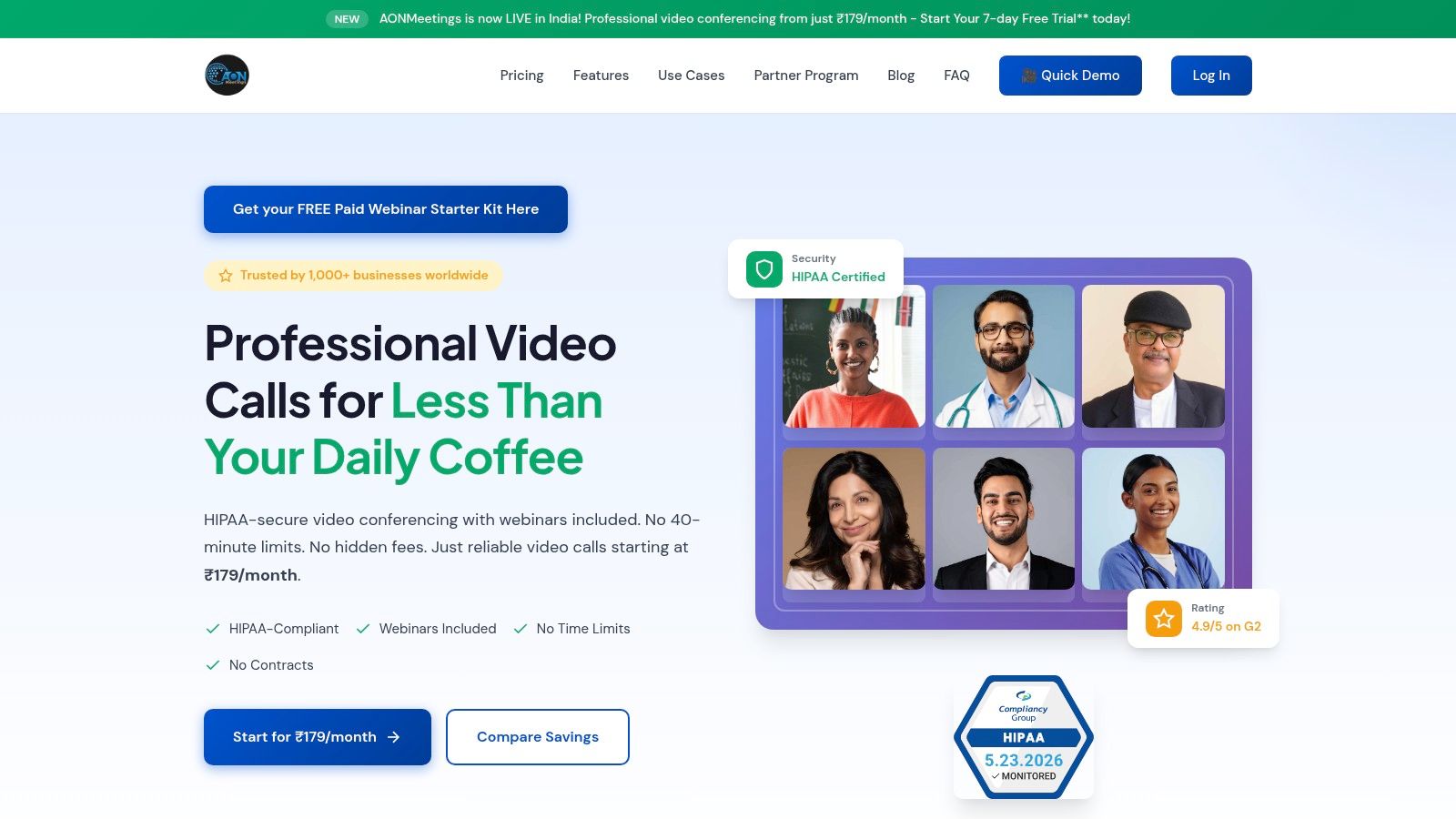
A small clinic usually encounters cost problems after rollout, not during procurement. The base meeting plan looks affordable, then recordings, webinar capacity, compliance requirements, and guest access start showing up as separate decisions. AONMeetings stands out because it bundles more of those needs into the core product, which makes budgeting easier for healthcare practices, training teams, and SMBs that do more than basic internal calls.
The practical appeal is straightforward. It offers unlimited meeting time, browser-based joining, webinar hosting, and encrypted meetings in one platform. That matters for organizations that do not want staff managing one app for routine meetings, another for webinars, and a third workflow for external guests who cannot install software.
Where AONMeetings fits best
I would put AONMeetings near the top of the shortlist for buyers who care more about total cost of ownership than brand familiarity. It is a good fit for healthcare, education, client-facing SMBs, and internal training programs where the same platform has to handle scheduled meetings, document collaboration, recordings, and occasional larger sessions.
Its feature set supports that mixed-use model. Plans include HIPAA compliance, screen sharing, whiteboards, document sharing, recordings, moderator controls, waiting rooms, browser join links, SMS notifications, and team chat. Higher tiers add breakout rooms, virtual backgrounds, meeting lock, multi-camera broadcast, live streaming to YouTube, and larger participant limits.
For teams that present often, user training still matters. A short guide on how to share your screen clearly in online meetings can prevent the usual delays that slow demos, onboarding sessions, and remote support calls.
Trade-offs to know before buying
AONMeetings makes the most sense when you want one platform to cover meetings, webinars, and compliance-sensitive use cases without stacking add-ons. That can lower admin overhead along with software spend. It also reduces the policy confusion that comes from storing recordings in one system, handling webinars in another, and supporting guests across both.
There are limits. If your company runs very large external events, you should verify participant caps and event requirements early. Some organizations will still need a more specialized event platform or an enterprise plan. Buyers should also confirm current plan details and promotional terms during evaluation rather than assume every offer stays unchanged.
For healthcare groups, tutoring businesses, and smaller companies that want predictable costs, AONMeetings is one of the cleaner packages in this category. The value is less about flashy positioning and more about avoiding the usual second purchase six months later.
2. Zoom
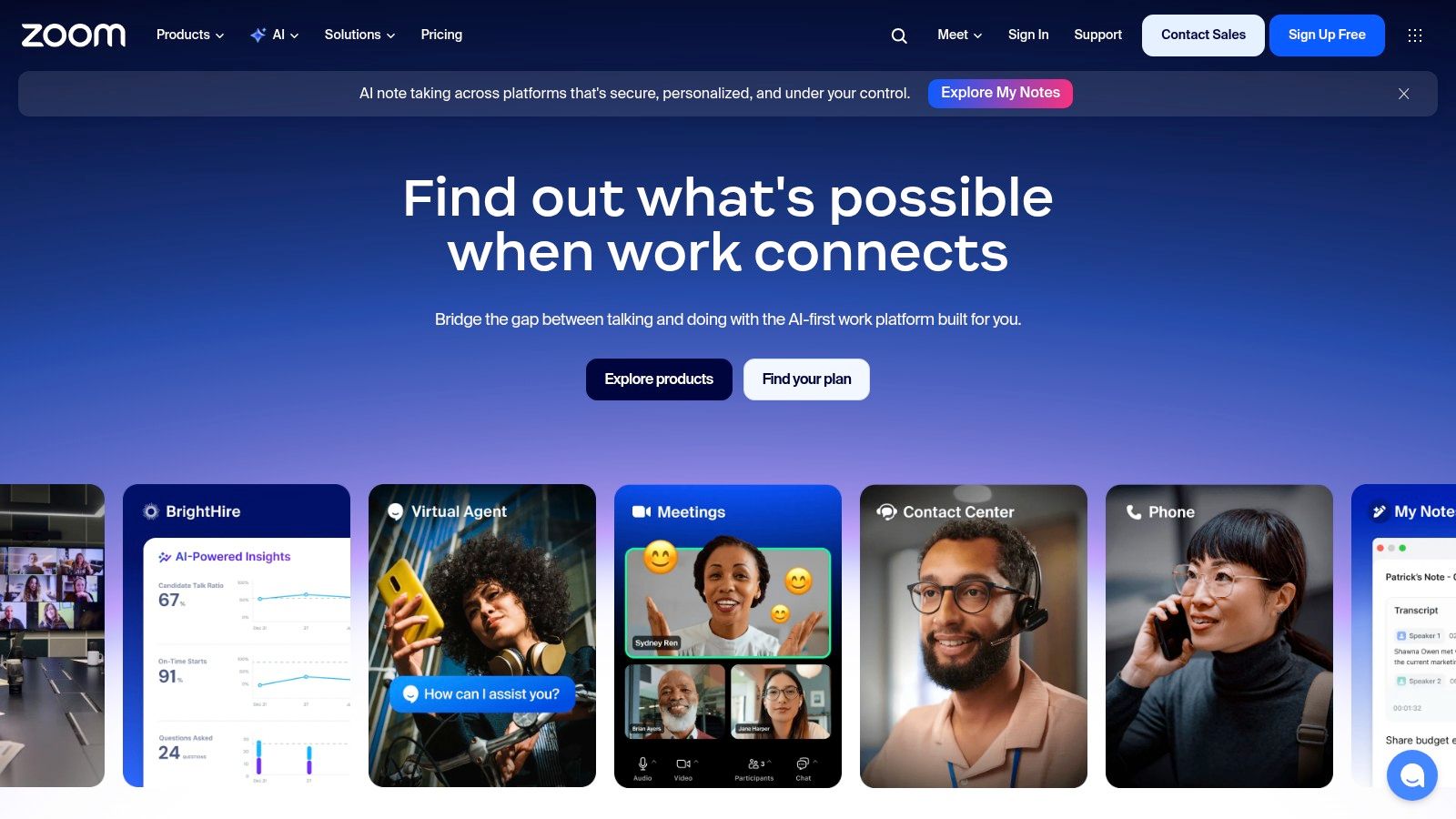
Zoom remains the default benchmark because almost everyone knows how to join a Zoom call. That familiarity is a real operational advantage. Fewer users need hand-holding, and external guests rarely ask where the mute button is.
For many companies, Zoom is still the safest “everyone can use it” choice. It offers HD video and audio, breakout rooms, whiteboard tools, team chat, waiting rooms, security controls, webinars, large meeting options, and a mature hardware ecosystem through Zoom's platform site.
Where Zoom fits best
Zoom works well when your organization runs a mix of internal meetings, customer calls, and occasional larger sessions. It's also a practical fit for teams that already depend on room hardware, third-party integrations, or a broad marketplace of connected apps.
If your workflow depends heavily on presentations, smooth screen sharing matters more than people admit. This is one area where teams should train users, not just buy software. A quick guide to sharing your screen effectively in online meetings often prevents the usual “can you see this?” delay that slows every demo.
The real cost question
Zoom can get expensive once you move beyond standard meetings. Webinar features, larger audience formats, and certain advanced capabilities may require add-ons or different plans. That's not unusual in this category, but buyers often underestimate it because Zoom's entry point feels familiar and simple.
Healthcare teams also need to slow down and verify plan eligibility, configuration, and BAA handling before rollout. Zoom for Healthcare addresses that, but not every Zoom deployment is automatically ready for regulated use.
Zoom is easy to approve for general business use. It takes more care when legal, procurement, or compliance enters the picture.
3. Microsoft Teams
A common Teams rollout starts with a simple assumption. The company already pays for Microsoft 365, so Teams should be the obvious meeting platform. In many cases, that assumption is correct. If users live in Outlook, SharePoint, OneDrive, and Entra ID, Teams usually has the lowest operational overhead because identity, files, chat, and meetings already sit under one admin model.
That is a key reason to buy Teams. Cost control often looks better on paper than it does in practice, but Teams can reduce sprawl if it replaces a separate chat app, meeting tool, and some phone or collaboration add-ons. For IT, the value is less about flashy meeting features and more about governance, retention policies, conditional access, and fewer disconnected systems to support.
Teams includes scheduled meetings, ad hoc calls, chat, webinars, collaborative whiteboard, file sharing, and deep Microsoft 365 integration through the Microsoft Teams product page. It fits larger organizations especially well, and it also works for SMBs that want one vendor for productivity, identity, and communication.
User experience depends heavily on setup.
I have seen Teams work well in organizations that set clear defaults for guest access, meeting options, recording policies, and channel structure before launch. I have also seen it turn into a cluttered workspace where every department creates overlapping teams, nobody knows where files belong, and meeting controls vary by organizer. Good rollout discipline matters more here than with simpler tools. A short standard for hosts and recurring organizers helps, and these virtual meeting best practices for remote teams are a good starting point.
Best for Microsoft-centered environments
Teams makes the strongest business case when collaboration extends beyond the meeting itself. If staff co-edit documents during calls, schedule everything through Outlook, manage permissions centrally, and need audit or retention controls, Teams is usually easier to justify than a standalone video app.
This is also one of the few tools where hidden costs are tied as much to licensing design as to add-ons. Audio conferencing, advanced compliance features, Teams Phone, premium meeting capabilities, and event requirements can push buyers into higher Microsoft 365 tiers or extra licenses. Procurement teams should price the full use case, not just the base seat.
Where Teams gets expensive or complicated
Teams can feel heavy for organizations that only want fast guest meetings with minimal training. External collaboration is workable, but cross-tenant access, guest policies, lobby settings, and file permissions need attention. If those controls are left wide open, risk goes up. If they are locked down too hard, users start bypassing the platform.
That trade-off is why I rarely recommend Teams on meeting quality alone. I recommend it when the company wants the broader Microsoft operating model and is willing to configure it properly. For companies evaluating deployment help or support options, this guide on Microsoft Teams for UK businesses is a useful practical reference.
4. Google Meet
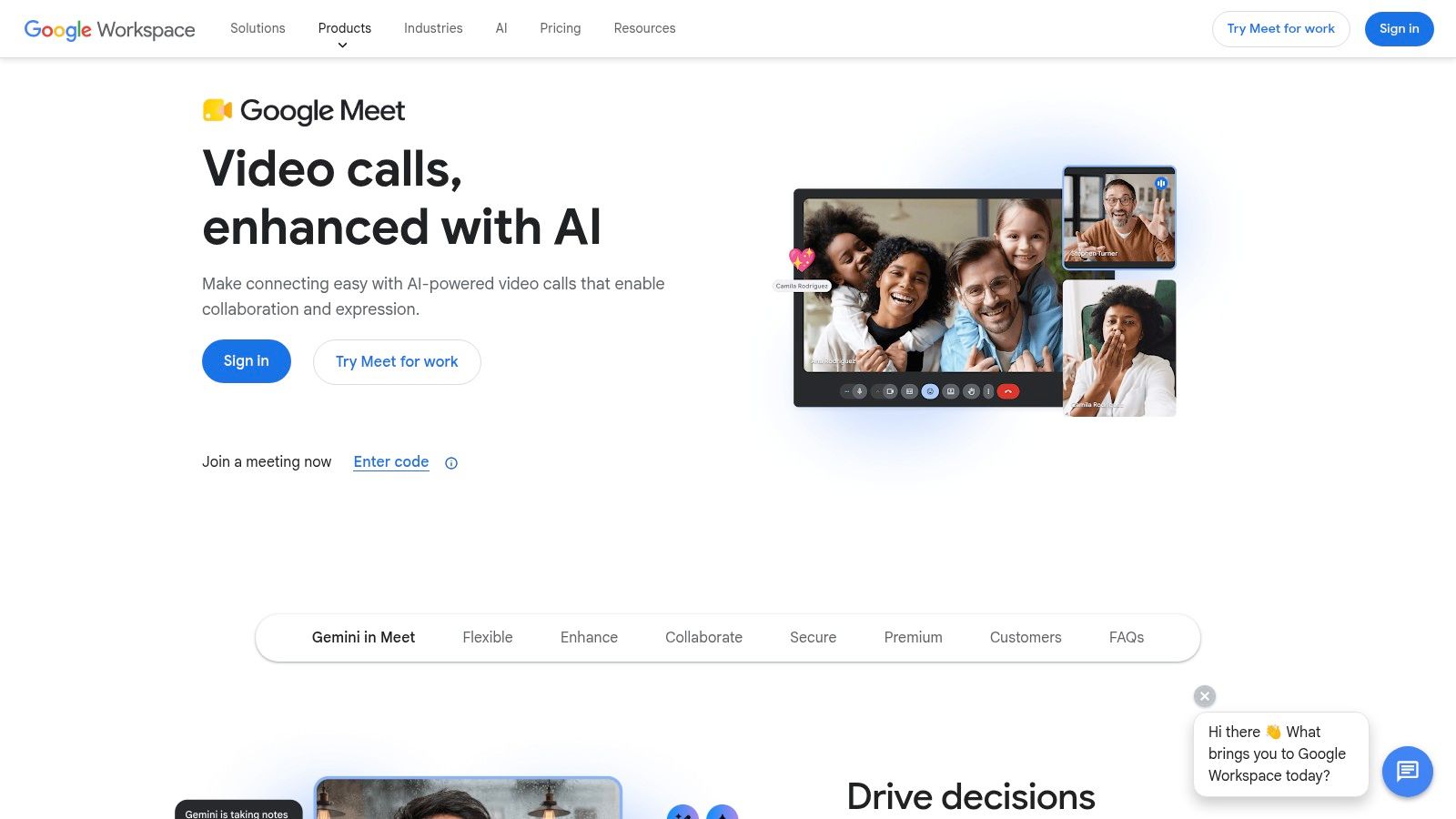
Google Meet is the best low-friction option for organizations already using Google Workspace. It's strong because it stays out of the way. Users join from Gmail or Calendar, guests usually don't need downloads, and browser-based access keeps support overhead low.
For schools, startups, and smaller teams, that simplicity is hard to beat. Meet offers browser-based video meetings, live captions, noise cancellation, recording on eligible tiers, attendance tracking on supported plans, and close integration with Gmail and Calendar through the Google Meet product page.
Why it works
Meet is the tool I recommend when the main goal is fewer support tickets and faster meeting starts. It's especially practical for organizations with lots of outside guests, freelancers, parents, students, or interview candidates who may join from mixed devices.
That said, Google Meet gets stronger as you move up the Workspace tiers. Bigger meeting limits, recording, and more advanced admin controls usually come with paid plans, not the entry-level experience.
Where it falls short
Meet is less compelling if your team needs built-in webinar depth or more advanced event production. You can absolutely run presentations and training sessions on Meet, but it isn't the first platform I'd choose for frequent webinars, polished external events, or heavily moderated large sessions.
If your world is Gmail, Docs, Drive, and Calendar, Meet feels natural. If your world includes events, more formal governance, or layered audience formats, another platform may fit better.
5. Cisco Webex
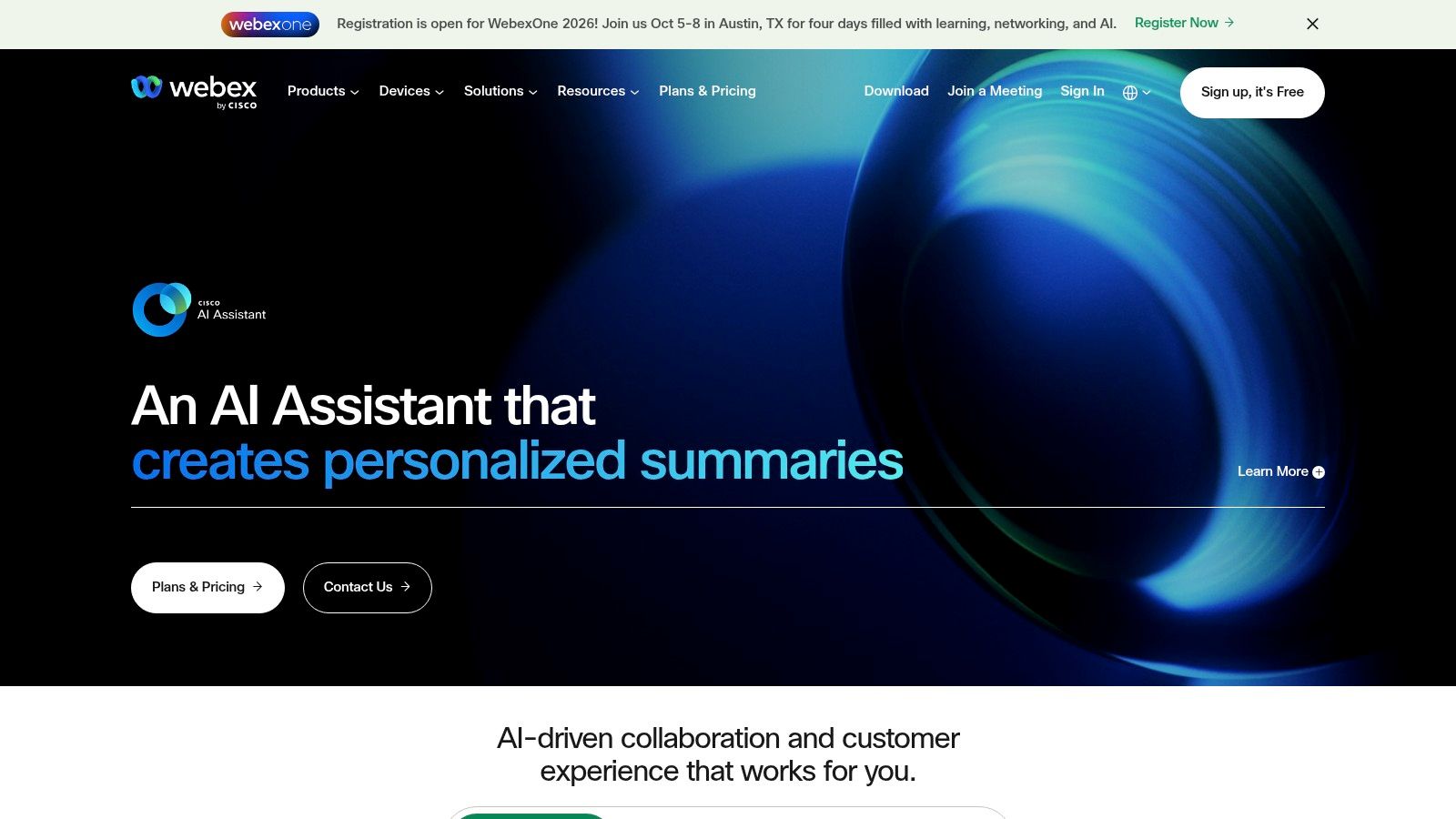
Webex is still one of the strongest enterprise choices for buyers who care about control, reliability, and regulated-environment readiness. It has a long track record in larger organizations, and that shows in the depth of its meetings, calling, device integration, and event tooling through the Cisco Webex platform.
This is also one of the clearer examples of free-tier limitations shaping buying decisions. Webex offers a free plan with 40-minute meetings and up to 100 attendees, according to the product details provided in this brief. For occasional use, that's fine. For internal training, workshops, or extended client sessions, it becomes a nuisance fast.
Best for control-heavy deployments
Webex fits public sector, larger enterprise, and compliance-minded organizations that need more than casual meetings. Features like noise removal, whiteboards, recording, messaging, integrations, and broader suite options make it a serious platform rather than a lightweight video app.
Its security posture is one reason it stays relevant. Encryption and enterprise controls matter here, especially when calls cross departments, regions, or external organizations.
Some IT teams choose Webex because they trust Cisco's enterprise discipline more than they care about consumer-style ease of use.
Cost and complexity
The downside is familiar. Pricing for advanced SKUs often means talking to sales, and the suite's breadth can make deployment more complex than simple cloud-only competitors. Webex is powerful, but smaller teams may find themselves paying for capability they won't use.
6. GoTo Meeting
A common SMB scenario looks like this. The team needs reliable client meetings, phone dial-in for a few external participants, recordings for follow-up, and an admin experience that does not require a full Microsoft 365 or Google workspace strategy. GoTo Meeting fits that buyer better than many trendier platforms.
Its value is stability and focus. GoTo Meeting handles scheduled business meetings well, keeps host controls straightforward, and avoids some of the suite sprawl that drives up training and support time in larger platforms. That matters if the goal is to get staff and customers into calls with minimal setup friction, not to standardize an entire collaboration stack.
Best for SMBs that want predictable meeting costs
GoTo Meeting offers screen sharing, desktop and mobile access, dial-in options, recording, and calendar integrations through the GoTo Meeting product site. For small and midsize businesses, that feature set is usually enough for sales calls, account reviews, internal check-ins, and vendor meetings.
I put GoTo on shortlists when a company wants a cleaner meeting product than Teams but does not want to buy into a broader communications suite on day one. It also works well for organizations that run longer sessions and do not want free-plan time limits shaping how meetings are scheduled.
The cost question is where buyers need to be careful.
Hidden costs and upgrade paths
GoTo Meeting is a meetings product first. If your use case expands into marketing webinars, large virtual events, cloud phone, or contact center, the bill can grow because those needs often push you into adjacent GoTo products rather than one all-in seat price.
That does not make it a bad choice. It makes it a better fit for straightforward business meetings than for companies trying to cover meetings, events, and unified communications under one contract from the start.
For budget-focused buyers, the practical step is simple. Price the full path upfront, not just the base meeting license.
7. RingCentral Video
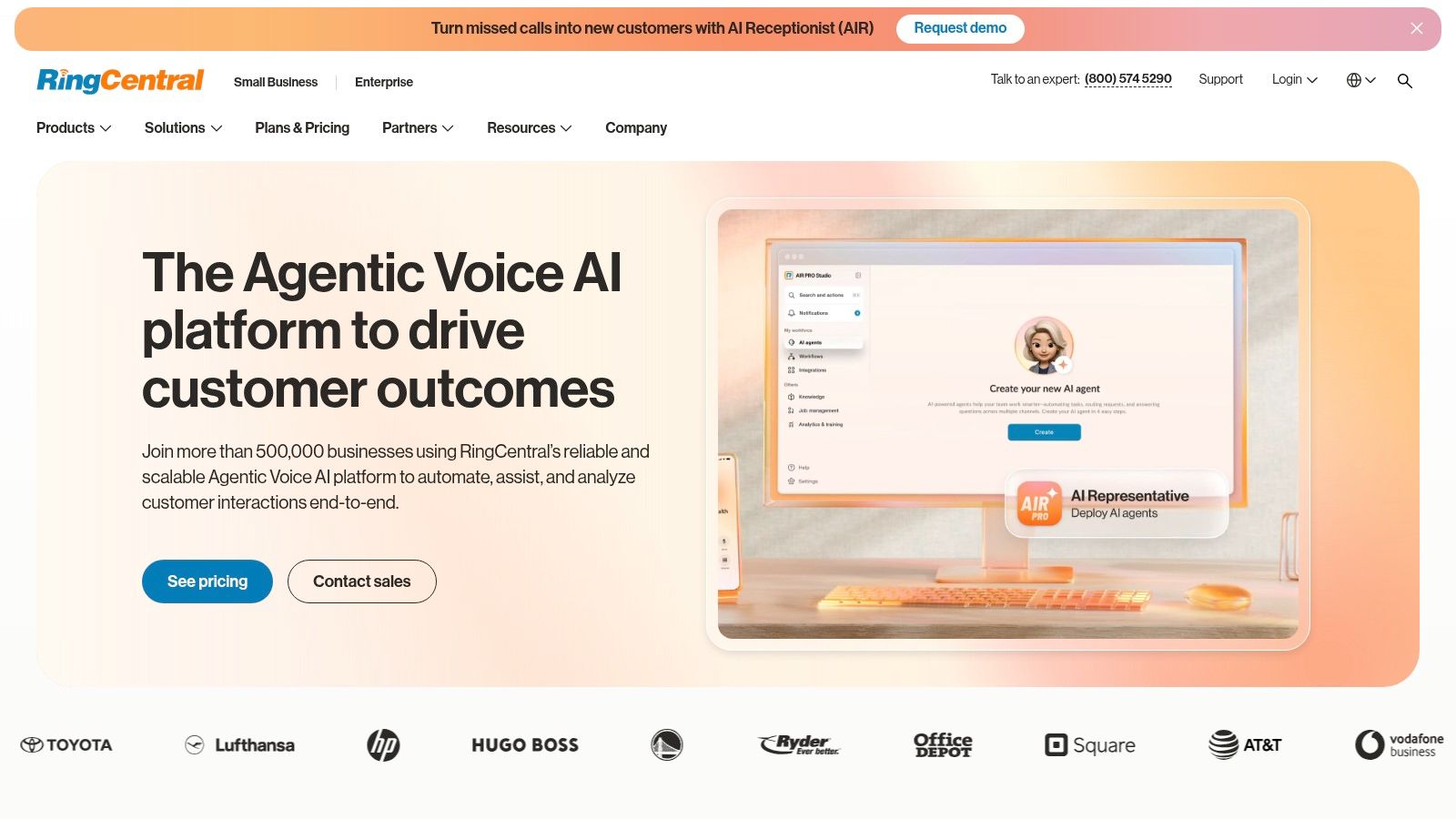
A common buying mistake is picking a meeting app first, then discovering six months later that the bigger project was replacing the phone system, consolidating chat, or adding a contact center. RingCentral Video fits organizations that already know meetings are only one part of the communications plan.
The meeting product includes HD video, recording, transcription, scheduling integrations, and add-ons for webinars and room setups through the RingCentral website. Those features are fine on their own. The stronger case is total cost of ownership when the same vendor may also handle calling, team messaging, and customer communications.
Best for companies planning around UCaaS, not just meetings
I usually put RingCentral in the conversation when an SMB or mid-market IT team is tired of managing separate contracts for meetings, phones, SMS, and support routing. In that situation, a higher per-user price can still make financial sense if it cuts admin overhead, simplifies support, and reduces integration work between systems.
That is the trade-off. Buyers comparing RingCentral only against standalone meeting tools often miss where the value shows up.
Where costs can rise
RingCentral is not the cleanest fit for teams that only need internal meetings, client calls, and occasional webinars. If your use case stays narrow, a dedicated meetings platform can come in cheaper and feel simpler to administer.
The math changes if your roadmap includes cloud PBX, business texting, or contact center features. Then RingCentral starts to look less like a pricey meeting app and more like a consolidation play. For healthcare groups, distributed service businesses, and growing SMBs, that matters because vendor count, support ownership, and rollout complexity all carry costs that do not show up in the base license.
8. Pexip
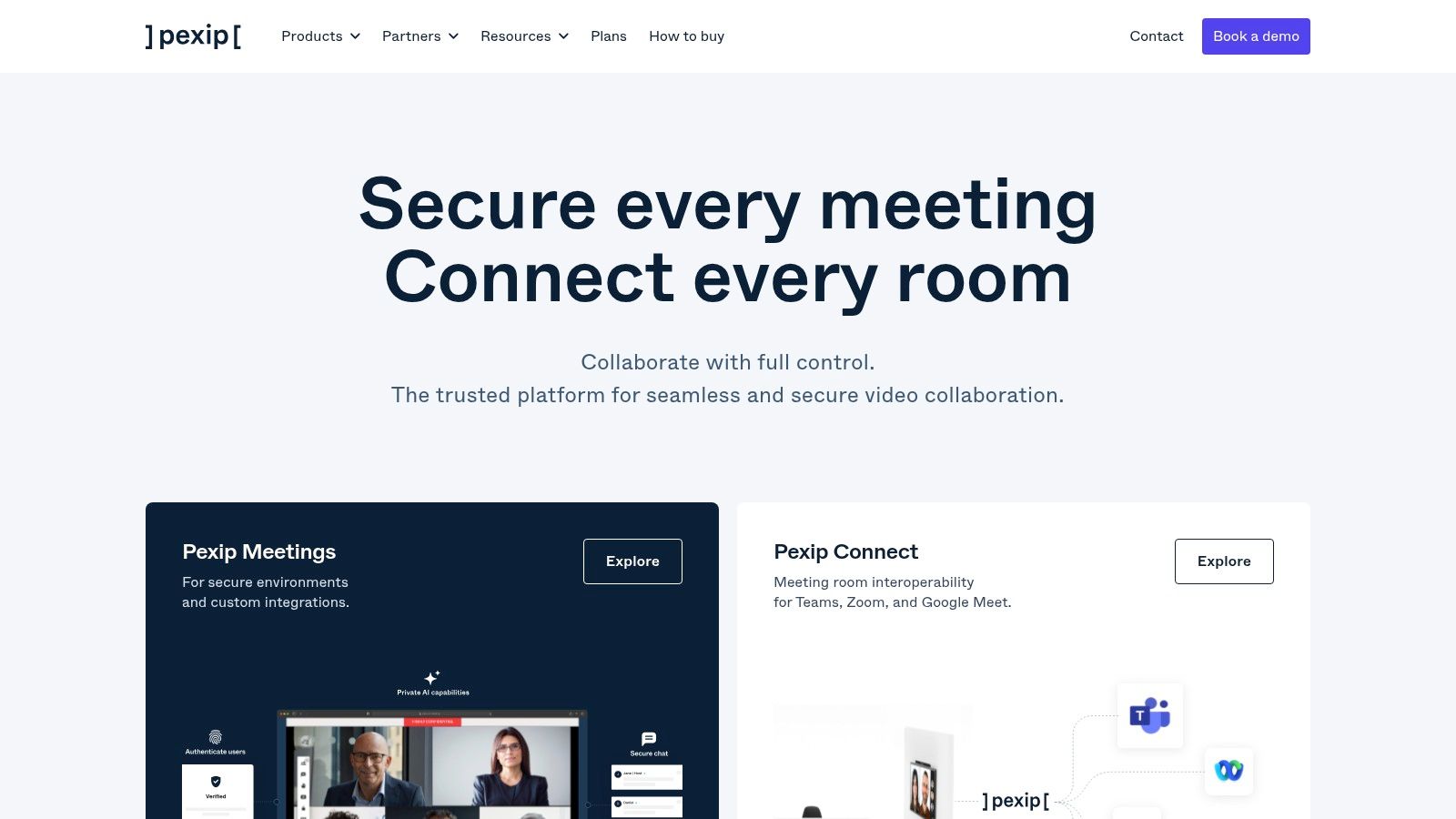
Pexip isn't for casual buyers. It's for organizations with complicated video estates, stricter security expectations, or room systems that still need to talk to modern meeting platforms. In that role, it's excellent.
Its strength is interoperability and deployment choice. Pexip supports standards-based connectivity such as SIP and H.323, works with Microsoft Teams and Google Meet interoperability scenarios, and offers on-prem, private cloud, or managed deployment options through the Pexip platform.
Where Pexip shines
If your boardrooms, clinical spaces, or government environments still include standards-based room systems, Pexip solves a real problem that generic SaaS meeting apps often sidestep. It also appeals to buyers with data sovereignty or private deployment requirements that go beyond normal SaaS expectations.
This isn't just about meetings. It's about preserving expensive room investments while still connecting to mainstream collaboration platforms.
Why it isn't for everyone
Pexip usually means quote-based pricing and a more technical deployment model. Smaller teams that just want simple browser meetings will find it overbuilt. Large enterprises and regulated organizations may see that same complexity as the reason to buy it.
Buy Pexip when interoperability is the requirement. Don't buy it just because the feature sheet looks enterprise-grade.
9. Whereby
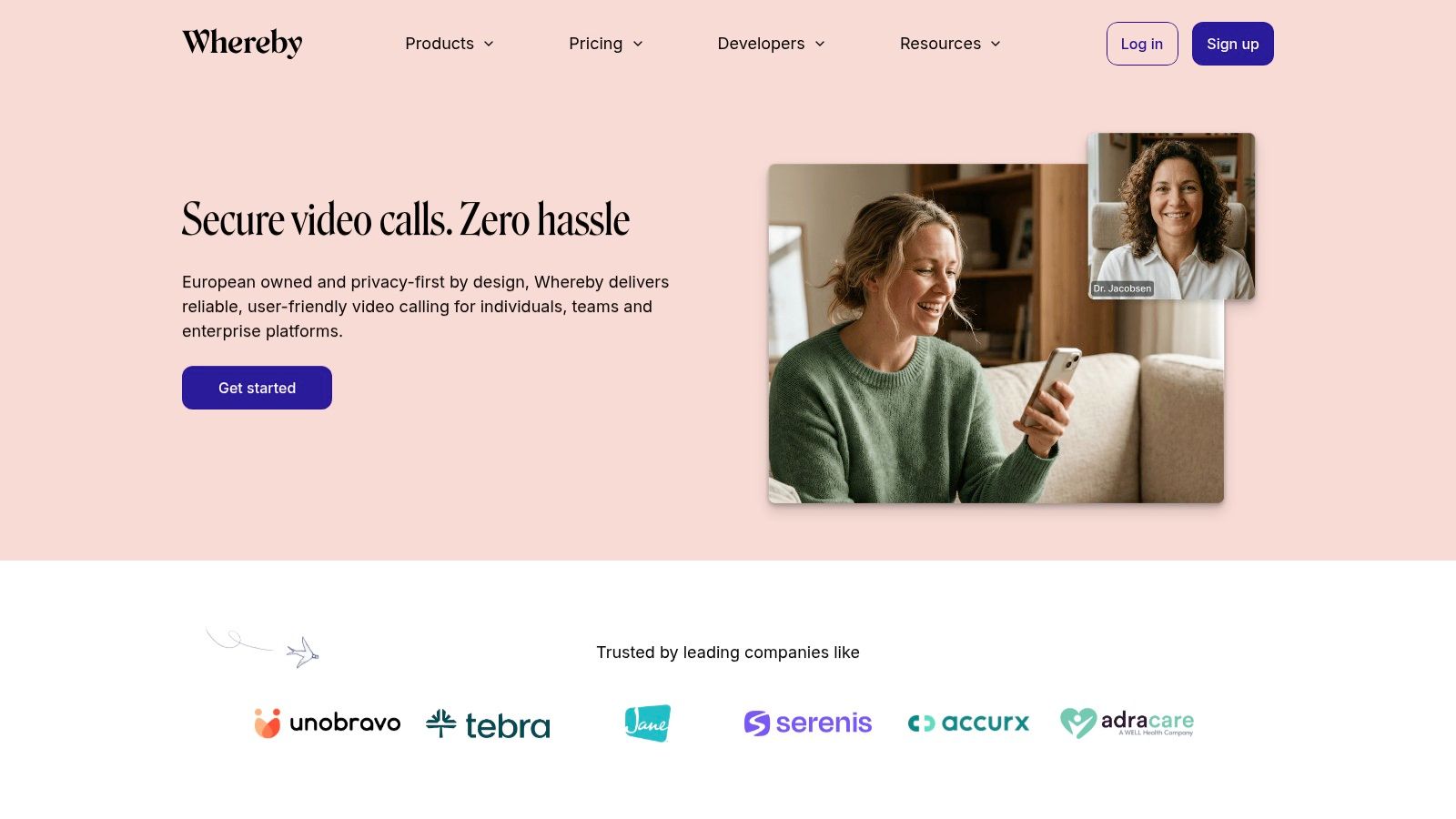
Whereby is what I recommend when speed and simplicity beat depth. Guests join from a link in the browser, permanent rooms reduce scheduling friction, and the product avoids the clutter that larger suites sometimes create.
That makes it attractive for agencies, startups, recruiting teams, and product companies that want embedded video options. Whereby also has a developer angle through its API and SDK, available from the Whereby website.
Best for low-friction external meetings
Whereby works especially well for client calls and interviews where every extra step hurts attendance. If your prospects or candidates don't need to install anything, they're more likely to join on time and less likely to arrive frustrated.
Paid plans add recording, branding, and more advanced capabilities. HIPAA guidance and BAA availability on supported plans also make it worth a look for privacy-sensitive workflows, though buyers should verify the exact plan and compliance path they need.
The practical downside
Whereby has a smaller ecosystem than the giant vendors. That shows up in areas like enterprise admin depth, advanced analytics, and broader hardware or collaboration ecosystems. Some organizations will love the clean experience. Others will feel the ceiling quickly.
It's one of the best video conferencing software options when less software is the point.
10. Doxy.me
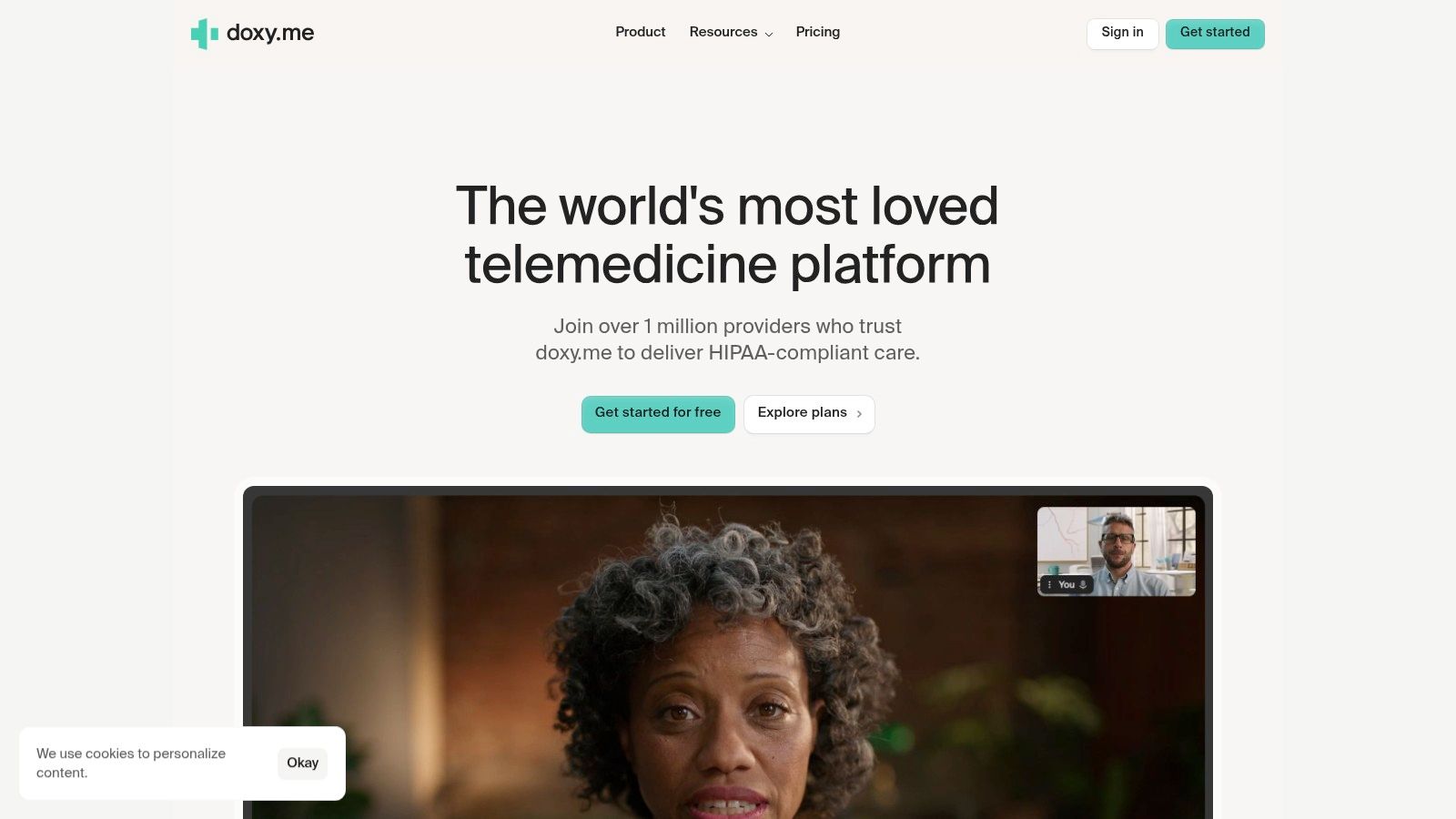
Doxy.me is the specialist on this list. It's built for telehealth first, and that focus changes the buying conversation. Instead of asking about webinar polish or cross-department collaboration, clinics ask whether patient intake, waiting rooms, queueing, and HIPAA obligations are handled cleanly.
That's the right question. The HIPAA angle is often ignored in mainstream roundups, even though the U.S. Department of Health and Human Services requires covered entities to use a BAA when a vendor creates, receives, maintains, or transmits protected health information, as noted in this HIPAA and BAA discussion for video conferencing buyers. Doxy.me exists squarely in that operational reality.
Why clinics like it
Doxy.me offers virtual waiting rooms, patient queuing, intake and consent workflows, session summaries, no-download patient access, and HIPAA compliance with a BAA on eligible paid plans through the Doxy.me site. For solo practices and smaller clinics, that's much closer to the day-to-day workflow than a general-purpose business meeting app.
Healthcare teams comparing telehealth tools should also review broader options for HIPAA-compliant video conferencing platforms because not every compliant-capable meeting app is telehealth-friendly in practice.
Where it doesn't compete
Doxy.me isn't meant to replace a broad business collaboration platform. Its webinar and event capabilities are limited compared with more general tools. If a hospital needs enterprise-wide meetings, training, and external events under one vendor, Doxy.me may complement that stack rather than replace it.
For clinics, though, specialization is the value. General-purpose platforms often make healthcare teams adapt to the software. Doxy.me does more of the opposite.
Top 10 Video Conferencing Platforms: Feature Comparison
| Platform | Key features | Security & compliance | Best for | Pricing & value | Unique selling point |
|---|---|---|---|---|---|
| AONMeetings (Recommended) | Unlimited meetings, built‑in webinars, screen share, whiteboards, recordings, smart summaries, team chat | Bank‑level encryption, HIPAA compliant (BAA available), waiting rooms, moderator controls | Healthcare, education, SMBs, events | Starts at ₹179/user/month; no contracts, 30‑day money‑back, clear billing | Enterprise‑grade security + webinars included at low cost; searchable recordings |
| Zoom | HD meetings, breakout rooms, whiteboard, webinars, wide integrations | HIPAA program / BAA on eligible plans; strong security docs | Businesses, education, events | Free & paid tiers; webinars/rooms often add‑ons | Broad familiarity and large hardware/app ecosystem |
| Microsoft Teams (Microsoft 365) | Meetings, channels/chat, file sync, whiteboard, webinars, Outlook integration | Enterprise security posture; HIPAA guidance and eligible BAAs | Organizations standardized on Microsoft 365 | Included in Microsoft 365 SKUs; pricing varies by plan | Deep integration with Microsoft 365 apps and identity |
| Google Meet (Workspace) | Browser meetings, live captions, noise cancellation, recordings, Calendar/Gmail sync | Workspace BAA available for eligible customers; secure browser experience | Google Workspace users, schools, SMBs | Included in Workspace tiers; higher features on paid plans | Very low friction with tight Calendar/Gmail integration |
| Cisco Webex | Meetings, calling, events/webinars, devices, whiteboards, recording | Mature enterprise security, FedRAMP options, compliance controls | Large enterprises, regulated industries, government | Free tier + enterprise plans; advanced SKUs via sales | Device interoperability and government‑grade compliance |
| GoTo Meeting | Screen sharing, multi‑platform apps, dial‑in, recording, calendar integrations | Standard enterprise security controls; paid tiers for advanced features | SMBs needing dependable meetings and simple hosting | Tiered pricing; upgradeable to webinar/UC products | Simple host tools and dependable attendee experience |
| RingCentral Video | HD meetings, recordings, live transcription, Rooms/Webinar options | Enterprise security as part of UCaaS | Teams wanting unified telephony + video | Pricing varies by bundle; best value with RingCentral phone/UC | Unified communications stack (phone + video + messaging) |
| Pexip | SIP/H.323 gateway, Teams/Meet interop, APIs/SDKs, flexible deploy (on‑prem/private/cloud) | Strong security and data‑sovereignty options; enterprise compliance | Enterprises, government, organizations with standards‑based room systems | Quote‑based pricing via partners | Standards‑based interoperability and flexible deployment models |
| Whereby | Instant browser join, permanent rooms, embeddable API, light branding | HIPAA guidance and BAA available on supported plans; EU privacy focus | Low‑friction guest meetings, embedded video for products | Free & paid plans; advanced features cost extra | Zero‑download UX and easy embeddable video API |
| Doxy.me | Virtual waiting rooms, patient queueing, intake/consent workflows, session summaries | HIPAA‑focused with BAA included on eligible paid plans | Telehealth, clinics, solo practitioners | Free basic option; paid tiers for advanced clinical features | Healthcare‑first workflows and very quick setup |
Make Your Next Virtual Meeting Matter
Many organizations don't buy meeting software once. They buy it twice. First with the obvious subscription, then again through lost time, webinar add-ons, compliance reviews, admin work, and “why doesn't this plan include that?” surprises.
That's why the best video conferencing software isn't just the platform with the longest feature list. It's the one that fits your operating model. If you run telehealth visits, a signed BAA and clean patient flow matter more than flashy collaboration extras. If you're a Microsoft shop, Teams often wins because identity, files, and scheduling already live in the same environment. If your priority is dead-simple browser joins for guests, Google Meet or Whereby may reduce support friction more than a technically richer platform.
Pricing deserves more scrutiny than most buyers give it. The market has grown quickly, and that growth has pushed vendors to expand beyond basic meetings into webinars, hybrid work, training, telemedicine, and live events. Independent industry reporting says the global video conferencing market was valued at $11.65 billion in 2024 and is projected to reach $24.46 billion by 2033, implying an 8.2% compound annual growth rate, according to video conferencing market projections from The Network Installers. That growth is good for buyers in one sense. Platforms keep improving. It also means packaging gets more complex because vendors want to monetize every adjacent use case.
A separate practical warning comes from product pricing comparisons. Market writeups note that plans range from free tiers with meeting limits to paid options that can climb sharply for larger webinars or enterprise controls, and Jabra's roundup specifically notes some products start free but can rise to $310 per month depending on configuration in its video conferencing platform pricing comparison. That's the hidden budget leak. A plan that looks cheap for weekly check-ins can become expensive once you need recordings, longer sessions, webinars, or stronger admin controls.
My advice is simple. Price the workflow, not just the seat. Test how guests join. Verify whether encryption is included or only marketed broadly. Ask whether webinar hosting is bundled or separate. For healthcare, confirm BAA handling before procurement, not after. For any platform, run one internal meeting, one client-facing call, and one recorded session before you commit.
If video quality still feels inconsistent after you choose a platform, fix the environment too. Better lighting, better microphones, and a few practical tips for better video quality often matter as much as the software itself.
AONMeetings stands out because it tackles the problems most buyers discover late. Unlimited meeting time, HIPAA-compliant deployment, webinar hosting, browser access, recordings, and bank-level encryption are included from the start. Teams stands out for Microsoft-centric organizations. Doxy.me stands out for clinics. Zoom remains the broad all-rounder. The right choice depends on whether you want the biggest ecosystem, the cleanest compliance path, or the lowest total cost once real usage begins.
If you want a platform that keeps costs predictable while still covering secure meetings, webinars, recordings, browser-based joining, and HIPAA-compliant use cases, take a close look at AONMeetings. It's a strong fit for clinics, educators, SMBs, and event teams that need enterprise-grade security and encryption without paying separately for every essential feature.
