
You cancel your old landline, then realize the house still depends on it more than you thought. The alarm panel calls out through it. A parent still reaches for the cordless handset. You want to keep the number, cut the bill, and avoid turning a simple home phone into a weekend project.
The best home voip service solves that problem, but not every option solves it the same way. Some are better for plug-it-in simplicity. Others make more sense if you want the lowest monthly cost, stronger spam blocking, or an app that works well away from home. Call quality can also depend on your network, and if audio starts sounding hollow or delayed, basic fixes like these steps to stop echo on a mic often help.
Residential VoIP is no longer a fringe category. Analysts at Credence Research describe it as a large and growing market in their residential VoIP services market report, which matches what buyers see in practice. You are usually not choosing between a service that works and one that does not. You are choosing between hardware-based convenience, mobile-first flexibility, bundled ISP phone service, and how much setup friction you are willing to accept.
That is the point of this guide. It goes past feature lists and sorts each provider by the job it does best, such as best value or easiest setup. There is also a side-by-side comparison table later, so you can narrow the list quickly instead of opening ten pricing pages and trying to decode them yourself.
1. Ooma Home Phone (Telo)
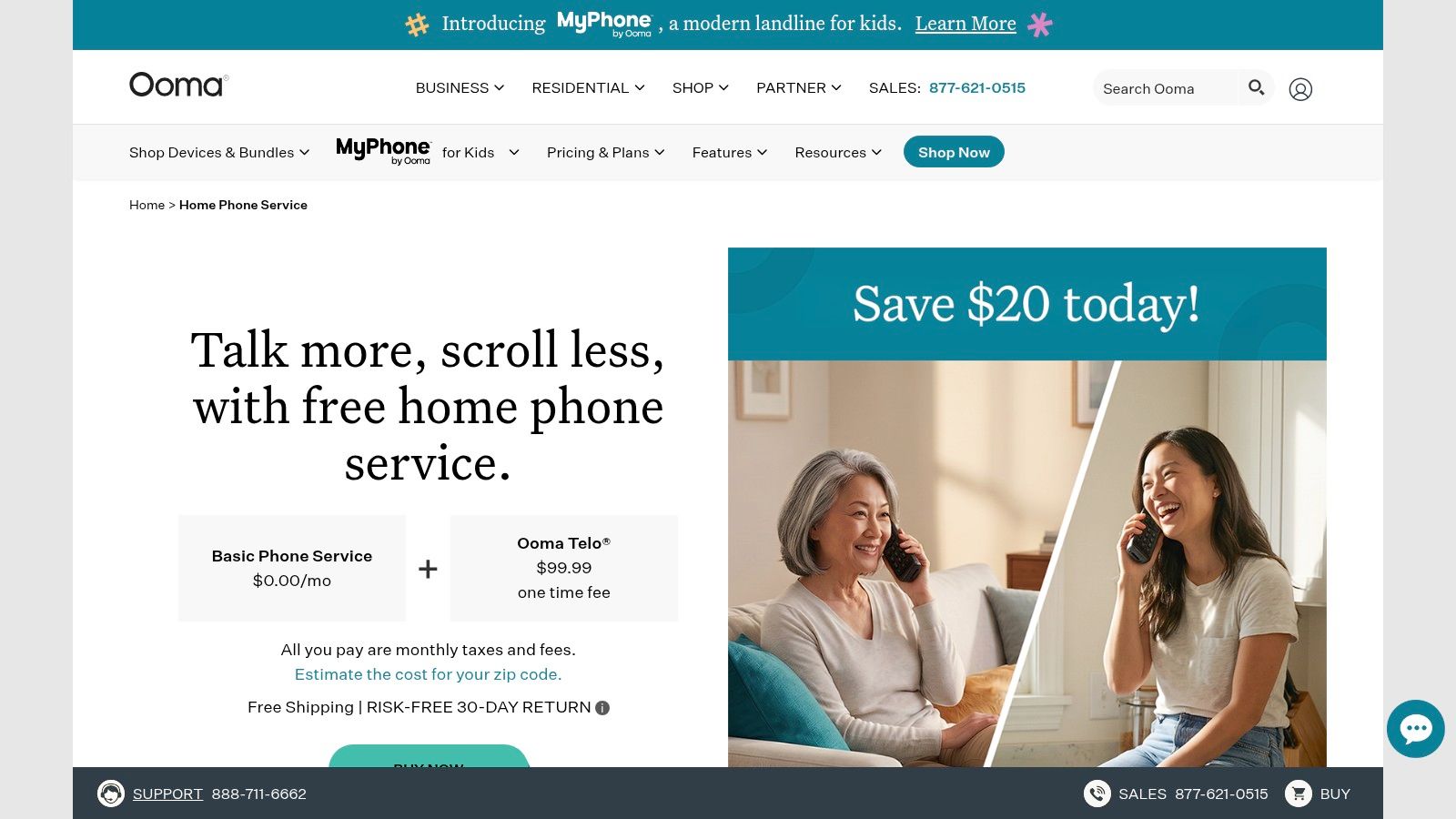
Ooma is the one I point most households to when they want something that feels closest to a traditional home phone. You buy the Telo box, plug in a standard phone, connect it to your internet, and you're basically done. That hardware-first setup is why it often feels less fiddly than app-only alternatives.
The value proposition is straightforward. Ongoing costs remain low for the basic service following the initial device purchase, while the Premier tier introduces the extra features that users frequently prioritize, such as voicemail-to-email, multi-ring, and more effective screening tools. For those whose primary objective is replacing a traditional landline without transforming their home into a complex DIY telecom project, Ooma is a compelling option.
Best for easiest setup
What works well with Ooma is how mature the residential experience feels. Call blocking is built into the service in a way that doesn't feel bolted on, and that matters more than people expect once robocalls start hitting a home number.
A few practical trade-offs matter:
- Best fit: Households that want to plug in existing handsets and forget about it.
- Strong add-ons: Premier features like voicemail-to-email and multi-ring make the line more useful when nobody's near the base station.
- What to watch: You do need to buy hardware first, and taxes or fees still apply even when the basic service keeps monthly costs low.
- Reliability angle: Ooma is one of the few home-focused options where backup battery and LTE-oriented continuity choices are part of the conversation, which is worth more than another minor feature toggle.
Practical rule: If your family expects a home phone to work like an appliance, hardware-based residential VoIP usually causes less friction than app-first services.
If you run into audio problems after setup, the issue is often local. Router placement, Wi-Fi congestion, and cheap speakerphones create more trouble than the phone service itself. This quick guide on how to stop echo on mic covers the kind of problem that gets mistaken for “bad VoIP.”
For homes that want a familiar handset experience first and mobile flexibility second, Ooma Home Phone is still one of the safest picks.
2. Vonage for Home (Residential)
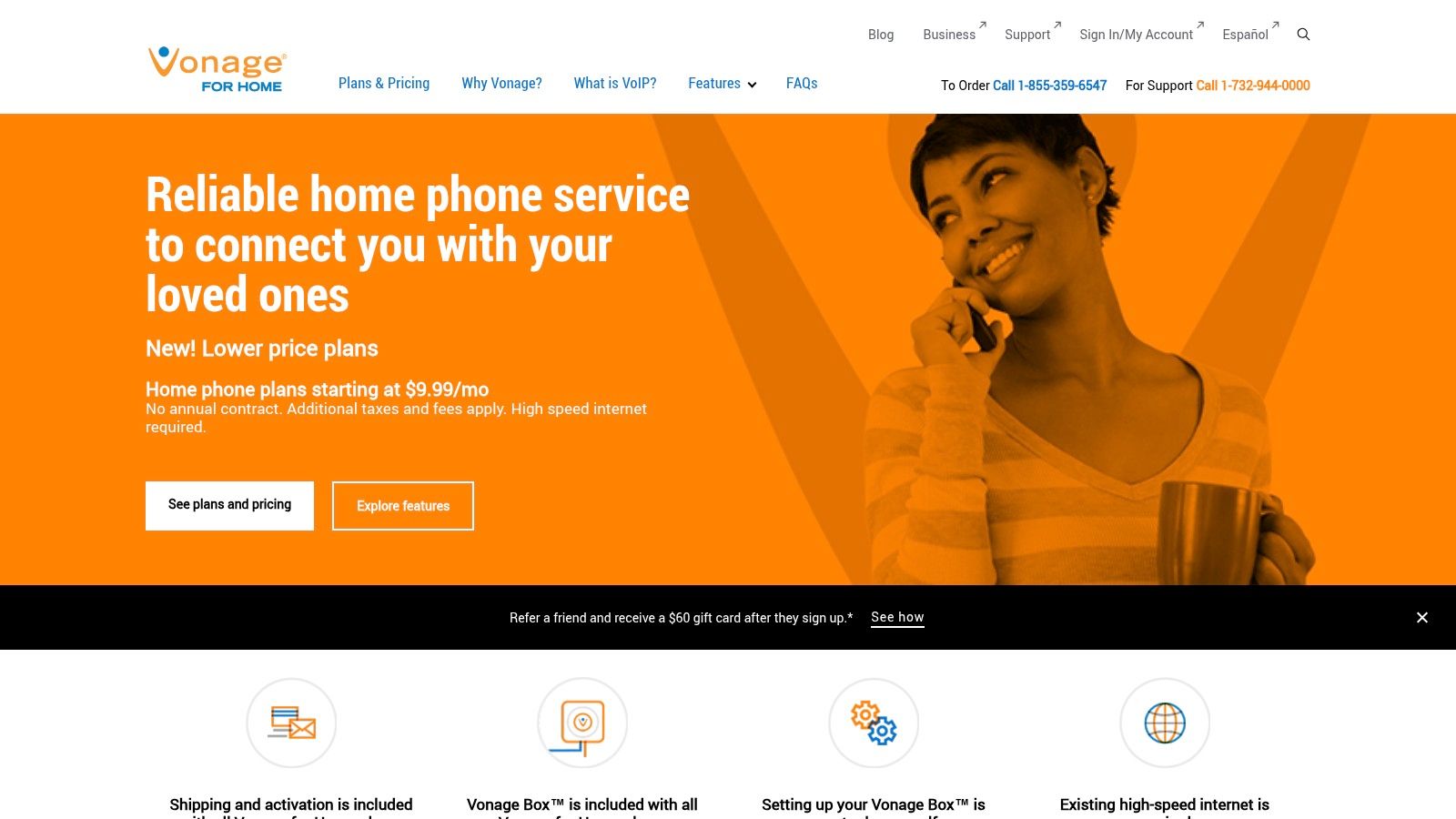
Vonage for Home makes the most sense when you don't want to choose between a home phone and your mobile phone. Its residential setup still uses a box for your home line, but its main advantage is that home calls can follow you through the mobile app. That's a very different lifestyle fit from a service that lives only on a desk phone.
For busy households, SimulRing is the standout feature. You can have incoming calls ring multiple numbers, which is useful when one person works from home, another is usually out, and nobody wants missed calls going straight to voicemail.
Best for home and mobile ringing together
Vonage is strongest when your “home number” really means “the number the household uses,” not “the number attached to one handset in one room.” It's also one of the more obvious choices if international calling matters and you want plan options built around that.
A realistic buying view looks like this:
- Best fit: Families splitting time between home, work, school pickup, and travel.
- Useful feature: SimulRing can make a home number act more like a shared reachable number.
- Good value: International plans are easier to understand than piecing together add-ons from more domestic-focused providers.
- Main downside: Checkout pricing and promo structure can feel less clean than it should.
Home VoIP is much better when the household number can ring the people who actually answer it.
If you also use video meetings heavily, think about how voice and meetings overlap in your day. A lot of people discover they need a home phone for stability and a separate meeting tool for work. This roundup of the best video conferencing for small business is useful if you're building both parts of that stack.
One caution. Support quality can matter more here than with simpler plug-and-play options, because users often buy Vonage specifically for the routing and app behavior. If you won't use those features, the service can feel more complicated than the value it returns.
You can review current residential plans directly at Vonage for Home.
3. magicJack HOME
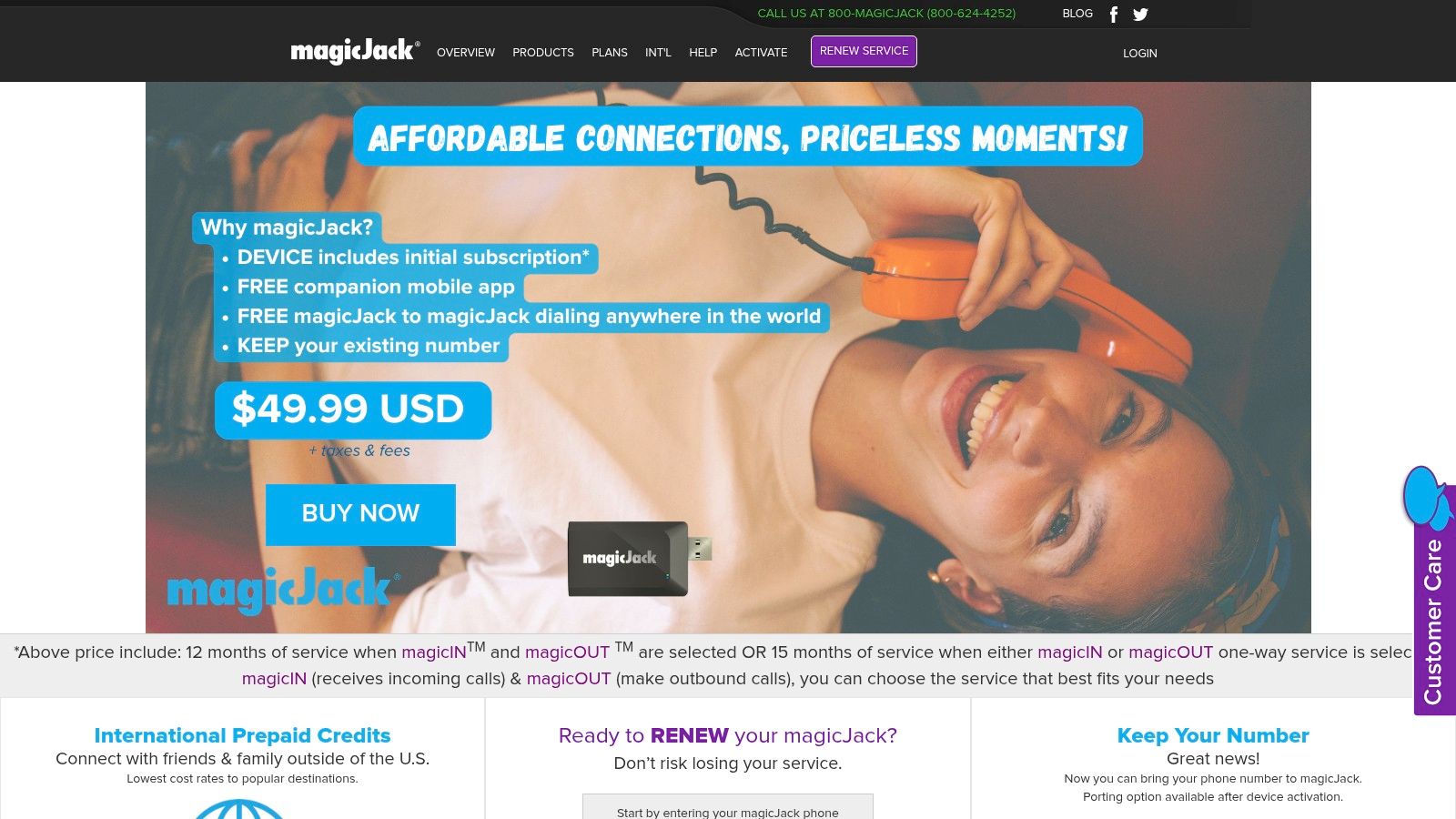
magicJack HOME is the budget pick for people who mean it when they say, “I just need a cheap home phone line.” It has always lived in that lane. Small adapter, simple install, basic calling features, and a cost structure that usually appeals to households trying to keep a number active without paying premium rates.
That makes it surprisingly useful in a few specific cases. An elderly parent's backup line, a seasonal home, a spare number for online forms, or a basic family line where advanced features are nice but not mission-critical.
Best for lowest total cost
magicJack works when your expectations are disciplined. You're not buying a polished communications platform. You're buying a low-cost home calling utility with voicemail, call forwarding, call blocking, and mobile access through its companion app.
Here's where it shines and where it doesn't:
- Best fit: Cost-sensitive households that still want a real phone number and physical phone option.
- Practical plus: The hardware is small and portable, so it's less tied to one physical setup than larger home-phone systems.
- Hidden limitation: Account tools and support are pretty barebones compared with more premium competitors.
- Emergency caveat: Review emergency calling limitations carefully if you plan to rely on the app and not just the home device.
magicJack is also a reminder that the best home voip service isn't always the one with the longest feature page. For some homes, lower friction and lower spend beat a giant bundle of extras nobody uses.
If your house mostly lives on mobile phones and you just want a cheap permanent number with a handset attached, magicJack HOME still deserves a look.
4. netTALK DUO (Residential)
netTALK DUO sits in the same broad budget territory as magicJack, but it feels a bit more like a straightforward landline replacement for people who still want to plug in an ordinary home phone and move on. The availability of Ethernet and Wi-Fi adapter options makes it easier to fit into homes where the router isn't near the phone base station.
I'd put netTALK in the “good enough and cheap” category. That sounds faint praise, but for the right buyer it's exactly right. You don't need premium call handling, a polished mobile app ecosystem, or a lot of account-level customization. You need a phone line.
Best for simple annual-plan buyers
The appeal is the self-install simplicity and short-term or annual plan structure. That works well for people who hate contracts and don't want to overthink home phone service.
What to expect in real use:
- Best fit: Homes that want a standard-phone experience with very little setup drama.
- Useful hardware choice: Wi-Fi-capable adapter options help when router placement is awkward.
- What's missing: Advanced features are lighter, and the documentation or customer portal won't impress anyone.
- Buying comfort: A money-back period on the DUO devices lowers the risk if you're trying residential VoIP for the first time.
The trade-off is polish. netTALK can solve the core problem, but it doesn't feel as mature as providers that have invested more heavily in spam management, mobile calling continuity, or premium call controls.
That said, if your goal is replacing a shrinking old landline with something inexpensive and familiar, netTALK DUO is a practical option.
5. Google Voice (Personal and Voice Starter)
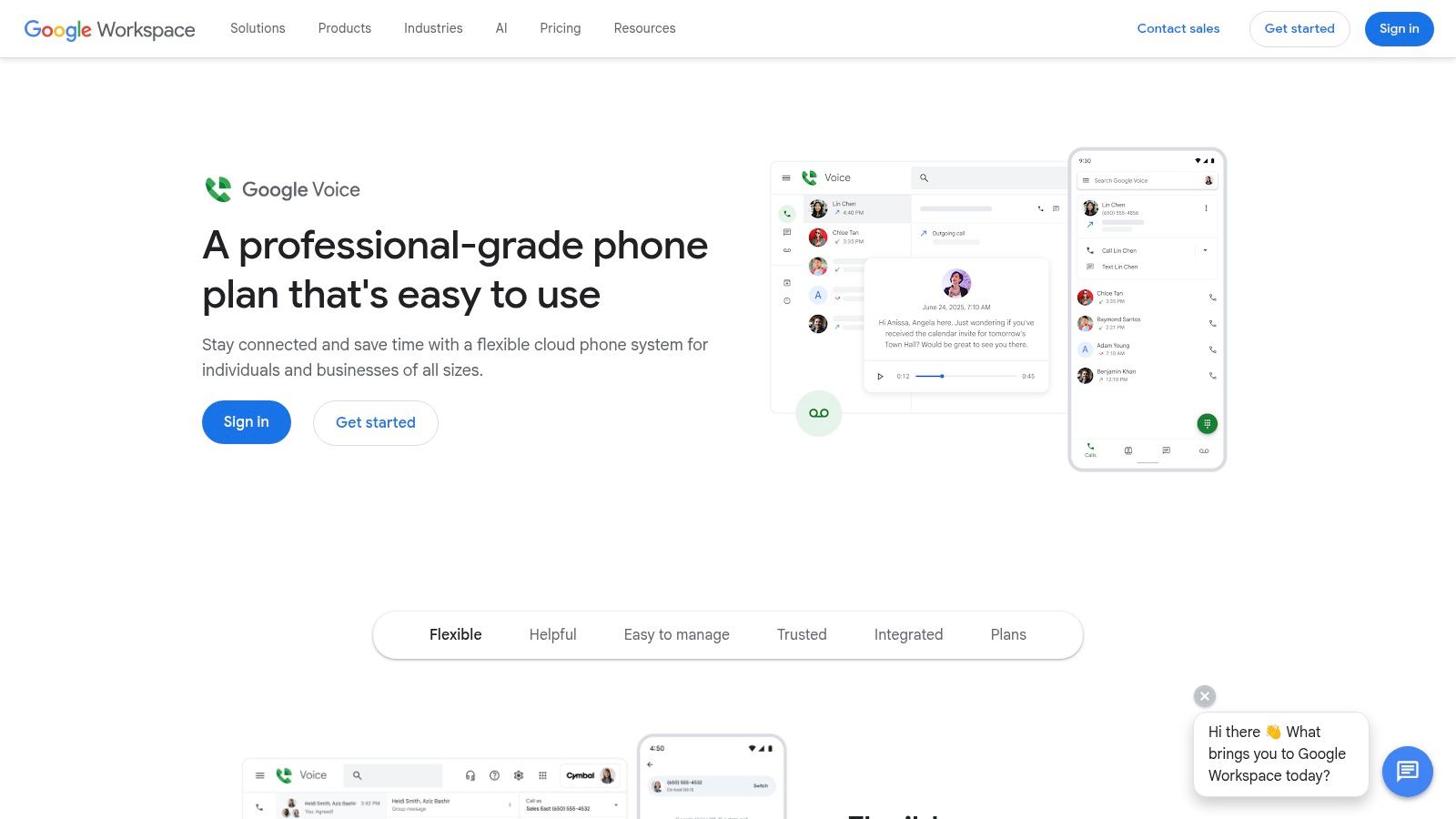
Google Voice is the odd one out here because it's usually not the best replacement for a traditional home handset. It is, however, one of the best home voip service choices if your “home phone” is really a second number that lives on your laptop and smartphone.
That distinction matters. Google Voice personal is strong for app-based calling, texting, and voicemail transcription. It's weak if you want a turnkey kitchen-phone setup with emergency calling baked in the same way as a more traditional residential VoIP service.
Best for a mobile-first second line
If you work from home, sell online, manage school calls, or want to keep your real mobile number private, Google Voice solves a lot of problems elegantly. It gives you separation without making you carry another device.
The comparison with traditional home VoIP is pretty sharp:
- Best fit: Solo users and small households that mainly answer calls on mobile or web.
- Strong value: The personal tier avoids a monthly fee, and Google's apps are easy to live with.
- Practical drawback: It isn't the best fit for someone who wants to plug in an analog home phone and be done.
- Upgrade path: The paid Starter tier adds more structured calling features and support.
Zoom's roundup of VoIP providers lists Google Voice as a free entry option, while showing paid examples such as Ooma Office Essentials at about $19.95 per user per month and Vonage Mobile at $13.99 per line per month in a broader feature comparison. It also highlights common high-value features like voicemail transcription, call recording, auto-attendant, call routing, mobile apps, and integrations in leading services, which is useful context if you're balancing app convenience against hardware simplicity in Zoom's VoIP providers roundup.
If you need help with the calling workflow side, this guide on how to make a teleconference call is a practical companion for remote work setups. And if you're still getting started with the service itself, SMS Activate's Google Voice guide walks through account creation.
For app-first users, Google Voice is still one of the cleanest choices.
6. Comcast Xfinity Voice
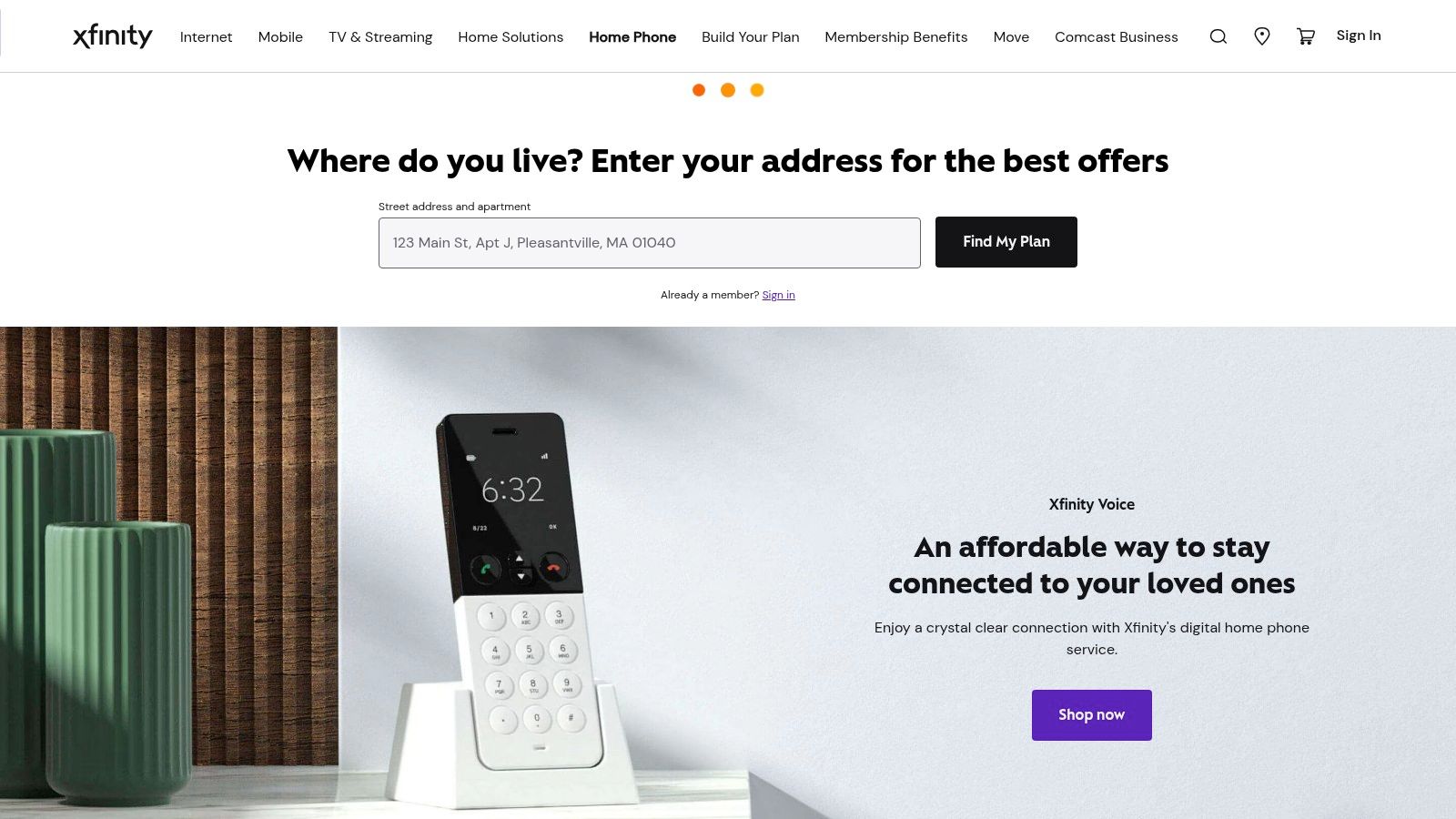
If you already use Comcast for internet, Xfinity Voice can be the path of least resistance. That's really the whole argument in its favor. One provider, one bill, one support path, one equipment ecosystem. For a lot of households, convenience wins.
This isn't usually the enthusiast's choice. It's the “I don't want to think about my phone line” choice. When a provider already controls the broadband and the gateway, adding home phone service tends to be operationally simpler than mixing providers and troubleshooting finger-pointing later.
Best for bundled convenience
Xfinity Voice works best for households that already trust Comcast enough to centralize services. Features like caller ID on TV are a nice extra, but the bigger appeal is support simplicity and the possibility of battery backup options tied to the provider's own equipment path.
A few real-world notes:
- Best fit: Existing Xfinity internet customers who want a low-hassle home phone add-on.
- Why it works: Fewer moving parts than buying standalone internet plus standalone VoIP hardware from different companies.
- What doesn't: Standalone value can be weaker if you aren't already in the Xfinity ecosystem.
- Check carefully: State and bundle pricing can vary, so compare the total bill, not just the phone line headline.
If your household already uses Comcast services heavily, Xfinity Voice can be the easiest home phone decision you make.
7. Spectrum Voice
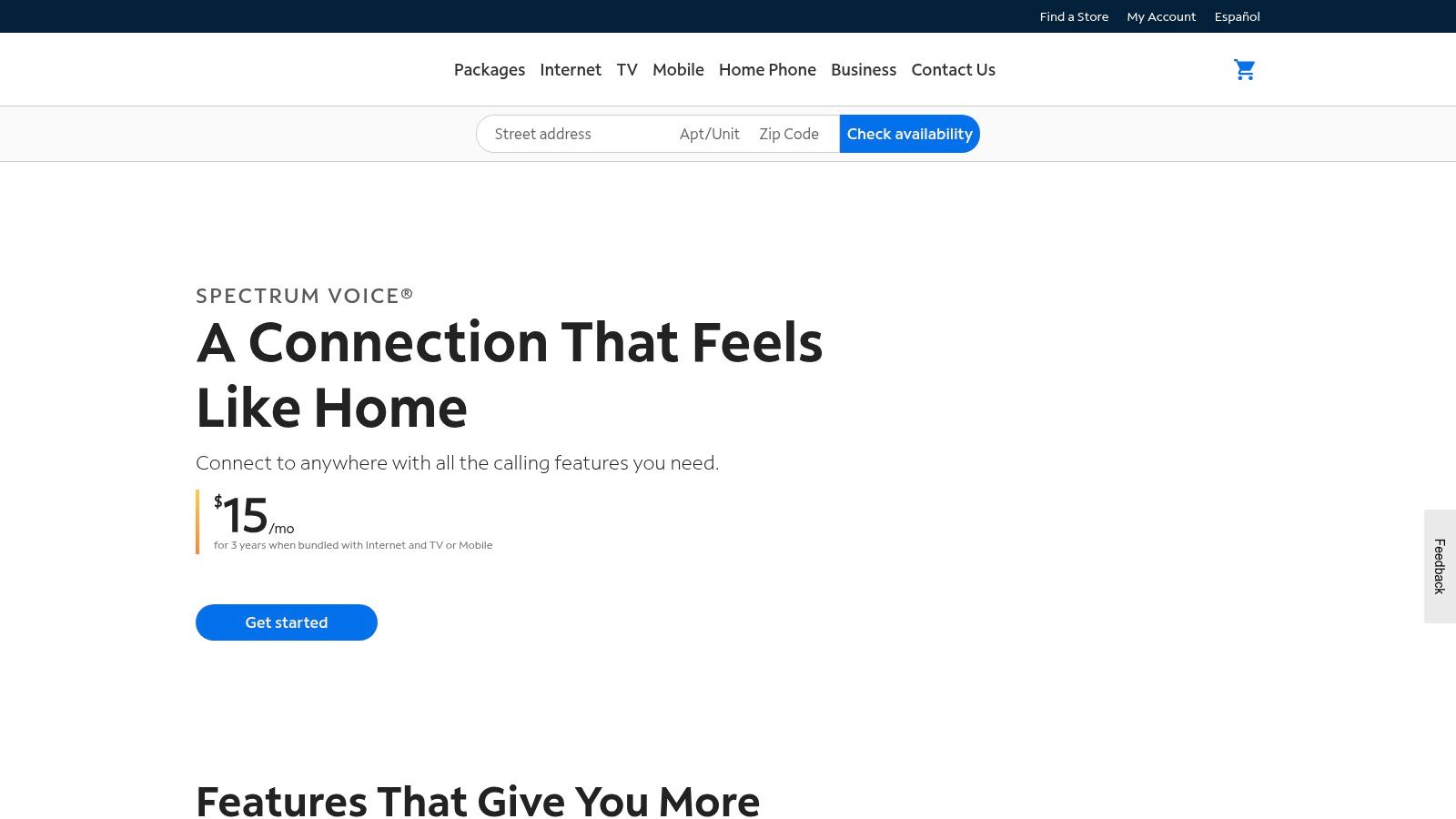
Spectrum Voice is very similar to Xfinity Voice in the way people buy it. Most households don't shop for it as a standalone communications platform. They add it because they already have Spectrum internet and the bundle makes enough sense.
That doesn't make it weak. It just means the decision is less about feature nuance and more about whether bundling makes your monthly setup cleaner and cheaper than adding an independent provider.
Best for Spectrum households
Spectrum Voice is a practical choice when your household already lives inside Spectrum's footprint and billing ecosystem. Spam protection and voicemail matter, but the bigger benefit is avoiding another adapter, another support portal, and another vendor to call when something goes wrong.
If your ISP is reliable and the bundle pricing is sensible, the best home voip service can be the one with the fewest moving parts.
A few household scenarios where Spectrum makes sense:
- Existing bundle users: Adding phone service can be simpler than building a separate stack.
- Family line needs: Unlimited calling in North America on eligible plans is useful for households with regular family calling patterns.
- Pain point: Promotional pricing and availability can vary by market, so one person's good deal may not be yours.
- Technical reality: Performance still depends on the internet service that carries it.
For current Spectrum customers, Spectrum Voice is worth checking before you assume a standalone provider will offer better value.
8. Verizon Fios Digital Voice
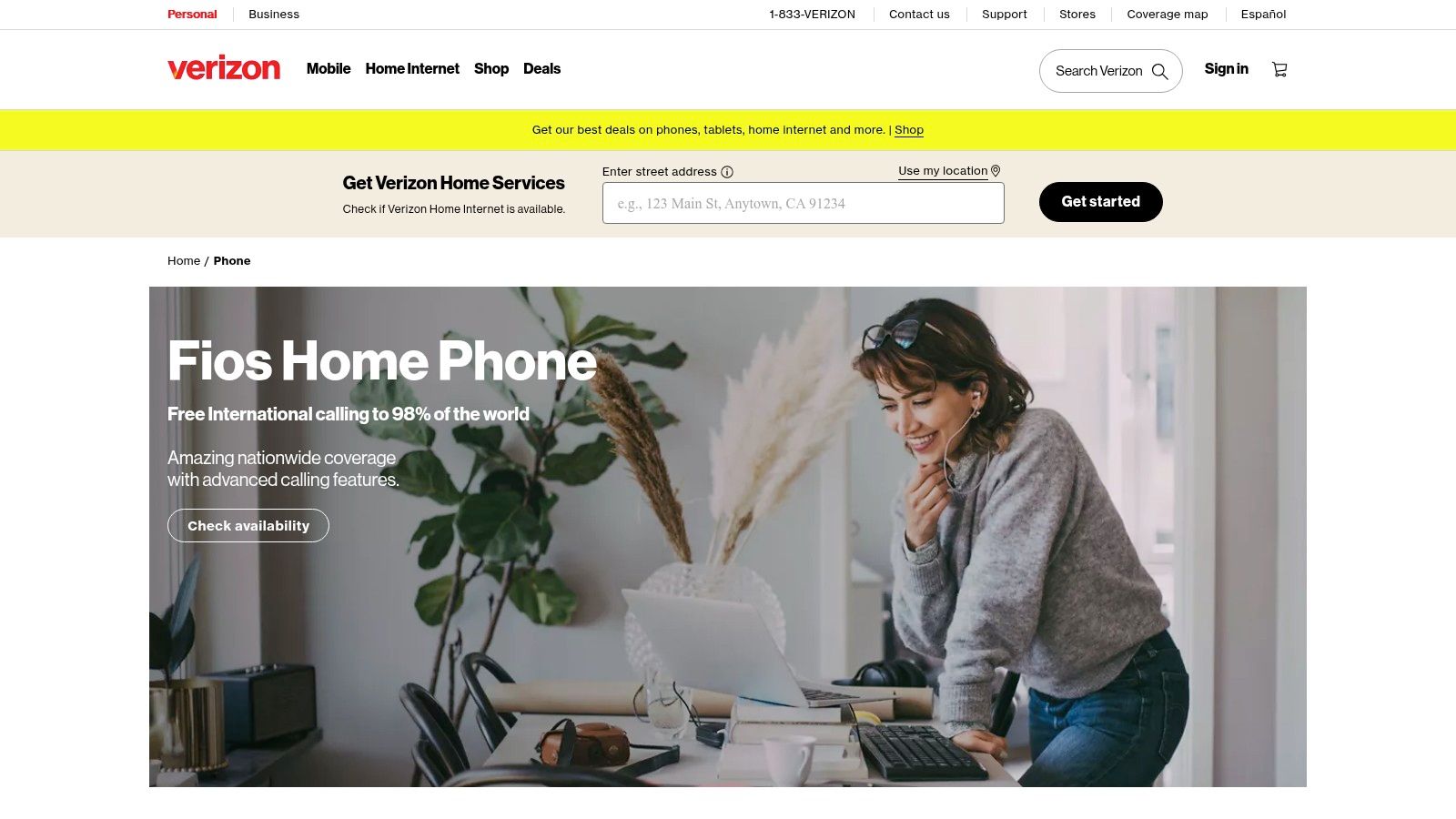
Verizon Fios Digital Voice is the option I like most among ISP-tied home phone services when fiber is available. Fiber doesn't make every call perfect by magic, but it does give this category a cleaner foundation than many cable-based setups.
If you want a home phone line that still feels close to the old landline experience, Fios often gets there better than app-centric services do. Existing wiring can often stay useful, feature depth is solid, and the overall behavior feels stable.
Best for fiber-based home calling
Fios Digital Voice stands out because it behaves like a modernized home line, not a workaround. The feature set is broad, including caller ID, voicemail, spam blocking, and online call logs, but its primary appeal is call quality over Verizon's fiber infrastructure.
That said, availability decides everything here.
- Best fit: Homes already using or planning to use Verizon Fios internet.
- Strong point: It can preserve a familiar whole-home phone setup without much reinvention.
- Limitation: If Fios isn't in your area, the choice disappears.
- Buying note: Local bundle pricing matters more than feature checklists in this category.
For households in the Fios footprint that want a straightforward home phone service, Verizon Fios Digital Voice is one of the stronger carrier-bundled options.
9. AT&T Phone (Digital home phone over AT&T Internet)
AT&T's digital home phone service fits a familiar pattern. If you already use AT&T internet and want your phone line from the same provider, it's a sensible option. If you don't, it becomes harder to justify on flexibility alone.
The product is aimed at households that still want a recognizable home-phone setup with voicemail, caller ID, and calling plans that fit bundled internet service. It isn't trying to be flashy. It's trying to be familiar.
Best for AT&T bundle loyalty
AT&T Phone makes sense when the household priority is simplicity. One provider handles internet and home phone, the service runs through the residential gateway, and the overall experience is intentionally close to what long-time home-phone users expect.
Where it lands well:
- Best fit: Existing AT&T households that want to keep billing and support under one roof.
- Practical upside: Familiar feature set with less setup guesswork than many independent VoIP providers.
- What to watch: Promotional pricing may not be the long-term price, so compare beyond the signup window.
- Availability factor: Your address decides a lot here.
This kind of service is often a better fit for family households than for tech tinkerers. If you want to swap hardware, route calls creatively, or build a flexible app-first setup, independent providers usually offer more room.
If one-bill convenience matters most, review AT&T Phone as part of your internet bundle comparison.
10. 1-VoIP Residential
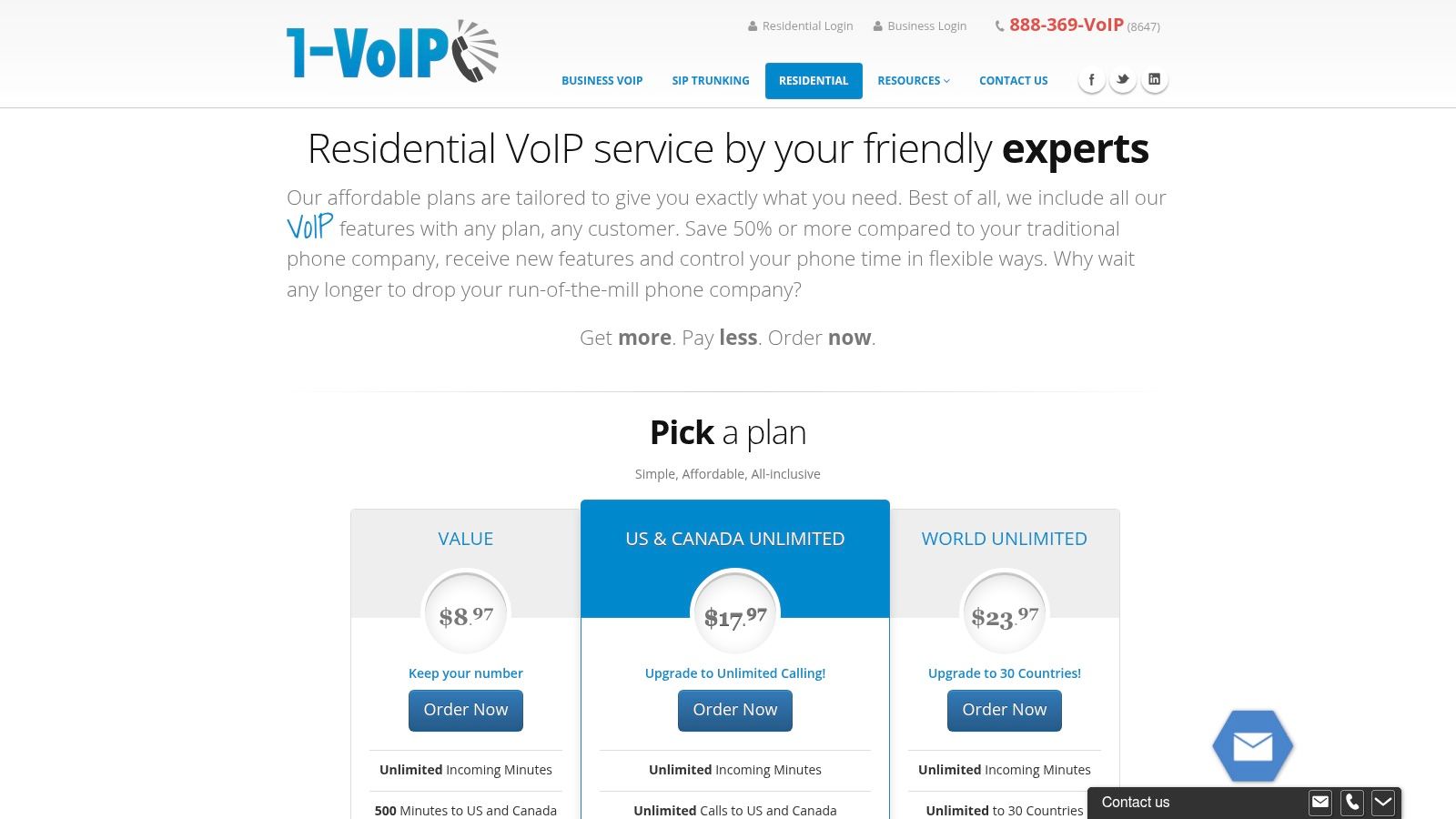
A lot of home VoIP providers make you dig through promos, footnotes, and half-explained plan names before you know what you will pay. 1-VoIP Residential stands out because the buying process is clearer. You can usually tell, without much guesswork, whether the lower-cost plan fits your calling habits or whether the unlimited option makes more sense.
That matters more than it sounds. In a guide built around use cases, 1-VoIP is one of the easier services to place in the "Best Value" conversation, not because it is always the cheapest, but because its pricing and included features are easier to compare side by side with the rest of the field.
Best value for clear plan buyers
1-VoIP works well for households that still want a real home phone setup but do not want to overpay for features they will never touch. The included adapter on many plans lowers the setup hassle, and the softphone option adds flexibility if you want to answer your home number away from the kitchen handset or desk phone.
The practical trade-off is simple. This service is better for buyers who want straightforward plan selection than for buyers chasing the flashiest app experience or the broadest international package.
Here is where it fits:
- Best fit: Households that want easy-to-compare plan tiers and predictable monthly costs.
- Strong everyday feature: Included Nomorobo spam blocking is useful if your home line gets hit with constant robocalls.
- Nice middle ground: Softphone support gives you some mobile convenience without turning the service into a mobile-first product.
- What to verify: Check the international calling list before signing up if overseas calling is one of your main reasons for switching.
I also like that 1-VoIP does not force an all-or-nothing decision. Some providers push every household toward one plan shape. 1-VoIP leaves more room to choose based on actual calling patterns, which is exactly the kind of distinction that helps in a side-by-side comparison table.
One caution. If your household cares a lot about app polish, advanced smart-home integrations, or a highly flexible multi-device setup, other options in this list may feel more current. 1-VoIP's value is in clear packaging, useful call management, and fewer pricing surprises.
For buyers who want pricing clarity and solid spam protection, 1-VoIP Residential deserves a close look.
Top 10 Home VoIP Services Comparison
| Service | Key features | Call quality & reliability | Pricing & value | Best for | Standout / USP |
|---|---|---|---|---|---|
| Ooma Home Phone (Telo) | Unlimited U.S. calling, 911 with address, Premier add-ons, LTE/battery backup, strong call-blocking | Internet-dependent; optional LTE/battery for outages | One-time Telo purchase; basic service effectively free; fair‑use limits apply | Cost-conscious homes wanting robust spam blocking | Very low ongoing cost with mature call-blocking |
| Vonage for Home | SimulRing (up to 5 numbers), Extensions mobile app, call blocking, international plans | Good for hybrid mobile+home use; established brand (support varies) | Multiple plans/promos; international options can add cost | Households wanting calls on both home phone and mobile, regular international callers | SimulRing + strong international calling options |
| magicJack HOME | Small USB/ethernet adapter, voicemail, call forwarding, magicApp mobile companion | Portable device; basic support; app E911 limited on some tiers | Ultra-low annual renewal model, among lowest TCO | Budget buyers and travelers who need a portable line | Lowest total cost and highly portable device |
| netTALK DUO | DUO Ethernet/Wi‑Fi adapters, short-term & annual plans, 30-day return | Simple self-install; basic reliability for home use | Very low entry price; no long-term contract | Budget-focused users wanting easy setup and short-term plans | Very low entry cost with Wi‑Fi adapter option |
| Google Voice (Personal & Starter) | Free U.S. number (personal), app/web calling & texting, Voice Starter adds E911 & business features | App-centric quality depends on data/Wi‑Fi; excellent mobile/web apps | Personal tier is free; paid Starter for business features | Mobile users wanting a second line or light business use | Free personal tier with seamless mobile/web experience |
| Comcast Xfinity Voice | Integrated with Xfinity gateway, caller ID on TV, optional backup battery | Performance tied to ISP/gateway; generally stable within footprint | Bundled billing with internet/TV; standalone can be pricier | Xfinity customers who prefer one bill and TV integration | Caller ID on TV and single-provider convenience |
| Spectrum Voice | Unlimited NA calling (plan-dependent), spam protection, easy bundling | Depends on Spectrum internet quality; typical ISP-grade reliability | Often discounted when bundled; market-dependent pricing | Spectrum subscribers wanting a simple add-on phone service | Simple bundling and promotional discounts for existing customers |
| Verizon Fios Digital Voice | 30+ calling features, spam blocking, online portal, runs over Fios fiber | High call quality and reliability on fiber; limited to Fios areas | Bundles with Fios Internet; pricing varies by area | Homes on Fios seeking a landline-like, feature-rich service | Fiber-based call quality with extensive calling features |
| AT&T Phone (Digital home phone) | VoIP via AT&T gateway, voicemail, caller ID, promotional unlimited plans when bundled | Quality tied to AT&T network and gateway equipment | Promotional pricing for new customers; may rise after intro period | AT&T Internet customers wanting integrated services | Familiar home-phone experience with one-provider bundle |
| 1-VoIP Residential | Clear plan tiers (Value, US/Canada Unlimited, World), ATA hardware included on many plans, Nomorobo, mobile softphone | Solid basic service; mobile softphone support for on-the-go use | Transparent plan pricing; hardware often included | Buyers who want clear pricing and included ATA hardware | Transparent plans + included ATA and built-in Nomorobo spam protection |
Final Thoughts
The best home voip service depends less on feature count than on how your household uses a phone line. If you want the closest thing to an old landline with modern call blocking and minimal fuss, Ooma is often the cleanest answer. If your home number needs to ring your mobile too, Vonage is more compelling. If cost is the whole point, magicJack and netTALK deserve real consideration.
Google Voice is the easiest one to misunderstand. It's excellent if you want a second number for home, work-from-home, school, or online selling, and you're happy living in apps. It's much less ideal if you want a physical home handset setup with traditional emergency expectations. That doesn't make it worse. It just makes it a different type of solution.
The ISP-tied services from Comcast, Spectrum, Verizon, and AT&T are less exciting on paper, but they can be the smartest choice for households that value fewer moving parts. When the same company provides the broadband, gateway, and phone service, troubleshooting usually gets simpler. The downside is flexibility. You're often more tied to local pricing, local availability, and local promo structures.
1-VoIP lands in a useful middle ground. It feels more purpose-built than carrier bundle phone service, but more straightforward than app-first platforms. If clear plan structure and built-in spam filtering matter to you, it's easy to shortlist.
One issue most “best home voip service” guides still underplay is outage resilience. Home VoIP depends on your internet connection and local power in a way traditional landlines often didn't. Comparison content regularly mentions provider uptime claims like 99.99% or 99.999%, but the more useful household question is what happens when your router loses power, your ISP drops, or your modem reboots. The better approach is to think about battery backup, forwarding to a cell phone, mobile failover, or even keeping a backup line if the number is important in an emergency, as discussed in CentraIP's comparison of top VoIP provider reliability questions.
That's also where “value” goes beyond monthly price. A service with call forwarding, voicemail-to-email, app access, spam blocking, and support for backup options usually feels cheaper over time than one that saves a little money but creates missed calls and setup headaches. Encryption support is part of that value calculation too, especially if your calls or voicemails touch sensitive personal or work information.
If your needs go beyond voice and into browser-based meetings, family video calls, telehealth, online classes, or webinars, a separate communications tool may fit alongside your VoIP service better than trying to force one product to do everything. In that context, AONMeetings is relevant as a browser-based platform for internet voice and video communication with built-in webinars, encryption, and unlimited meeting time. It isn't a direct replacement for every residential VoIP setup, but it can complement one well.
Pick the service that matches your habits, not the one with the longest feature list. That's what makes a home phone setup feel reliable.
If you also need secure voice and video communication beyond a home phone line, AONMeetings is worth a look. It offers browser-based meetings, built-in webinars, encryption, and unlimited meeting time, which can pair well with a home VoIP setup for remote work, telehealth, classes, or family communication.
