

In a world saturated with digital content, a standard presentation no longer cuts it. The challenge isn't just to share information but to create an experience that resonates, persuades, and inspires action. This guide moves beyond generic advice to provide 10 specific, actionable ideas for presentations tailored to different goals and industries. Each idea is a complete blueprint, packed with practical examples, execution tips, and strategies for using modern tools.
We'll explore how to transform a simple slideshow into a powerful communication event, focusing on engaging formats, secure delivery, and measurable impact. From HIPAA-compliant healthcare briefings to high-ROI webinar marketing, these concepts are designed to be adapted and implemented immediately. For each concept, we'll detail the value proposition, compare pricing implications, and highlight how integrated features like end-to-end encryption and webinar hosting can elevate your message.
Many of these strategies involve creating more dynamic content than a static slide. For instance, to move beyond traditional formats and engage audiences more dynamically, learning how to create YouTube Shorts from existing video content can transform longer presentations into digestible clips for promotion or follow-up.
This article provides the structure and insights needed to build presentations that capture attention and deliver results. Let's dive into the ideas that will make your next presentation unforgettable.
1. The Future of Telemedicine: HIPAA-Compliant Video Conferencing in Healthcare
Presenting on the adoption of telemedicine is one of the most relevant and impactful ideas for presentations today, especially for audiences in healthcare, technology, and business administration. This topic explores how secure, HIPAA-compliant video conferencing platforms are fundamentally changing patient care. A well-structured presentation will detail the regulatory framework, essential security features like end-to-end encryption, and the practical steps for healthcare providers to implement these solutions.
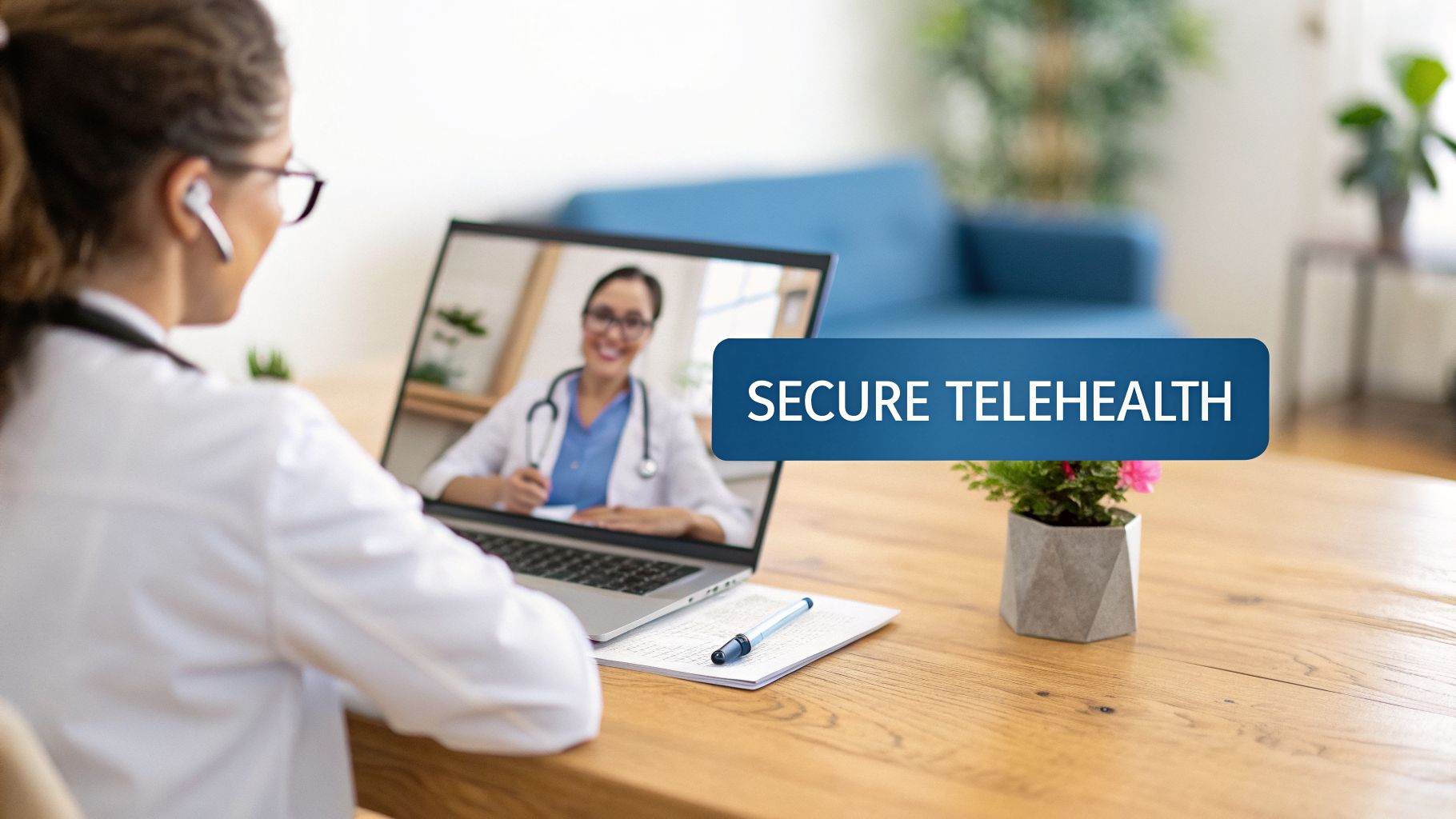
The core value proposition for clinics is a significant reduction in overhead while enhancing patient care, all secured with end-to-end encryption. By replacing some in-person visits with virtual ones, providers can lower costs associated with physical space and administrative support. For a practical example, a single-provider practice might save thousands annually on facility costs. When comparing the modest monthly fee of a secure platform like AONMeetings (which includes free webinar features for patient education) to the high cost of traditional infrastructure, the value becomes undeniable.
When to Use This Presentation Idea
This presentation is perfect for educating healthcare stakeholders, training medical staff, or persuading administrative boards to invest in telehealth technology. It directly addresses the dual needs of modern healthcare: improving patient access and managing operational costs effectively. The content is timely, driven by the permanent shift in patient expectations following the global pandemic.
Key Insight: The presentation should frame telehealth not just as a tool, but as a strategic business decision that enhances service delivery, expands a clinic’s reach, and improves patient satisfaction.
Execution Tips & Examples
To make your presentation concrete, include actionable tips and real-world scenarios:
- Practical Example (Staff Training): Before going live, conduct mandatory training sessions on HIPAA protocols and the specific video platform's security features, including its end-to-end encryption. Use your platform’s recording feature to create a library of training assets for new hires.
- Patient Onboarding: Develop simple, visual guides and short video tutorials showing patients how to join their secure virtual appointment. This minimizes no-shows and technical difficulties.
- Price Comparison: Create a slide comparing the monthly subscription cost of a HIPAA-compliant platform (e.g., ~$20/user/month) with the expenses of managing a physical waiting room and the potential revenue from seeing more patients with increased efficiency.
- Value Proposition (Webinar Integration): Highlight that many secure platforms include webinar functionality at no extra cost. This allows you to host patient education webinars on topics like "Managing Diabetes" or community health talks, adding further value without additional software expenses.
By focusing on these practical elements, your presentation becomes a compelling guide for any healthcare organization looking to adopt or expand its virtual care services. You can explore the features of HIPAA compliant video conferencing platforms to gather specific details for your content.
2. Cost Optimization in Enterprise Communications: Moving Beyond Traditional Video Conferencing
Presenting on enterprise communication cost optimization is one of the most compelling ideas for presentations targeted at C-suite executives, IT directors, and finance managers. This topic examines how large organizations can significantly reduce expenses by migrating from premium-priced platforms like Zoom or Microsoft Teams to more cost-effective, feature-rich alternatives. A strong presentation will detail a thorough cost-benefit analysis, compare platform features side-by-side, and outline a strategic implementation plan for a seamless company-wide transition.
The central value proposition for enterprises is a direct and substantial impact on the bottom line, without compromising on security features like end-to-end encryption. By switching to a platform with more favorable pricing, a mid-size consulting firm could save ₹5-10 lakhs annually. A practical example is moving from a high-cost plan that charges extra for webinars to an all-in-one solution like AONMeetings where webinar hosting is included, unlocking immediate savings.
When to Use This Presentation Idea
This presentation is ideal for pitching a technology change to a board, presenting a budget-reduction strategy to department heads, or training IT staff on a new communication stack. It directly addresses the business imperative to control operational spending while maintaining productivity and security. The content is especially relevant for organizations looking to scale efficiently or reallocate funds toward core business activities instead of overpriced software licenses.
Key Insight: The presentation should position the switch not as a downgrade, but as a smart financial and strategic decision that unlocks similar or better functionality at a fraction of the cost, improving the company’s total cost of ownership (TCO).
Execution Tips & Examples
To make your presentation persuasive, include concrete calculations and a clear rollout plan:
- Price Comparison (TCO Analysis): Create a slide that calculates the full cost of your current platform, including per-user license fees (
$25/user/month for premium tiers) and add-on costs for webinars ($800/year). Compare this with the simplified, all-inclusive pricing of an alternative that bundles these features. - Feature Comparison Matrix: Show a side-by-side checklist comparing your current solution with a proposed one. Highlight features like included webinar functionality, recording capacity, and end-to-end encryption to demonstrate that no critical capabilities are lost.
- Practical Example (Pilot Program): Suggest a pilot test with a single department. A practical example would be having the sales team use the new platform for a month to test its webinar and client-facing meeting capabilities, de-risking the decision for the entire organization.
- Value Proposition (Usage Documentation): Before deciding on a subscription tier, analyze current usage data. Document how many employees actively host meetings versus just attending to choose the most cost-effective license plan and avoid paying for unused accounts. This data reinforces the value of flexible pricing models.
3. Online Education Evolution: Building Effective Virtual Classrooms with Integrated Tools
Presenting on the evolution of online education offers a timely and practical topic for educators, administrators, and EdTech professionals. This presentation idea focuses on how to construct engaging virtual classrooms using modern video conferencing platforms that integrate collaboration tools. A strong presentation will cover pedagogical best practices for online learning, strategies to boost student interaction, and effective assessment methods for hybrid or fully remote educational environments.
The core value for educational institutions is creating an effective and scalable learning environment without the high overhead of physical infrastructure, all while ensuring student privacy with end-to-end encryption. Virtual classrooms allow K-12 schools to provide hybrid learning and universities to host large, interactive lectures. For example, a tutoring business can replace costly rental spaces with a secure platform like AONMeetings. This price comparison is powerful: a low monthly subscription fee versus thousands in rent, utilities, and insurance.
When to Use This Presentation Idea
This presentation is ideal for professional development days, school board meetings, EdTech conferences, or training sessions for corporate instructors. It directly addresses the need to create high-quality, interactive learning experiences that rival in-person instruction. The content is especially relevant as institutions from K-12 to higher education continue to refine their online and hybrid teaching models.
Key Insight: The presentation should position integrated video tools not as a substitute for traditional teaching, but as a powerful medium to create a more flexible, accessible, and interactive learning ecosystem.
Execution Tips & Examples
To make your presentation practical, include specific examples and actionable advice for educators:
- Practical Example (Norms): Begin any course by establishing clear expectations for participation. A practical example is creating a "Virtual Classroom Etiquette" slide that shows students when to use the "raise hand" feature or how to contribute in chat.
- Use Breakout Rooms: Divide large classes into small groups using breakout rooms for peer-to-peer learning. For example, in a history class, assign each breakout room a different primary source to analyze and report back on.
- Record and Share: With student permission, record all lectures and upload them to a learning portal. This provides a valuable resource for asynchronous review and helps students who missed the live session.
- Value Proposition (Webinar for Assembly): Many platforms offer a webinar feature at no extra cost. This can be used to host a school-wide virtual assembly or a guest speaker event, a value-add that replaces the need for a separate, expensive broadcasting tool.
By focusing on these tactical elements, your presentation becomes an essential guide for any educator looking to build an effective virtual classroom. You can explore some of the best online teaching platforms to gather more specific feature details for your content.
4. Webinar Marketing Strategy: Launching High-Impact Product Presentations and Thought Leadership Events
Presenting on webinar marketing strategy is one of the most powerful ideas for presentations for B2B and B2C organizations. This topic moves beyond simple hosting and dives into the full lifecycle of a webinar: planning, multi-channel promotion, delivery optimization, and post-event follow-up. A well-crafted presentation explains how to use webinars not just for one-off events, but as a consistent engine for lead generation, customer engagement, and establishing brand authority.
The primary value proposition is turning attention into revenue with a secure, scalable tool. Webinars allow companies to directly demonstrate product value and build trust. The price comparison is compelling: a plan like AONMeetings which includes robust webinar features costs far less than renting a physical event space or subscribing to a specialized, single-purpose webinar tool that can run over $100/month. A practical example is a SaaS company using an included webinar feature to launch a new encrypted data storage option to hundreds of customers simultaneously, a far more efficient approach than individual demos.
When to Use This Presentation Idea
This presentation is ideal for training marketing teams, persuading leadership to invest in content marketing, or onboarding new clients to your marketing services. It is particularly effective for SaaS companies launching features, consultants building thought leadership, and nonprofits hosting donor cultivation events. The content directly addresses the need for scalable marketing tactics that produce qualified leads and build lasting community.
Key Insight: Frame the webinar not as a single event, but as a reusable content asset. The initial live presentation is just the first step in a long-term content-repurposing strategy that fuels blogs, social media, and lead magnets.
Execution Tips & Examples
To make your presentation concrete, include actionable tips and real-world scenarios:
- Practical Example (Promotional Cadence): Start promoting your webinar 3-4 weeks in advance via email, social media, and partner channels. Send reminder emails 24 hours and 15 minutes before the event to maximize live attendance.
- Professional Branding: Use custom backgrounds, logos, and branded slide decks to create a polished, professional experience that reinforces your brand identity.
- Value Proposition (Content Repurposing): Automatically record your session, which is protected by end-to-end encryption. After the event, clip key highlights for social media, transcribe the audio for a blog post, and package the full recording as a lead magnet—all from a single event.
- Post-Event Nurturing: Follow up with all registrants within 24 hours, providing a link to the recording and a clear call to action. Segment attendees from no-shows for tailored messaging.
By focusing on these practical elements, your presentation becomes a complete guide on how to host a webinar that delivers measurable business results, all secured with features like end-to-end encryption.
5. Remote Team Collaboration: Building Trust and Productivity in Distributed Workforces
Presenting on remote team collaboration is one of the most critical ideas for presentations for modern businesses, from tech startups to global enterprises. This topic directly addresses the operational shift toward distributed workforces. A strong presentation will explore the strategies required to build trust, maintain productivity, and foster a cohesive culture when team members are not in the same physical location. It should cover communication protocols, asynchronous workflows, and the tools needed to make it all work.
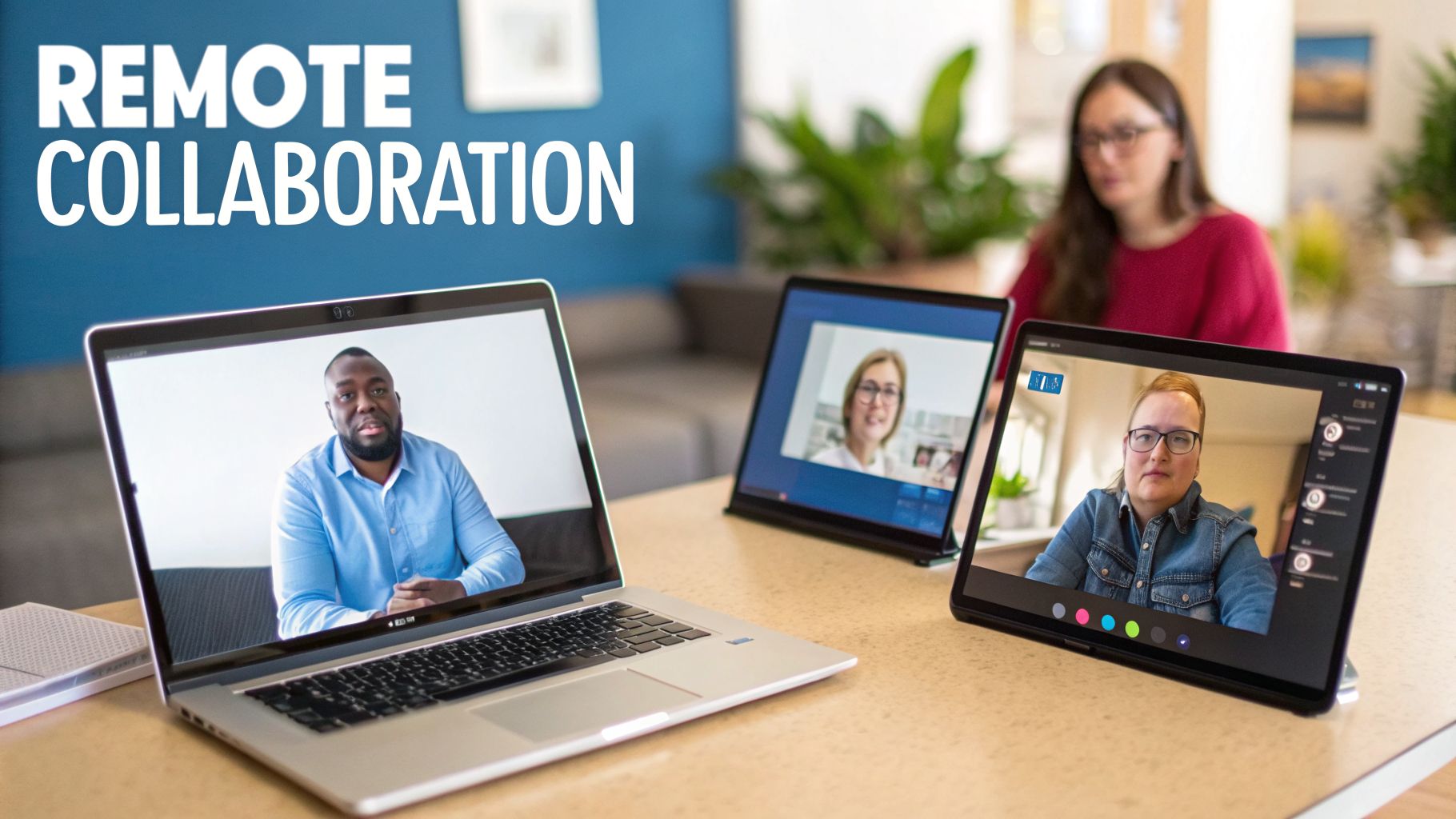
The core value proposition for any company adopting remote work is access to a global talent pool and significant savings on office-related overhead. A presentation on this topic should highlight the financial benefits. A practical price comparison: a company can replace expensive office leases and utility bills with a modest subscription to a secure collaboration platform. A tool like AONMeetings offers secure video conferencing with end-to-end encryption and included webinar features for training, a stark contrast to the thousands of dollars spent on commercial real estate.
When to Use This Presentation Idea
This topic is ideal for onboarding new remote employees, training managers to lead distributed teams, or persuading executive leadership to formalize a remote or hybrid work policy. It's especially relevant for organizations scaling across different countries or agencies supporting clients in various time zones. The content directly addresses the need for structured processes to prevent burnout and ensure consistent output.
Key Insight: The presentation should position remote collaboration not as a temporary fix, but as a deliberate operational strategy that requires clear guidelines and the right technology to succeed.
Execution Tips & Examples
To make your presentation actionable, provide concrete strategies that teams can implement immediately:
- Practical Example (Core Hours): Define a 2-3 hour window when everyone, regardless of time zone, is expected to be online for real-time collaboration. For instance, a team spread across Europe and the US East Coast might set core hours from 9 AM to 12 PM EST.
- Record All Meetings: Use your platform’s recording feature to capture key meetings. This allows team members in different time zones to review decisions and discussions asynchronously.
- Virtual Water Cooler: Schedule short, informal video calls with no agenda to replicate spontaneous office conversations and build personal connections.
- Communication Protocols: Create a slide that clearly outlines which tool to use for what purpose (e.g., chat for quick questions, email for formal updates, encrypted video calls for complex discussions).
- Value Proposition (Webinar for Training): Many platforms include a webinar feature at no extra charge. Use it to host company-wide training sessions on new software, processes, or cultural initiatives, adding value and centralizing training efforts.
6. Healthcare Compliance and Data Security: Building Patient Trust Through Transparent Security Practices
This technical presentation is an excellent idea for audiences of healthcare IT leaders, compliance officers, and legal counsel. The topic centers on implementing and demonstrating robust security practices that align with regulations like HIPAA. It moves beyond a simple overview to detail the specific protocols, encryption standards, and auditing procedures necessary to protect patient data and build institutional trust. A strong presentation will cover regulatory requirements, security best practices, and how modern platforms deliver enterprise-grade security at accessible prices.
The primary value for a healthcare organization is risk mitigation and operational integrity, anchored by end-to-end encryption. Demonstrating stringent data security is no longer optional; it’s a core business function. A practical example: a behavioral health provider can use this framework to show how they meet strict patient consent requirements. The price comparison is stark: the cost of a secure platform is minimal compared to the multi-million dollar fines and reputational damage from a data breach. The platform's included webinar feature can also be used for secure, large-scale staff compliance training.
When to Use This Presentation Idea
This topic is ideal for internal training, board-level security briefings, or sessions at healthcare technology conferences. It directly addresses the critical need for verifiable compliance in an industry handling sensitive personal information. The content is essential for any organization aiming to prove its commitment to data protection, from telehealth startups wanting to achieve compliance quickly to established international providers managing multiple regulatory standards.
Key Insight: The presentation should position data security not as an IT cost center, but as a strategic asset that builds patient trust, ensures regulatory compliance, and protects the organization’s long-term viability.
Execution Tips & Examples
To make the presentation impactful, include concrete actions and procedural examples:
- Practical Example (Audit Preparedness): Detail the importance of requesting a SOC 2 Type II report from any technology vendor before implementation to verify their security controls, including their end-to-end encryption architecture.
- Documentation and Policy: Provide templates for data retention policies, consent forms, and incident response plans for potential data breaches.
- Access Control: Explain how to use platform features to maintain strict audit logs of who accesses patient data and when, including recordings of virtual sessions.
- Value Proposition (Continuous Training): Emphasize that security is ongoing. Outline a schedule for regular staff training on HIPAA protocols and platform-specific security features using the included webinar tool, reinforcing a culture of compliance without extra cost.
Focusing on these practical, documented steps transforms your presentation from a theoretical discussion into an actionable security roadmap for any healthcare entity. You can gather specifics on platform capabilities by researching HIPAA compliant video conferencing platforms that provide detailed security documentation.
7. Event Management and Community Building: Hosting Engaging Virtual and Hybrid Gatherings
Presenting on virtual and hybrid event execution is a powerful choice for audiences of community managers, event organizers, and corporate planners. This topic provides a blueprint for creating engaging gatherings that combine physical and digital attendees. A well-designed presentation will cover attendee experience design, technical production, engagement strategies, and key metrics to prove event success and ROI.
The central value for organizations is extending their reach far beyond geographical limits. By hosting a hybrid event, a nonprofit can engage donors globally, not just locally. Emphasize the price comparison: a secure platform like AONMeetings, which includes webinar and large meeting capabilities in its subscription, costs significantly less than booking a larger physical venue or paying for a separate streaming service to accommodate the same number of additional attendees. This allows organizations to reallocate funds toward better content or speakers.
When to Use This Presentation Idea
This presentation is ideal for training event staff, persuading leadership to invest in hybrid event technology, or sharing best practices with industry peers. It speaks directly to the modern challenge of building a cohesive community and delivering value when attendees are dispersed. The content is critical for any organization looking to future-proof its event strategy and maximize engagement.
Key Insight: The presentation should position virtual and hybrid events not as a compromise, but as a strategic advantage that increases accessibility, gathers richer data, and boosts community interaction.
Execution Tips & Examples
To make your presentation practical, include concrete tips for flawless execution:
- Practical Example (Combating Fatigue): Structure virtual events to be concise, ideally under 90 minutes. A practical example is hosting a "lightning talk" series where five speakers each present for 10 minutes, followed by interactive breakout rooms for Q&A.
- Technical Rehearsals: Schedule a full technical run-through with all speakers and production staff 24 hours before the event. Use this time to test audio, video, and slide sharing.
- Professional Production: Create polished opening and closing video sequences to give your event a professional feel. Ensure backstage coordination for speakers with clear cues and timing.
- Value Proposition (Post-Event Follow-Up): Within 48 hours, send a thank-you email to all attendees with a link to the event recording. Many secure platforms, protected by end-to-end encryption, can automatically record sessions for easy distribution, turning a one-time event into a lasting content asset.
8. Financial Services and Client Communications: Secure Consultations for Banking, Insurance, and Investment Advice
Presenting on secure client communication is one of the most critical ideas for presentations in the financial services sector. This topic addresses how banks, insurance agencies, and investment firms can use compliant video conferencing to manage client relationships while adhering to strict regulations like SEC Rule 17a-4. A strong presentation will cover essential security measures, such as end-to-end encryption and identity verification, and outline the practical steps for deploying these systems without compromising fiduciary duties.
The primary value for financial institutions is enhanced client trust and operational efficiency. Secure virtual meetings allow advisors to conduct detailed portfolio reviews or loan consultations from anywhere. The price comparison is compelling: the small monthly investment in a secure platform like AONMeetings is negligible compared to the potential multi-million dollar cost of a compliance breach or the high expense of maintaining multiple physical branches. The included webinar feature adds further value for hosting client education events.
When to Use This Presentation Idea
This presentation is ideal for training financial advisors, persuading compliance officers, or demonstrating value to executive boards. It directly addresses the industry's need to modernize client interactions while managing significant regulatory risks. The content is especially relevant as clients increasingly expect convenient, digital-first service options for sensitive financial matters.
Key Insight: The presentation should position secure video conferencing not merely as a communication tool, but as a core component of a modern compliance and client relationship strategy that builds trust and reduces operational friction.
Execution Tips & Examples
To make your presentation tangible, incorporate actionable tips and clear scenarios:
- Practical Example (Compliance Training): Before implementation, run mandatory staff training on SEC and FINRA rules for digital communications. Use your platform’s recording feature to create a permanent, encrypted library of compliance training assets for auditing and new hire onboarding.
- Identity Verification: Show how to use built-in tools or pre-meeting protocols to verify a client's identity before discussing sensitive financial information.
- Secure Document Exchange: Create a slide demonstrating how to use integrated document sharing features within an encrypted session to review statements or contracts instead of relying on insecure email attachments.
- Value Proposition (Webinar for Client Education): Highlight that many secure platforms offer webinar functions at no extra cost. Use this to host events on topics like "Retirement Planning in Your 30s" or "Understanding Market Volatility," adding value and attracting new leads without additional software fees.
9. Accessibility and Inclusive Communication: Designing Virtual Meetings for Diverse Abilities
Presenting on digital accessibility is one of the most critical and timely ideas for presentations, relevant to audiences in education, corporate, government, and healthcare sectors. This topic examines how to design virtual meetings and communications that are inclusive for participants with diverse abilities, including visual, hearing, mobility, and neurodivergent needs. A well-crafted presentation will cover accessibility best practices, the use of assistive features in video conferencing platforms, and the legal and ethical imperatives for creating accessible digital spaces.
The value proposition for organizations is clear: inclusive design expands audience reach, ensures compliance with mandates like the ADA, and fosters an equitable environment. The price comparison is stark: for a minimal investment in an accessible platform and training, organizations can avoid the high costs of non-compliance and reputational damage. A platform like AONMeetings, which includes features like live captioning and keyboard navigation within its standard fee, is far more cost-effective than facing legal fees or loss of business from inaccessible practices. All communications are also protected with end-to-end encryption.
When to Use This Presentation Idea
This presentation is ideal for training corporate teams on DEI (Diversity, Equity, and Inclusion) principles, educating university staff on creating accessible online courses, or guiding government agencies on meeting their accessibility mandates. It's a foundational topic for any organization that relies on virtual communication and wants to ensure no one is left behind. The content addresses a permanent and growing expectation for digital equity.
Key Insight: Frame accessibility not as a niche compliance task, but as a core component of professional communication and service excellence that benefits everyone, not just users with disabilities.
Execution Tips & Examples
To make your presentation impactful, provide clear, actionable guidance that attendees can implement immediately:
- Practical Example (Pre-Meeting Prep): Distribute the agenda and all presentation materials at least 24 hours in advance. A practical example is sending a PDF version of the slide deck that is tagged for screen readers.
- Enable Live Captions: Make it standard practice to enable live, auto-generated captions for every meeting. This benefits participants who are deaf or hard of hearing, as well as those in noisy environments or who are non-native speakers.
- Verbal Descriptions: Verbally describe all relevant visual content on your slides. For example, say, "This bar chart shows a 30% increase in user engagement after we implemented the new design, which is fully encrypted."
- Value Proposition (Inclusive Channels): Allow attendees to ask questions and contribute through various means, including the hand-raise feature, the chat box, and a follow-up email. This accommodates different communication styles and needs, and a platform that includes these features by default offers superior value.
10. Measuring ROI and Adoption: Implementing Video Conferencing with Organizational Change Management
This is one of the most strategic ideas for presentations, aimed at IT leaders, HR, and executives tasked with technology implementation. The presentation goes beyond simply introducing a new tool; it outlines a complete change management strategy for integrating a video conferencing platform across an organization. It covers establishing a business case, calculating ROI, driving user adoption, and measuring success to ensure the technology investment delivers its full potential.
The core value proposition is demonstrating a clear path from initial investment to tangible business outcomes. A powerful price comparison can be made by migrating from an expensive legacy system to a more cost-effective platform like AONMeetings, immediately lowering the Total Cost of Ownership (TCO). A presentation can contrast a high per-user annual license with a modest monthly fee, showing significant savings. The inclusion of features like webinars and end-to-end encryption at no extra cost further strengthens the ROI argument.
When to Use This Presentation Idea
This presentation is essential when pitching a major technology migration, standardizing communication tools across a multi-location enterprise, or seeking budget approval for a new platform. It’s perfect for audiences that need to see a plan, not just a product. It addresses the common organizational challenge of poor user adoption, which often undermines the value of new software.
Key Insight: Frame the platform rollout not as a technical update, but as a business transformation project. The success metric isn't just a successful installation; it's widespread, proficient use that improves productivity and reduces costs.
Execution Tips & Examples
To build a compelling case, use a structured approach grounded in change management principles like Kotter's Model:
- Price Comparison (Business Case): Start with a slide detailing the "why." Compare the TCO of the current solution (
$25/user/month + add-ons) with the proposed one ($15/user/month, all-inclusive), including licensing, support, and infrastructure costs to show clear savings. - Practical Example (Champions): Nominate early adopters from various departments to act as platform champions. Showcase them in the presentation as leaders who will guide their peers, for example, featuring a quote from a sales manager who successfully used the included webinar tool to close a deal.
- Value Proposition (Hands-On Training): Plan mandatory, interactive training sessions. Use the platform’s breakout rooms to run small group exercises and the recording feature to create an on-demand, encrypted training library, delivering comprehensive training value from one tool.
- Create Feedback Loops: Dedicate a slide to your feedback strategy. Explain how you will use polls and surveys within the platform to gather user input and address adoption barriers quickly.
Comparison of 10 Presentation Ideas
| Item | Implementation complexity | Resource requirements | Expected outcomes | Ideal use cases | Key advantages |
|---|---|---|---|---|---|
| The Future of Telemedicine: HIPAA-Compliant Video Conferencing in Healthcare | Moderate–High (compliance, integration, staff training) | Secure platform, trained staff, patient devices, reliable internet | Improved access, lower travel/hospital visits, better patient satisfaction | Rural clinics, mental health, post-op follow-ups, multi-specialist consults | HIPAA-certified security, audit trails, long session support |
| Cost Optimization in Enterprise Communications | Low–Moderate (migration planning, change management) | IT support for migration, pilot programs, training, cost analysis | Significant cost savings, predictable budgeting, faster ROI | Mid-size consultancies, startups, educational institutions, insurance firms | Transparent low pricing, no contracts, scalable billing |
| Online Education Evolution: Virtual Classrooms | Low–Moderate (pedagogy adaption, teacher training) | Bandwidth, teacher training, LMS integration, student devices | Scalable engagement, recorded lessons, improved accessibility | K–12 hybrid, universities, tutoring platforms, corporate training | Unlimited class time, whiteboard, breakout rooms, recordings |
| Webinar Marketing Strategy: Product Presentations & Thought Leadership | Moderate (production quality, streaming setup) | Marketing team, producers, streaming infra, speaker prep | Higher lead generation, brand authority, reusable content assets | SaaS launches, consultants, nonprofits, product demos | Built-in webinar hosting, YouTube streaming, professional branding |
| Remote Team Collaboration: Distributed Workforces | Low–Moderate (tool setup; culture change is higher) | Reliable platform, remote-work policies, training, overlap scheduling | Improved retention, productivity, global hiring, async workflows | Tech startups, agencies, hybrid companies, global teams | Flexible scheduling, instant join links, recordings, async features |
| Healthcare Compliance and Data Security | High (technical controls, audits, ongoing compliance) | Security experts, SOC/third-party audits, encrypted infra, policies | Reduced liability, audit readiness, increased patient trust | Hospital networks, behavioral health, telehealth startups | Bank-level encryption, audit trails, compliance documentation |
| Event Management and Community Building | Moderate–High (production, moderation, logistics) | Production team, streaming/multi-camera, moderators, branding assets | Greater reach, lower venue costs, lasting post-event content | Conferences, fundraisers, community meetups, corporate town halls | Unlimited attendees, multi-camera broadcast, breakout networking |
| Financial Services and Client Communications | High (strict compliance, identity verification) | Encrypted storage, immutable recordings, verification tools, legal review | Regulatory support, reduced disputes, broader client access | Banks, investment advisors, insurance agents, tax professionals | Financial-grade security, immutable recordings, audit trails |
| Accessibility and Inclusive Communication | Moderate (design, testing, accommodations) | Captions, screen-reader support, keyboard nav, accessibility testing | Broader inclusion, legal compliance, improved UX for diverse users | Universities, government, healthcare, nonprofits | Browser-based access, live captions, screen-reader compatibility |
| Measuring ROI and Adoption: Change Management | Moderate (change frameworks, stakeholder engagement) | Analytics, training programs, champions, pilot projects | Clear adoption metrics, demonstrated ROI, sustained usage | Enterprise migrations, startups scaling, government modernization | Simple interface, instant join, usage analytics, 30-day guarantee |
From Idea to Impact: Choosing the Right Tools for Your Message
We've explored a wide range of powerful ideas for presentations, moving beyond simple slide decks to strategic communication events. The common thread connecting a HIPAA-compliant telemedicine consultation, a high-impact product webinar, and an engaging virtual classroom is the deliberate fusion of a great idea with the right technology. Your message's success is not just about what you say, but how you create the environment for it to be received.
The presentation concepts in this article, from building trust in healthcare to driving sales in financial services, are achievable when supported by a platform that prioritizes security, engagement, and accessibility. A creative idea for an interactive workshop falls flat without breakout rooms. A promise of secure client data rings hollow without verifiable, end-to-end encryption. The potential of a marketing webinar is capped by attendee limits and per-event fees. True impact comes when your technology serves your idea, not restricts it.
Your Actionable Path Forward
The journey from a concept to a compelling presentation requires a methodical approach. Instead of simply building slides, think about the experience you want to create and the tools you need to make it happen.
- Revisit Your Core Objective: Look back at your chosen presentation idea. Is your primary goal to educate, build trust, generate leads, or foster collaboration? This single purpose should guide every decision you make, from content structure to the interactive features you employ.
- Conduct a Technology Audit: Does your current video conferencing tool support your goal? Create a simple checklist. Do you need HIPAA compliance and end-to-end encryption? Are unlimited webinars included in your plan? Does it offer interactive whiteboards and polling to keep your audience engaged? An honest assessment reveals critical gaps.
- Analyze the Value Proposition: Look beyond the monthly subscription fee. A practical example: consider the hidden costs associated with other platforms, like per-webinar charges or add-on fees for essential security features. A platform that includes unlimited webinars, robust encryption, and a full suite of interactive tools within a single, transparent price offers a much stronger return on investment. A quick price comparison shows that hosting just two large webinars on a competing platform might cost more than an entire year's subscription to an all-inclusive service.
- Prototype Your Presentation: Before going live, run a small-scale test. A practical example would be running a 15-minute mock session with a colleague. Use the breakout rooms, launch a test poll, and practice screen sharing with the integrated whiteboard. This dry run helps you master the tools, ensuring a smooth, professional delivery when it counts. This practice is crucial for turning good ideas for presentations into flawlessly executed events.
The Lasting Impact of Strategic Presentation Design
Mastering these approaches does more than just help you deliver a better single presentation. It fundamentally changes how your organization communicates. For healthcare providers, it means building unbreakable patient trust through secure, transparent interactions. For educators, it’s about creating dynamic and inclusive learning environments that transcend physical distance. For businesses, it translates to stronger team cohesion, more effective marketing, and deeper client relationships.
The real value is in building a communication standard that is secure, engaging, and scalable. By intentionally selecting tools that align with these principles, you are not just planning a meeting; you are building an asset. You are creating a reliable framework for every future client consultation, team training, and product launch. Your commitment to thoughtful execution ensures that your message is not only heard but that it also resonates, inspires action, and achieves its intended purpose. The next great idea is already yours; now it's time to give it the powerful, secure, and engaging platform it deserves.
Ready to turn your presentation ideas into reality with a platform built for security, engagement, and value? AONMeetings provides bank-level encryption, unlimited webinar hosting, and a full suite of interactive tools, all with transparent pricing. Explore how you can elevate your next presentation by visiting AONMeetings today.
