

A team finally gets everyone into the same call. The client is engaged, the discussion gets specific, and then the free-plan timer starts counting down. Or procurement signs off on a platform and discovers later that recordings, webinars, larger rooms, or stronger encryption require another upgrade. That is how meeting software turns from a simple line item into an operational problem.
Buyers rarely struggle to find tools that support video calls. The harder question is whether a platform can handle the full job at a predictable cost. For healthcare providers, schools, consultants, and client-facing teams, interruptions and weak security create more than inconvenience. They create rescheduling work, compliance risk, and loss of trust.
The market keeps expanding, but bigger vendor choices have not made selection simpler. Packaging has become harder to compare, especially once webinar hosting, admin controls, recording retention, and security options move into higher tiers.
That is the filter for this guide.
The focus is total cost of ownership, not headline pricing alone. A low monthly rate stops looking attractive once you add paid webinar features, cloud storage, advanced encryption, or the admin time needed to patch around missing controls. That is also why a platform such as AONMeetings deserves a closer look in this list. It includes several features that other vendors often reserve for higher plans, which changes the cost calculation for organizations running long sessions or sensitive conversations.
If your team also needs a repeatable process for running cleaner calls, these virtual meeting best practices are worth applying before you compare vendors.
And if searchable transcripts matter after the call, Meowtxt's guide for meeting transcription is a useful companion resource.
1. AONMeetings
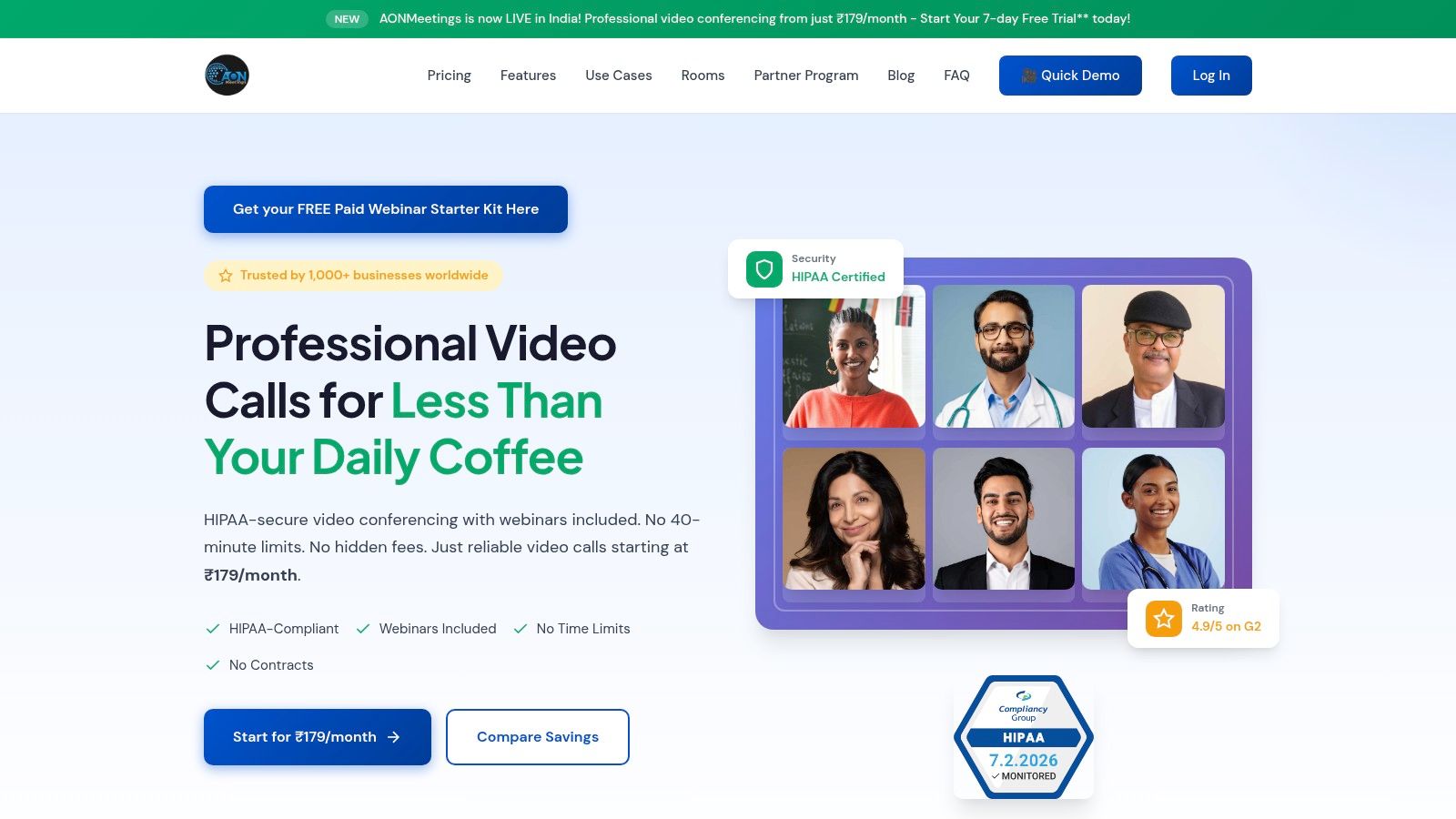
AONMeetings is the platform I'd put first for buyers who care about cost discipline and can't compromise on security. It's built for the exact situations where “free” stops being useful fast: telemedicine appointments, tutoring sessions, coaching calls, client workshops, and webinar-driven outreach.
The core value proposition is simple. Every paid tier includes unlimited meeting time, webinar hosting, recordings, smart meeting summaries, searchable archives, team chat, and bank-level encryption. Pricing starts at ₹179 per user per month for Starter, then ₹359 for Professional, ₹629 for Business, and ₹1,522 for Enterprise. Those plans scale from smaller rooms to larger participant limits, so the trade-off is capacity, not whether you lose essentials.
Why it wins on total cost
The biggest practical difference is that AONMeetings doesn't force you into the common upgrade trap. In many teams, webinar hosting and stronger security become mandatory before the meeting product itself feels complete. Here, webinars are included, and if you want paid webinar monetization, Stripe support is available.
That matters because hidden time caps can wreck professional workflows. A comparison discussed by Whereby's roundup of free video conferencing apps notes common friction points such as Google Meet group limits of 1 hour, GoToMeeting's free plan capping at 40 minutes for three users, and Zoom's familiar 40-minute barrier. The same comparison cites GoToMeeting at $7,500 annually for a 50-user team to remove that cap, contrasted with lower-cost alternatives offering unlimited time at under ₹179 per user per month.
Practical rule: If you run telehealth, tutoring, or client training, price the workflow, not the license. A cheap plan that cuts sessions short is usually the expensive choice.
AONMeetings also removes deployment friction. It's browser-first, so external participants can join without a software install. For mixed audiences, that's one of the easiest ways to reduce no-shows and late starts. Teams that need guidance on setup and host controls can borrow from these virtual meeting best practices from AONMeetings.
Best fit and trade-offs
This is the strongest fit for small clinics, educators, startups, and lean teams that need webinars included and want encryption as a default, not an add-on conversation with sales. It's also one of the cleaner choices for organizations that hate contracts and want month-to-month flexibility.
Pros and cons are straightforward:
- Best value for long sessions: Unlimited meeting time is included across plans, which is exactly what online classes and consultations need.
- Security-first setup: HIPAA-oriented positioning and bank-level encryption make it better aligned with sensitive conversations than general-purpose free tiers.
- Included webinar value: You don't have to bolt on a separate webinar product just to run lead generation or training.
- Capacity scales by tier: Smaller plans have lower participant limits, so large events may push you into Business or Enterprise.
- Monetized webinars need setup: If you want paid registration, Stripe configuration adds one more moving part.
For teams comparing the best online meeting platforms, AONMeetings stands out because the included features map closely to real buying criteria: secure calls, recordings, webinar support, and no arbitrary clock running in the corner.
Website: AONMeetings
2. Zoom Workplace
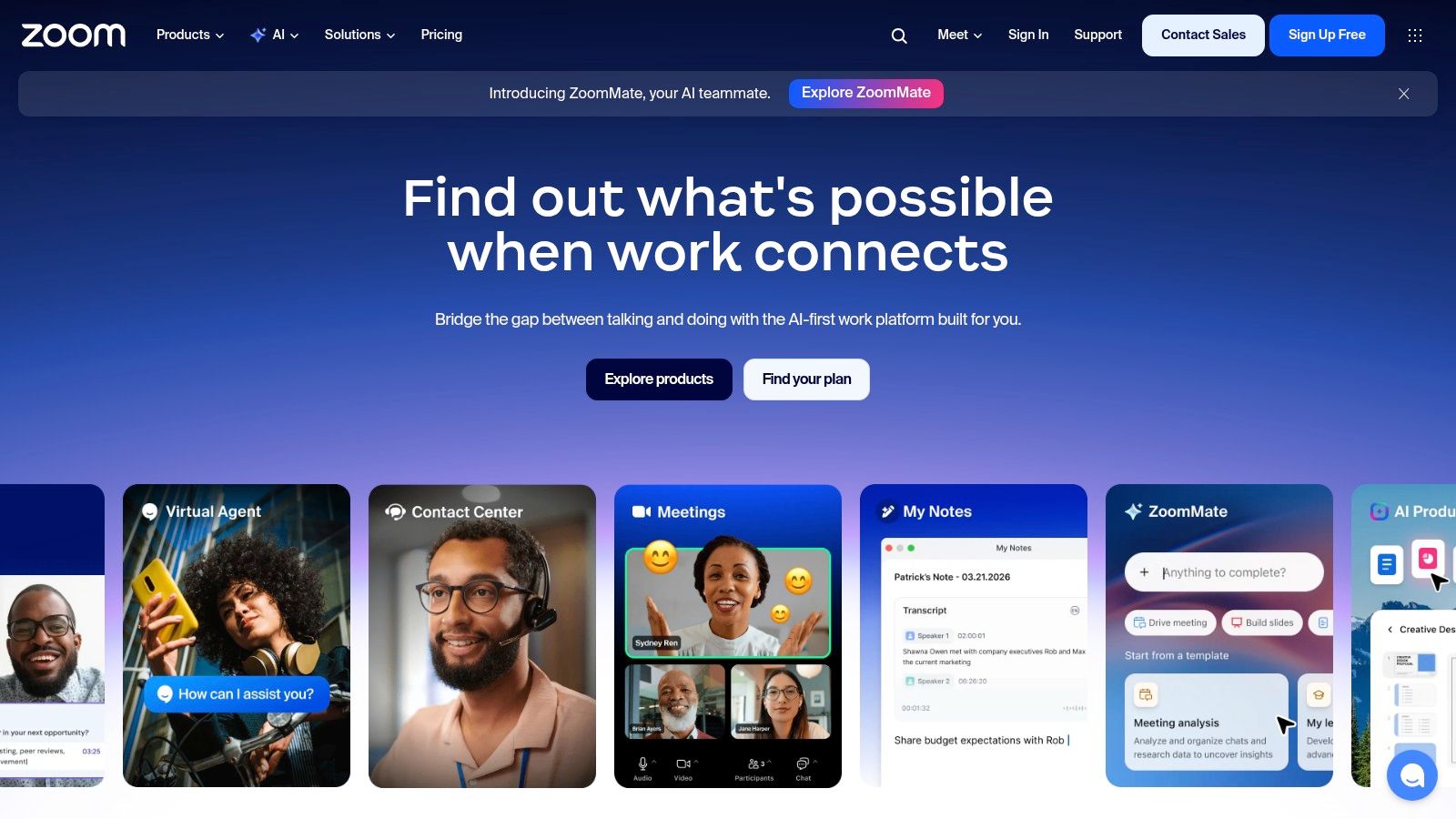
Zoom is still the easiest recommendation when guest familiarity matters most. External clients, partners, candidates, and contractors usually know how to join a Zoom meeting with almost no explanation. That lowers friction in a way buyers often underestimate.
It also remains one of the biggest players. Historical market data cited by Market.us video conferencing statistics says Zoom held a 55.44% market share in 2022, with Microsoft Teams later closing the gap to 20.93% in later years. That tells you two things: Zoom built huge mindshare, and buyers now have real alternatives.
Where Zoom works best
Zoom is strong for customer-facing calls, distributed teams, and organizations that need a broad ecosystem. Breakout rooms, waiting rooms, recording, transcripts, whiteboards, and scalable event options make it flexible. If you host both internal meetings and external sessions, that breadth helps.
Its webinar story is also mature. A business comparison published by The HBP Group on Microsoft Teams vs Zoom notes that Zoom Webinars supports up to 5,000 attendees and 10,000 viewers, with automated registration, custom branding, and post-event analytics. That's real value if webinars drive pipeline or training.
Zoom is easy to approve. It's harder to price cleanly once teams start adding large meetings, webinars, AI summaries, and admin controls.
The catch is cost layering. Zoom's free plan has a 40-minute cap on group meetings, and webinar functionality sits outside the base meetings experience. If your team needs consistent long sessions, you should compare it directly against platforms with webinars included rather than assuming the headline plan price tells the full story.
For smaller companies, I'd also check whether a browser-first alternative would simplify support. This is especially true when guests join from unmanaged devices. If reliability under weaker connections is a concern, this guide to stable video meeting bandwidth is a practical companion.
- Best for external familiarity: Most guests already know Zoom.
- Good webinar depth: Registration, branding, and analytics are mature.
- Watch the packaging: Add-ons can turn a simple deployment into a licensing puzzle.
A useful contrast for smaller teams appears in this small business video conferencing comparison from AONMeetings.
Website: Zoom Workplace
3. Microsoft Teams
A common buying scenario goes like this: IT wants one place for meetings, file access, identity management, and policy enforcement. Finance wants to avoid paying twice for tools that overlap with Microsoft 365. In that situation, Teams usually makes the shortlist fast.
Its real advantage is not meeting flair. It is consolidation. Outlook scheduling, OneDrive storage, SharePoint permissions, and Entra ID controls work together in a way that can lower admin overhead and reduce security gaps caused by disconnected tools. For larger organizations, that often matters more than whether the meeting interface feels lighter than a standalone app.
Best for Microsoft-first organizations
Teams works best when meetings are tied to day-to-day document collaboration and governance. A project team can schedule in Outlook, meet in Teams, co-edit files during the call, store recordings in Microsoft's ecosystem, and manage access with the same identity and retention policies already used across the business. That operating model is attractive in regulated environments, especially when legal, education, or healthcare teams need tighter control over who can join, what gets shared, and how records are kept.
The trade-off is packaging. Teams can look inexpensive if you already pay for Microsoft 365, but total cost of ownership rises when you add premium meeting features, advanced security requirements, calling, or event functionality for larger audiences. I have seen buyers underestimate this because the core meeting product feels included, while the features they need for rollout are licensed elsewhere.
Guest experience is the other watchout. Teams is capable, but it can feel heavier for external participants than a simpler browser-first option. That matters for recruiting calls, client meetings, parent-teacher conferences, and telehealth use cases where every extra join step creates support work.
For larger broadcasts, Teams can handle high attendance. As noted earlier in the article, Microsoft's event options support sizable audiences, but the workflow is usually a better fit for organizations standardizing on the Microsoft stack than for teams that run webinars as a primary growth channel and want purpose-built event controls without extra licensing decisions.
- Best for centralized control: Strong fit for organizations that care about identity, retention, and policy management.
- Best for internal Microsoft workflows: Scheduling, file access, and permissions stay in one system.
- Watch for full rollout costs: Premium features, events, telephony, and advanced compliance needs can change the budget quickly.
- Less ideal for low-friction guest access: External users may find it less straightforward than lighter meeting tools.
Teams belongs near the top of the list for enterprises, school systems, and regulated organizations already committed to Microsoft 365. If the priority is one governed environment, it is a practical choice. If the priority is the lowest-friction external meeting experience or simple webinar pricing, compare the add-ons carefully before you commit.
Website: Microsoft Teams
4. Google Meet
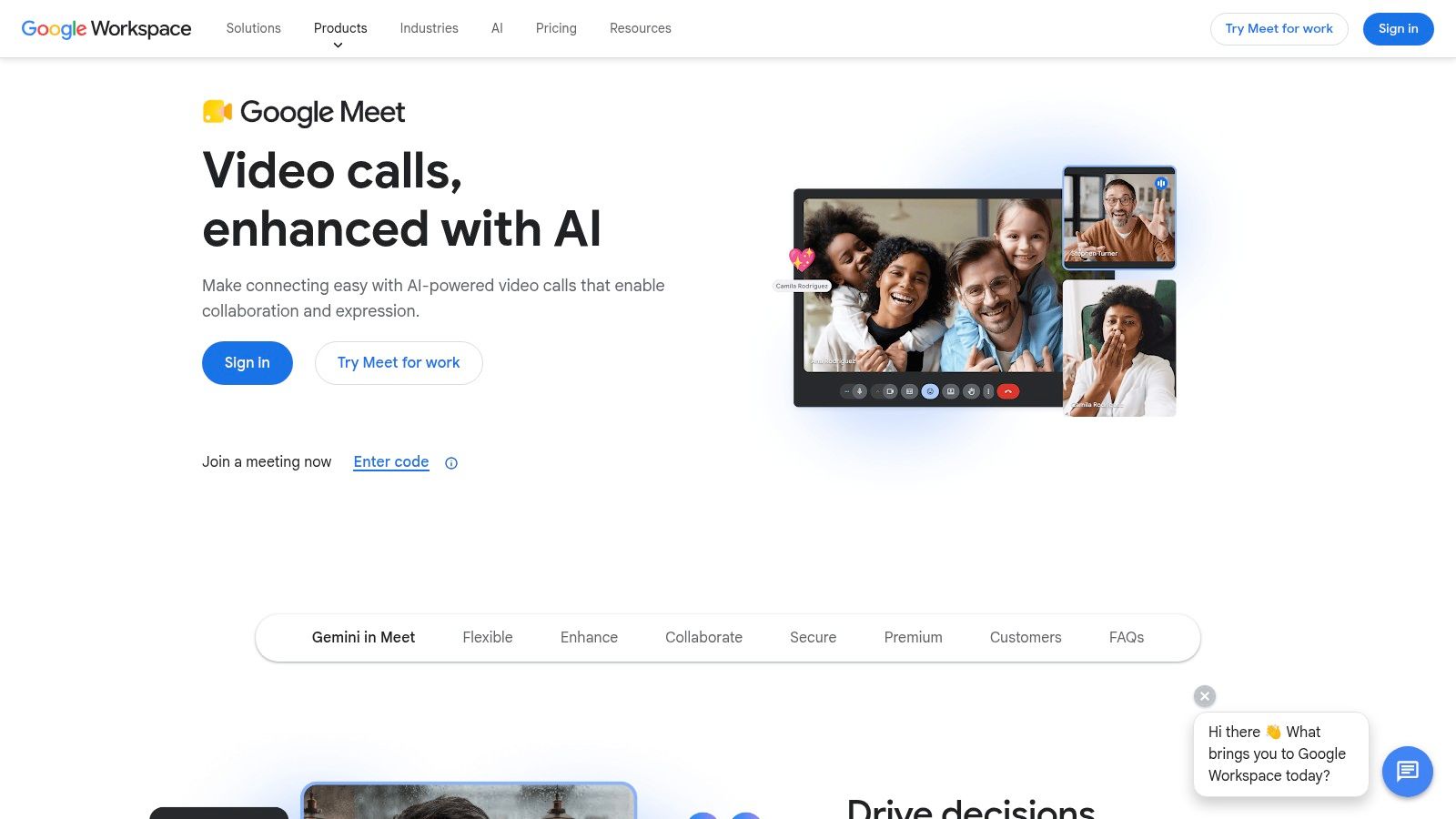
Google Meet is what I recommend when the buying team says, “We want people in meetings fast, and we don't want to train anyone.” It's browser-first, works cleanly with Gmail and Calendar, and usually asks less of the user than heavier desktop-centric tools.
That's why it stays popular in schools, SMBs, and Google Workspace organizations. The join flow is simple, file sharing is familiar, and default encryption is table stakes rather than a special feature callout.
Practical strengths and limits
Google Meet works best for recurring internal meetings, school communication, and lightweight client sessions. Paid Workspace tiers support longer meetings, while free usage carries time and participant limits. For many smaller teams, that distinction is where frustration starts.
The underserved problem in this category isn't feature scarcity. It's hidden friction. As noted earlier in the free-platform comparison, Google Meet groups are limited to 1 hour on the free side. That can be fine for check-ins and status calls, but it's a poor fit for tutoring blocks, coaching programs, office hours, and healthcare conversations that can't be chopped into neat segments.
The cheapest meeting plan often becomes expensive when staff have to restart calls, resend links, or explain why the platform timed out.
Meet also isn't my first choice for webinar-heavy operations. It can support presentations well enough, but deeper webinar production often pushes teams toward higher Workspace tiers or third-party tooling. If your organization mainly lives in Docs, Drive, and Calendar, that may still be worth it. If webinars are central to revenue or training, a platform with included webinar hosting can be a cleaner buy.
- Best for browser convenience: Joining is usually painless.
- Good for Google-centric teams: Scheduling and document sharing feel natural.
- Weak on packaged event value: Webinar depth typically isn't the reason to buy Meet.
For routine business meetings, it's dependable. For high-stakes sessions with long durations and compliance requirements, I'd compare it against more purpose-built options before standardizing on it.
Website: Google Meet
5. Cisco Webex
A hospital compliance lead needs meeting recordings locked down, admin policies enforced, and participant controls that hold up under audit. A university IT team needs the same discipline across a much larger user base. That is the kind of buying environment where Webex usually makes sense.
Cisco built Webex for organizations that care more about governance, security configuration, and centralized administration than lightweight setup. That matters in regulated environments, but it also affects total cost of ownership. The license price is only part of the decision. Admin time, training, webinar add-ons, and the effort required to configure policies correctly all belong in the budget.
Strong fit for controlled deployments
Webex gives buyers a free tier, paid plans with longer meetings, and enterprise options that go deeper on compliance and administration. Higher tiers add AI features, and extra capabilities such as translation and audience engagement can help for global training, executive events, and formal webinars.
In practice, Webex performs best when an IT team is available to own the rollout. The control set is useful, but smaller organizations often pay for that depth in setup time and user friction. A private practice, small school, or lean services firm may decide that simpler tools deliver enough security with less overhead.
Time limits still matter here. The free plan supports 100 attendees with a 40-minute cap, and paid plans remove that constraint for longer sessions. If your operation depends on uninterrupted classes, telehealth appointments, or multi-hour workshops, compare the full annual cost against platforms that include long meetings and event features more cleanly.
Webex can be a strong buy for multilingual organizations, public-sector teams, and enterprises that need policy control at scale. For smaller teams buying without dedicated IT support, the better question is not whether Webex has the features. It is whether your team will use and manage them well enough to justify the extra complexity.
- Best for policy-driven organizations: Admin controls, governance, and security settings are a real advantage.
- Worth the cost in regulated use cases: Healthcare, education, and public-sector teams may value the compliance posture enough to absorb the added overhead.
- Weaker on simplicity and packaging clarity: Costs can rise once longer meetings, advanced events, and broader deployment support enter the picture.
Website: Cisco Webex
6. GoTo Meeting
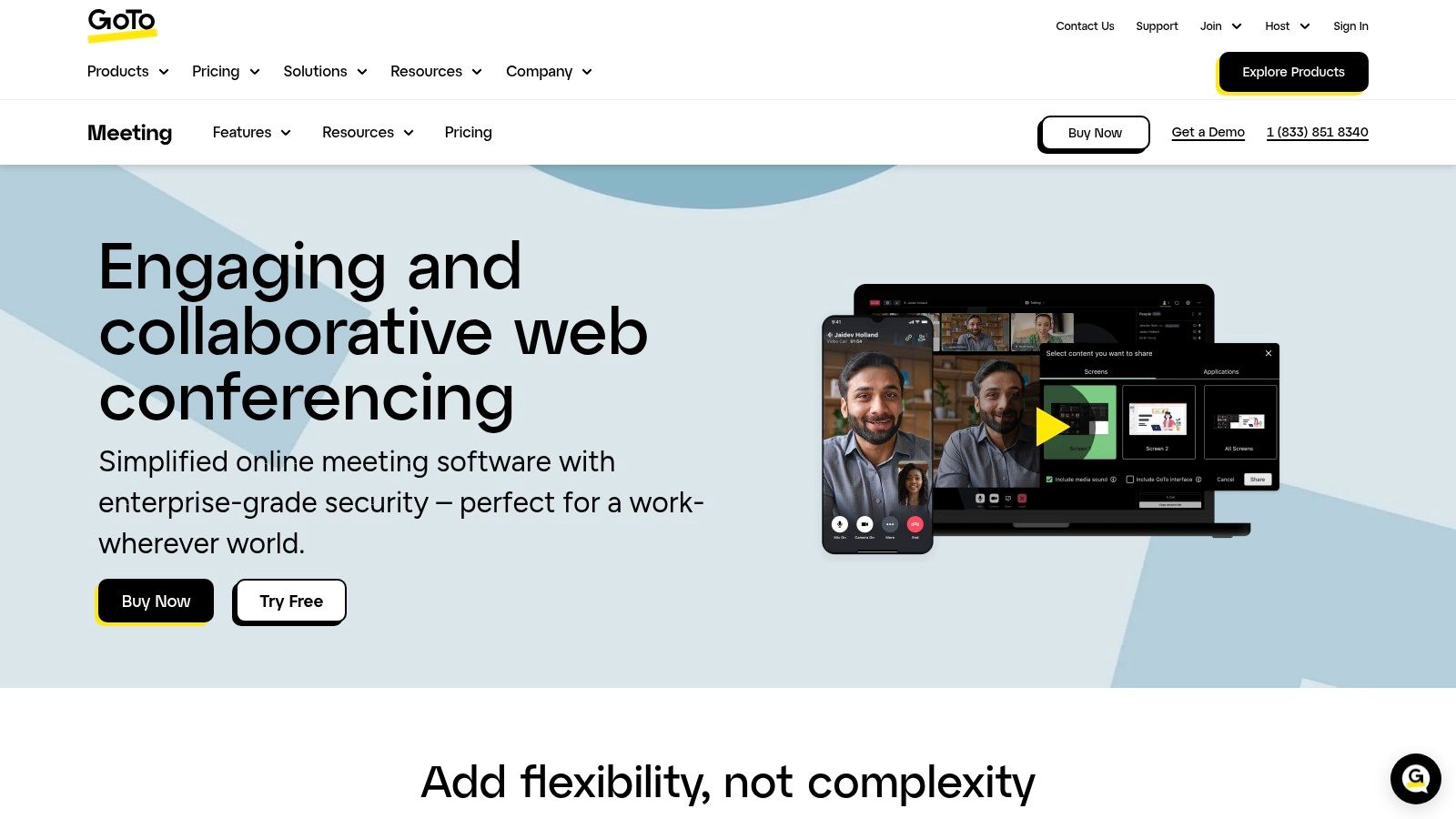
GoTo Meeting has always appealed to buyers who want a straightforward business meeting product without much drama. The interface is familiar, browser joining is available, and host controls are clear. For client calls and recurring internal sessions, that simplicity still has value.
Its strongest practical point is reliability. Dial-in coverage, meeting lock, recording, transcription, and room interoperability make it useful for teams that still blend voice-first workflows with video meetings.
The pricing issue buyers shouldn't skip
The main caution is cost visibility. GoTo's pricing often isn't as front-and-center as some competitors, and that makes comparisons harder. For procurement teams, opaque packaging usually means extra time in sales conversations before you know the actual fit.
The bigger problem is what happens around time caps and upgrades. In the same comparison referenced earlier, GoToMeeting's free plan is described as capping at 40 minutes for three users, and removing the cap for a 50-user team is cited at $7,500 annually. That's exactly the kind of hidden ownership cost that turns an apparently simple platform into a bad long-session choice for tutoring, telehealth, and workshop-heavy teams.
If you need uninterrupted sessions, ask one question first: “What do we have to buy before meetings stop ending early?”
GoTo Meeting can still be a solid pick for organizations that prioritize dependable audio quality and don't need an expansive app ecosystem. It's also reasonable when staff and customers already know the interface. I just wouldn't treat it as budget-friendly without a full quote and a direct comparison against unlimited-time alternatives.
- Best for straightforward host controls: Easy for non-technical users to manage.
- Solid for audio-first business calls: PSTN support remains useful.
- Risk of price creep: The practical cost can rise fast once time limits become unacceptable.
For routine business use, it's competent. For cost-sensitive teams running long or sensitive meetings, it often gets beaten on value.
Website: GoTo Meeting
7. RingCentral Video
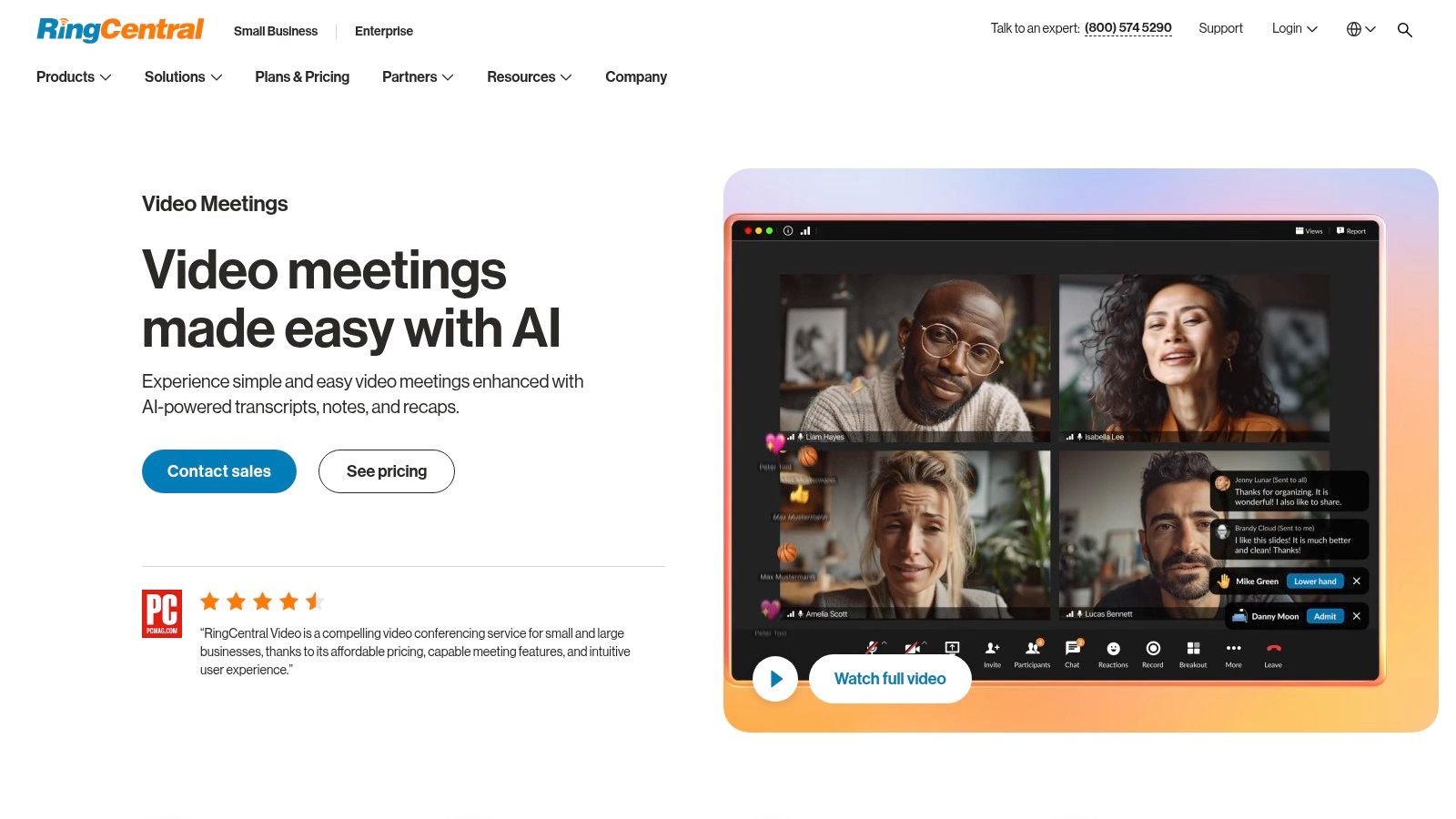
RingCentral Video is easiest to justify when you want one vendor for meetings, phone, and messaging. If your business still depends heavily on calling, that unified communications angle can simplify vendor management and reduce handoffs between systems.
In practice, that's RingCentral's real pitch. The video product matters, but the stack matters more. You're buying into an operating model where chat, telephony, and meetings live together.
Best for unified communications buyers
This platform works well for hybrid teams that switch between calls and meetings constantly. Browser joining, whiteboarding, annotations, transcripts, notes, and recaps cover the core meeting needs. PSTN integration also makes it useful in companies where participants still join by phone more often than software vendors would like to admit.
The trade-off is packaging clarity. Standalone video value can be harder to evaluate because many capabilities make the most sense inside a broader bundle. That's fine if your company is already consolidating communications. It's less compelling if you only need best-in-class online meetings plus webinar capability.
I also wouldn't rank RingCentral first for webinar-driven organizations. It can support presentations and standard business meetings well, but advanced event workflows aren't usually the headline reason to buy it. In other words, it's a communications platform with video, not a webinar-first product with communications layered in.
- Best for phone-plus-meetings environments: One vendor can reduce tool sprawl.
- Useful for hybrid calling: PSTN support is a real operational feature, not legacy baggage.
- Weaker fit for event-heavy teams: Specialized webinar tooling isn't the main advantage.
If your buying committee includes both IT and telecom stakeholders, RingCentral often gets more attractive. If the project is narrowly about the best online meeting platforms for education, coaching, or telehealth, it's usually not the simplest answer.
Website: RingCentral Video
8. Pexip
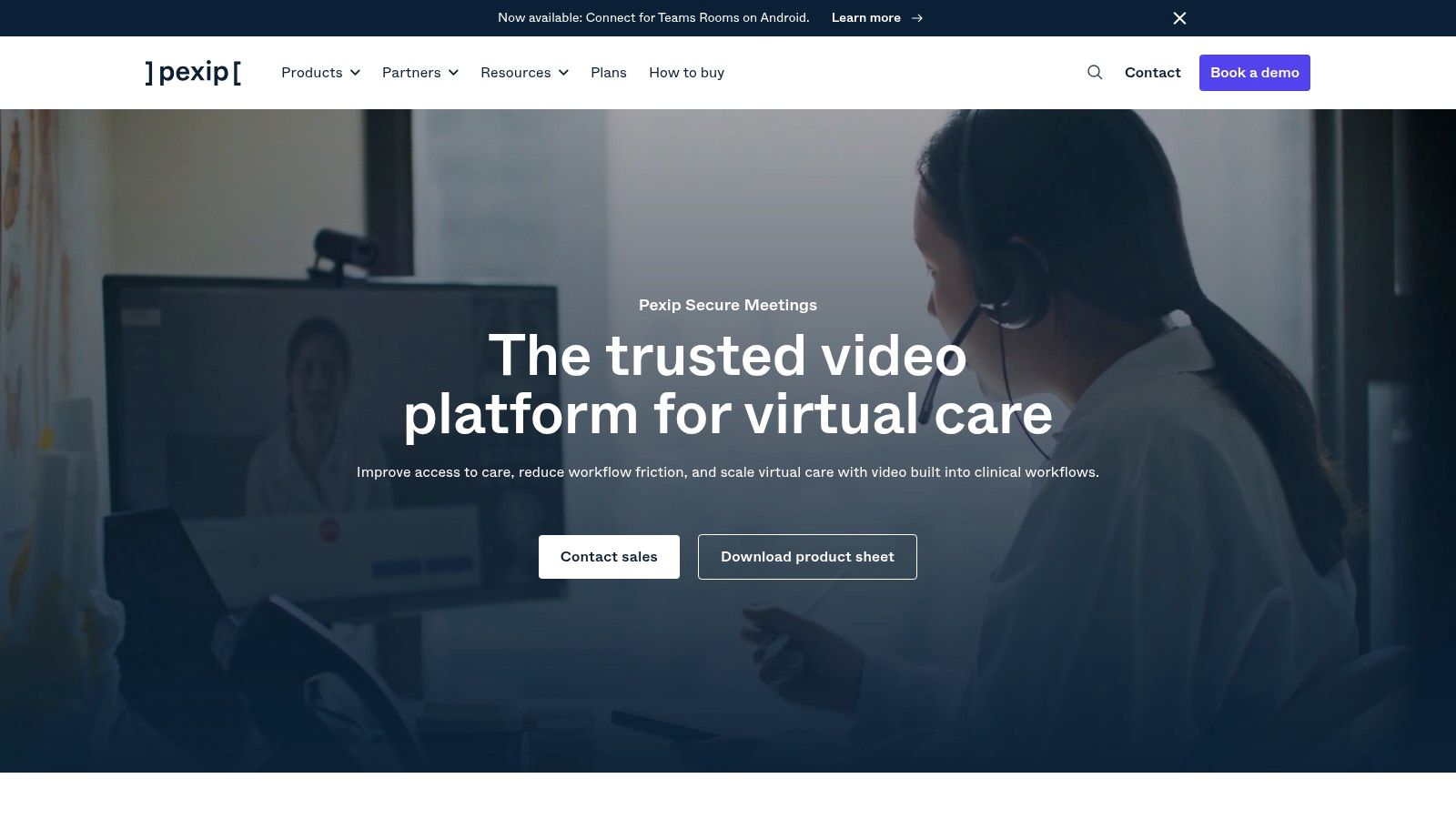
Pexip serves a different buyer than most tools on this list. This is for organizations that care about deployment control, private infrastructure choices, and keeping sensitive data inside strict boundaries. Hospitals, agencies, and large regulated enterprises are the natural audience.
That makes Pexip less plug-and-play than browser-first SMB tools. It also makes it more appropriate for teams that have technical staff and a real compliance architecture to support.
Where Pexip stands out
The platform's biggest strength is deployment flexibility. Self-hosted, private cloud, or controlled cloud options give organizations tighter control over where data flows and how video services integrate into internal systems. For healthcare, that can matter as much as the meeting feature set itself.
Pexip is also strong when video needs to live inside broader workflows rather than in a standalone meeting app. APIs, SDKs, portal integrations, and room-system interoperability help in environments where clinical or enterprise systems need to talk to the video layer directly.
This isn't the tool I'd suggest to a small clinic with no IT support. It's the tool I'd discuss with a health system that wants video in patient workflows and needs deeper control than mainstream meeting platforms usually offer.
- Best for controlled deployments: Infrastructure flexibility is the key differentiator.
- Strong healthcare relevance: It aligns well with organizations that need strict handling of sensitive data.
- Expect an enterprise buying process: Pricing is quoted, and implementation usually needs technical ownership.
Pexip is powerful, but it's not trying to win on simplicity or bargain pricing. It wins when governance and architecture drive the decision.
Website: Pexip for Healthcare
9. Doxy.me
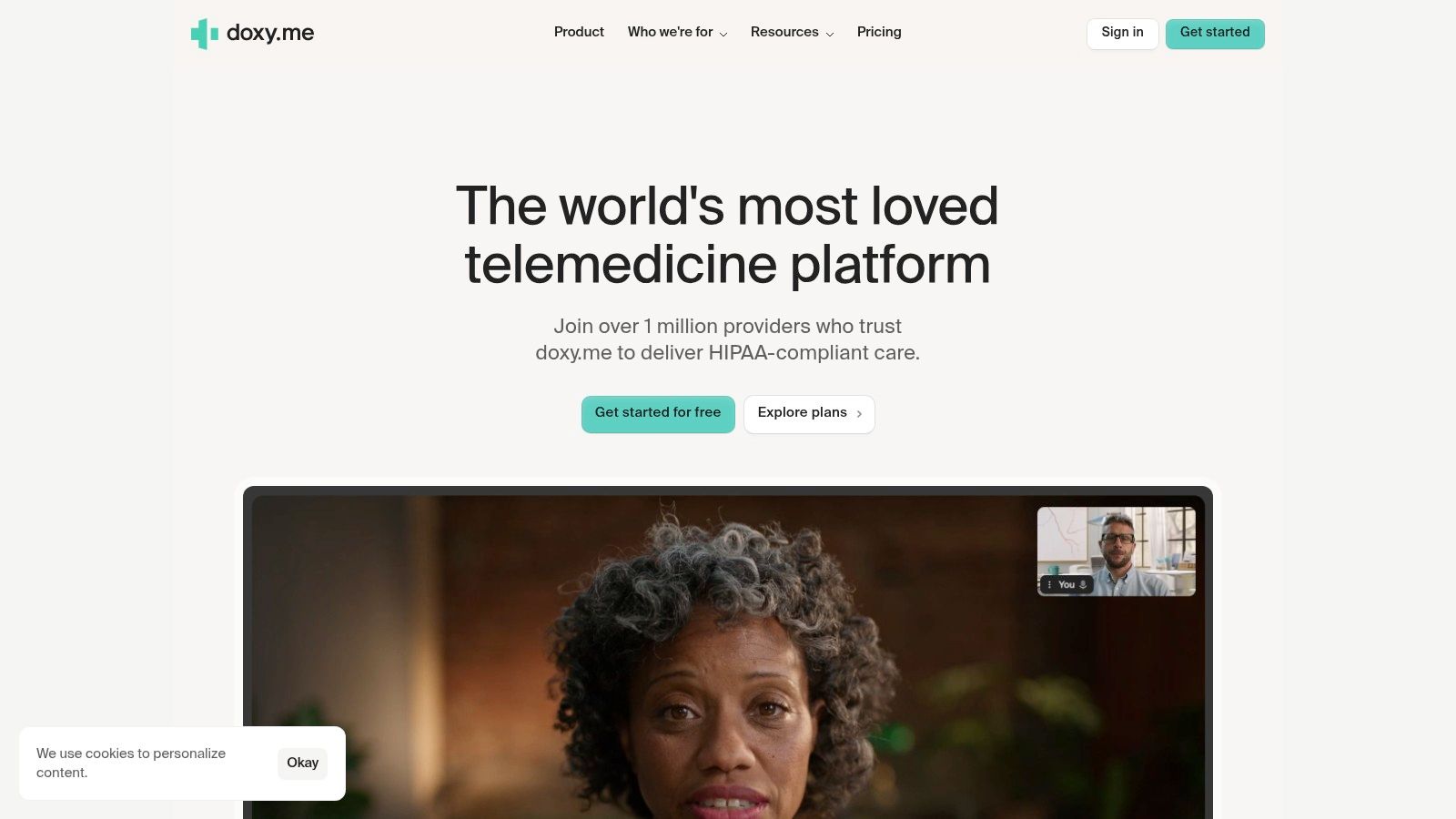
Doxy.me is one of the few products here that starts from a telehealth workflow instead of adapting a general meeting tool to healthcare. That matters because patients don't care about feature depth. They care about whether the link works, whether they can join on their phone, and whether the visit feels private.
For solo providers and smaller practices, that focus is attractive. Browser-based access, virtual waiting rooms, and simple invitations remove a lot of friction from remote appointments.
Best for simple patient access
Doxy.me is strongest when the priority is quick patient joins with minimal support burden. If your staff spends time explaining downloads, permissions, and setup steps, a browser-first telehealth tool can save frustration immediately.
The compromise is that you're not getting a full general-purpose collaboration suite. Whiteboarding, workshop features, multi-presenter production, and broader webinar functionality are lighter here than on mainstream meeting platforms. That's fine if your main use case is appointments. It's limiting if your clinicians also run education sessions, group programs, or admin meetings in the same environment.
Security and HIPAA posture are central to the product's appeal, but small practices still need to compare it against platforms that combine compliant video with broader team collaboration. For a wider look at that trade-off, this guide to HIPAA-compliant video conferencing platforms from AONMeetings is a useful reference point.
In telehealth, the best platform isn't the one with the most features. It's the one patients can join without calling the front desk for help.
- Best for solo practices and clinics: Patient access is the main strength.
- Good browser experience: No-download joining reduces appointment friction.
- Not ideal as an all-purpose meeting hub: Collaboration extras are lighter than broader business platforms.
If you only need telehealth, Doxy.me is easy to like. If you need telehealth plus webinars, internal training, and team collaboration, it may be too narrow.
Website: Doxy.me
10. Zoho Meeting
Zoho Meeting is the budget-conscious option for teams already using Zoho apps and wanting a lightweight meetings and webinars tool without stepping into enterprise-style pricing discussions. It won't beat the largest platforms on ecosystem depth, but it often doesn't need to.
What it does well is give SMBs a clear, practical feature set. Meetings, webinar support, annotations, polls, co-branding, and API access on higher tiers cover a lot of common use cases without forcing a heavy rollout.
A smart fit for Zoho-centric SMBs
Zoho Meeting is especially attractive when the rest of the business already runs on Zoho CRM, Projects, or Desk. In that situation, even a modest meeting product can feel more valuable because it sits inside an ecosystem the team already understands.
Encryption is also part of the package, with DTLS-SRTP media encryption and TLS 1.2 for transport. That won't by itself make Zoho the default answer for every regulated environment, but it does make it a more serious option than many people assume when they hear “budget-friendly.”
The trade-off is scale and polish for larger events. Participant caps and webinar tooling are more modest than what Zoom or Webex buyers may want. Third-party integration depth is also smaller than Microsoft or Google ecosystems. So I'd frame Zoho as a practical SMB buy, not a universal answer.
- Best for cost-conscious Zoho customers: It fits naturally if your stack is already in that ecosystem.
- Good lightweight webinar value: Useful for smaller marketing and training needs.
- Less ideal for large-scale event operations: Heavier event teams usually outgrow it.
If you want one of the best online meeting platforms for a small business and your needs are straightforward, Zoho Meeting is a sensible contender. If meetings are mission-critical infrastructure across a large organization, I'd look higher up this list first.
Website: Zoho Meeting
Top 10 Online Meeting Platforms, Side-by-Side Comparison
| Product | Core features | Security & compliance | Target audience / Best fit | Pricing & participant limits |
|---|---|---|---|---|
| AONMeetings (Recommended) | Browser-first meetings + built-in webinars, recordings, smart summaries, screen share, whiteboards, team chat | Native HIPAA compliance, bank‑level encryption on every plan | Telemedicine, education, SMBs, events, teams needing secure webinars | Starter ₹179/user·mo (≤10), Prof ₹359 (≤25), Business ₹629 (≤100), Enterprise ₹1,522 (≤250); unlimited time |
| Zoom Workplace (Meetings) | Meetings, webinars (add‑on), breakout rooms, recordings, whiteboards, AI summaries (paid) | Standard encryption; HIPAA BAA available for qualifying customers | Broad SMBs, events, remote teams, guests familiar with Zoom | Free (40‑min cap), paid tiers + add‑ons to scale (large‑meeting/webinar pricing varies) |
| Microsoft Teams | Meetings, chat, calling, deep Microsoft 365 app/file integration, transcripts | Enterprise governance, compliance controls, HIPAA via Microsoft agreements | Organizations using Microsoft 365 and enterprise IT | Included in Microsoft 365 plans; Premium features and webinar add‑ons vary by license |
| Google Meet (Workspace) | Browser‑first meetings, Calendar/Drive integration, recordings, noise cancellation | Encryption in transit, Workspace compliance and BAA options | Schools, SMBs on Google Workspace seeking low friction joins | Free limits for personal accounts; Workspace paid tiers extend time/participants (up to 24‑hr meetings) |
| Cisco Webex | Meetings, AI assistant, translation, event/webinar tools, polling | Strong enterprise security/compliance (FedRAMP options) | Large enterprises and events needing compliance and global reach | Free plan (100 attendees, 40‑min); paid plans increase limits and add AI/features |
| GoTo Meeting | Reliable meetings, PSTN/dial‑in, recording & transcription, breakout rooms | Compliance resources and BAA availability for healthcare | Businesses prioritizing audio reliability and simple host controls | Paid plans (limits vary); pricing often via sales (not always public) |
| RingCentral Video | Meetings integrated with messaging & phone, whiteboard, AI transcripts/recaps | HIPAA/HITRUST posture indicated; BAA available for eligible services | Organizations seeking unified communications (phone + messaging + meetings) | Bundled with RingCentral UCaaS plans; standalone pricing can be opaque |
| Pexip (Healthcare & Enterprise) | Self‑hosted/private cloud options, APIs/SDKs, room system interoperability, EHR integrations | Privacy‑first deployments, HIPAA‑capable, maximum data control | Hospitals, health systems, agencies needing strict PHI control and EHR workflows | Enterprise‑quoted only (contact sales) |
| Doxy.me (Telehealth) | Browser telehealth, virtual waiting rooms, SMS invites, simple EHR‑friendly workflows | HIPAA posture with BAA options, designed for telemedicine | Solo clinicians, clinics and telehealth practices needing simple patient joins | Free tier available; paid tiers for providers/clinics (feature‑based pricing) |
| Zoho Meeting | Meetings + webinars, recording, breakout rooms, polls, annotations, Zoho integrations | DTLS‑SRTP & TLS transport encryption; standard compliance resources | SMBs using Zoho stack, budget‑conscious teams | Free tier; Standard/Professional tiers based on participant counts and features |
Secure Your Conversations, Not Just Your Wallet
A hospital IT lead approves a meeting platform because the base price looks low. Three months later, clinical teams need a BAA, recorded sessions, webinar capacity for patient education, and tighter admin controls. The monthly software bill rises, support tickets pile up, and the original price no longer reflects the actual decision.
That pattern shows up in schools, regulated businesses, and fast-growing teams. Meeting software is part communications tool, part security control, and part operations cost. Buyers who compare headline pricing alone usually miss the expensive parts: webinar add-ons, longer meeting limits, transcription, advanced encryption options, browser access for guests, and the admin time required to lock policies down properly.
Analysts at Technavio report that the online corporate meeting services category is being shaped by features such as AI-generated summaries, highlights, transcription, and meeting lock. In practice, those features affect labor costs as much as convenience. Good summaries cut follow-up time. Meeting lock and stronger controls reduce preventable mistakes. Transcripts help with documentation, training, and audit trails.
Security also needs a use-case lens. A ten-person internal sync has different requirements than a telehealth visit, a university lecture, or a public webinar with hundreds of attendees. Healthcare teams need HIPAA-ready workflows, BAA support, and dependable patient join paths. Education teams need long sessions, stable browser access, and pricing that does not spike when classes or events scale. Marketing and sales teams often learn too late that webinar hosting sits on a separate SKU.
I have seen rollouts fail for boring reasons. Guests cannot join without an app download. Recording controls confuse hosts. Admin settings are spread across too many menus. Security is available, but only on a higher tier or after a sales call. Those are not edge cases. They are routine sources of wasted time and avoidable risk.
The strongest choice depends on your environment. Teams fits organizations already standardized on Microsoft 365. Zoom still works well when external familiarity is the top priority. Pexip makes sense where deployment control and data handling requirements are strict. Doxy.me fits clinics that need a narrow, patient-friendly telehealth workflow without extra complexity.
AONMeetings stands out on a different axis: total cost of ownership. If you need webinar capability, unlimited meeting time, encryption, and healthcare-friendly compliance support without stacking multiple add-ons, it is one of the cleaner pricing models in this group.
Buy for the meetings you run, the compliance burden you carry, and the admin overhead your team can realistically support. A cheap plan that needs three upgrades and a separate webinar product is not cheap.
If you want a platform that combines HIPAA-compliant meetings, bank-level encryption, included webinars, unlimited meeting time, and transparent pricing starting at ₹179 per user per month, AONMeetings is the one to test first. It's especially strong for healthcare, education, startups, and any team tired of paying extra just to get the essentials.
